


Elegoo Centauri Carbon CoreXY 3D printer review

Slicer Software, Video Timelapse, and Upgrade Options
Elegoo Slicer
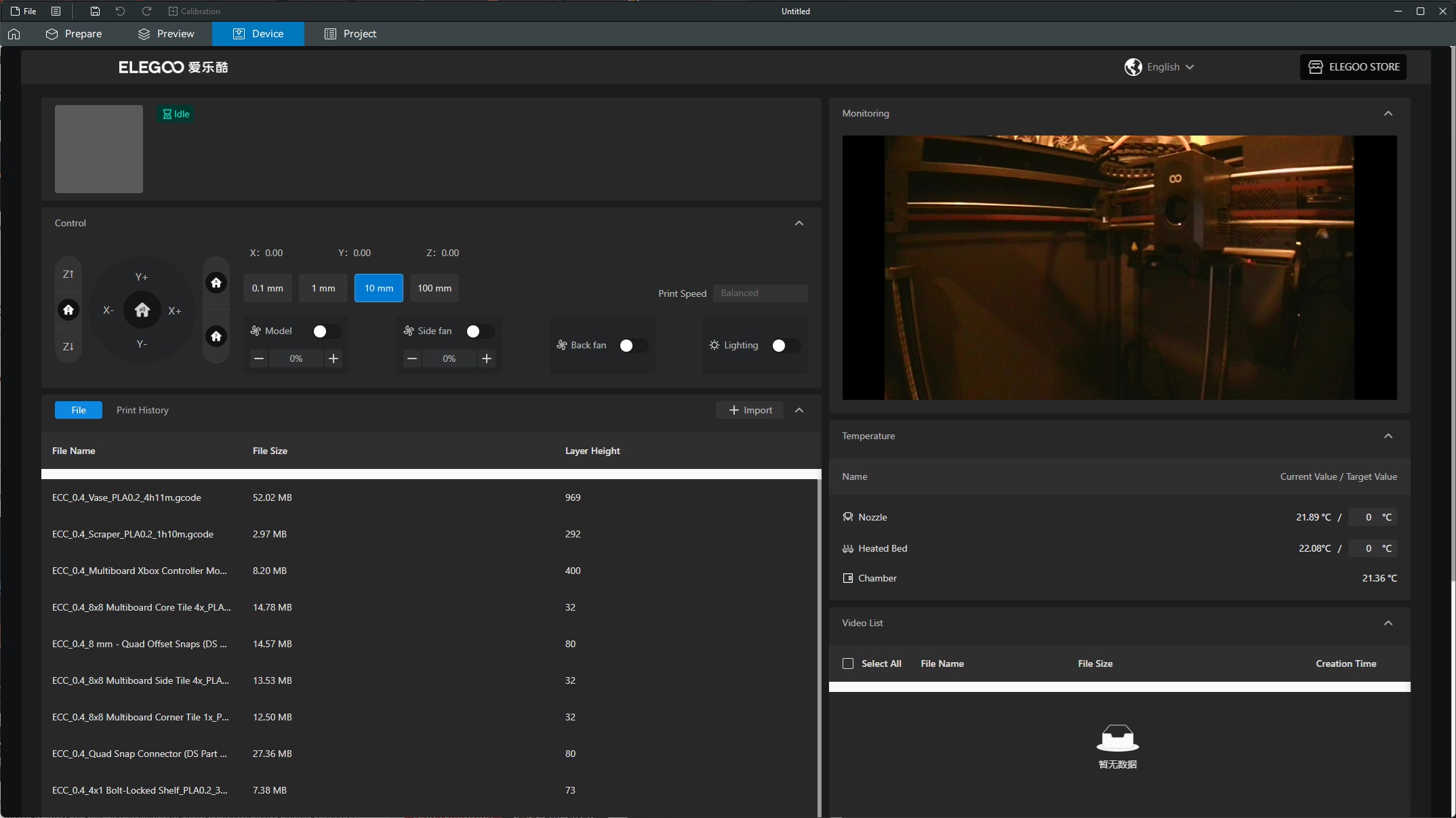
For this review, we utilised Elego Slicer to prepare our files for printing. Specifically, Elego Slicer version 1.1.6.2. Elego Slicer is based on OrcaSlicer, one of the most popular slicing tools available. All-in-all, the tool is easy to use, and its profiles for the Centauri Carbon are excellent.
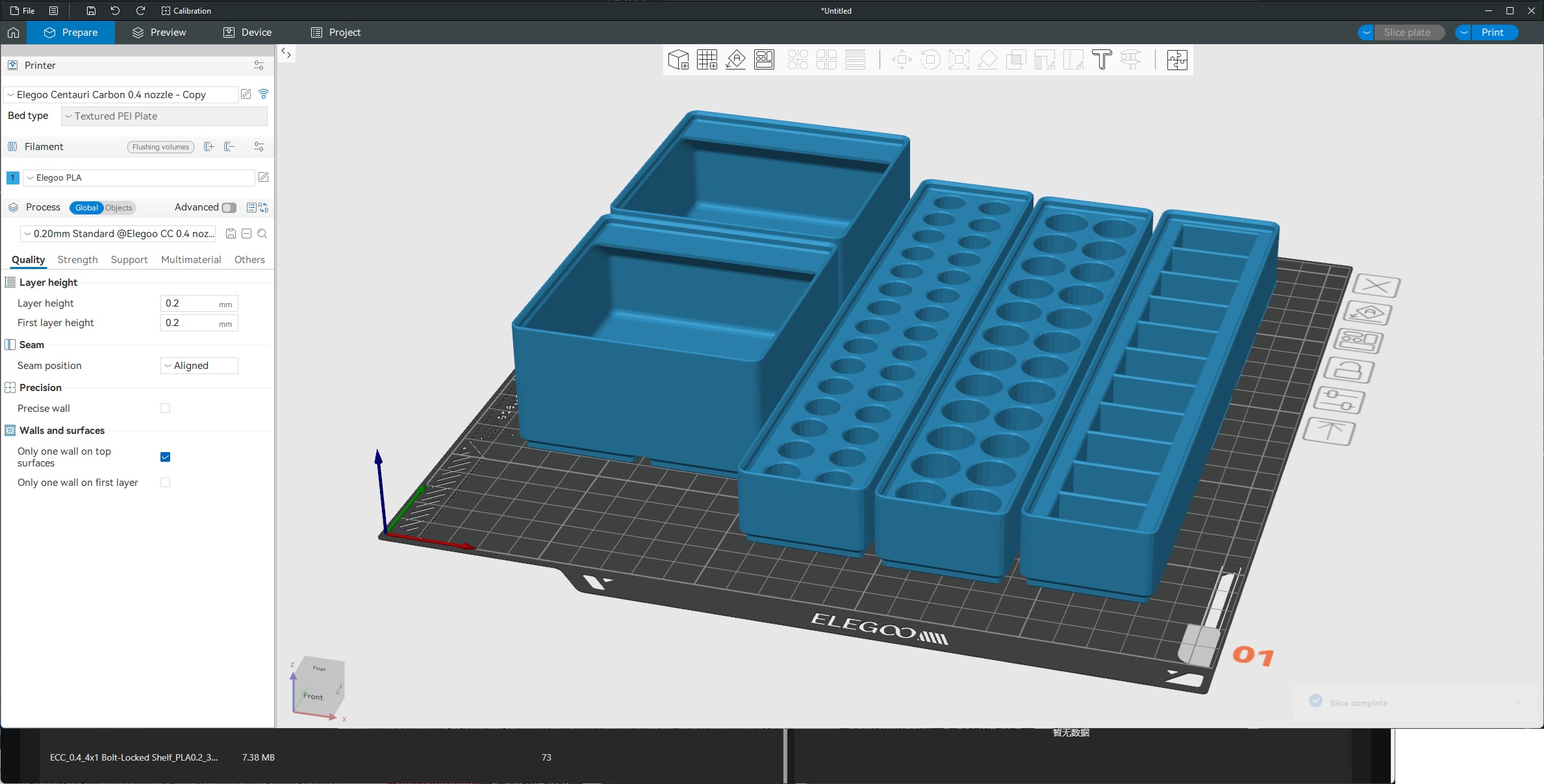
When you slice your files, users will get a printing time, which is fairly accurate if you print using the Centauri Carbon’s default “balanced” speed mode. One addition that we would like to see to Elegoo Slicer is a printing time estimate for the printer’s quieter “Silent Mode”. This mode is useful for users who will be using this printer in their home. After all, who doesn’t want a good printing time estimate?
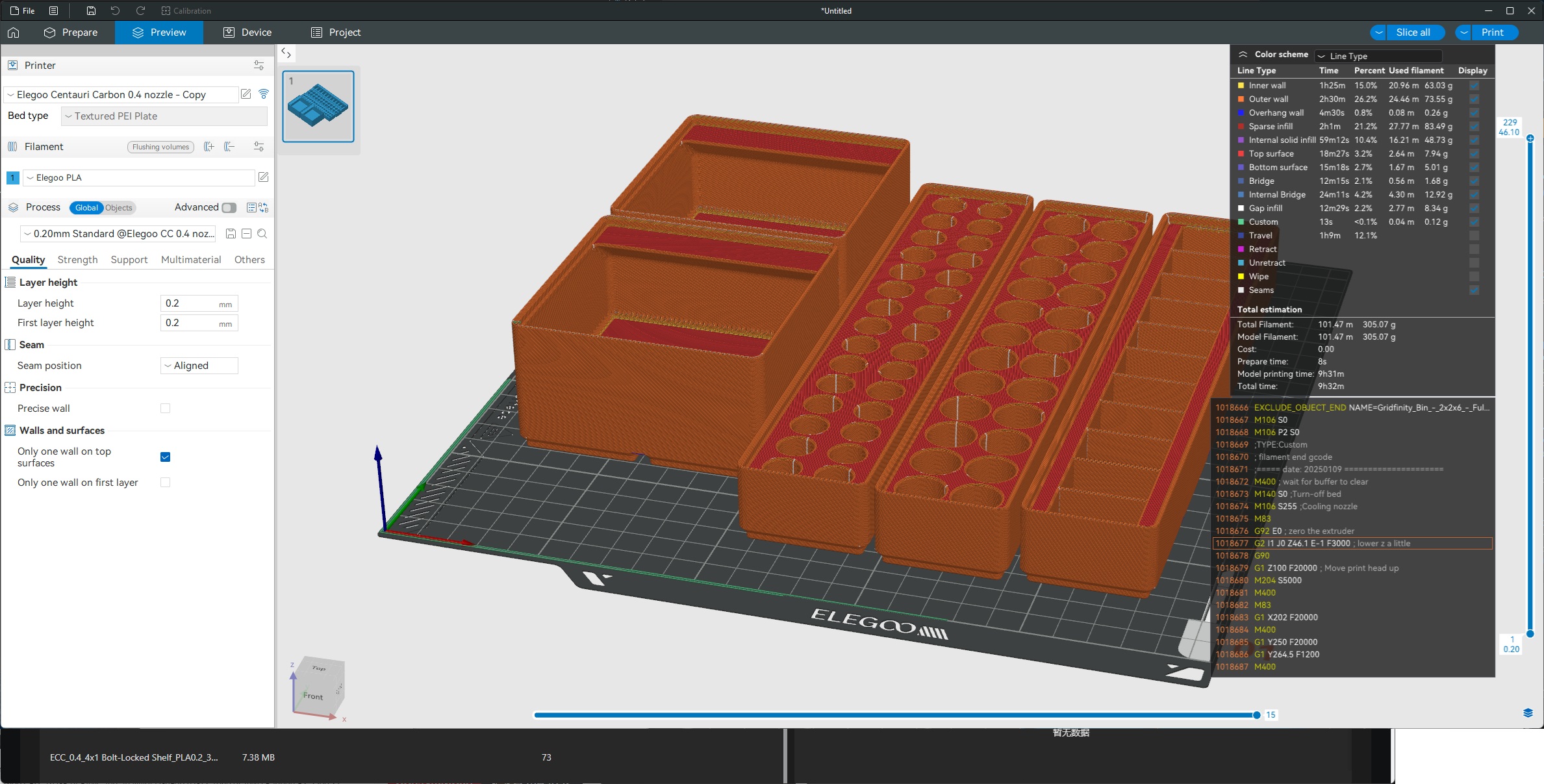
Using Elegoo Slicer, users can connect to their 3D printer through WIFI and see how their prints are progressing. There is even a video feed available. From here, users can change their printer’s print speed profile and adjust setting like fan speed.
Timelapse
Below is an example of the Elegoo Centauri Carbon’s time-lapse feature in action. This is with the printer’s integrated light enabled. This is the kind of result that users should expect from this 3D printer’s timelapse feature.
Can the Elegoo Centauri Carbon be upgraded?
We asked, and the answer that we got from Elegoo was yes. Elegoo has confirmed to us that they have plans for a multi-colour system for their Centauri Carbon printer. Specifically, we were told that we “don’t have to wait long.”
Through the Elegoo store, users of this printer should be able to buy replacement nozzles for the Centauri Carbon. Sadly, we were not able to confirm the nozzle size options that will be available. If we were to guess, we would expect 0.2mm, 0.4mm, 0.6mm, and 0.8mm nozzle options. Note that the stock nozzle on the Centauri Carbon is 0.4mm.

