MSI MEG Ai1600T PCIe 5 PSU Review

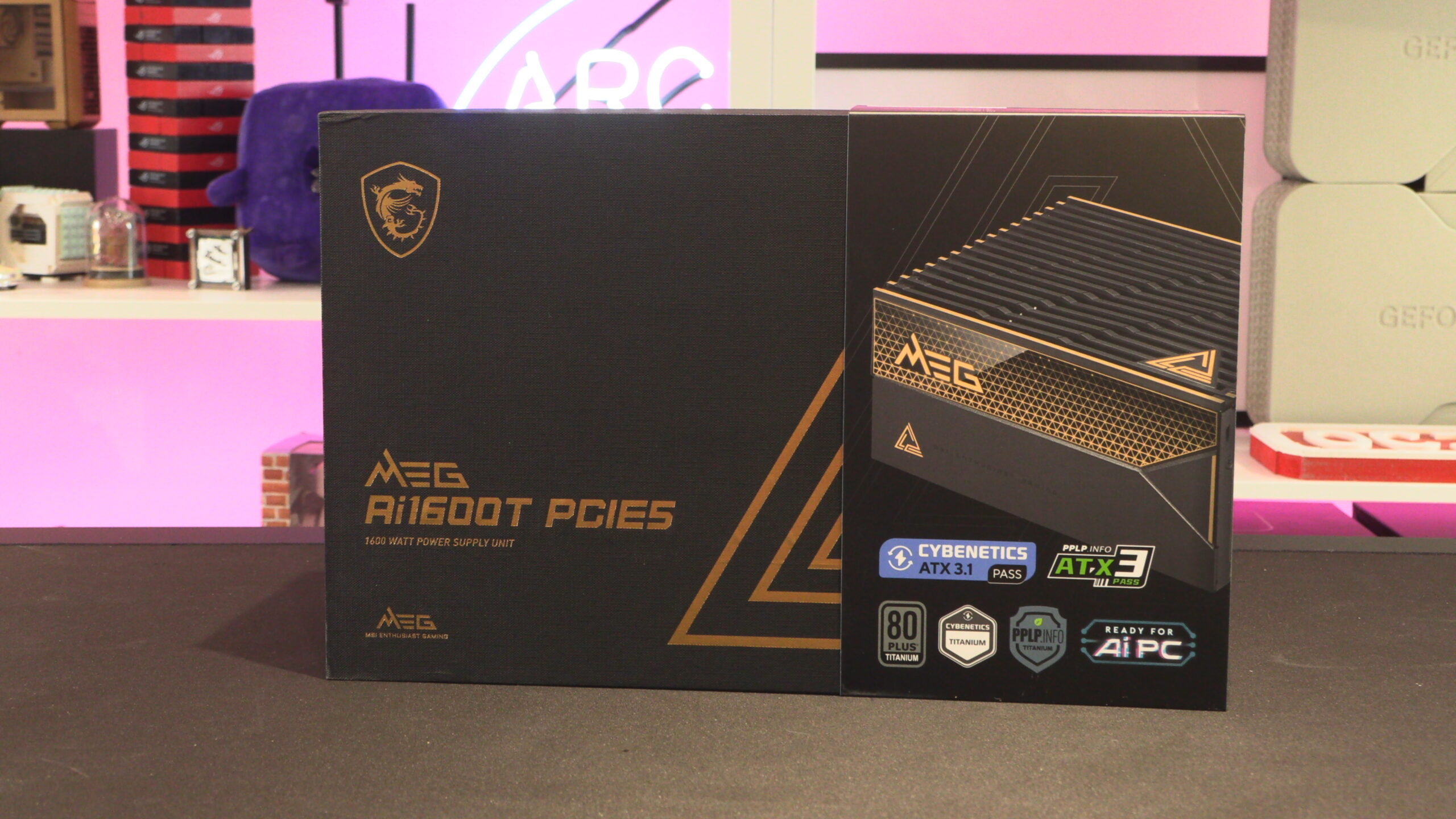
Meet the MSI MEG Ai1600T PCIe 5
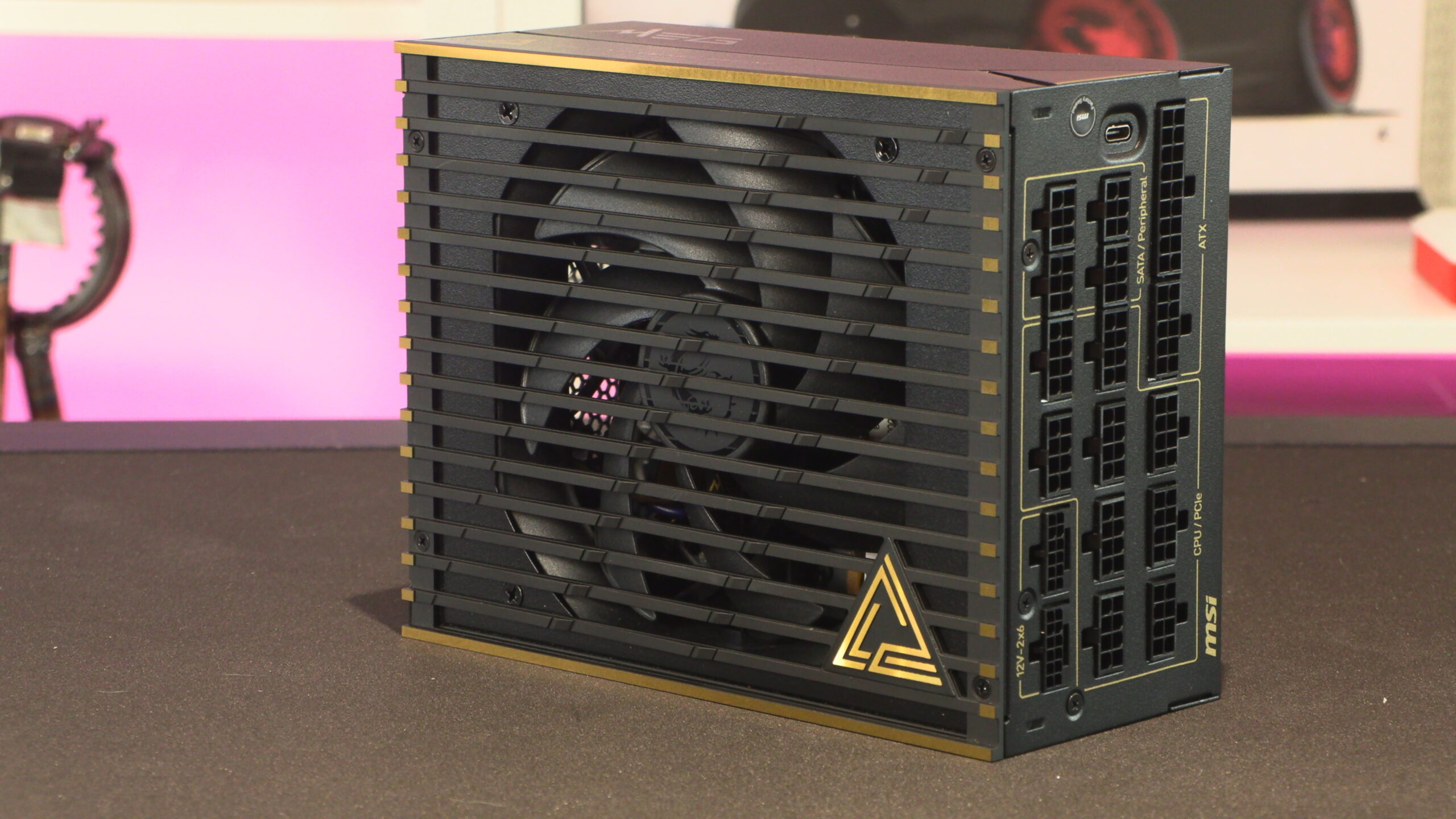
MSI takes its power supplies to the next level with their MEG Ai1600T PCIe 5
Over the past few years, the market for ultra high wattage power supplies has grown tremendously. Today, these PSUs aren’t catering to the “crypto” market, they are mostly catered to the world of AI workstations. Multi-GPU gaming is no longer a workload that works for consumers, but multi-GPU content creation and AI workflows beg for more GPU acceleration. Having multiple big GPUs calls for a super-beefy PSU, and that’s where the MSI MEG Ai1600T comes in.
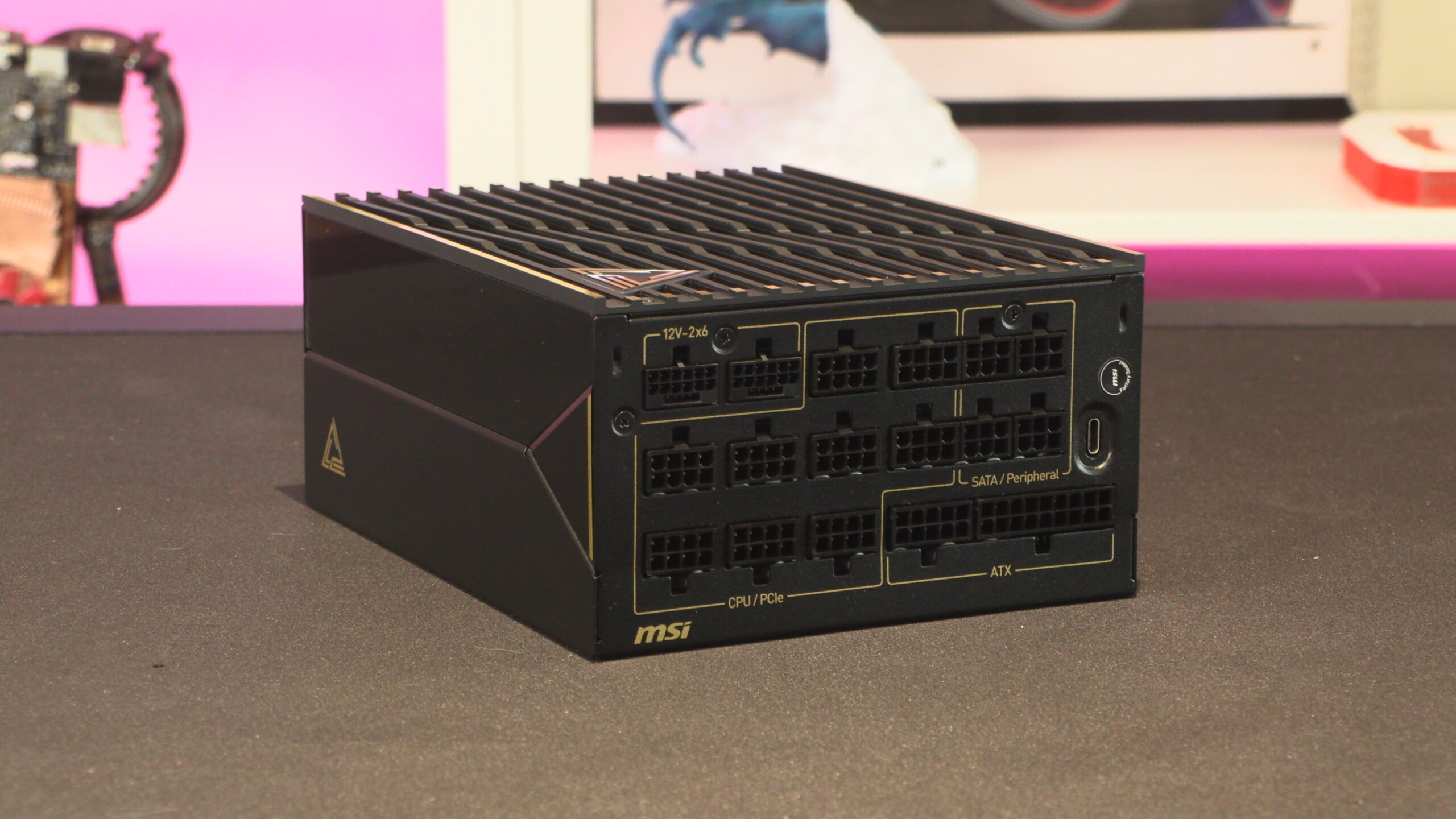
With 1600 watts of power capacity, two 12V-2×6 power connectors, and Titanium efficiency ratings from Cybenetics and 80+, this power supply is a beast. Not only that, but this PSU is super quiet, which is great news for anyone who wants a quieter office.
Is the MSI MEG Ai1600T the quietest 1600W power supply?
This might be the quietest 1600W power supply we have ever tested. Why might be and not is? Simply put, our office is not quitest enough to properly test this PSU. We never heard it during testing, which makes sense given this PSU’s sound rating.
MSI’s MEG Ai1600T PCIE5 power supply is the company’s first Cybenetics A++-rated power supply. To achieve this rating, MSI needed this PSU to have a noise output of under 15 dB(A) under load. Based on Cybenetics’ publicly available PSU testing data, MSI’s new Ai1600T PSU achieved an average noise level of 9.37 dB(A). In other words, it passed Cybenetics’ testing with flying colours.
As for our experience, we never heard this PSU during our time testing it. If you install this inside your PC, it will likely be the quietest actively cooled component in your system. If you like having a quiet PC, this PSU cuts the mustard.
Like all ultra high wattage power supplies, MSI’s new Ai1600T uses a chunky power connector. Much beefier than the standard “kettle lead” that most PSUs ship with. Users also have the option to disable this PSU’s “Zero Fan” feature, giving them peace of mind if they need to see the fan spinning.
Given this PSU’s efficiency rating, and its high power capacity, most mainstream workloads will never draw enough power to get this PSU’s fan spinning. Only high-end workloads can do that.
Software Sync
Using this PSU’s USB Type-C connector, users can monitor their system’s power draw using the MSI Gaming Intellegence App. This will allow users to view their PSU’s information digitally, and monitor their PSU’s power levels and fan speeds. Users can also control this PSU’s fan speeds, allowing them to adjust them if necessary. This feature can also be used to control this PSU’s RGB lighting elements.

MSI’s custom 12V-2×6 power connectors
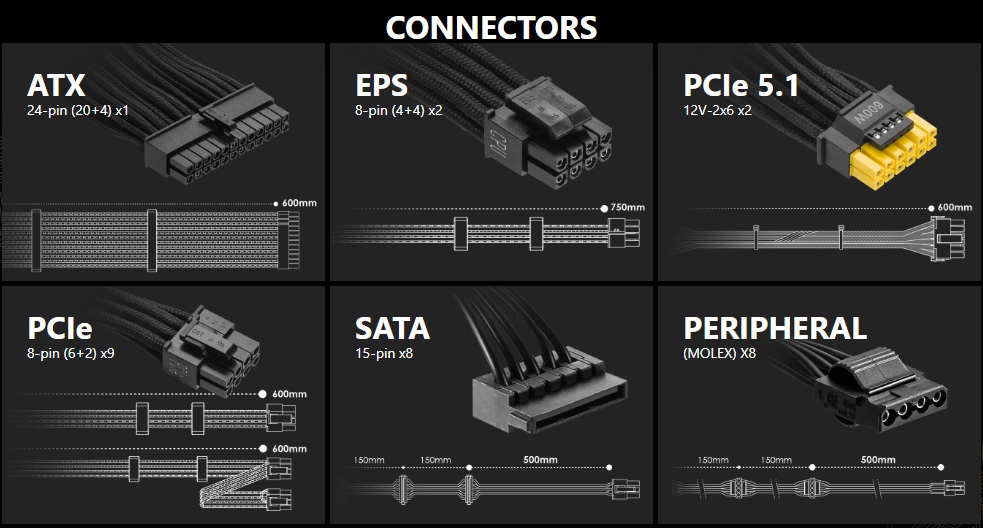
To help ensure that users fully seat their 16-pin power connectors, MSI has opted to use custom dual-colour connectors. These connectors make it obvious if you haven’t fully seated your 12V-2×6 cables. If you see yellow, you need to push it in further. Simples.
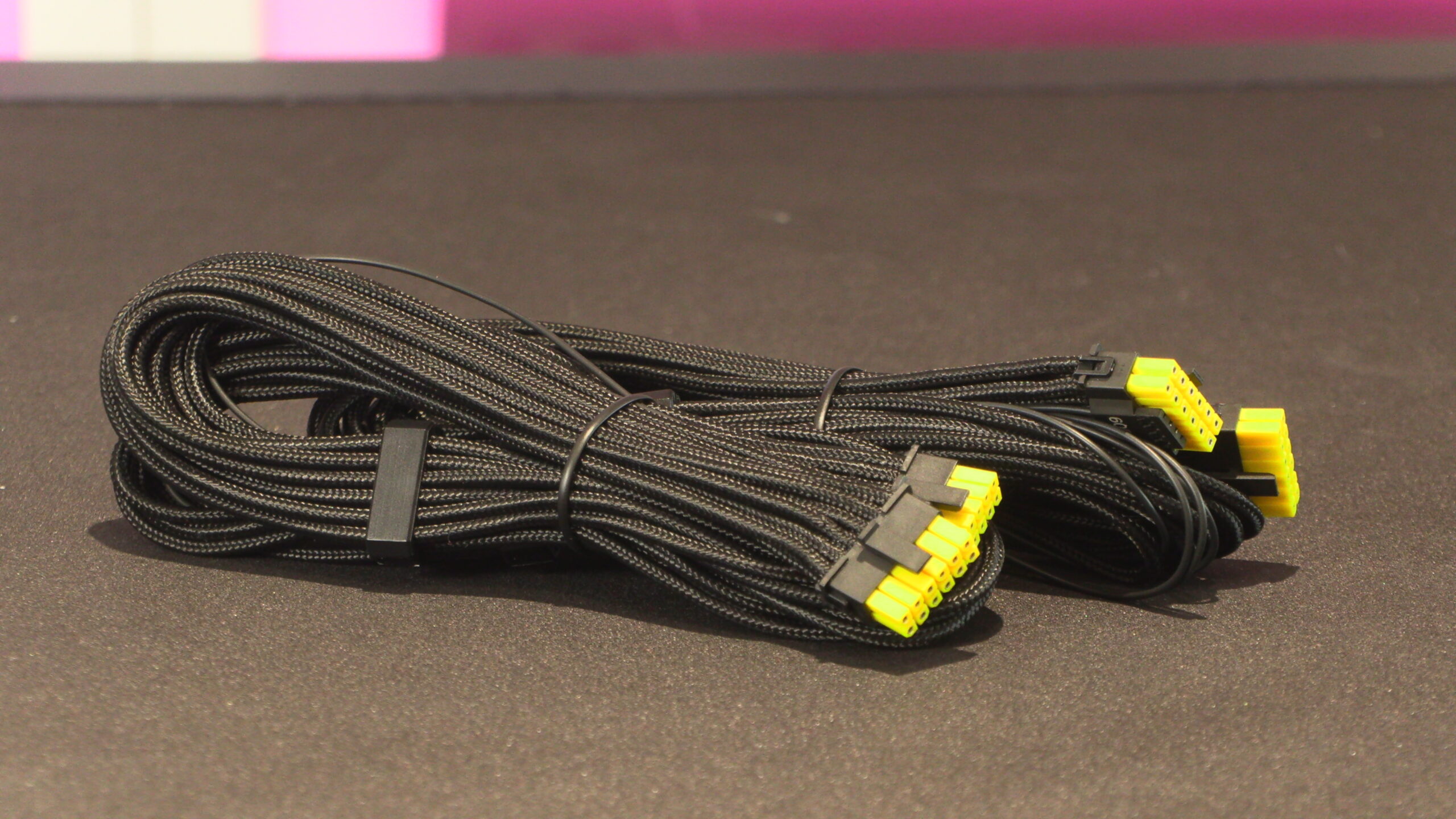
For the most part, MSI’s power cables are standard. All cables are all-black and come pre-braided. Note that these cables also have pre-installed cable organisers, which can help give your cables straight to maximise their visual appeal. These cable organisers can be moved freely, allowing them to be placed in optimal positions.
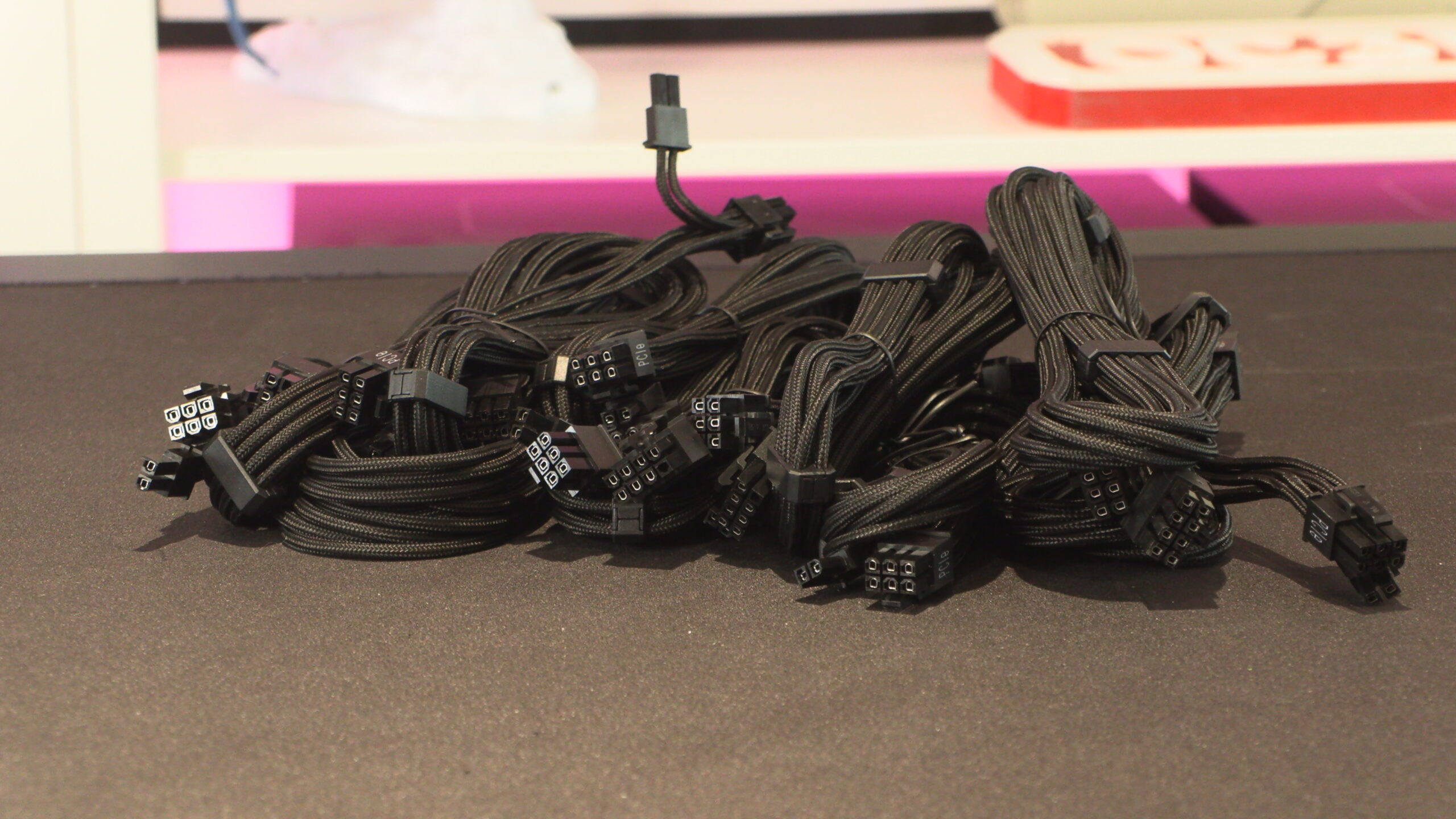
Connectors-wise, we have one 24-pin connector, two 4+4-pin EPS (CPU Power) connectors, two PCIe 5.1 (12V-2×6) connectors, nine 6+2-pin (8-pin) PCIe power connectors, eight SATA connectors, and eight Molex connectors.