


Civilization VI PC Performance Review

Graphical Options and Settings
Civilization VI comes with a large range of graphical options at launch, though it is worth noting that the game lacks the DirectX 12 support that was promised before launch.
The game comes with two basic graphical options sliders, each of which can be used to increase the game’s graphical fidelity based on performance impact and on VRAM usage. This game doesn’t use more than 4GB of VRAM, so anyone with a 4GB or larger GPU can safely set the memory impact slider to Ultra.
One of the most important settings in Civilisation VI is MSAA, which can be a real performance hog for lower end PCs, with Medium settings using 4x MSAA and High and Ultra settings using 8x MSAA. If you are having large framerate dips we would recommend that players turn off MSAA first, then ambient occlusion as these both have large performance hits.


(Minimum Settings (Above Left), Low Settings (Above Right))
Civilization VI is not an overly demanding game, with the game requiring a minimum of an HD 5570 or a GTS 450 to run, effectively meaning that every DirectX 11 compatible GPU should be able to run Civilization VI at its minimum settings.
Being a turn based Strategy game Civilization is very forgiving when it comes to running at a lower framerate, though a smooth 60FPS makes the game much more visually appealing and immersive.


(Medium Settings (Above Left), High Settings (Above Right))
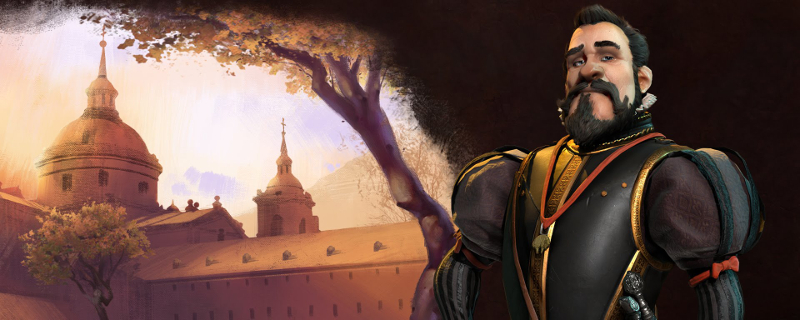
At the bottom of the game’s graphical settings, there are options for the game’s animated leaders, with Disabled, Low, Medium and High options. Disabled will replace Civilization Leaders with a static picture, with Low and higher settings animating the leaders to show more emotion and give the game a lot more personality.

(Ultra Settings)
