Civilization VI PC Performance Review


Control Options
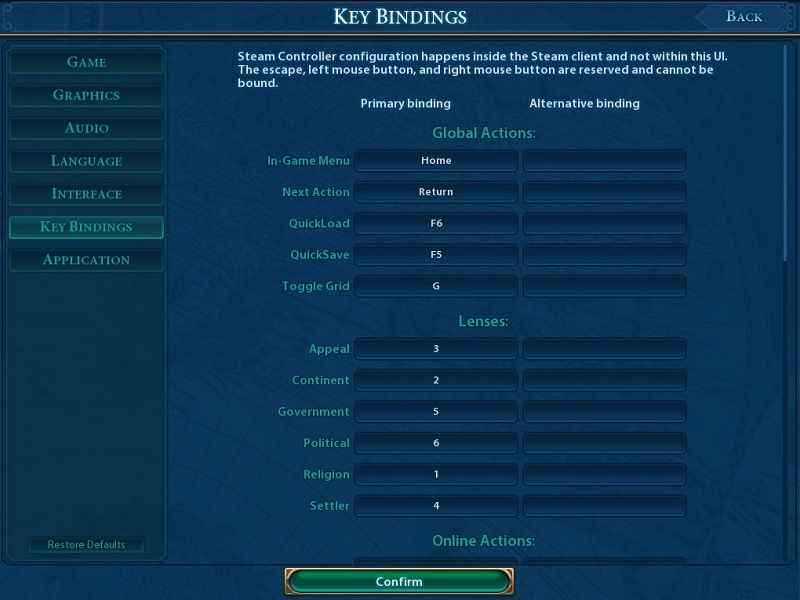
Civilization VI can be played just using the mouse, but a lot of shortcuts are available for more advanced users. These hotkeys can be rebinded to any key you wish, allowing players to change the game to suit their requirements.
Most players will use the basic mouse controls, but advanced users will find these options as useful timesavers, especially when playing online.
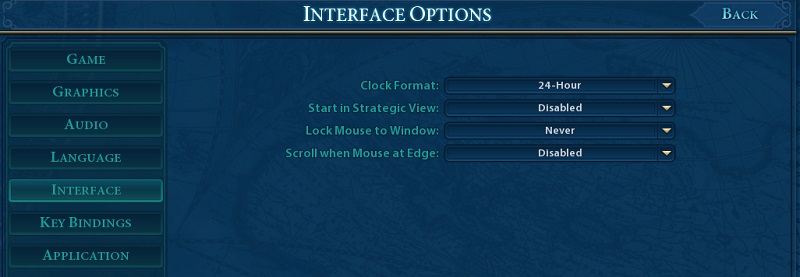
Civilization VI now has a built in clock
As a veteran of the Civilization series, one of the most useful additions that Firaxis has made to the game is the addition of a clock to the game’s UI, allowing players to more easily keep track of time while playing the game.
In Civilization V there were several popular clock mods for the game, which I found to be extremely helpful while playing long campaigns. It is great to see that Firaxis has added this feature to the base game, though an alarm clock option would also be appreciated.
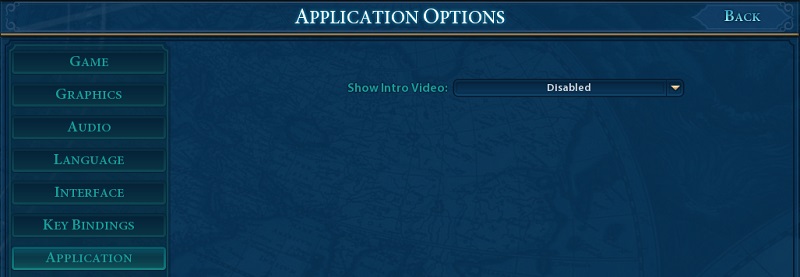
How to turn off the game’s intro movie
In the game’s options menu players have the ability to disable the game’s long Intro movie, which will save them a lot of time when entering the game. Usually, PC gamers would need to enter a game’s .ini files to disable intro movies, so it is great to see Civilization VI has this directly placed this in the game’s options menu.