Destroy All Human PC Performance Review and Optimisation Guide


Graphical settings comparisons
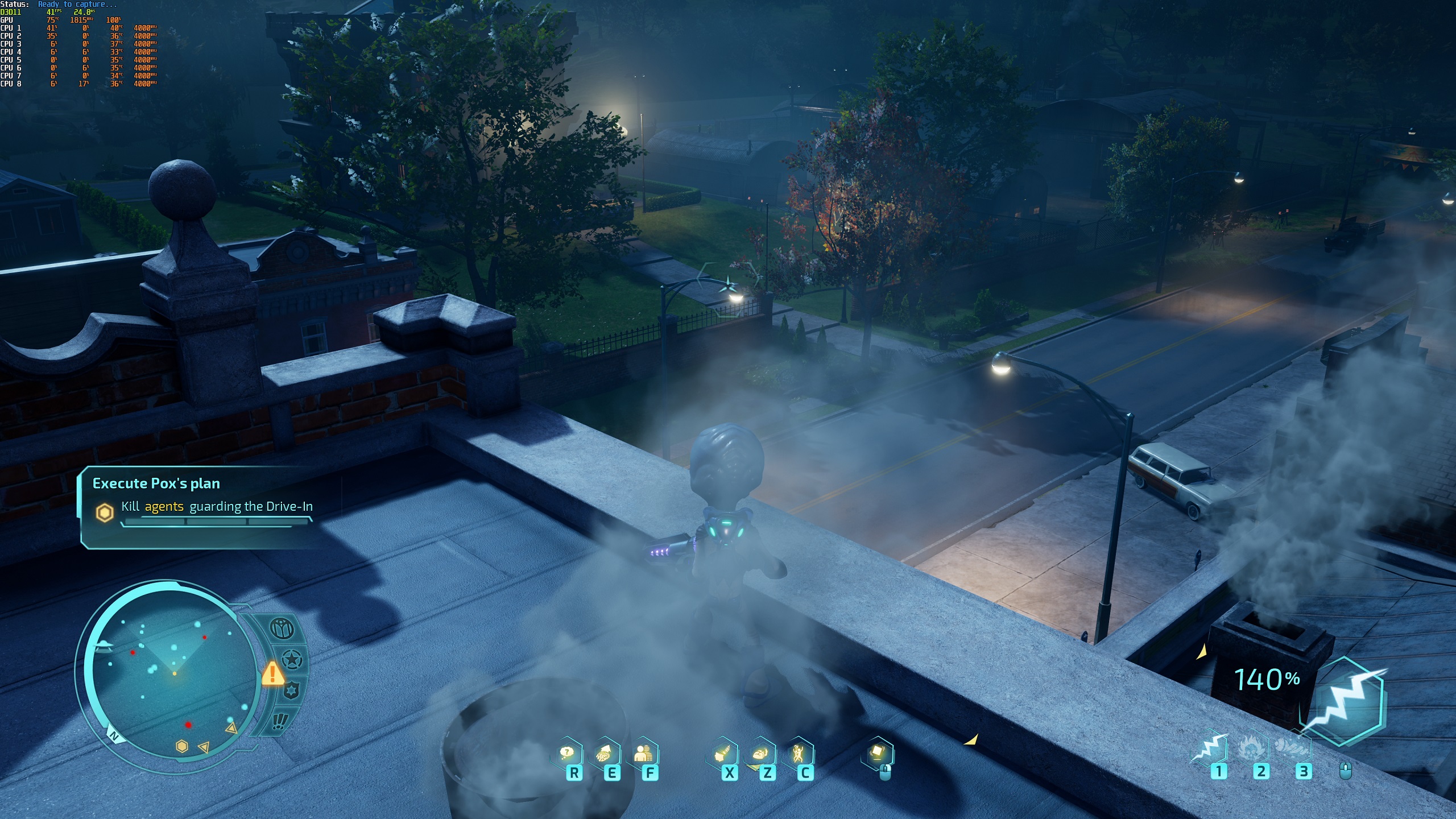
Destroy All Humans looks great when using its Normal, High and Ultra settings, with Low falling short when it comes to lighting draw distances and texture pop-in.
If you really need to boost your performance, Low Settings will allow you to enjoy Destroy All Humans with integrated graphics, but it’s not recommended if you want a satisfying graphical experience.
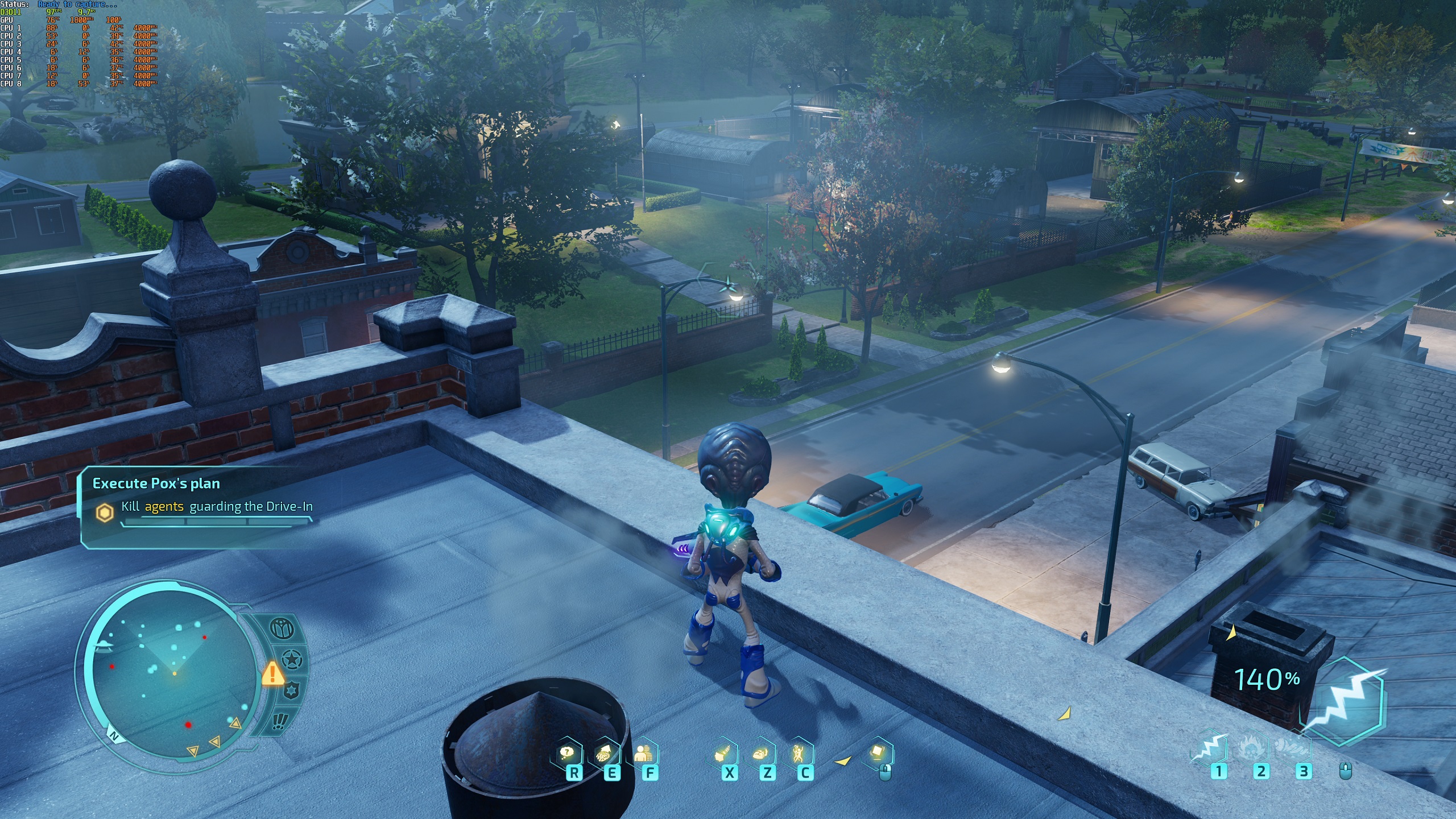
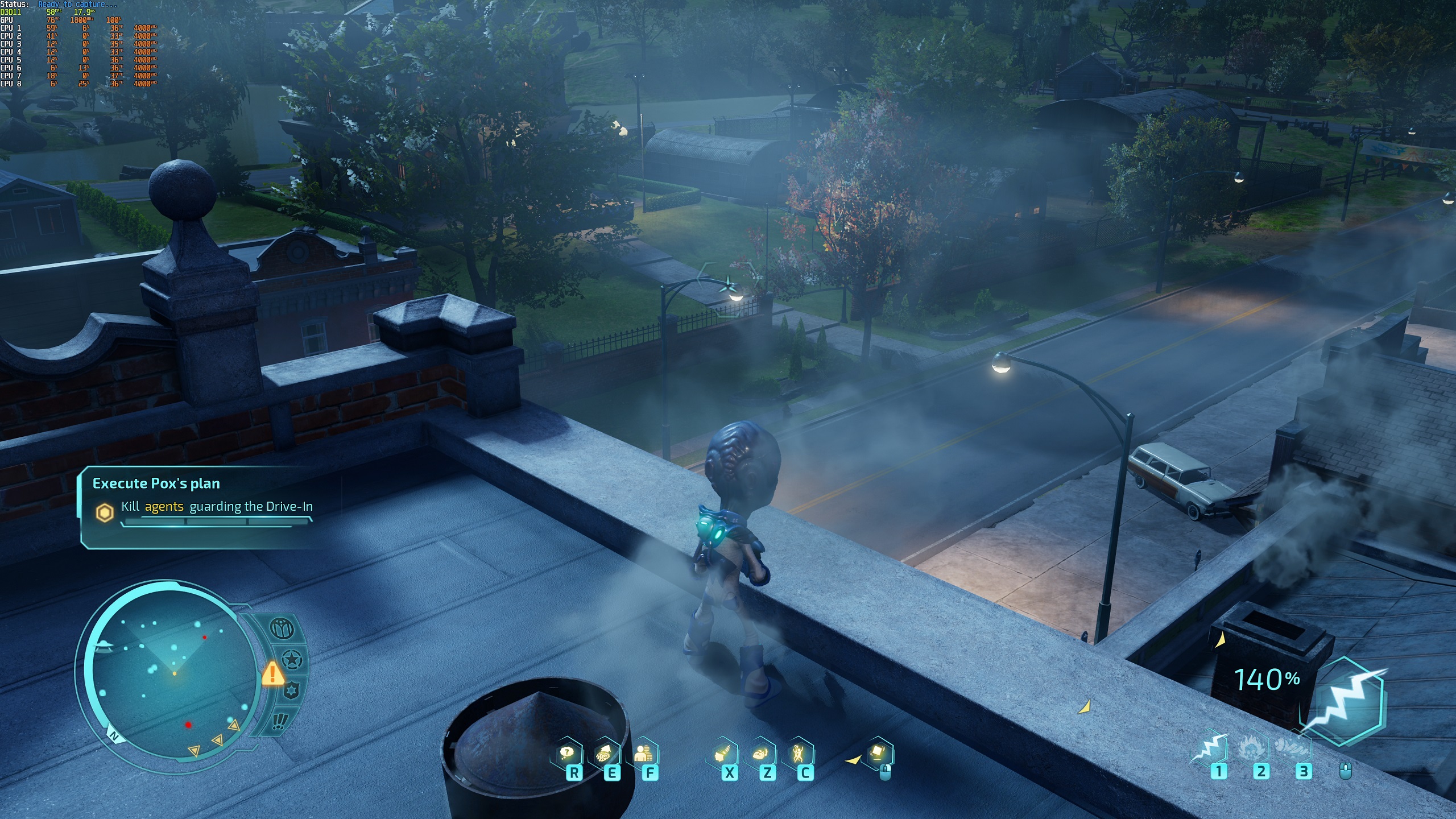
When moving from Normal to High, we spotted that a high-quality form of Ambient Occlusion is included in Destroy All Humans’ Normal Settings and isn’t present at High settings.
This is a problem that we will make Black Forest Games aware of, as it makes Normal Settings more demanding than High settings. This issue may be addressed with a post-launch patch.
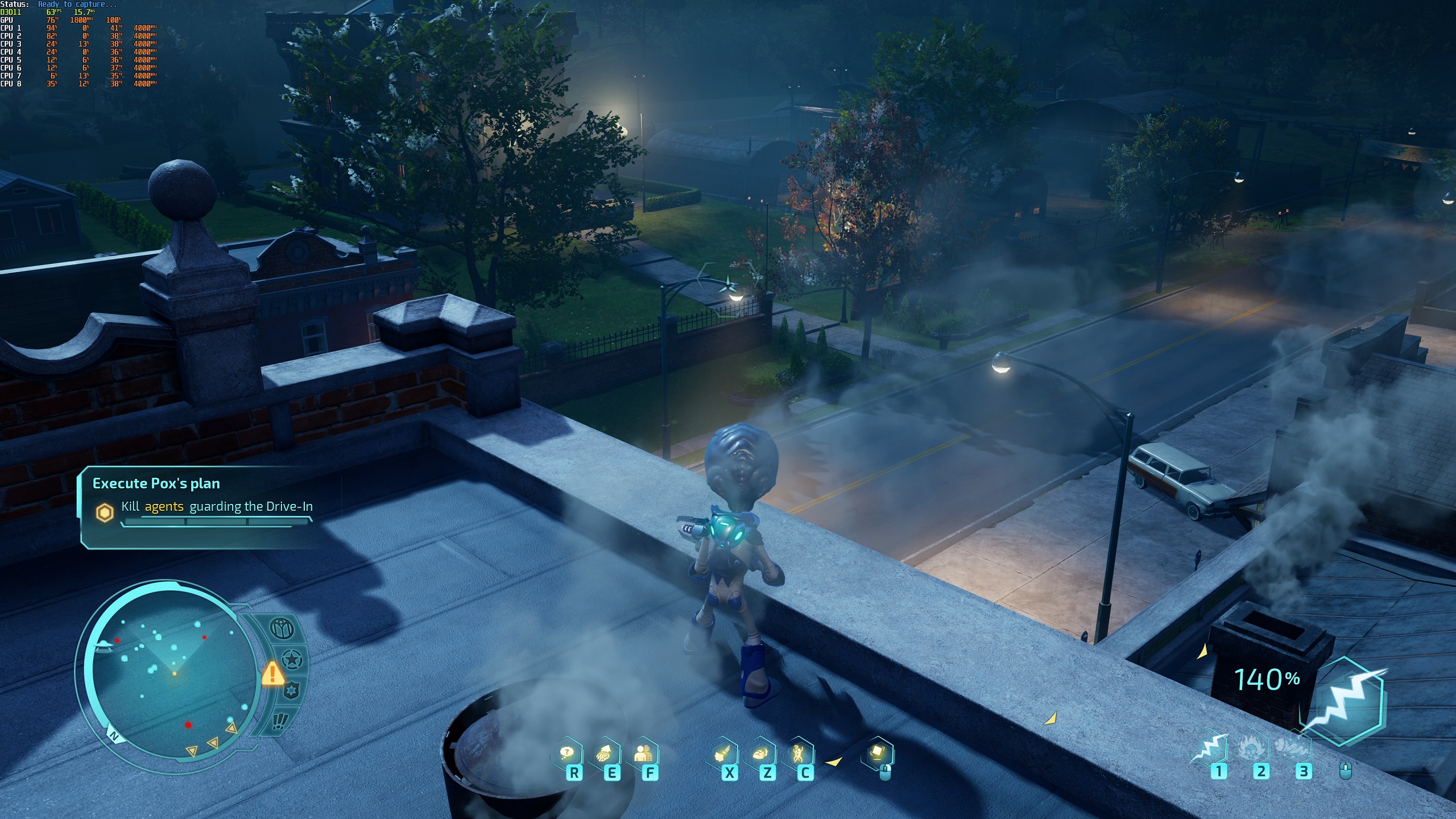
When changing from High to Ultra settings, the primary graphical difference that we can see is the addition of Ambient Occlusion, a setting which is also enabled at Normal Settings (by mistake?). We can also see extended draw distances and other minor improvements to Destroy All Humans’ graphical fidelity.
In all, Ultra Settings look great, but are not worth their performance cost. If you want smoother framerates, set everything to High and the game will look great and run a lot better.