DLSS VS FSR In Call of Duty Vanguard and why both are necessary


DLSS and FSR VS Call of Duty’s built-in scaler – Why both are great options
Call of Duty Vanguard has a built-in resolution scaling feature, which can be accessed from within the game’s display settings. We do not recommend using this option, and below you will see why. DLSS and FSR both present better visual results at the same framerates, making both superior solutions.
It is examples like these that highlight why DLSS and FSR exist, as both can deliver upscaling results that are better than what game developers can do on their own. Yes, extremely talented devs could deliver better results using their own tools. Still, both DLSS and FidelityFX Super Resolution were created as an alternative to creating and maintaining your own upsampling technologies.
With FSR being present within Call of Duty Vanguard, no PC gamer should utilise Call of Duty: Vanguard’s built-in resolution scaler. For Nvidia RTX users, DLSS provides PC gamers with another better option than Vanguard’s built-in upscaler.
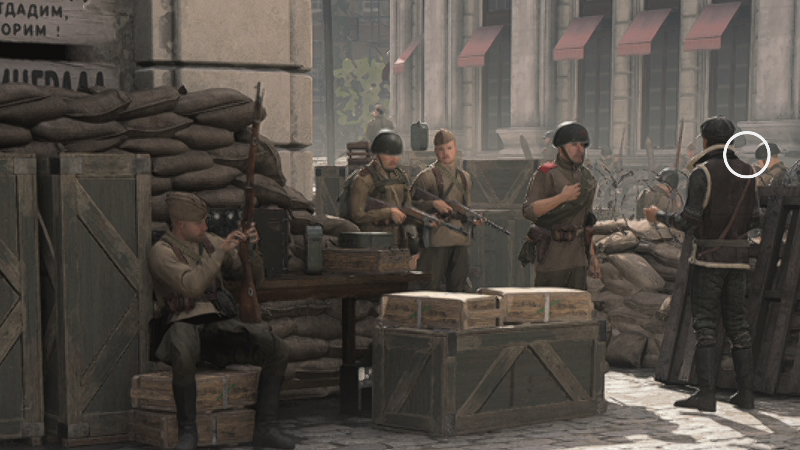
Vanguard’s built-in upscaler provides gamers with blurry results, and while this blur deals with added aliasing, it presents gamers with unclear visuals. The added sharpness offered by FSR and DLSS makes both technologies superior.
(4K at 65% Resolution Scale VS 4K with DLSS set to Balanced)

Both DLSS and FSR deliver great results in Call of Duty: Vanguard, so much so that we cannot recommend Vanguard’s built-in resolution scaler to any Vanguard players. It delivers final images that are too blurry, and when both FSR and DLSS are available, there is no excuse to not try them first.