How to uninstall Windows 10’s built-in Apps

Introduction
While Windows 10 is easily the most popular OS of recent years it is far from perfect, coming with a lot of unnecessary applications and bloatware at stock.
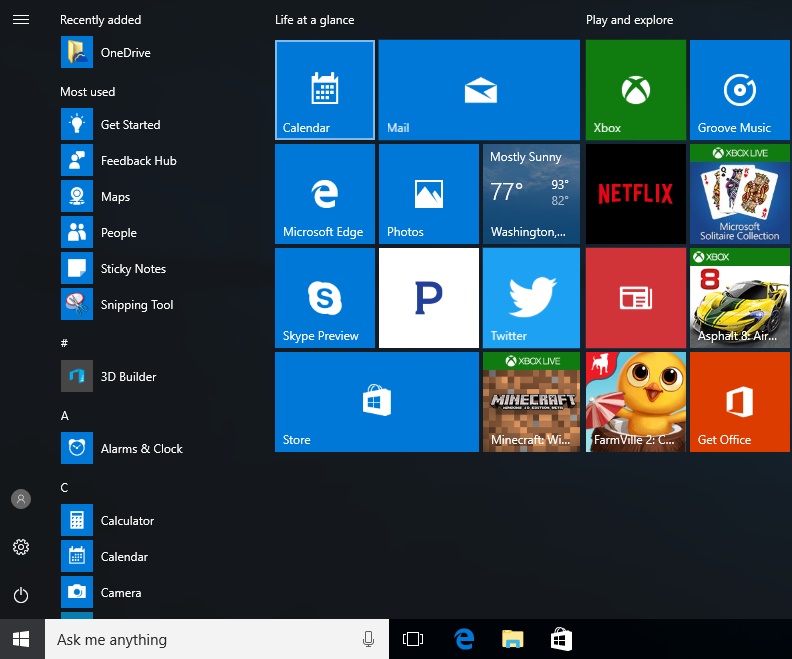
One of our biggest requests in recent months has been to create a guide on how to remove Windows 10’s unnecessary built-in applications, whether it is to space on your SSD or to simply clean up your desktop.
Today we will be showing you how to remove Windows 10’s built-in applications, allowing you to get rid of Windows 10’s annoying “Get Skype” and “Get Office” notifications as well as how to reinstall them if necessary. Most of these applications cannot be removed through traditional methods, so it is important to follow this guide carefully.