


Tom Clancy’s Ghost Recon Wildlands PC Performance Review

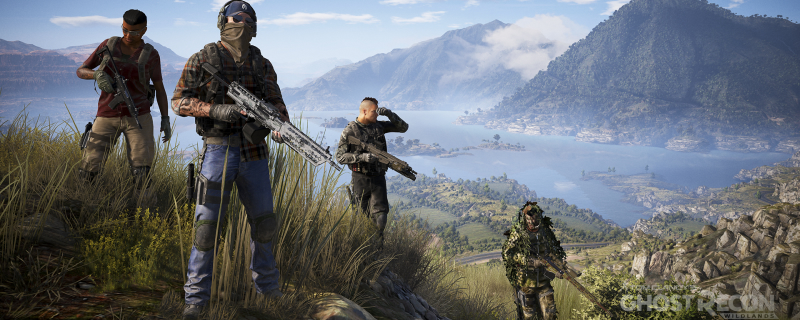
4K Screenshot Graphical Comparison
When looking at Wildlands’ graphical presets we can see a night and day difference between Low and Medium settings, easily the largest visual change when comparing each preset.
We can see that Low settings has no shadows and uses low-resolution textures in most of the environment, especially on the terrain. Medium settings look fantastic by comparison, with shadows giving the world more depth and higher resolution textures making the world look much more realistic.
We can also see that several areas in the environment have changed, with the rooftops in the distance coming with different models and trees coming with much more realistic shading.
Moving to higher settings the visual differences are much less noticeable, though textures do see a significant bump in resolution, especially on the nearby terrain and shadows are a lot more detailed in certain areas. Most of the graphical changes in the higher graphical settings can be seen in lighting and in distant details, which we will cover on the next page.
At ultra we can see that colours are a lot less vibrant thanks to the game’s lighting changes, making the environment seem more arid and realistic, but at the expense of colour vibrancy
.


