PCSpecialist Fuse S Review

Up Close
Up Close
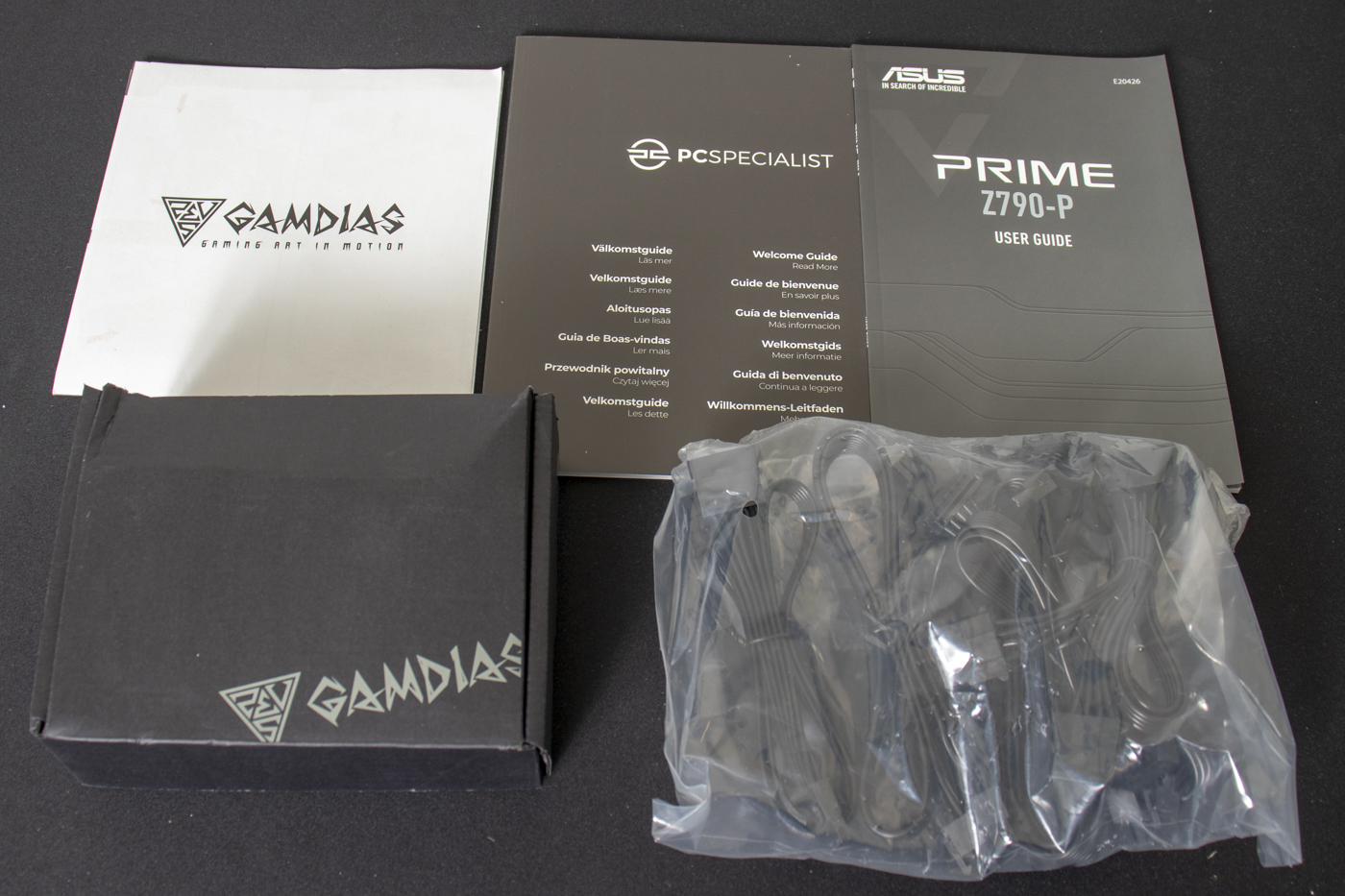
PCSpecialist were the first company to include all the bumf you’d receive if you purchased the products separately. It is a testament to their influence that everyone copied it. They are, however, the originators. The Fuse S is no exception. Within the Gamdias branded box are the screws for the case, whilst spare power cables enjoy sitting in a bag.
The case is a beast. So much so the foam packing barely fills the space. It does its job of keeping the system in perfect condition until it arrives.
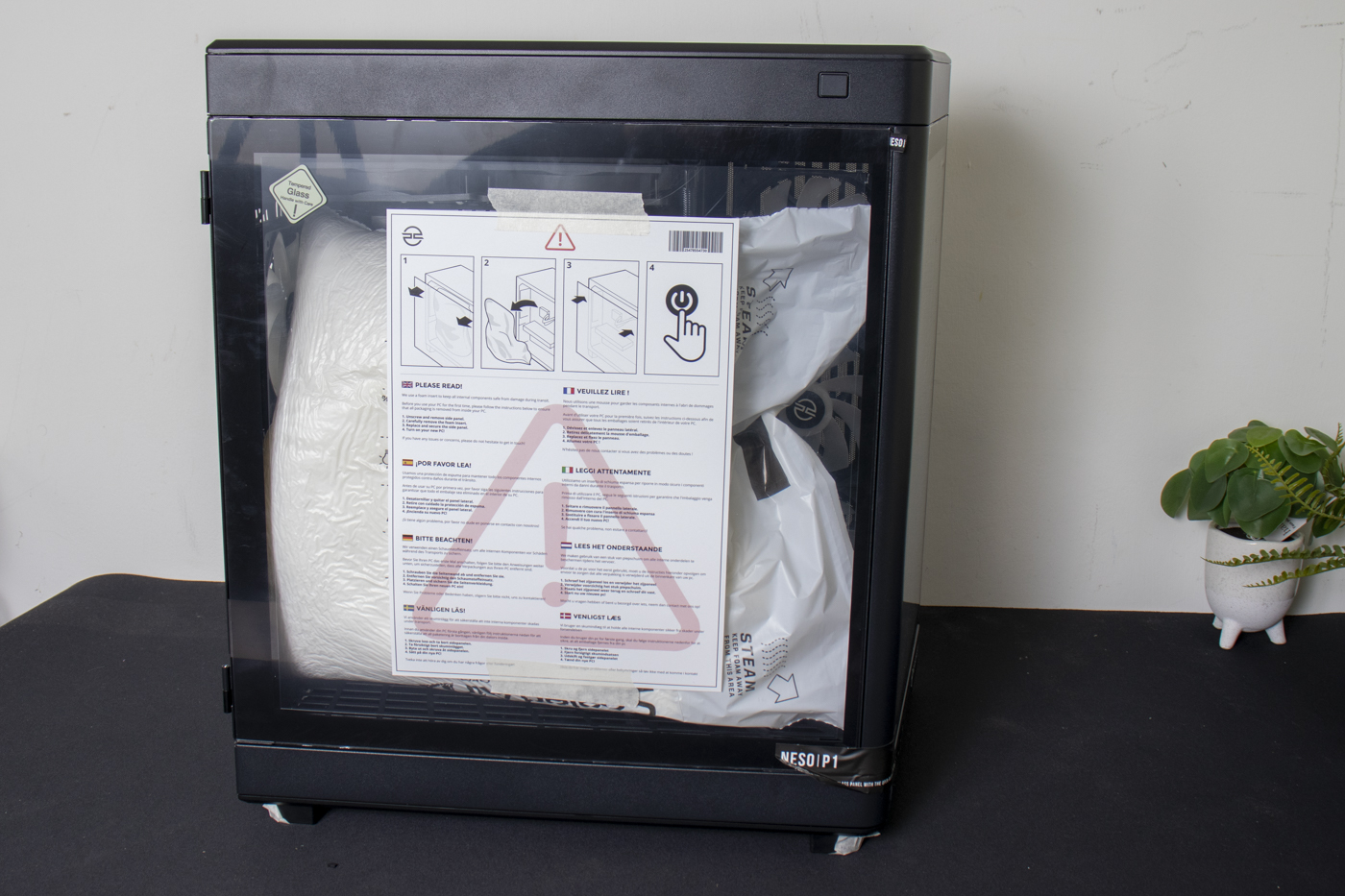
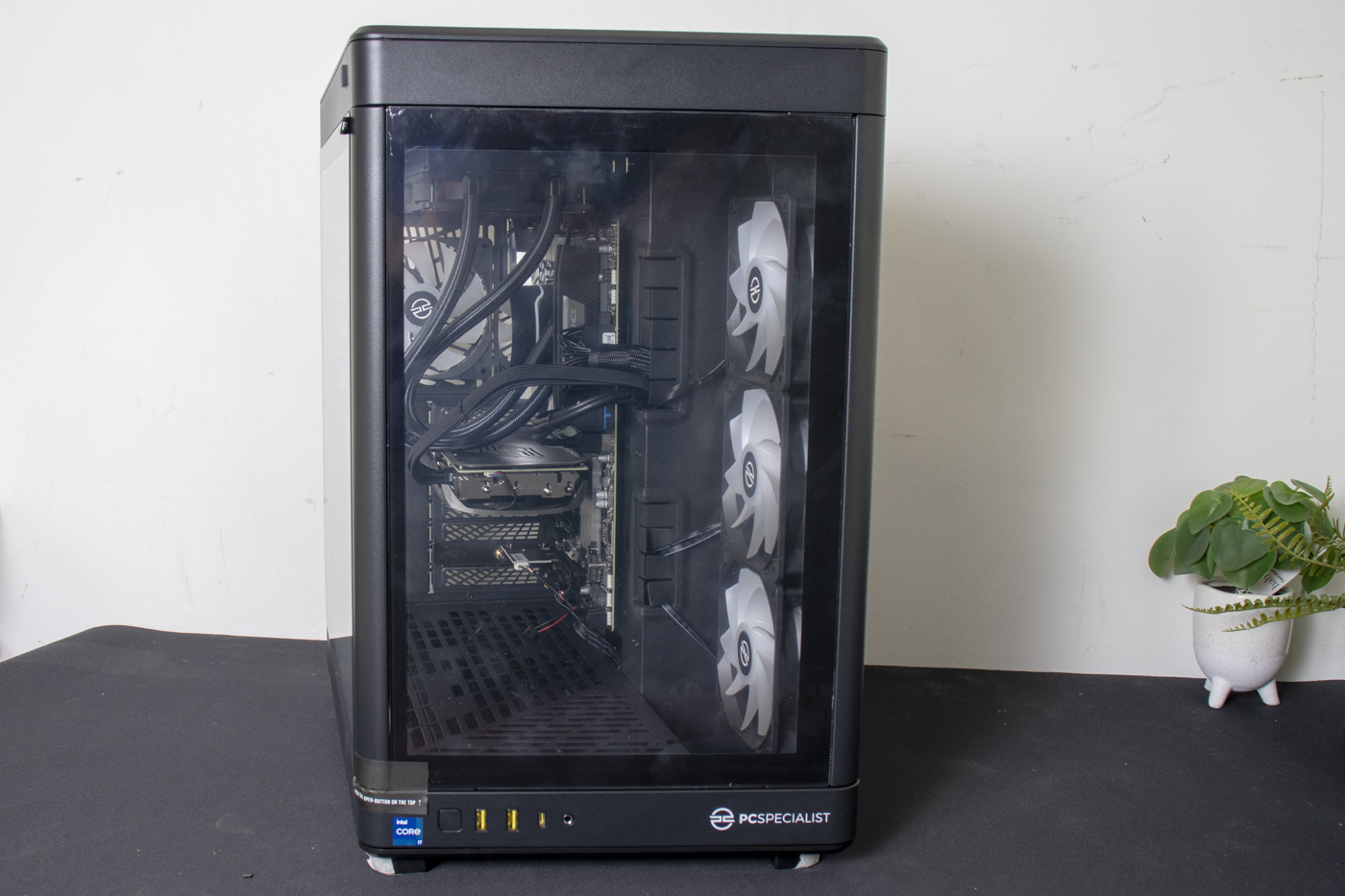
The case is listed as a PCS Lumin ARGB Mid Tower. If you know your cases, or are willing to merely read the sticker you can see above these words, you’ll discover it’s a rebranded Gamdias Neso P1 B. It is certainly large. Plenty of windows to let your RGB choices shine brightly. There is also a lot of ventilation as we’ll see below. It’s deceptive when you see it side on above and then front on here. Those with small desks need not apply.
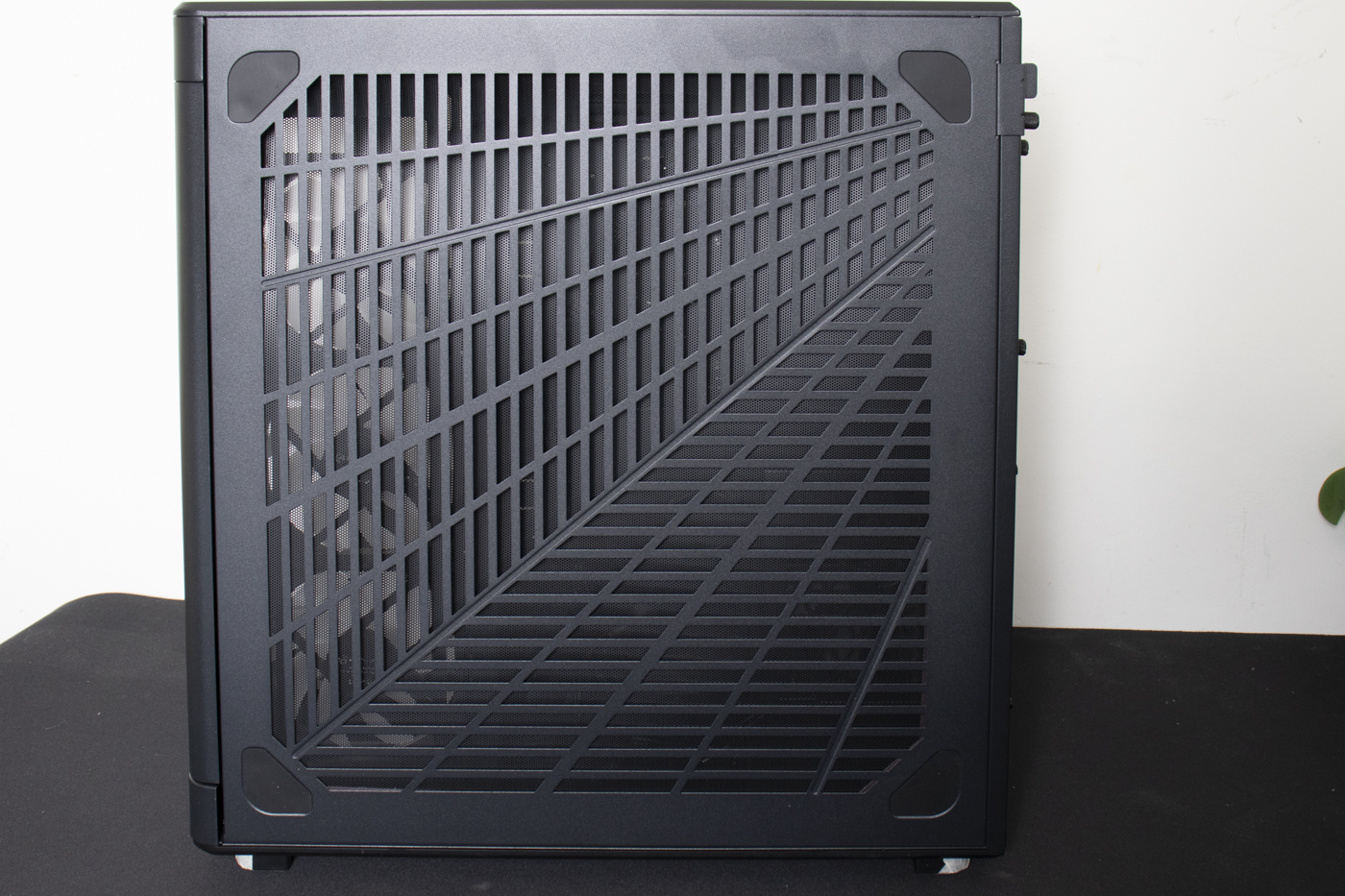
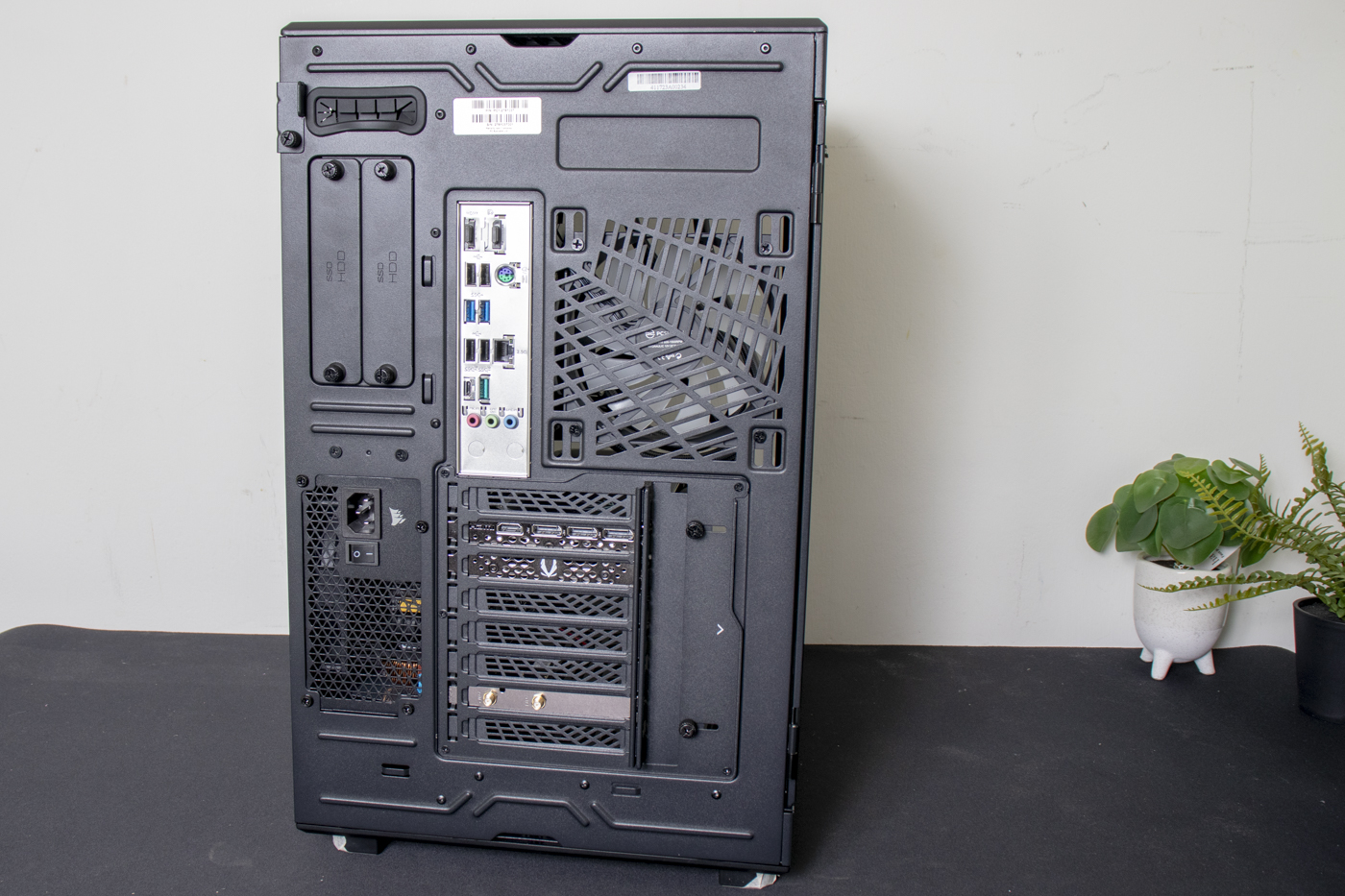
Around the back there is tons of ventilation. With a back-mounted power supply – Corsair RME 750W – and the fan placement, having vents is key. The case is all about exhausting hot air.
Inside
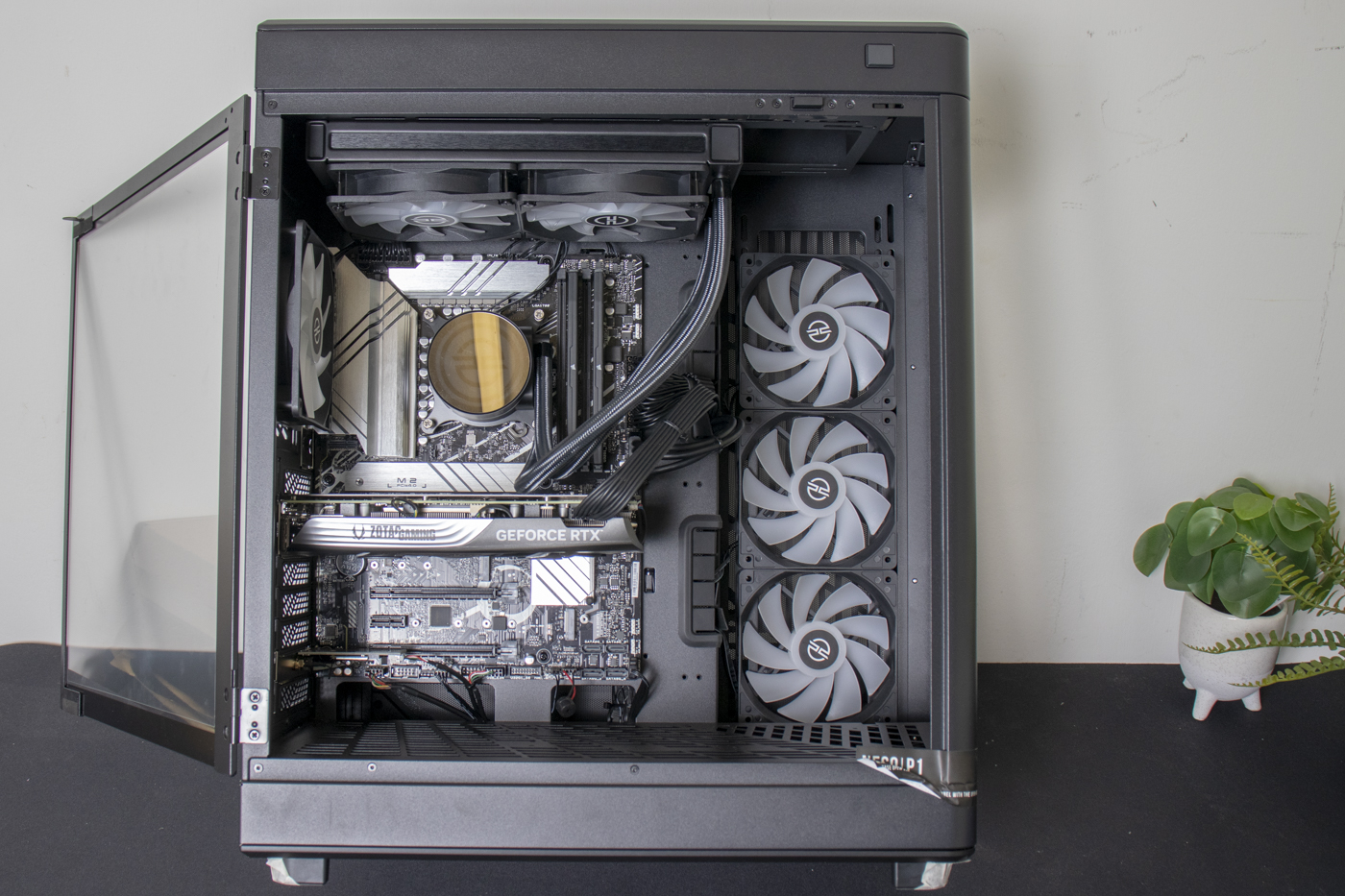
Press the button at the top and the side window swings open. You can see how much room there is within the chassis. You could easily put a 360 rad in the roof and another at the side. There are plenty of cut-outs too so you can carefully route your cables, something PCSpecialist always do and the Fuse S is no exception.
Popping off the vented backplate and you can see the care PCSpecialist always go to, even with the bits you can’t see. You can also see how important it is to have the vented back panel on the case. It certainly all works well to keep things cool and, most importantly, quiet.
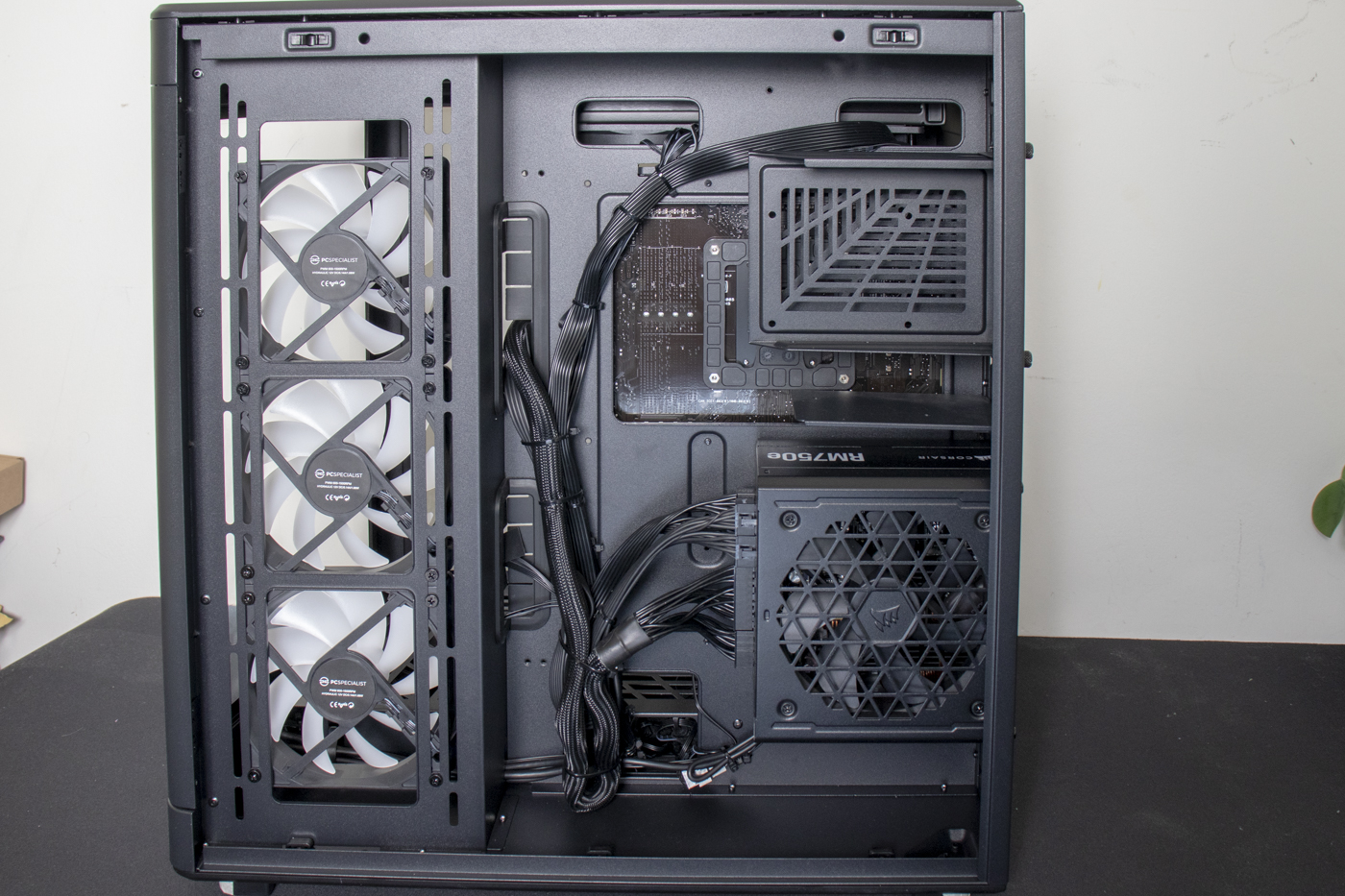
The ASUS Prime Z790-P motherboard doesn’t have WiFi as standard, which is why there is an extra PCI Express card to cater to your wireless needs. The back view shows the flexibility of the case too. You could have a vertical GPU. You could have hot-swap drive bays. It’s extremely flexible for what is, at its heart, a case built to a price. Way more tweakable than you might imagine.
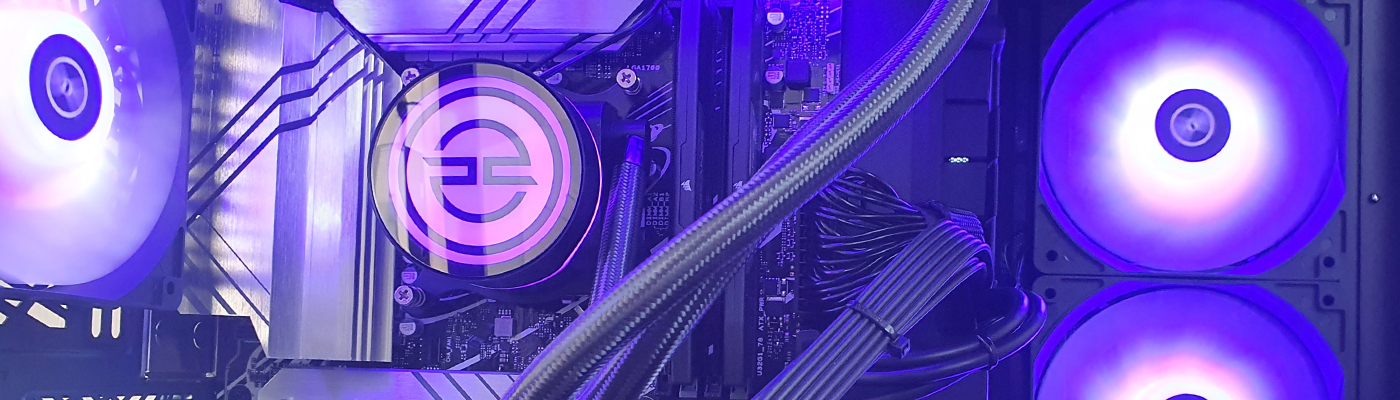
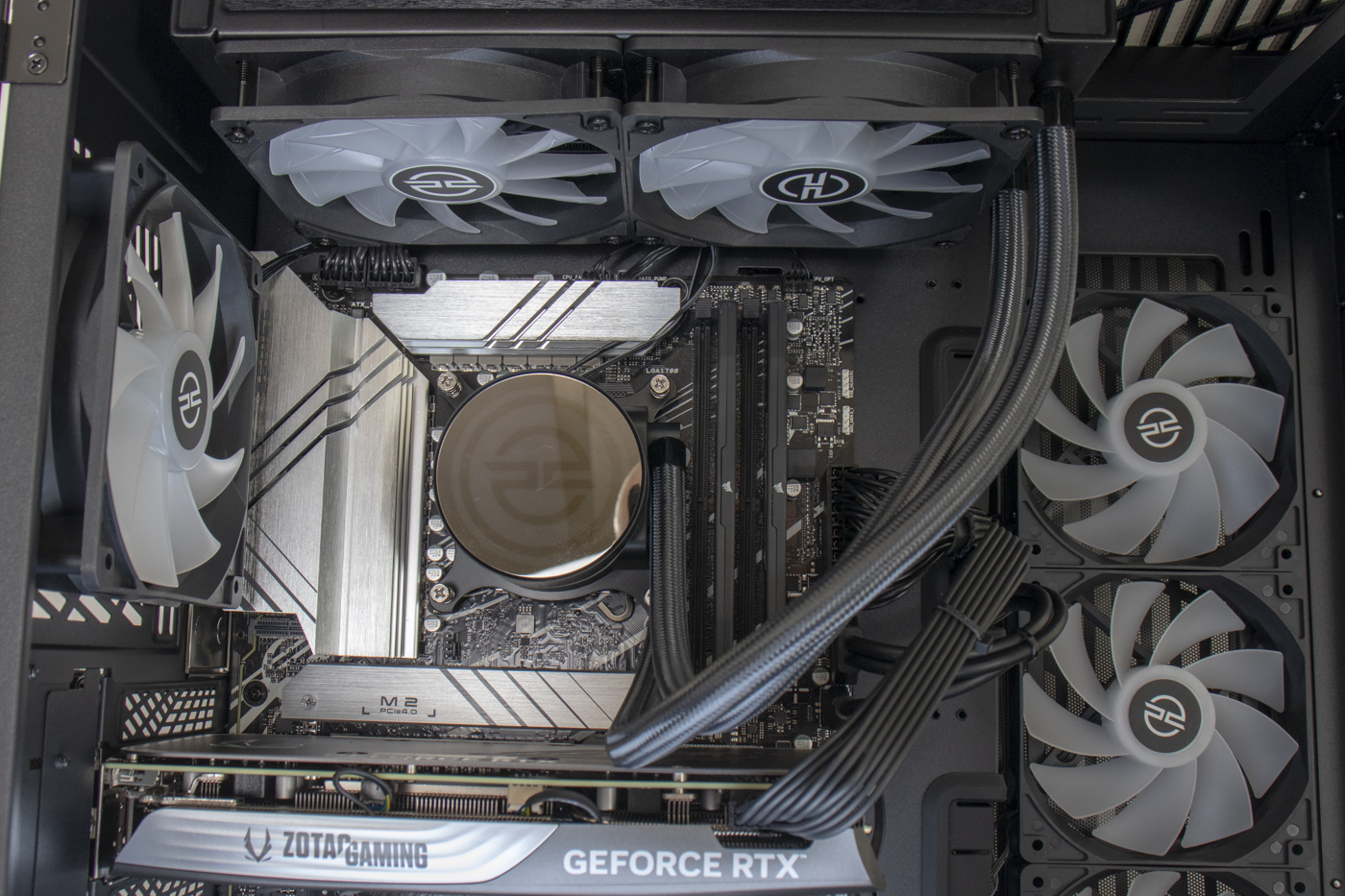
The top half has a lot going on. You have the ASUS Prime Z790-P motherboard in all its silver glory. The 240mm PCS FrostFlow AIO. And five of the 6 RGB fans you get. You can also see how mirrored the top of the pump is. The keen-eyed of you will also spot the PCSpecialist logo there too. Although it’s clearer on the next page.
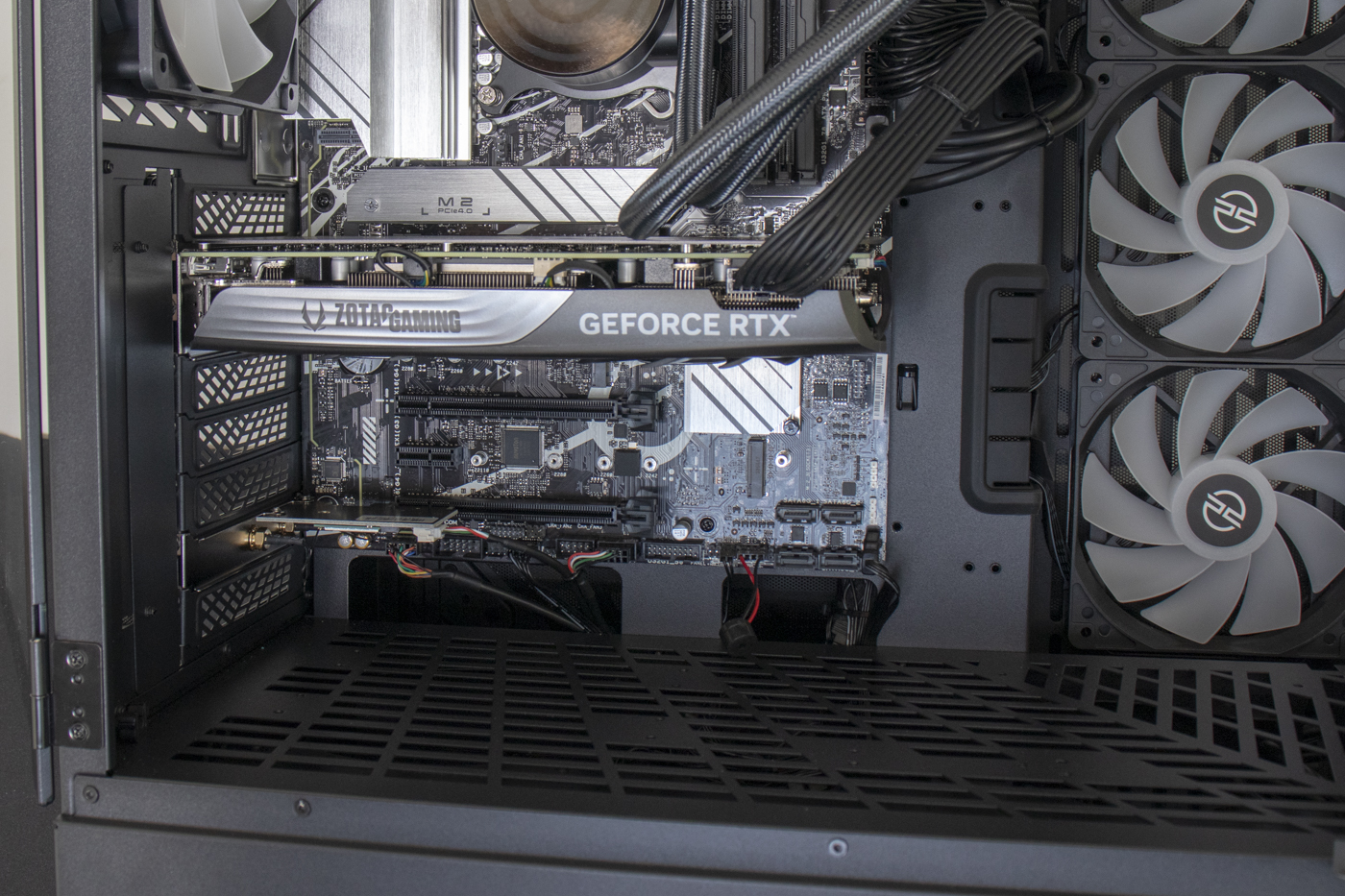
The bottom half not only has the RTX 4070 Super graphics card – here in Zotac form – but also you can see how many holes are in the bottom of the case. If you wanted to mount things to the floor there is plenty of room to do it.
Brighter Than The Sun
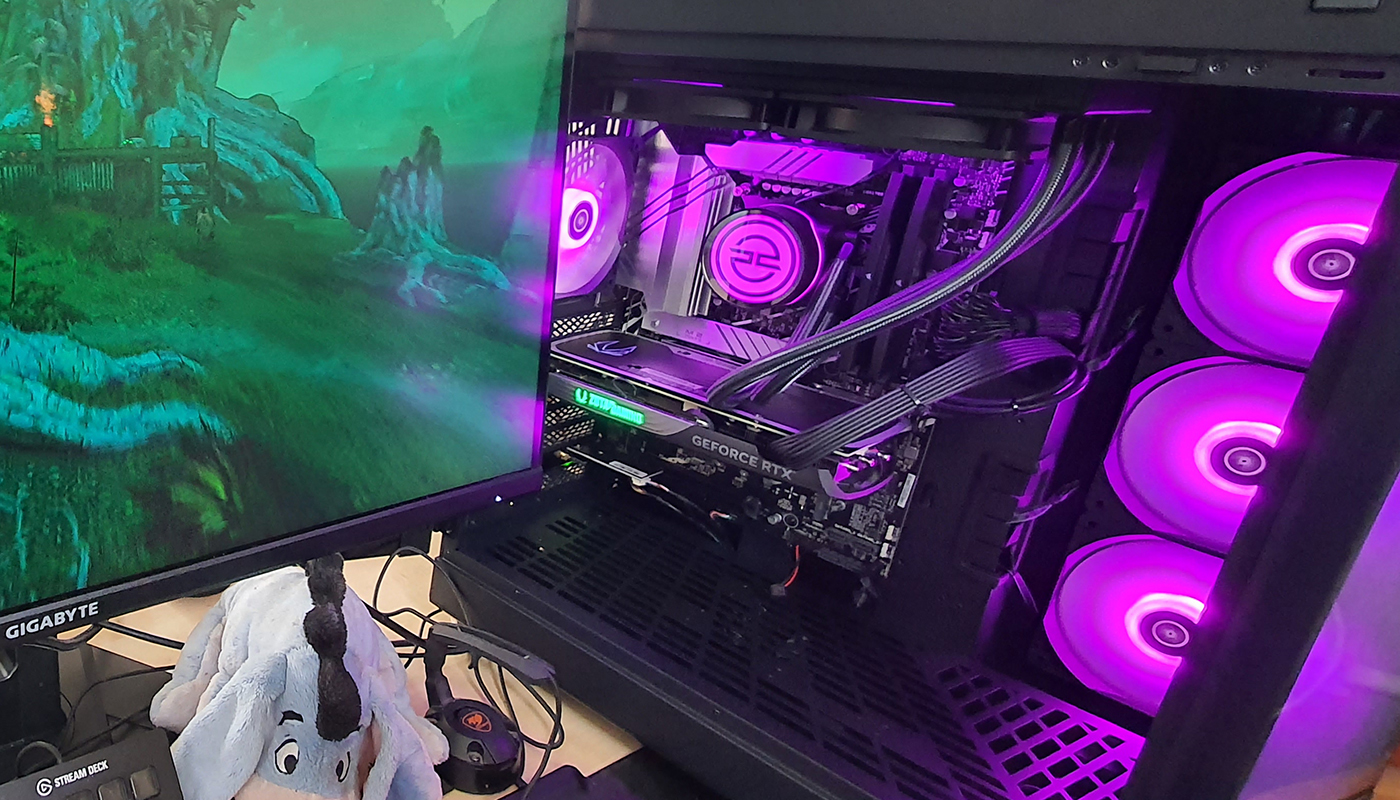
Certainly when powered on it’s bright enough to dominate your desk. We’ve got the door open just for clarity. Photographing lighting is hard enough without also having monitor reflections to deal with.