


Gigabyte Z590I Aorus Ultra ITX Review

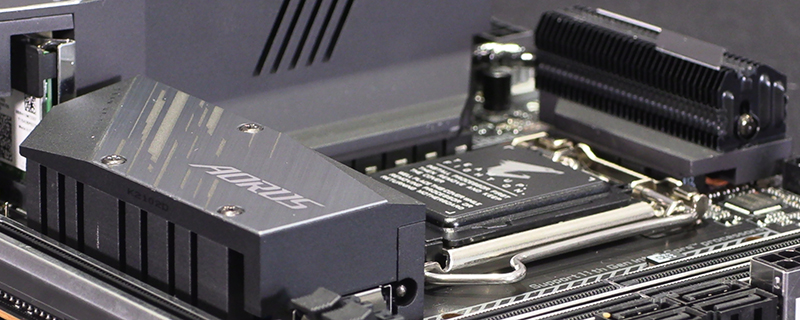
Introduction
Should you have your interest piqued by the new 11th Generation Intel processors but need an ITX system for space reasons then the Z590I Aorus Ultra is Gigabyte’s latest entry to their supremely popular and capable Aorus range of motherboards. It brings all the benefits of the Z590 platform in a compact format.
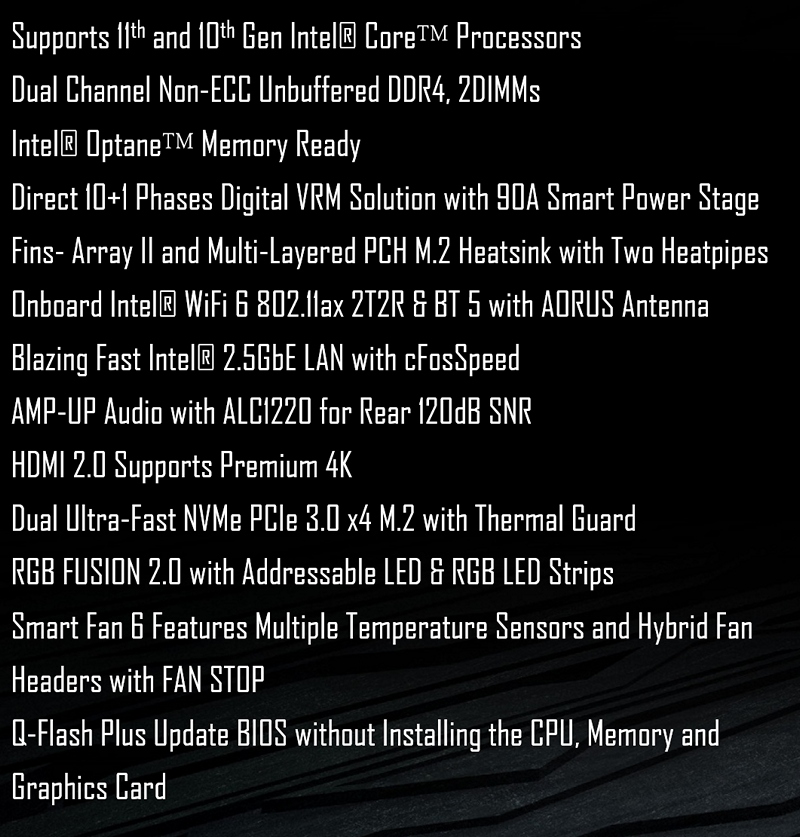
However, a quick glance through the specifications shows that just because there isn’t a lot of PCB room to fit all the needs of the Rocket Lake processors and their attendant chipset doesn’t mean that Gigabyte have scrimped on performance. 10+1 Phase VRMs using 90A SPS are a big statement of intent.
It’s been a little while since the launch of the Z590 chipset, and Gigabyte have been busy beavering away getting their BIOS up to snuff. We know that their motherboards have excellent components, so hopefully this extra time has been well spent. Let’s find out.
Technical Specifications
The days when an ITX motherboard was basically a PCB with the bare minimum of features and no real aesthetic considerations to speak of are pretty much in the rear view mirror. The Aorus Ultra has heatsinks for the power phases tied via a heat pipe to keep the 10+1 90A (Ninety!) power phases cool. PCI Express 4.0 as we’d expect from the newest Intel Chipset, and is very much the headline feature. Additionally all the slots are braced with steel armor to keep them stable and give the longevity we demand. There is even a pair of headers for the LED strips that form the heart of the RGB Fusion 2.0 lighting system.

Cooling
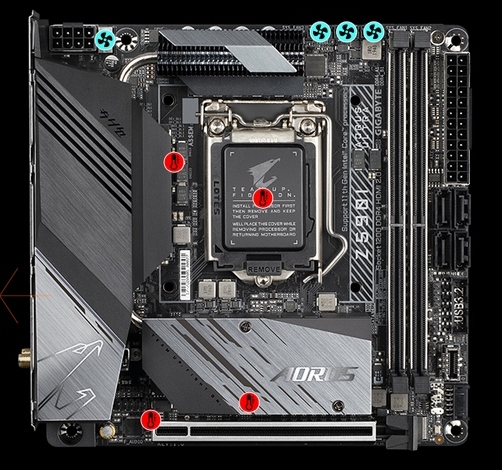
Keeping your system cool is a key element to extracting the maximum performance from it, and the Gigabyte Z590I Aorus Ultra has four fan headers and four temperature monitoring points to help you on the road to low temperatures and the high boost clock speeds that can bring.
Let’s take a closer look.
