Corsair Xeneon Edge Review

Introduction
Introduction
Certain technological words have been co-opted by others to mean something else. A second screen is another monitor. Except, these days, it isn’t. Most people consider a second screen to be a way of driving audience engagement during events. Tweet us your thoughts on the Superbowl. Like this Instagram post full of Oscar winners. Copy this TikTok dance done by the Dalai Lama. Standard stuff.
If, like us, you do a huge amount of productivity work, or game hard, you’ll appreciate the benefits of a second monitor. You haven’t lived until you’ve broadened your real estate. If you’re a streamer then one for chat, one for OBS and one for the game itself is almost a bare minimum.
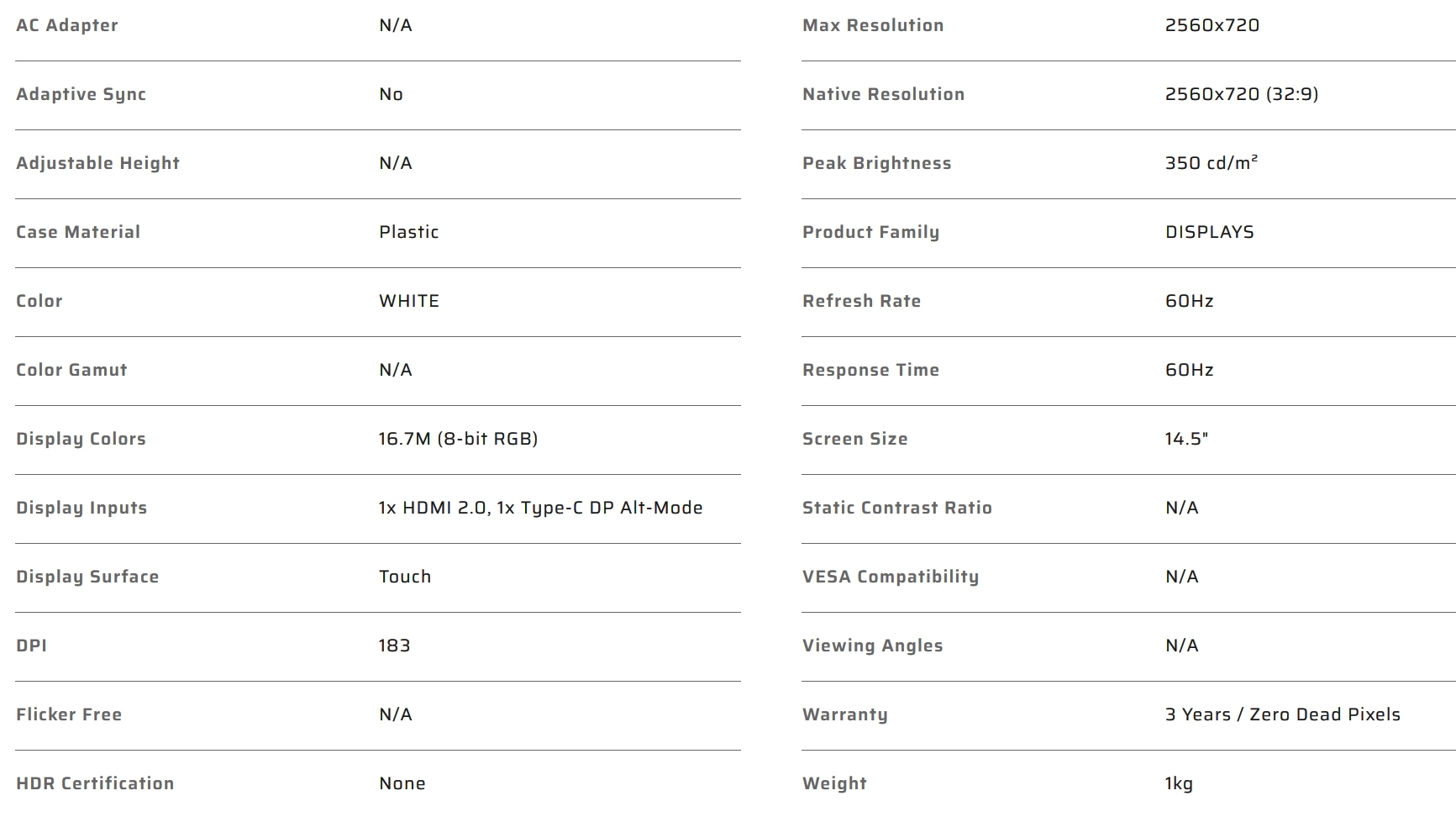
What we really need is a customisable screen that can show whatever we want, but doesn’t take up masses of valuable desk space. There’s a big gap under our monitors, perhaps something that could live there. Or maybe even in our case, just to keep us abreast of what we need to know at all times. Enter the Corsair Xeneon Edge. A 2560×720 ultrawide display with a plethora of customisation options working with the iCUE software and the Elgato marketplace.
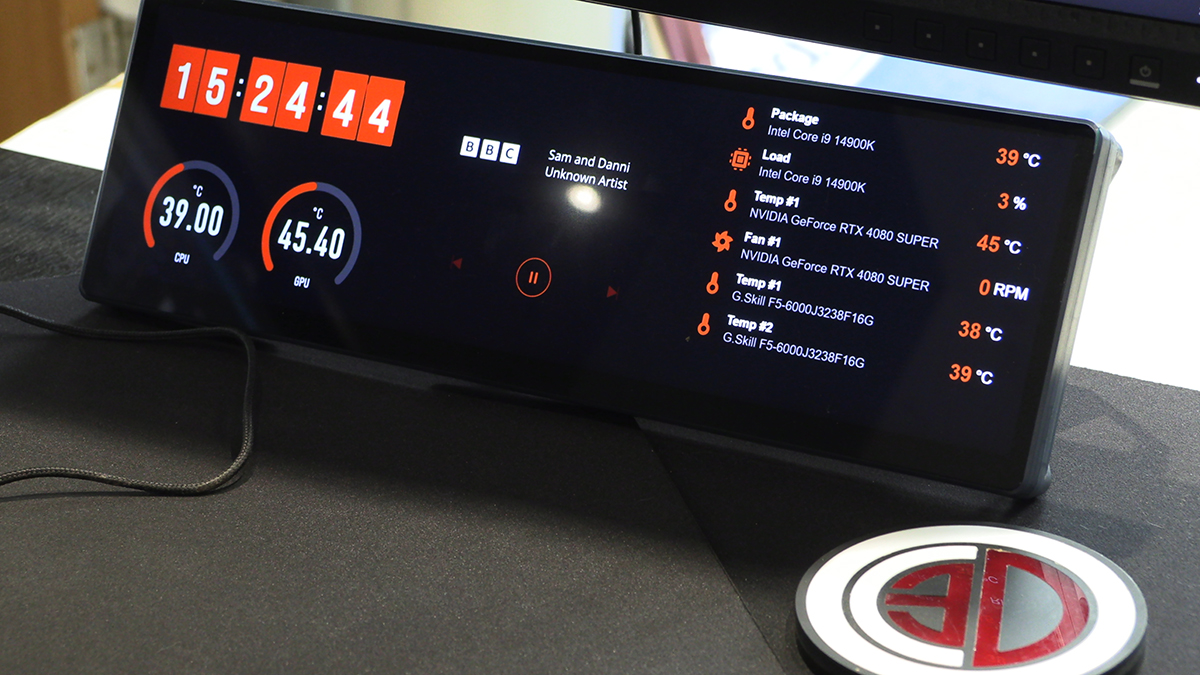
You can very much see the type of thing you’re able to do from the image at the top of this page. In fact you might already know if this is something that will interest you. So let’s take a closer look.
Technical Specifications