APNX V2 PC Case Review

Up Close with the APNX V2
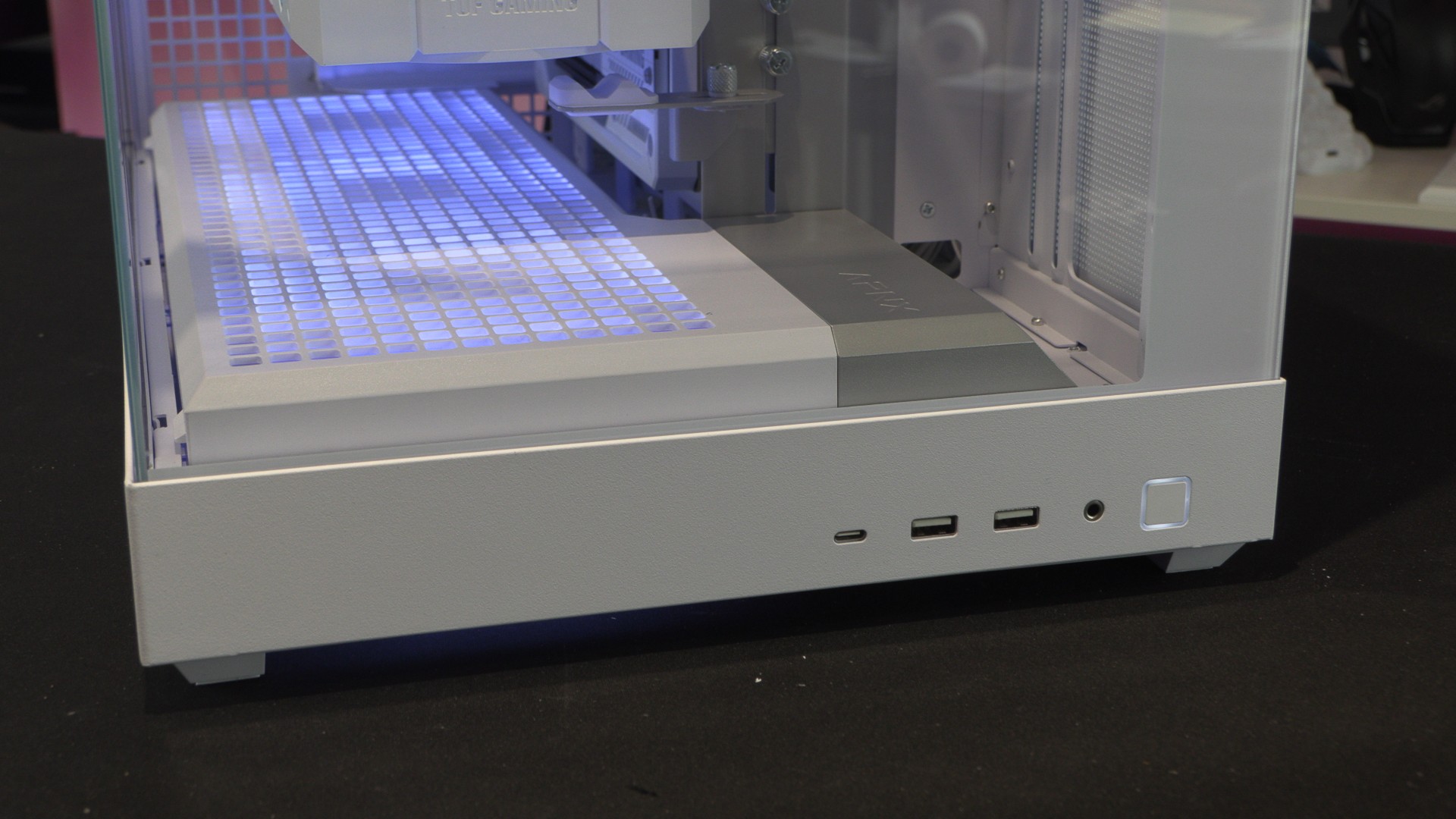
APNX V2 IO Options
At the base of the APNX V2, the case features one USB 3.2 Gen 2×2 Type-C connector, two USB 3.2 Gen 1 Type-A connectors, and a 3.5mm audio/mic port. Beside these ports is the case’s power button. Clearly, this case is intended to be sat on top of a desk, where these IO ports will be easily accessed.
To test this case, we used ASUS BTF PC hardware. We recently did another PC build with this hardware, and we simply transplanted that PC’s innards into the V2. This PC uses an ASUS TUF Gaming RTX 5070 Ti BTF GPU and an ASUS B850 BTF WIFI White motherboard.
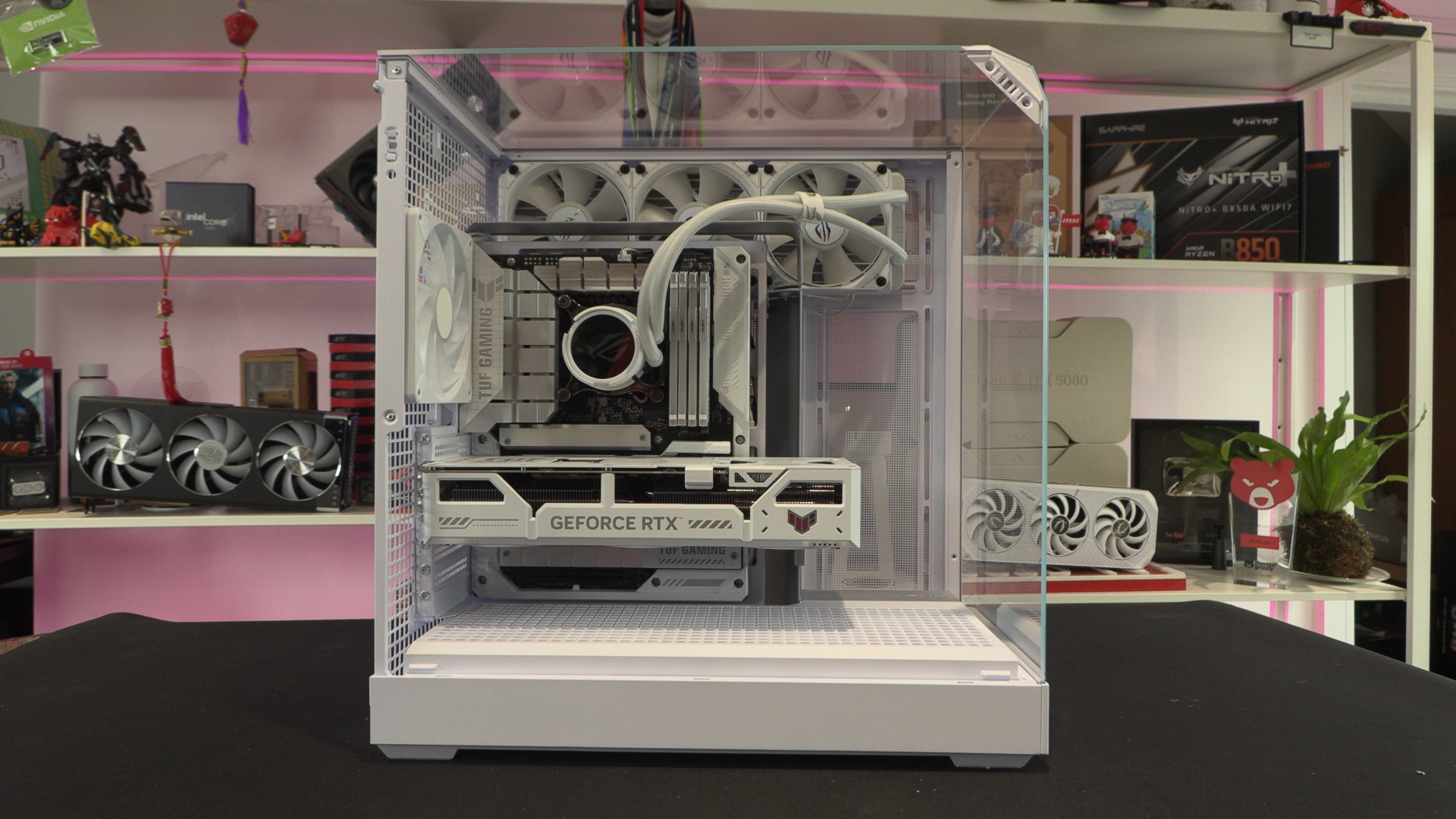
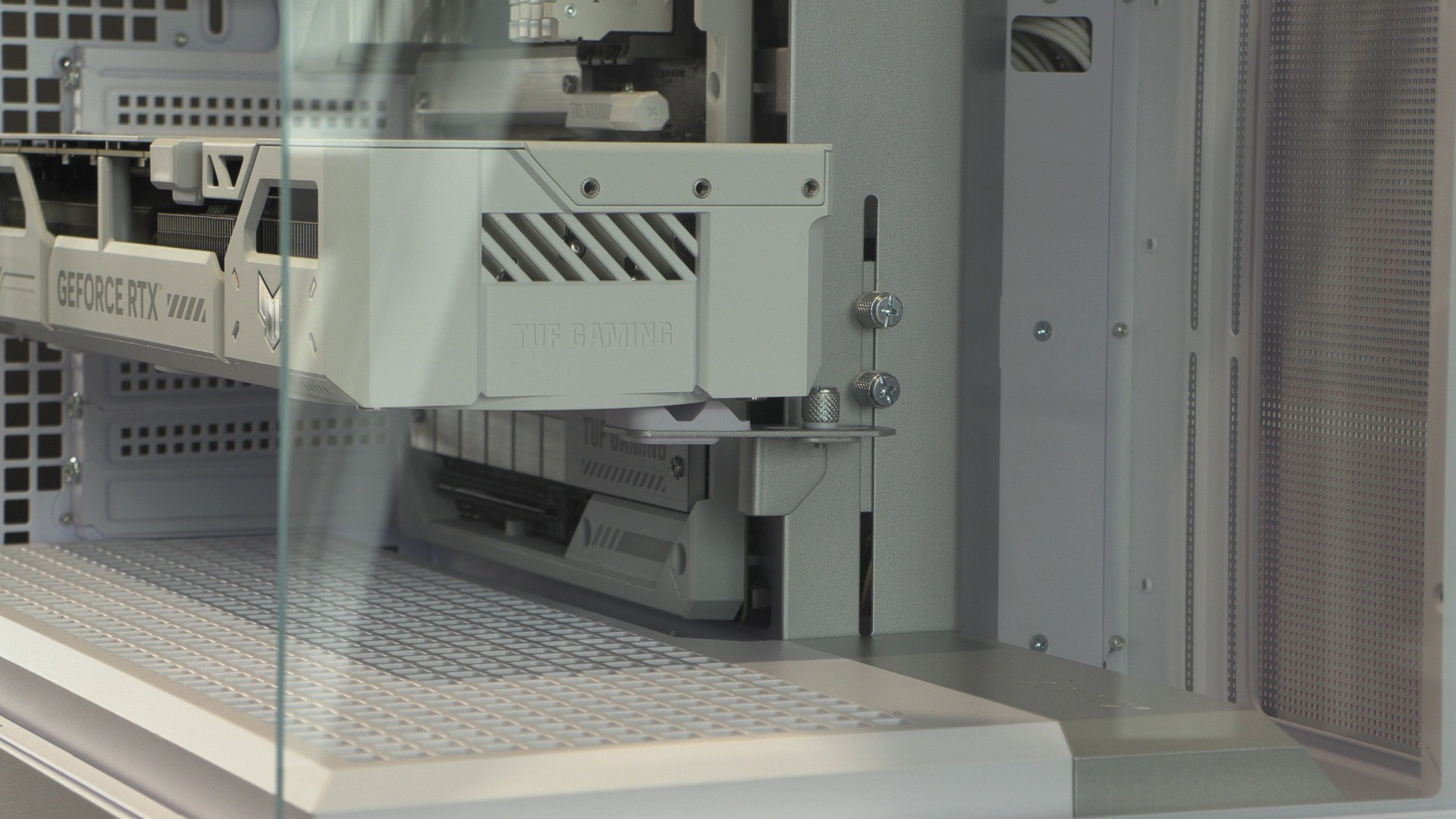
Built into this case is an adjustable GPU support. With GPUs becoming larger and heavier, it is great to see this option come with the V2 out of the box. The location of this support minimises its visibility, making it almost invisible from most angles.
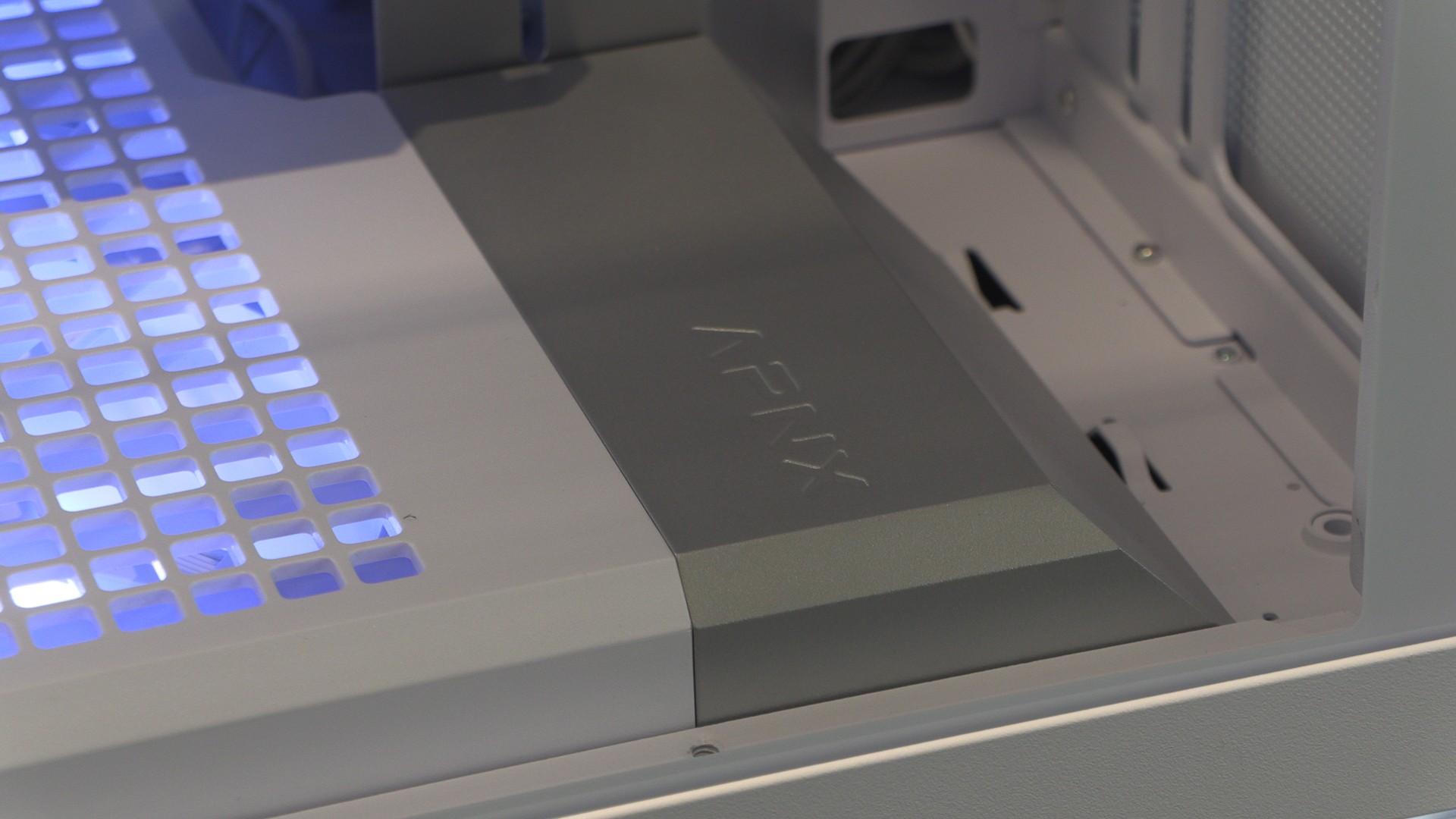
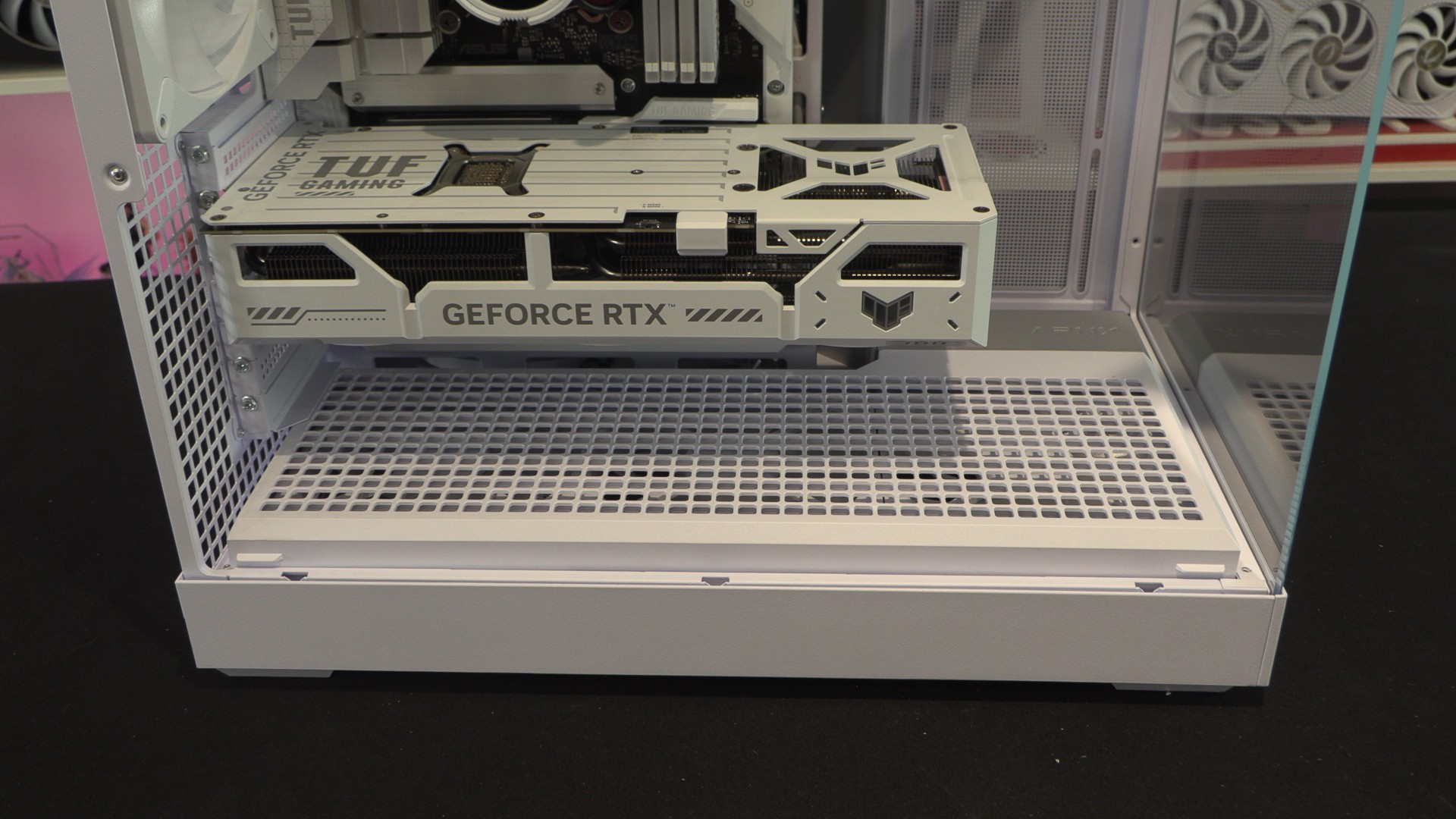
At the base of the V2 are three pre-installed 140mm FP3 fans. These fans are RGB illuminated and are installed under a plastic shroud. These fans act as intakes that push air directly at your graphics card.
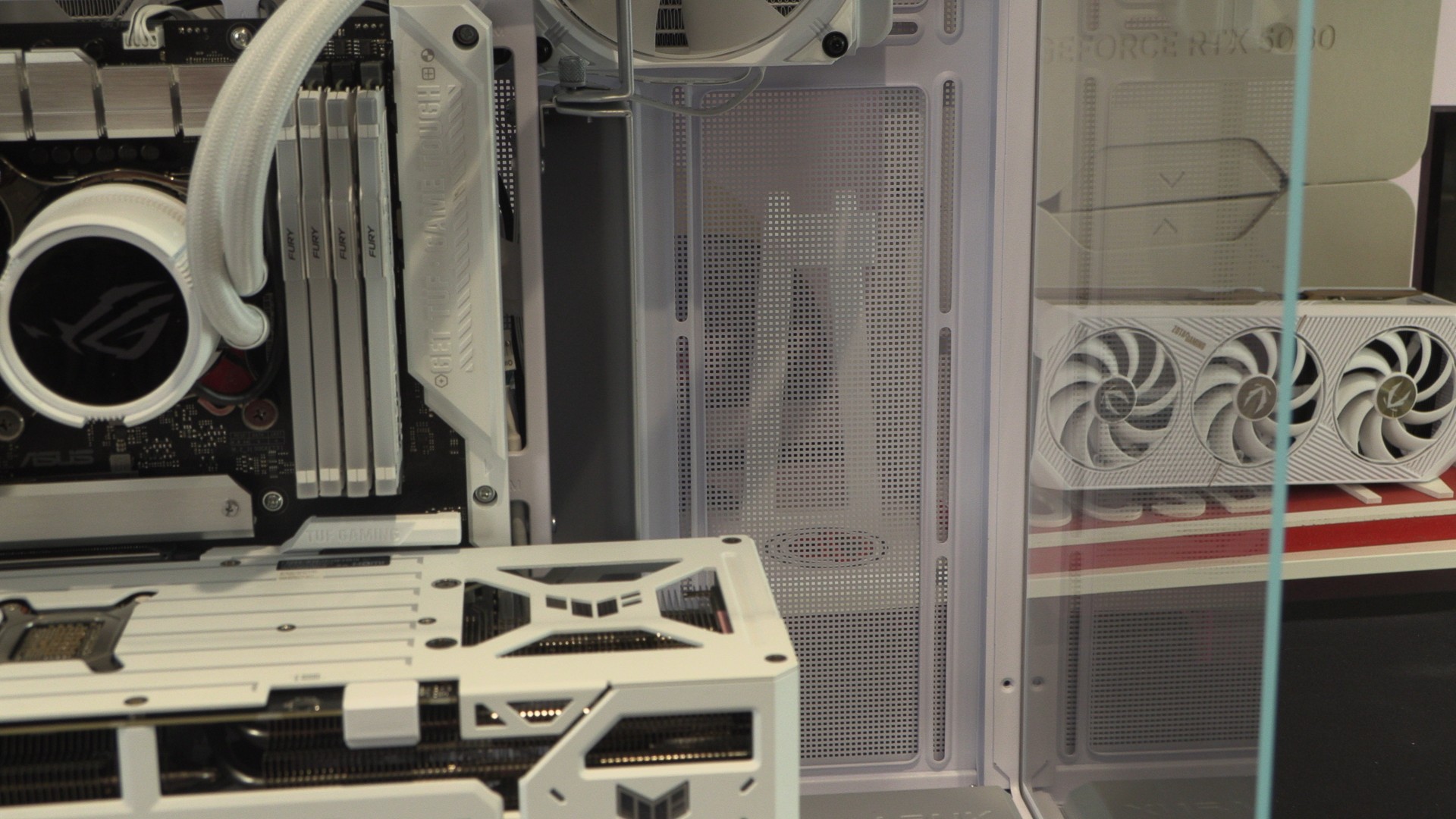
Side fan mounts
Note that we did not install fans in this area of the APNX V2. If we did install fans here, they would likely be reverse-blade style fans as intakes. The bottom fan would push more air under our graphics fan, and the top fan would bring in cool air for our CPU liquid cooling solution.
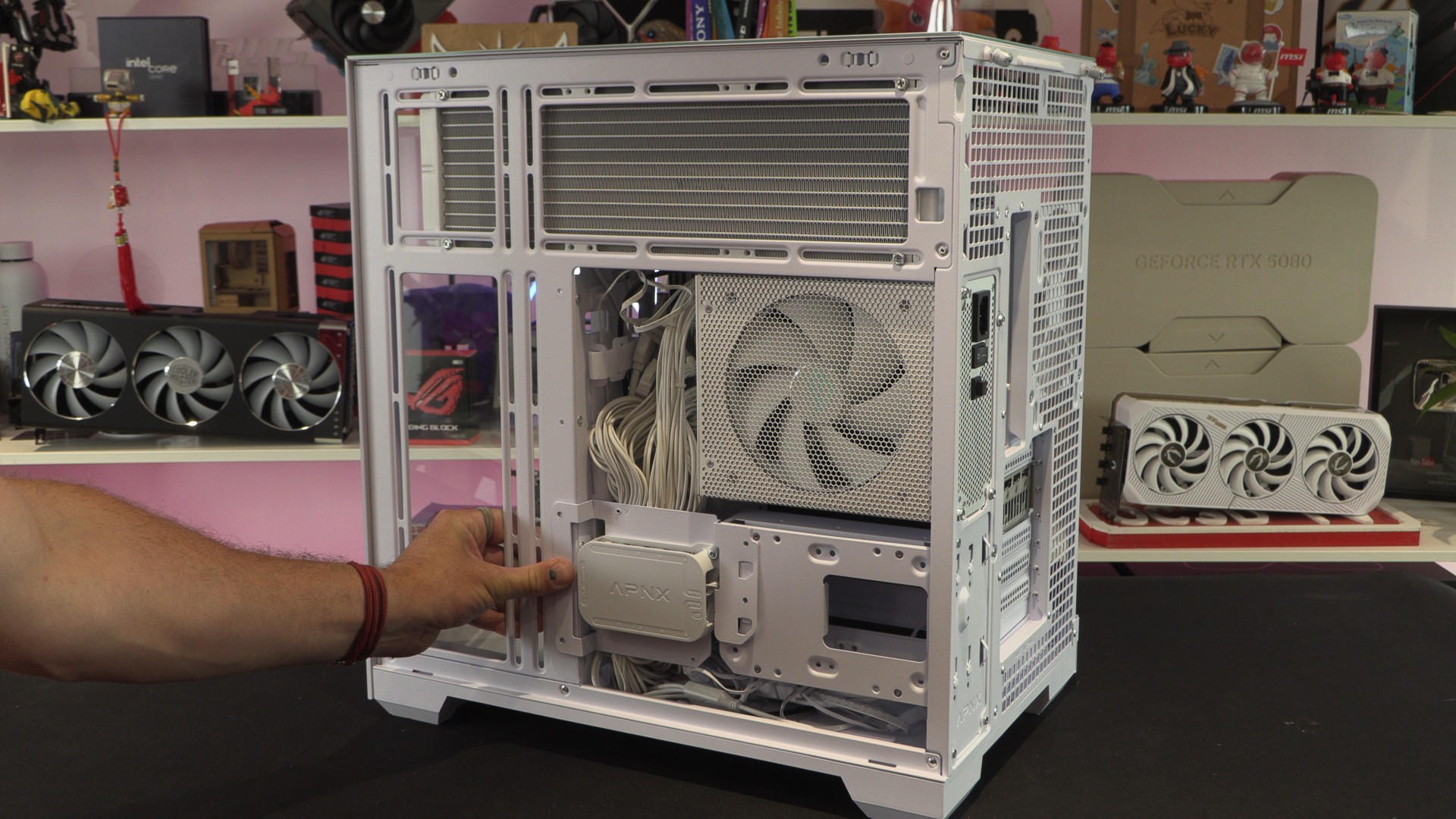
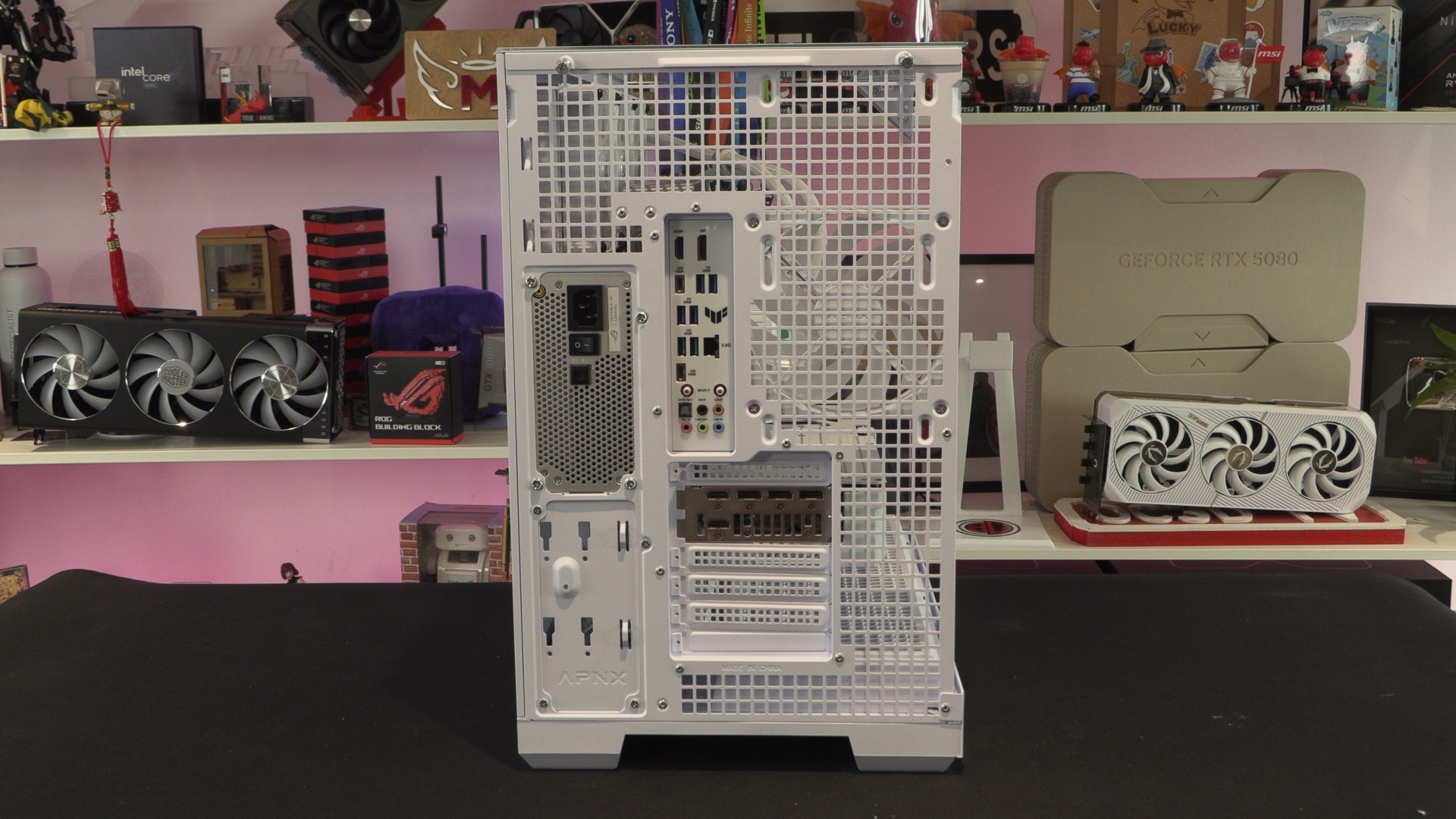
At the rear of the APNX V2, we can see that this case has seven PCIe slots and two PSU mounting locations. We can also see that most of these cases are airated to enable maximum airflow. Clearly, this case is intended to have positive air pressure inside it (with more intake fans than exhausts).
The right side panel of this case is perforated, enabling maximum airflow. This provides airflow space for this case’s varous PSU mounts and fan mounting locations.
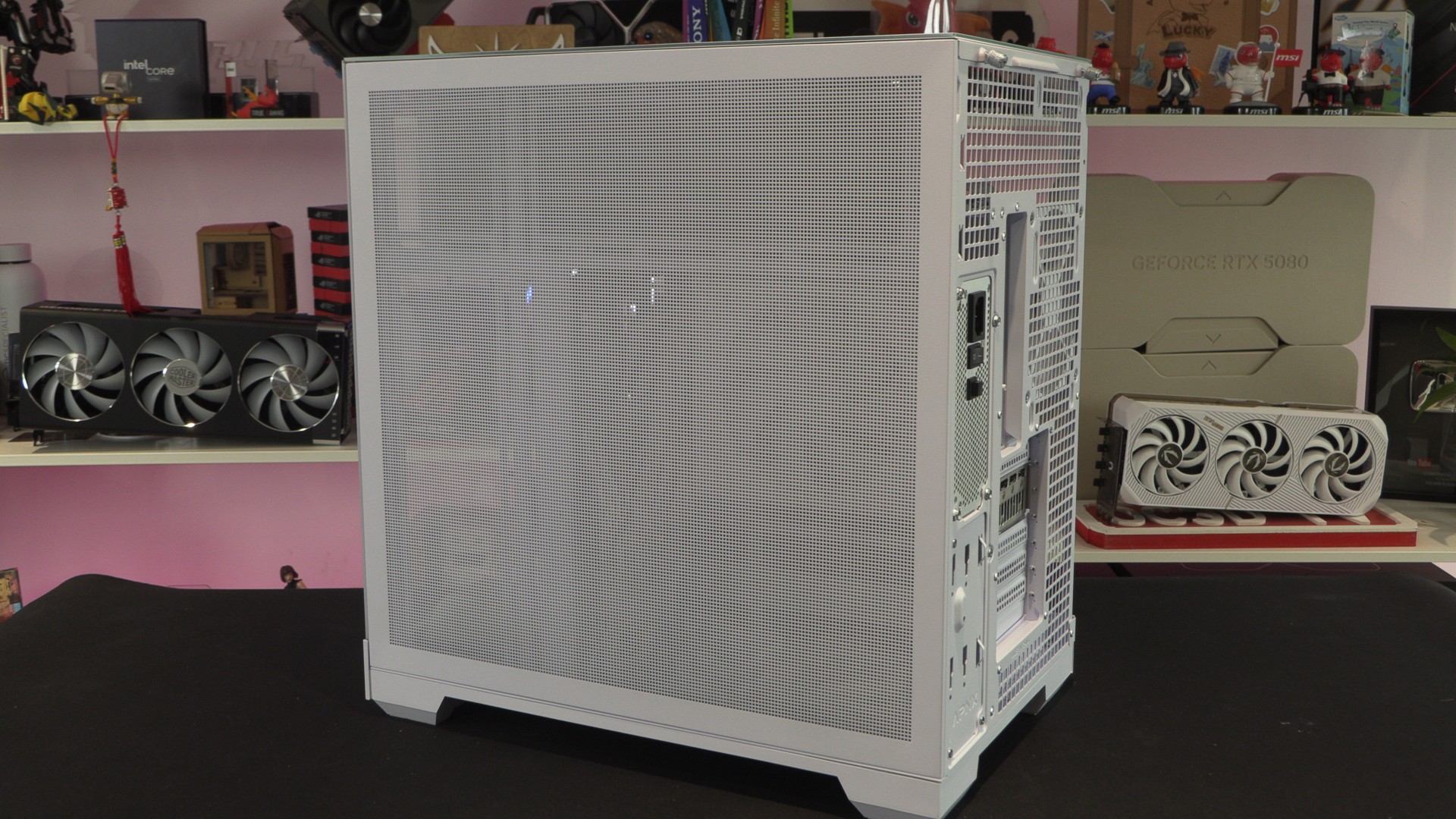
Below, you can see that we used the upper PSU mount. This is because it provides us with better access to our motherboard’s back-connect power and I/O headers.
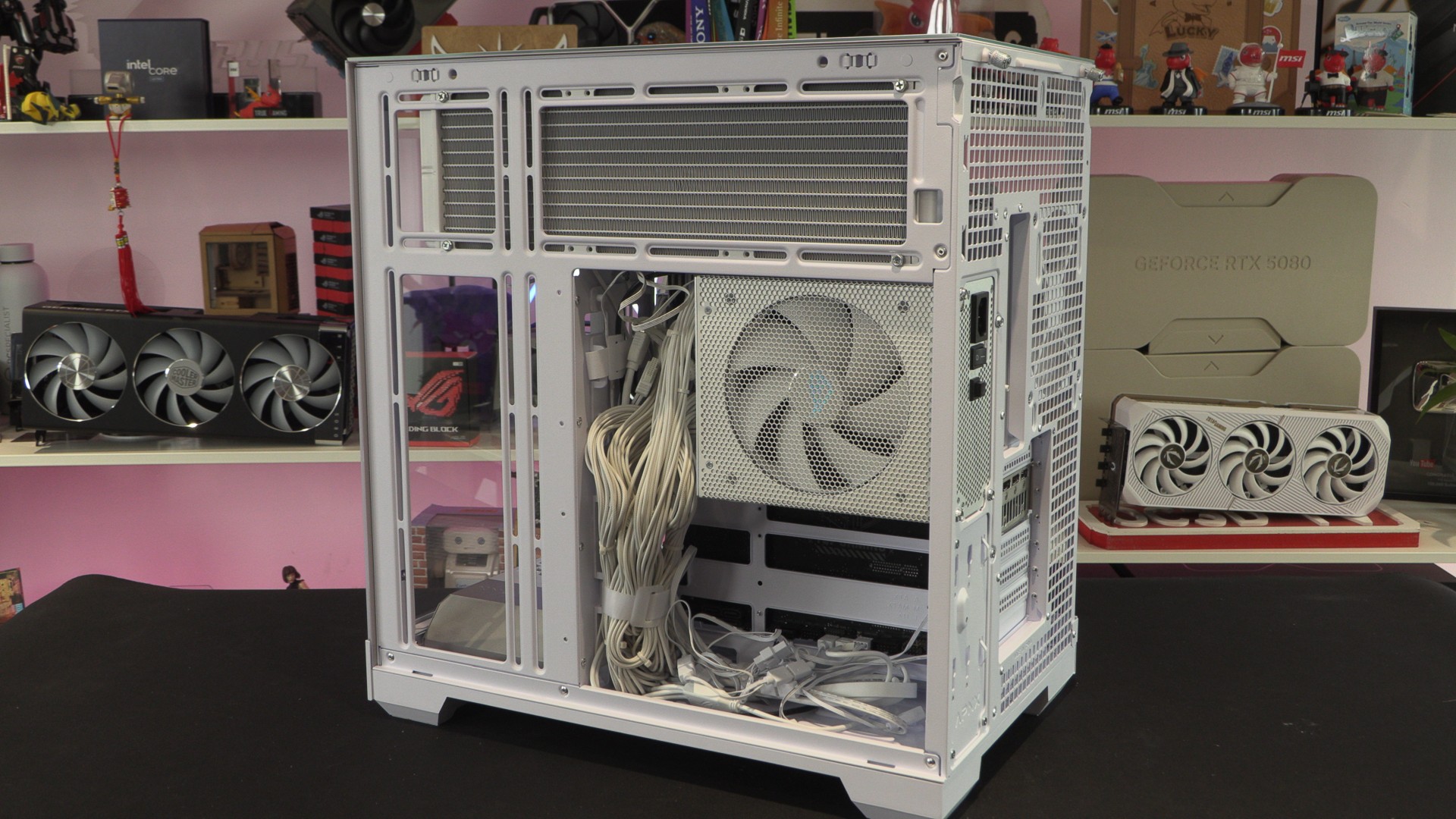
This case features an integrated fan/RGB controller box on a bracket that allows users to install either multiple 2.5-inch drives or a single 3.5-inch HDD. Users can install two 2.5-inch drives and a single 3.5-inch drive or four 2.5-inch drives.