


MSI MPG CoreLiquid P13 360 CPU Cooler Review

Conclusion
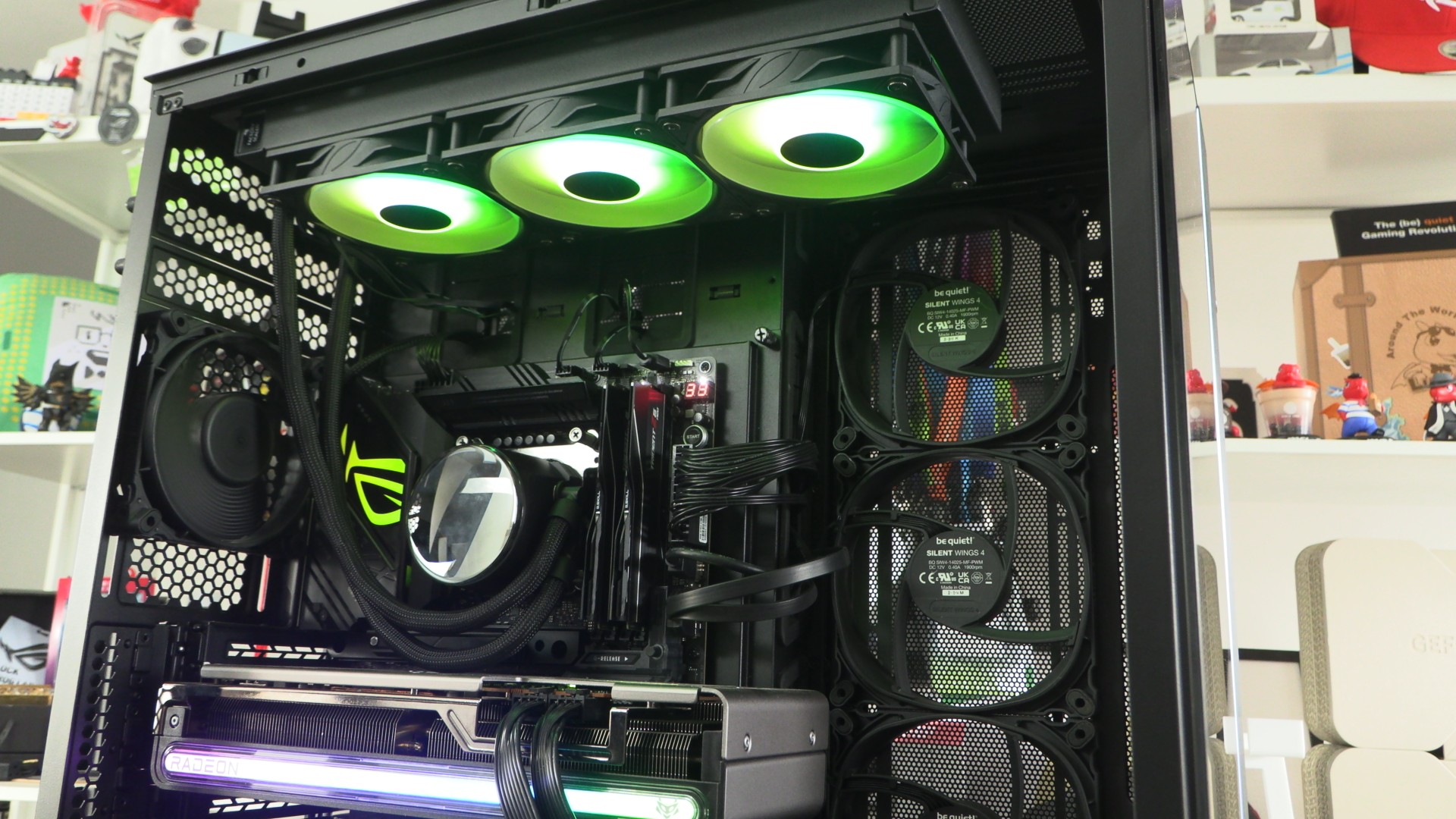
Conclusion – Disappointing
MSI has been on a roll lately. There is no shortage of good MSI products. We love MSI’s recent Maestro series PC cases; so much so that we customised one. They have also been making waves with their OLED monitor lineup and Project Zero (PZ) motherboards, as well as other products. MSI is a much bigger brand than it used to be, and we expected great things from their new CPU cooling solutions. Sadly, the MSI MPG CoreLiquid P13 360 has not impressed us.
When it comes to cooling performance, the P13 didn’t deliver high-end results. While this cooler looks the part with its LCD screen, it didn’t deliver high-end cooling performance. The P13 has a lot of flash, but it lacks substance.
At £149.99, this cooler is on the affordable side of the “CPU cooler with LCD attached” spectrum. That said, CPU coolers with extras like this should be products that are worthy of such add-ons. Cooling-wise, the P13 is mediocre, plain and simple. It feels like a product that should be at least £30 cheaper.
Strange issues
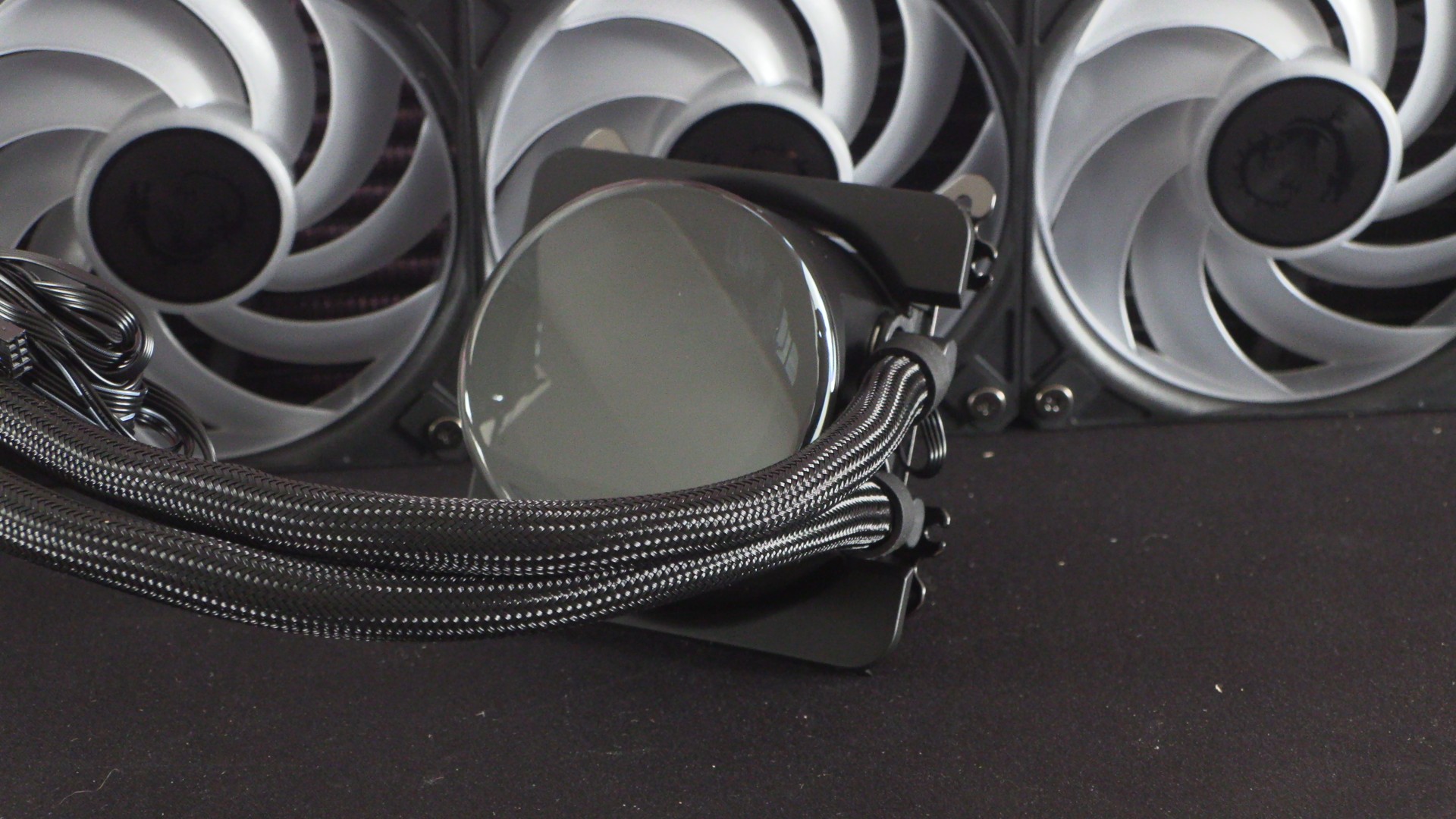
When testing this cooler, there were two issues that we uncovered. The first was that our cooler’s pre-mounted “UNI Bracket” was not located correctly. The mount slides onto the CPU’s pump/block section and mounts there with no fasteners. In our case, it wasn’t pushed in the whole way, which meant that the cooler’s mounts were incorrectly located. Now PC builders may not have spotted this problem, resulting in CPU coolers that are mounted in a misaligned way. This would lead to bad CPU thermals and potentially allow systems to overheat. MSI, if you are going to pre-install your CPU mounts, they can’t become misaligned like this. It is too easy for users to install this cooler as is and have poor thermals as a result. If this bracket wasn’t pre-installed, users would simply slide the bracket fully in. As is, users will assume the bracket is installed correctly. For us, that was not the case.
Next, we found that this CPU cooler’s LCD doesn’t display anything unless MSI’s “MSI Center” software is installed. This will lead many users to think that their CPU cooler is faulty. No documentation with this cooler tells us this. MSI has informed us that a system pop-up should prompt users to install MSI’s software upon booting their PC. We didn’t see this pop-up. This cooler should have a default image to display, confirming the LCD’s functionality before MSI’s software is installed.
MSI, fix your MPG branding
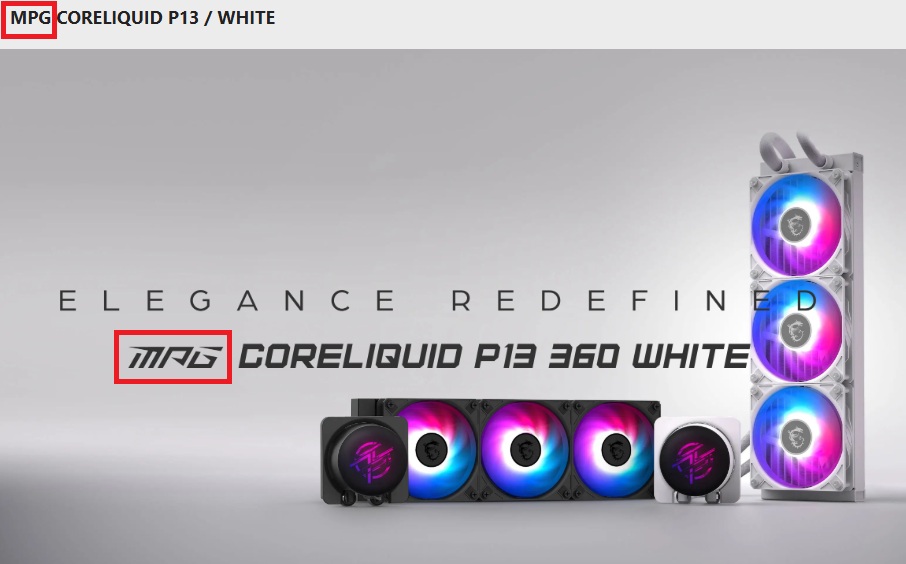
Since we know that MSI will be looking at this review for feedback, I’ll mention a bugbear that I have with MSI’s MPG branding. When MSI uses its stylised font, MPG looks a lot like MAG. That’s a problem when MSI has both MPG and MAG product lines. MSI, please do everyone a favour and change your font. There’s no need for this confusion.
This product should have been better
MSI’s MPG CoreLiquid P13 360 is a CPU cooler that looks a lot better than it is. It’s included LCD screen pushes forward premium vibes, but its cooling performance does not match those expectations. While it is more affordable than many other LCD-clad liquid coolers, this product is something that we simply can’t recommend at its current pricing. If you need to cool a high-end CPU, there are better options, and more affordable options out there.
I came into this review wanting to like the CoreLiquid P13. I like the idea behind its UNI bracket and how it routes its cables away from its pump/block. That said, I’m walking away from this review with a feeling of disappointment. This cooler didn’t perform well during our tests. Furthermore, mounting bracket misalignment and a lack of documentation gave us a poor user experience. We know that MSI can do better than this. This product shouldn’t have been released like this.
You can join the discussion on MSI’s MPG CoreLiquid P13 360 liquid cooler on the OC3D Forums.

