NZXT H9 Flow RGB+ PC Case Review

Up Close with the H9 Flow
Up Close with NZXT’s H9 FLOW RGB+
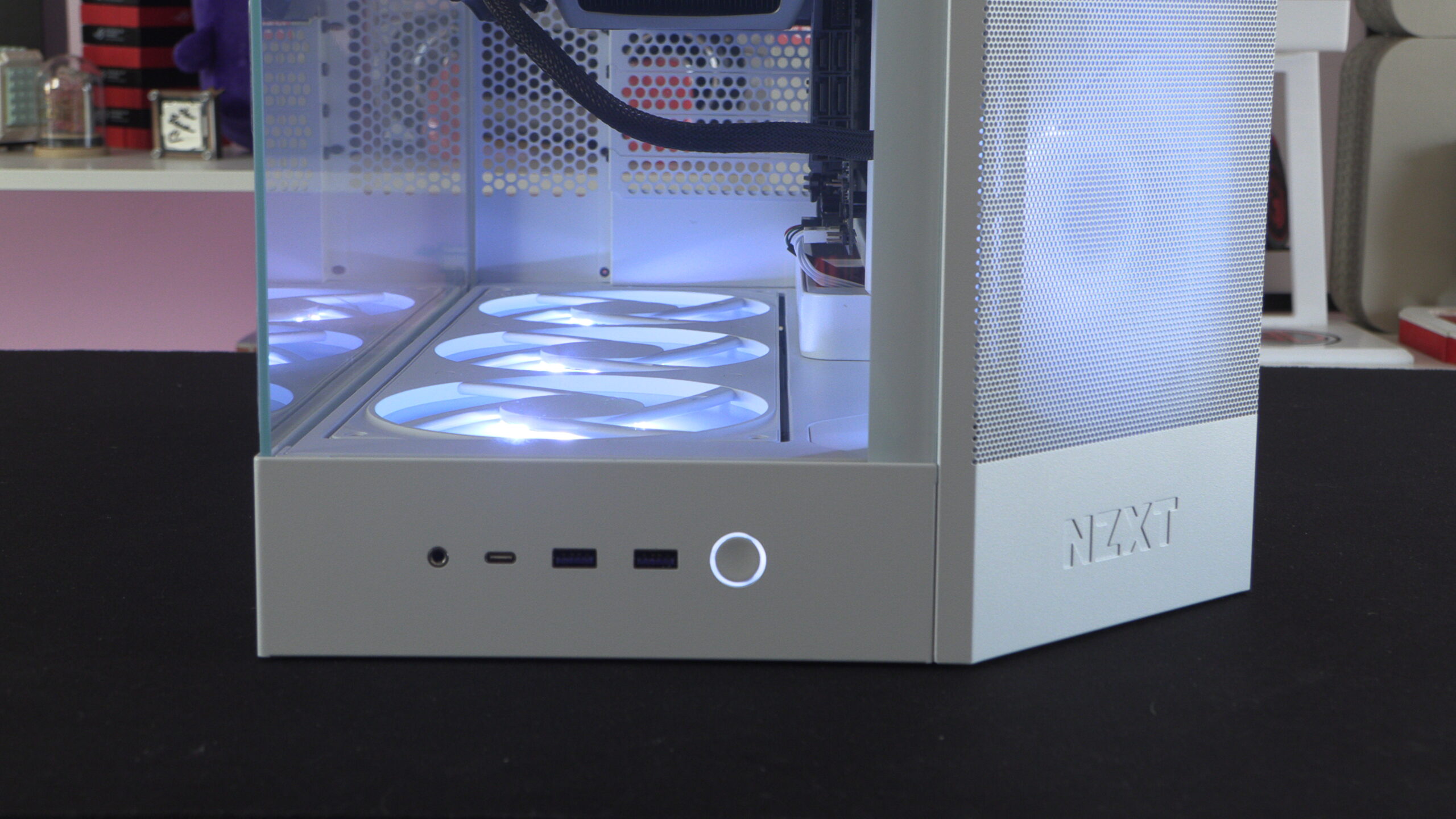
Starting at the front of the case, we have I/O options that include two USB 3.2 Type-A ports and a single USB 3.2 Gen 2×2 Type-C port. We also have a standard headphone/microphone jack and a power button. With these I/O options being at the base of the H9 Flow, it is clear that NZXT intends this case to sit on top of a user’s desk. If this case is placed under a desk, these I/O options would be hard to access.
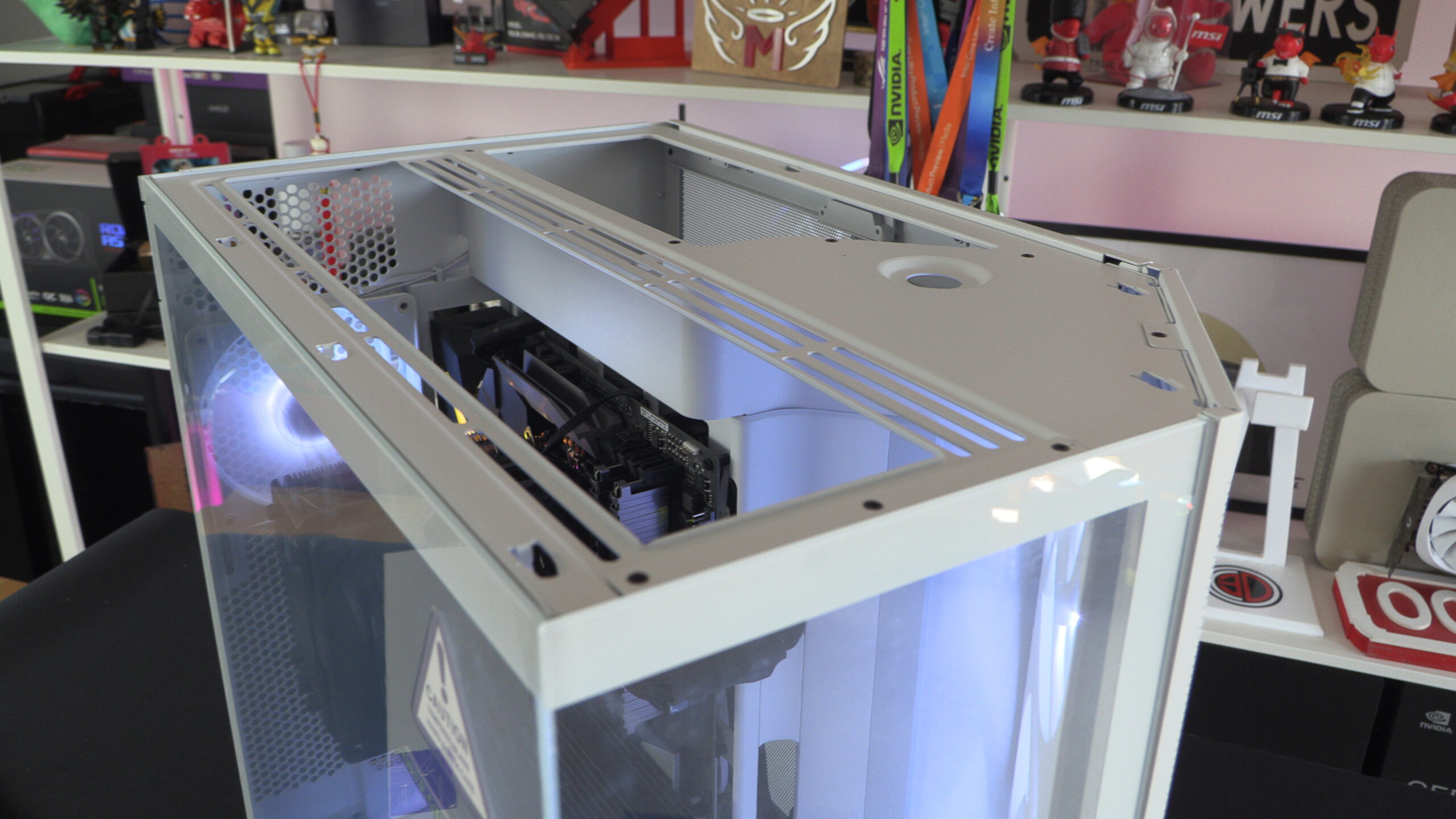
At the top of the H9 Flow we have space for up to three 140mm fans. This space is ideal for 420mm liquid cooling solutions. This space has no included fans, as NZXT intends for users of this case to install an all-in-one CPU liquid cooling solution here.
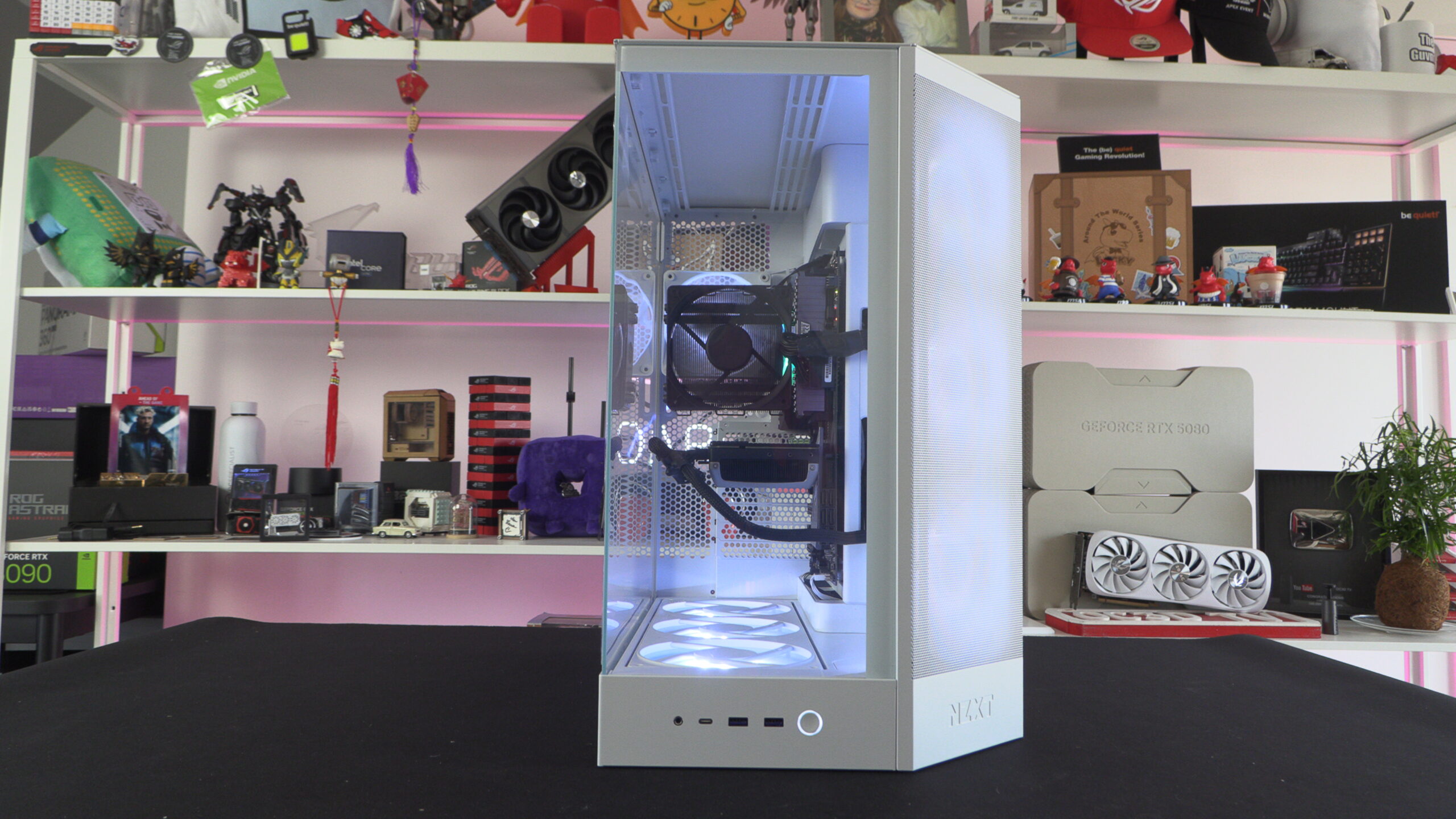
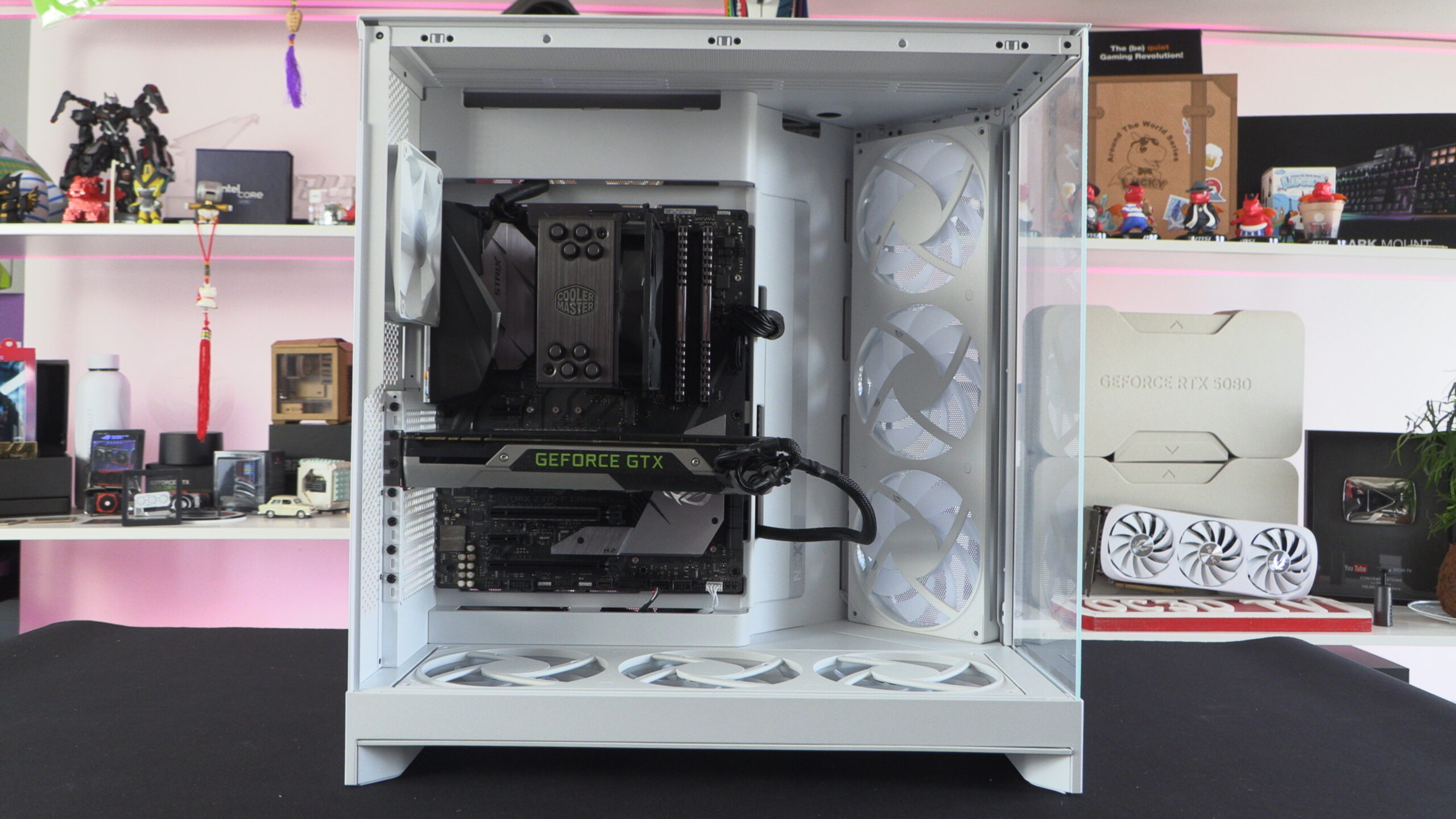
Below, we can clearly see the benefits of NZXT’s H9 Flow’s airflow design. It allows NZXT to give users a panoramic look inside of their H9 Flow chassis while also giving users access to front and bottom airflow streams.
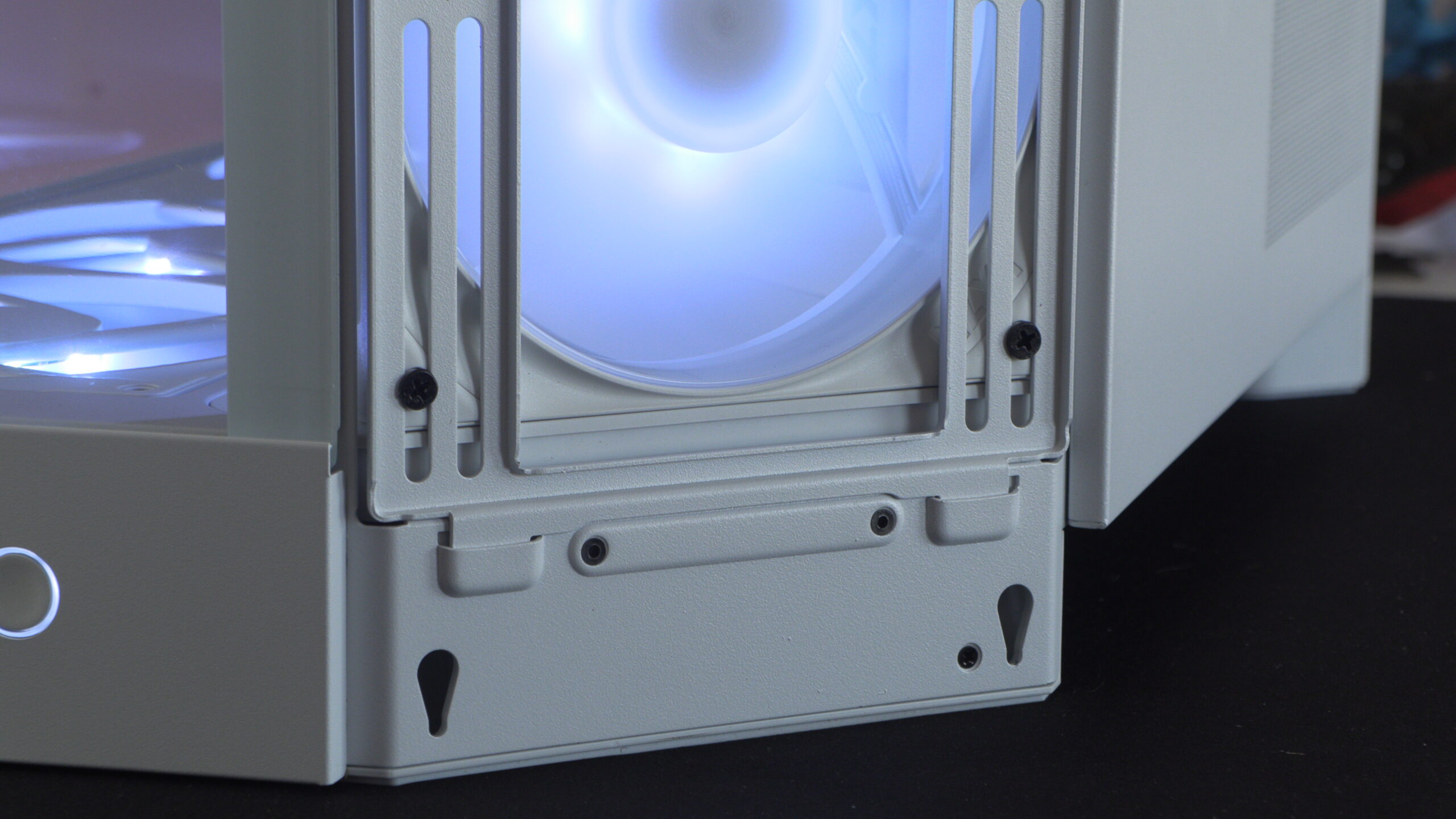
Removable front/side radiator mount
The radiator plate on NZXT’s H9 Flo case is removable, allowing users to easily replace or remove the case’s included fans. This can also make these fans easier to access for cleaning.
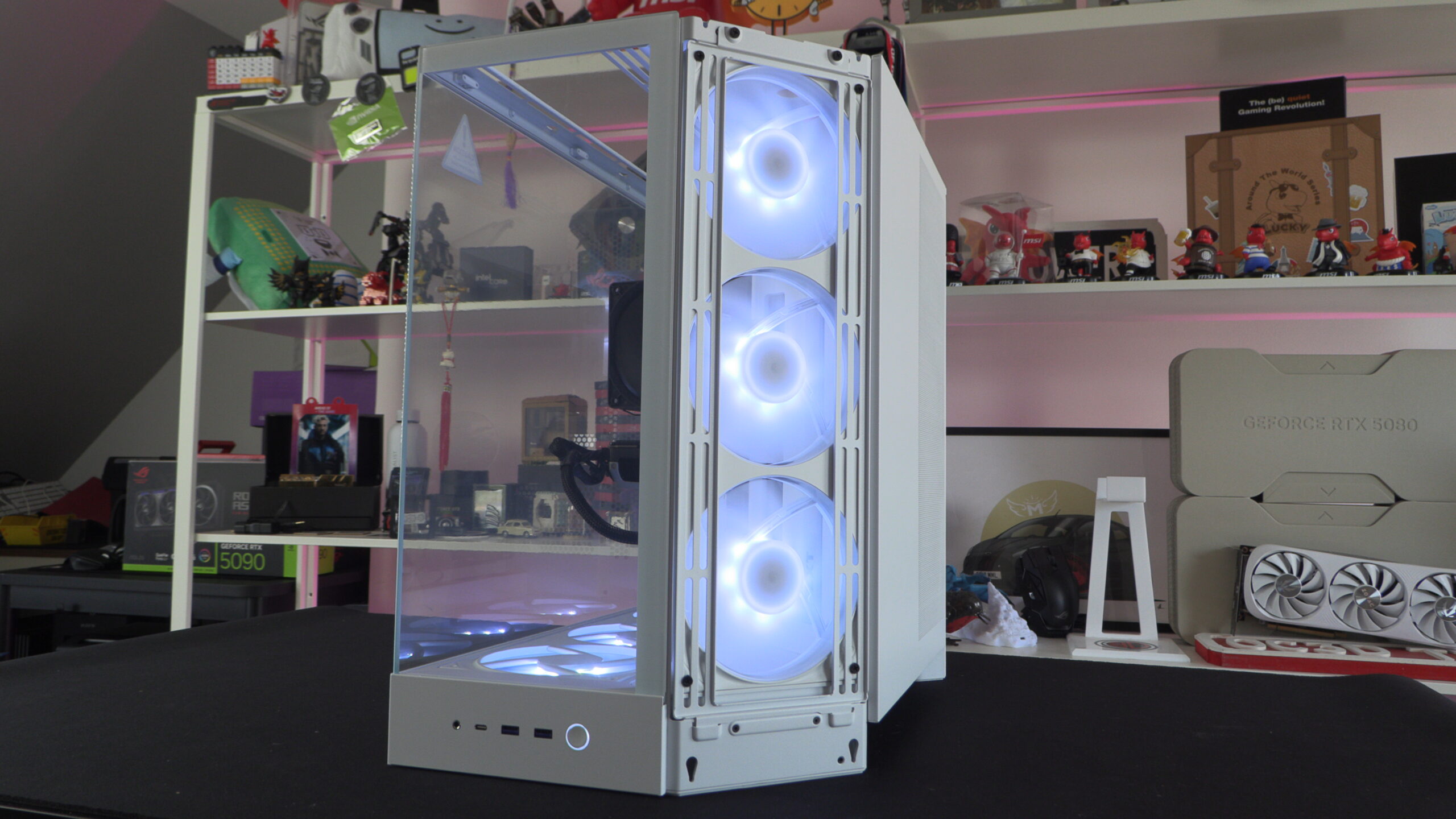
With three 140mm fans at the front of this case, the H9 has access to a lot of internal airflow. Perfect given how hot-running modern graphics cards can be.
What’s behind the motherboard tray?
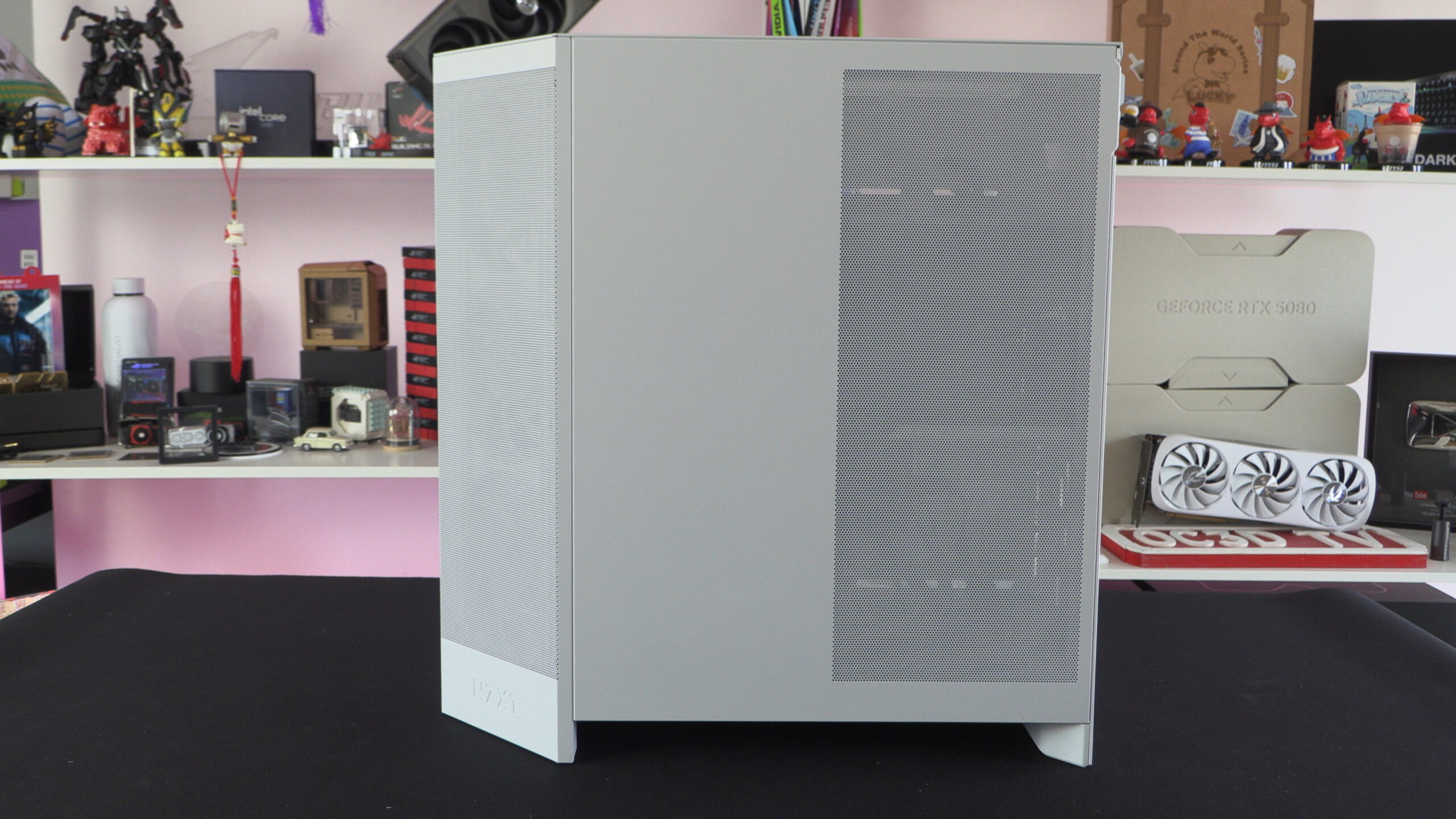
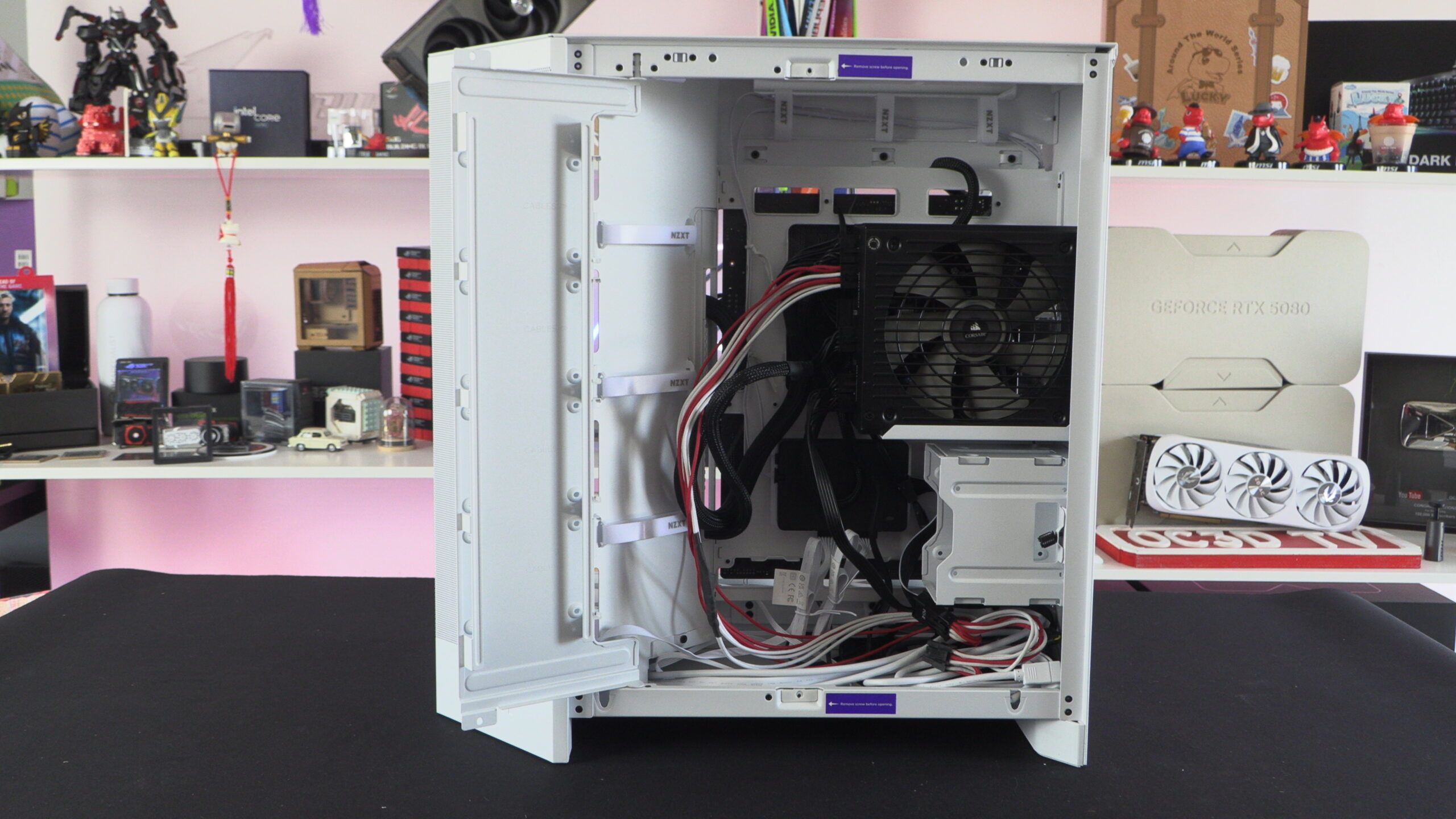
The right side panel of the H9 Flow is perforated to give users airflow behind this case’s motherboard tray. This is where your power supply will be mounted, and where all 2.5-inch or 3.5-inch drives can be installed.
Behind this case’s motherboard tray is ample room for cable management. Note that this case also has the required holes to support back-connect motherboards. This includes MSI Project Zero (PZ) motherboards and ASUS BTF motherboards.
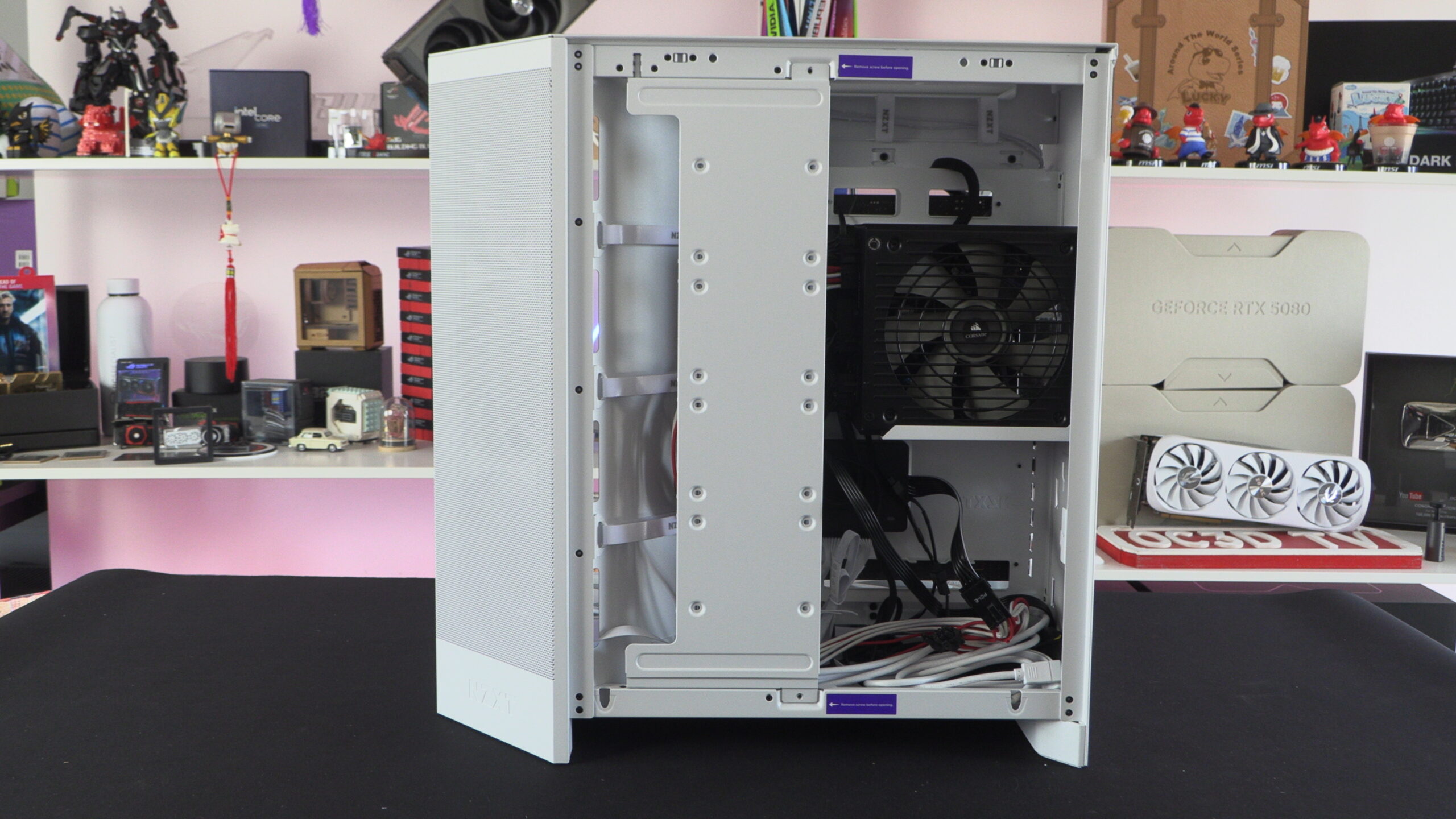
Below we can see this case’s hinged SSD door, which can be used to install up to four SATA SSDs.
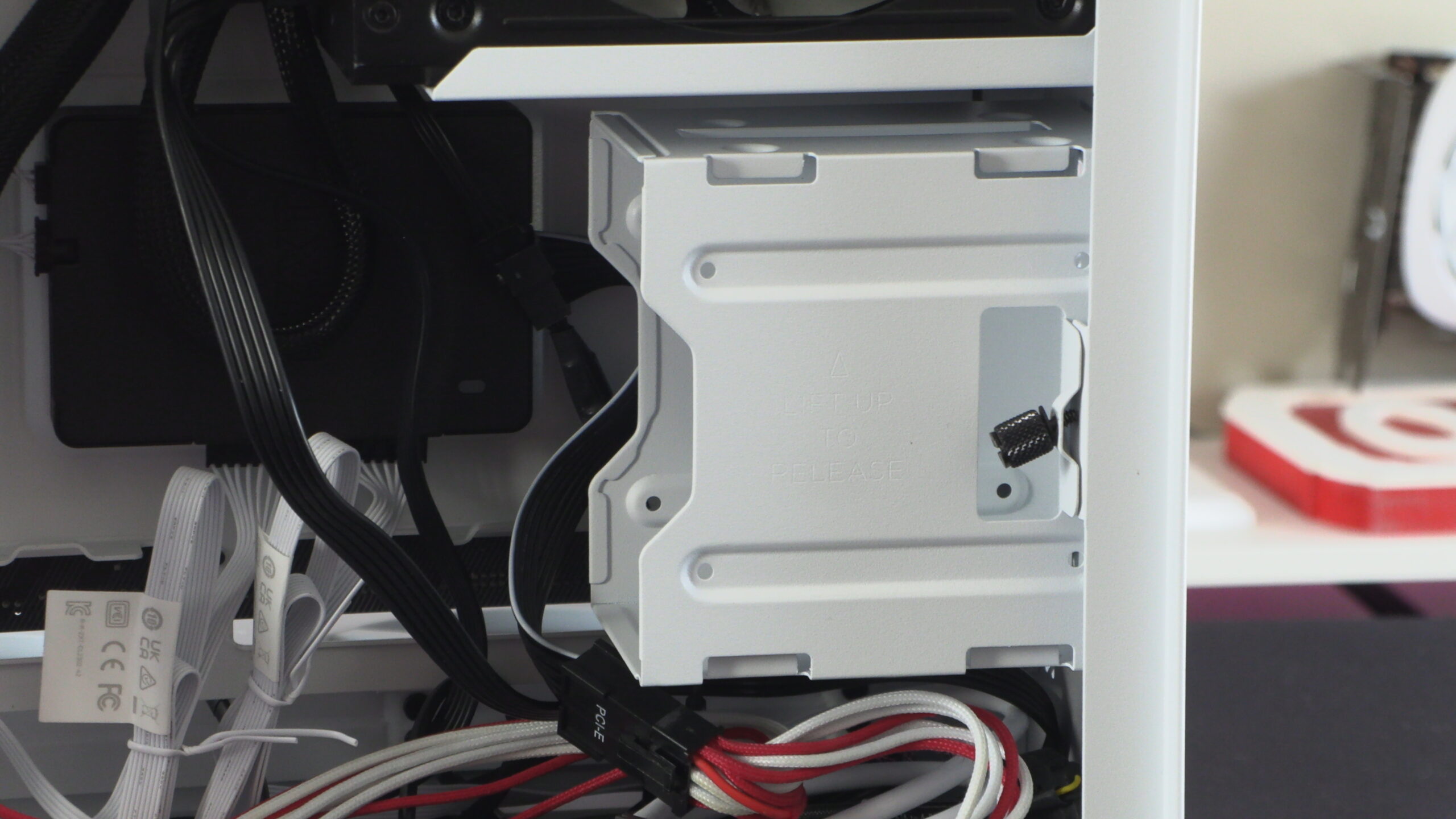
Note that this case also supports up to two 3.5-inch drives. This area can also support two 2.5-inch drives.
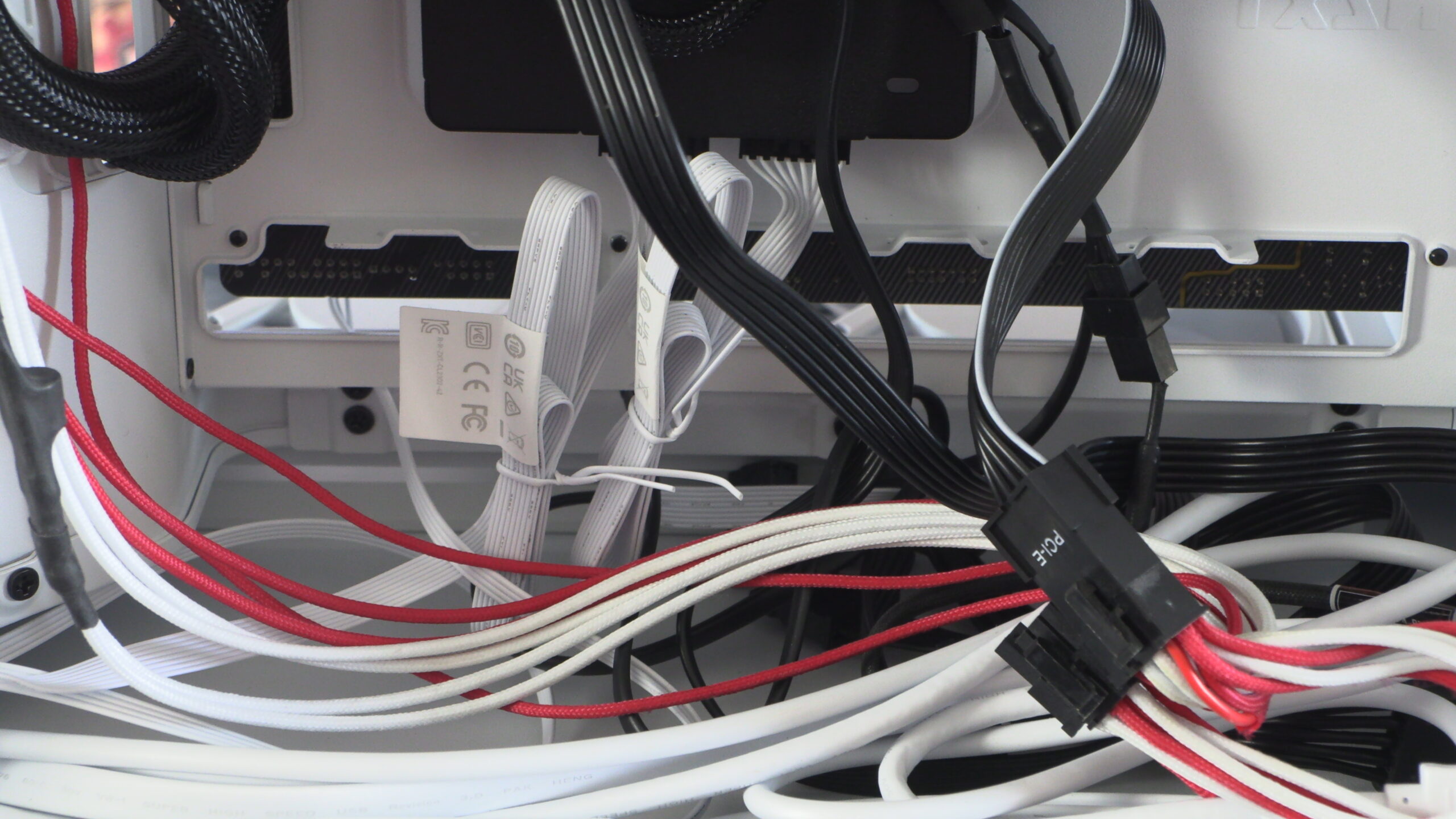
NZXT H9 Flow Cable Management
With so much space behind this case’s motherboard tray and plenty of cable ties, the H9 Flow makes cable management an easy process. If your cables look untidy on the other side of this PC case, you are the problem. This is more than enough space to hide any cable management sins.
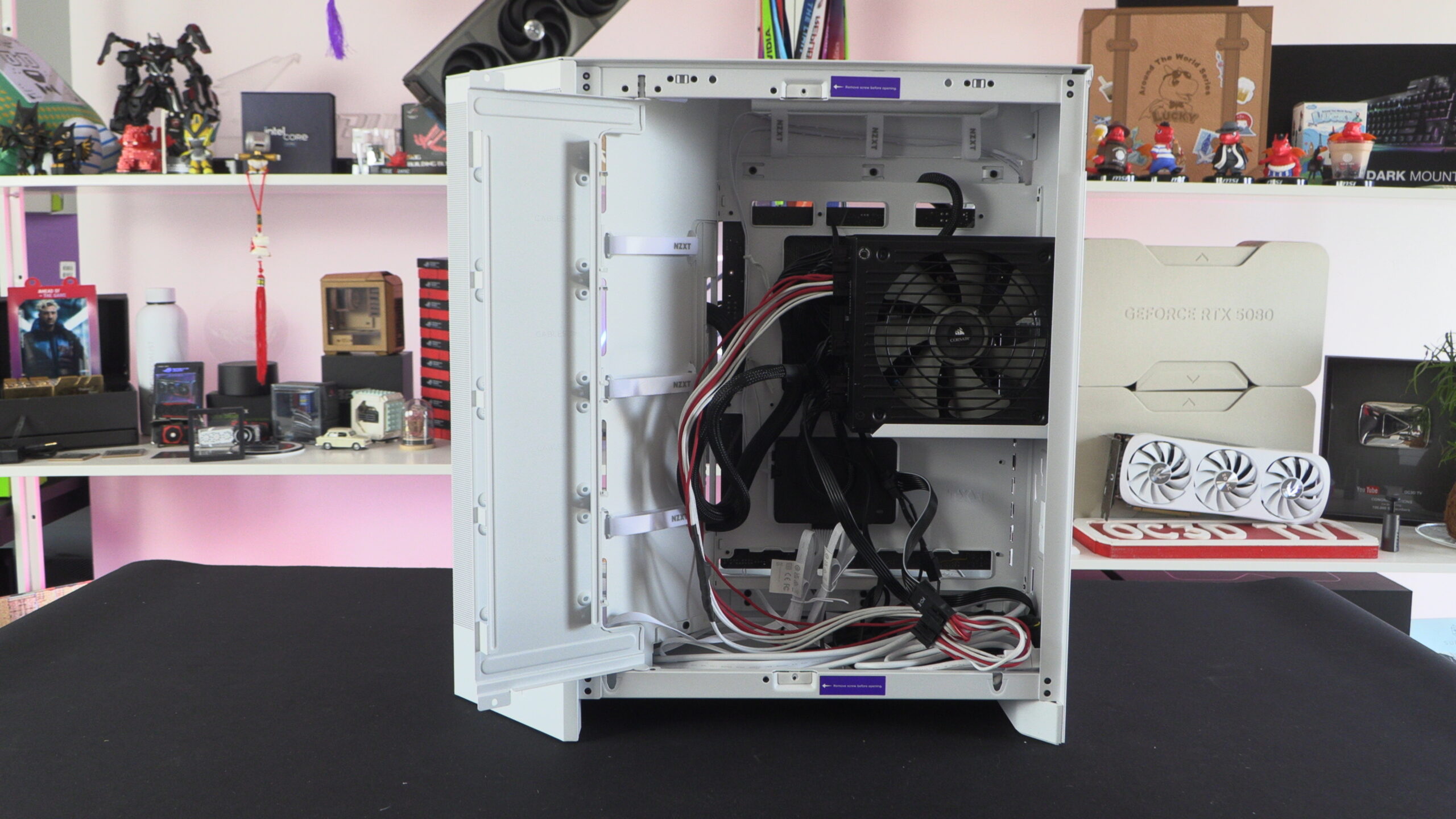
As said above, there is a lot of space for cable management sins.
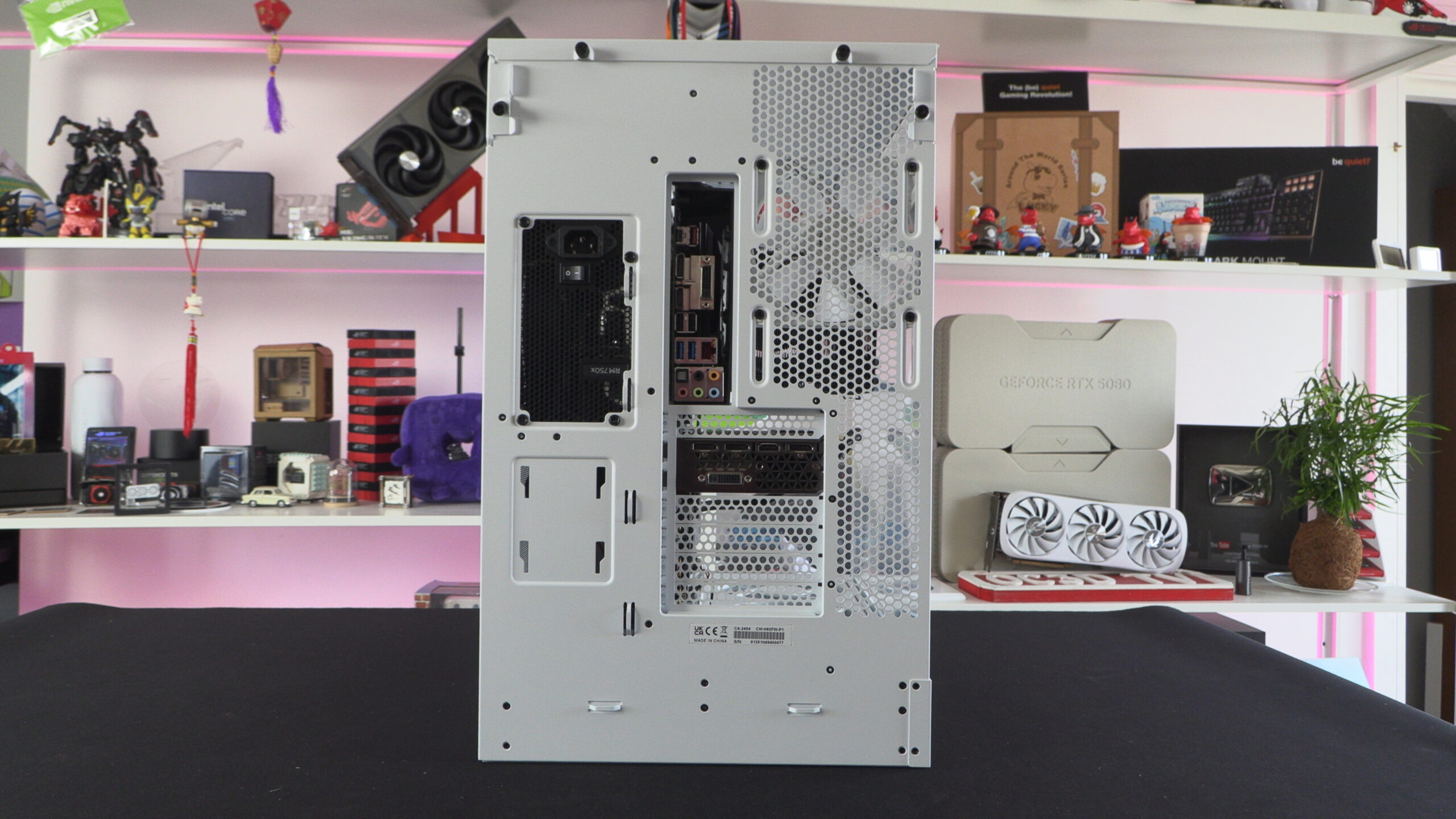
Rear and Bottom
The H9 is a dual-chambered case, and this makes it wider than most standard PC cases. The rear of this case has plenty of tie down points for cable ties, allowing users to cleanly route the cables at the hear of their PCs. After all, cable management doesn’t begin and end inside your PC case.
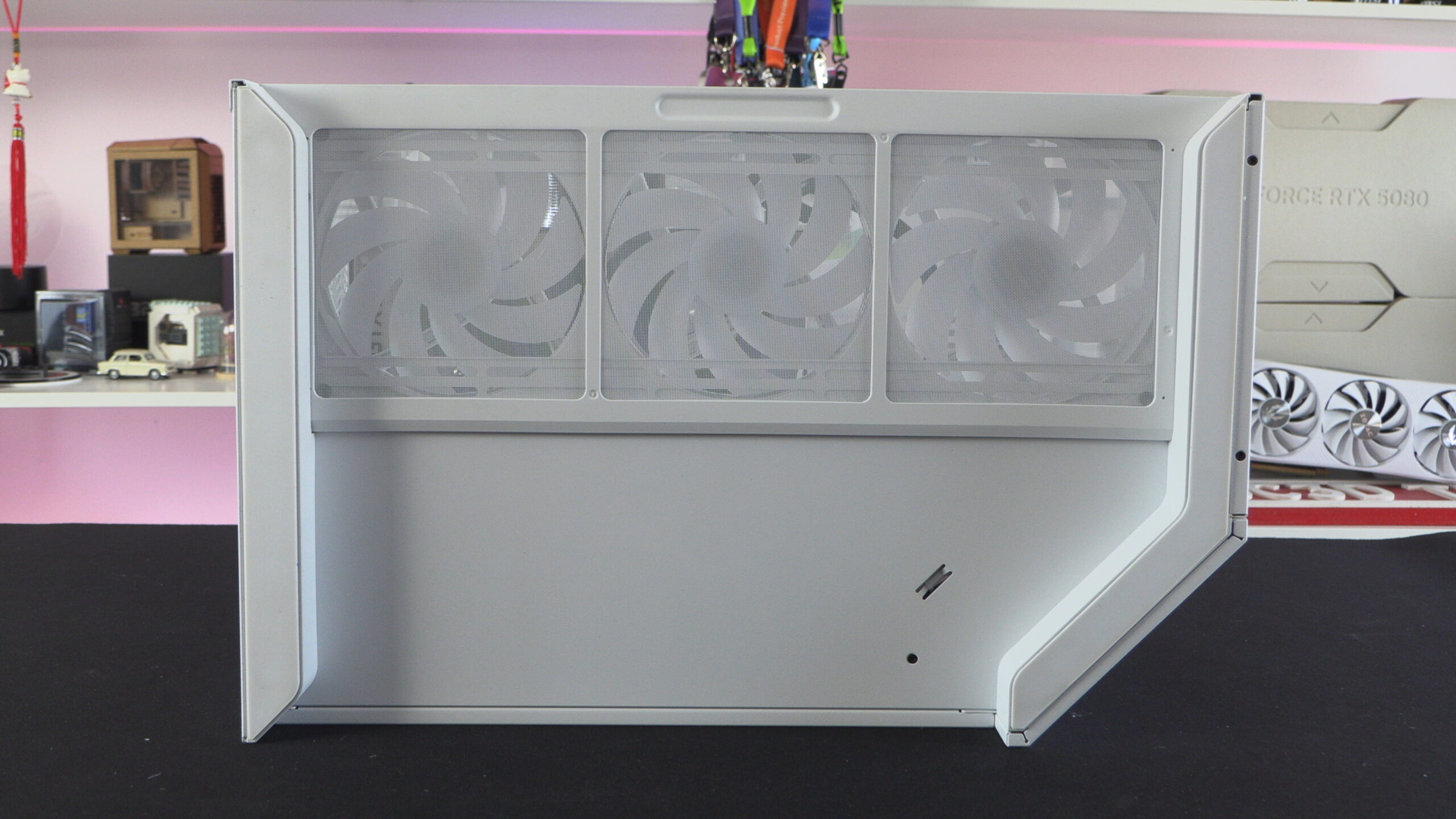
At the base of the H9 Flow we have the intake for the case’s three bottom-mounted 140mm fans. This intake is covered by a full-length dust filter.
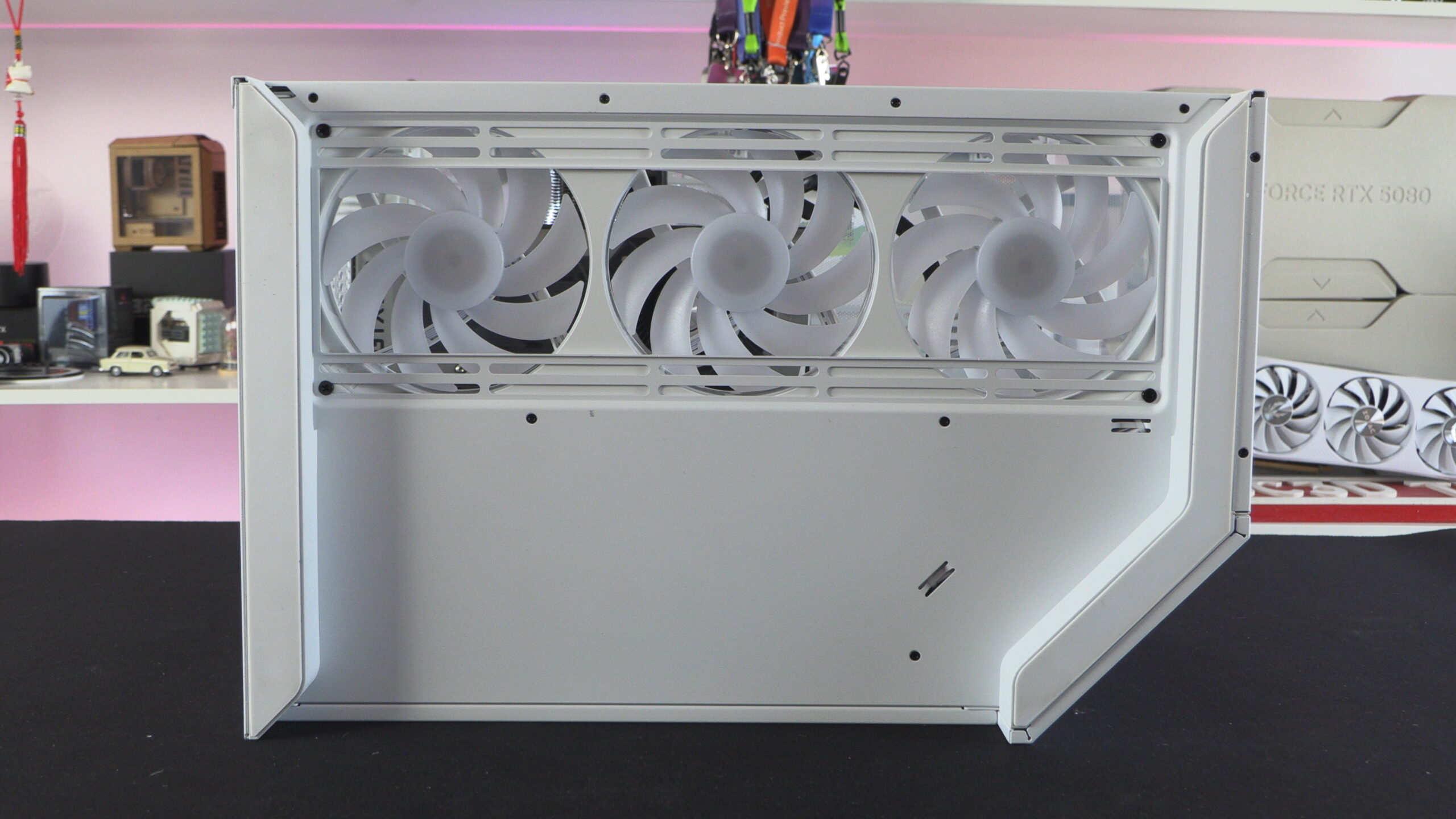
Remove this dust filter, and you can see that NZXT has given this case mounts for both 140mm and 120mm fans.
Inside the NZXT H9 Flow
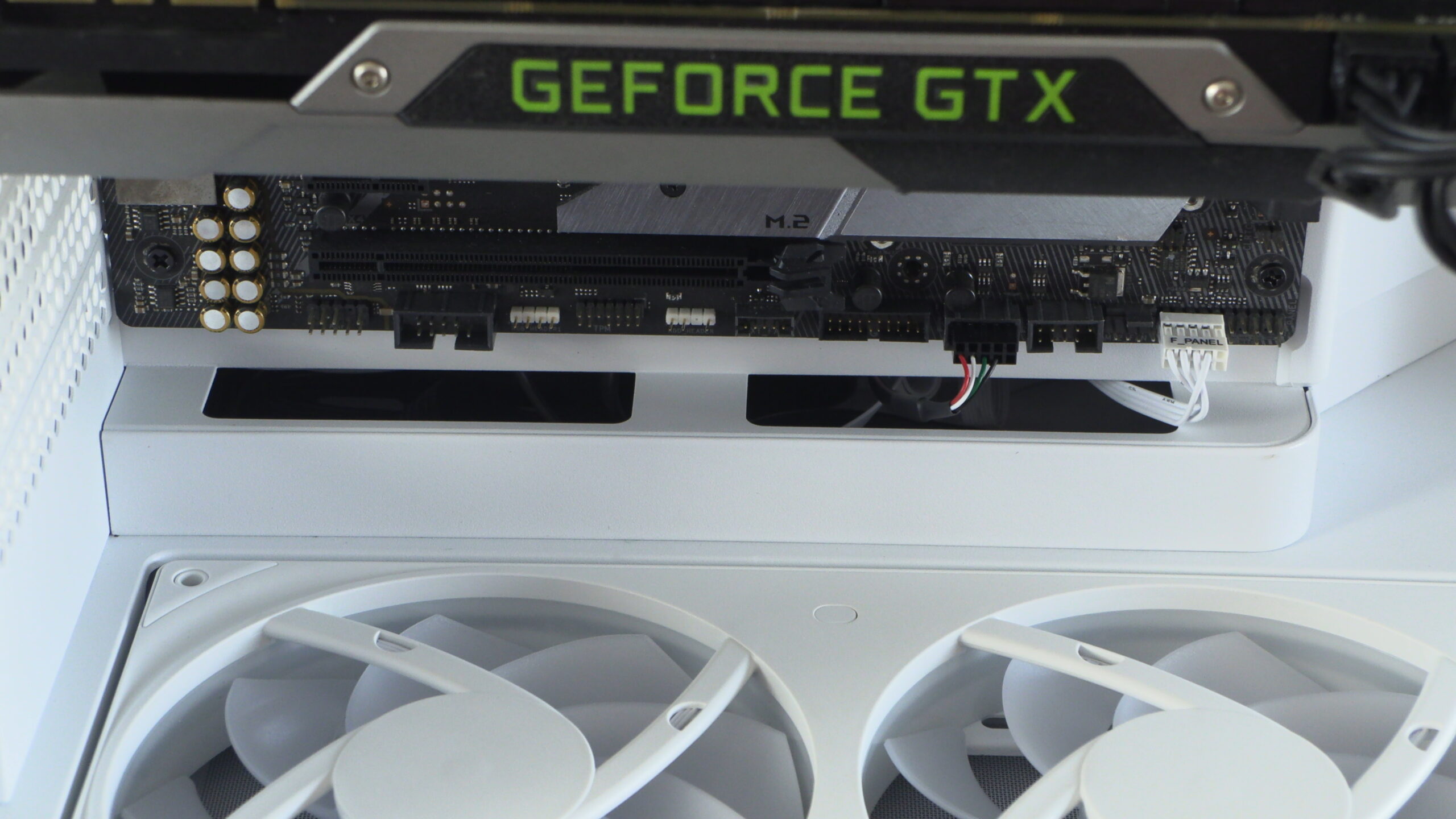
The H9 Flow offers PC builders an exceptionally clean aesthetic. This is especially true for NZXT’s RGB and RGB+ models, which feature F420 Core fan sets. When used with back-connect motherboards, users of this case can achieve a “cable-free” look inside their systems. While the top of the case may seem a little bare, that would change if you installed an all-in-one CPU liquid cooling solution.
With this case is it easy to route cables with minimal cable visibility.