ASUS Z790-A Prime WiFi Review

Up Close – In Detail
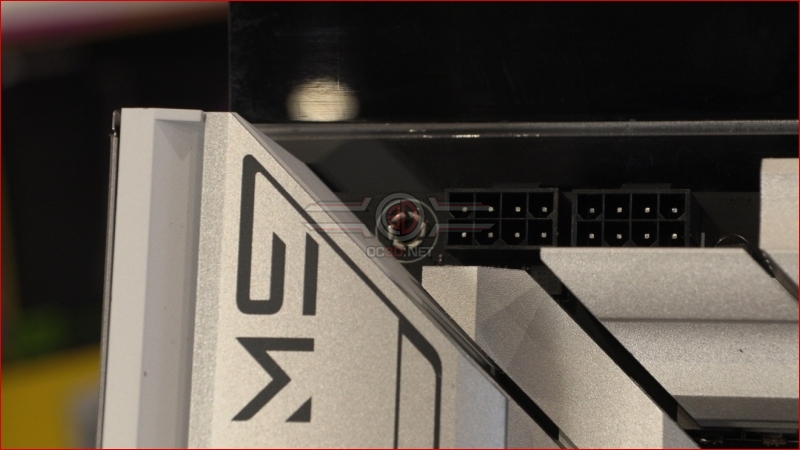
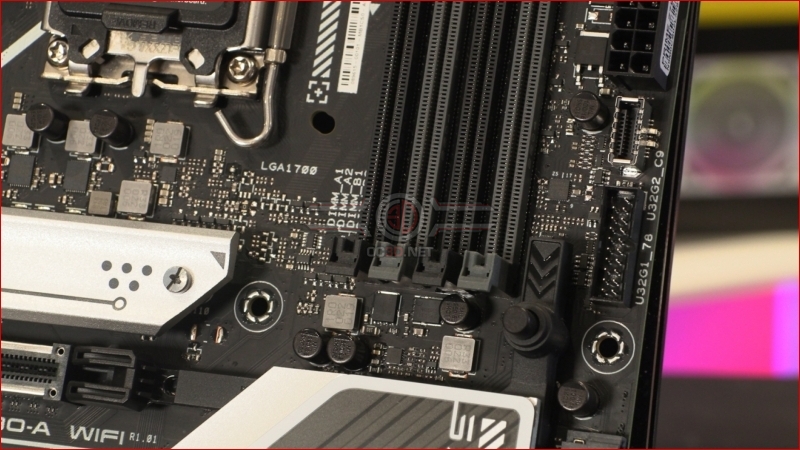
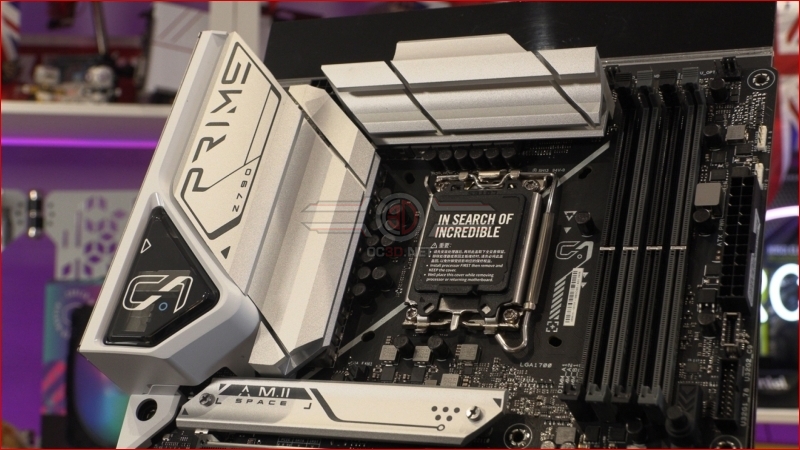
CPU 12V power comes in the form of two 8pin power connectors. The Prime has the same 16+1 60A Power Stages as the TUF, but that used 4+8.
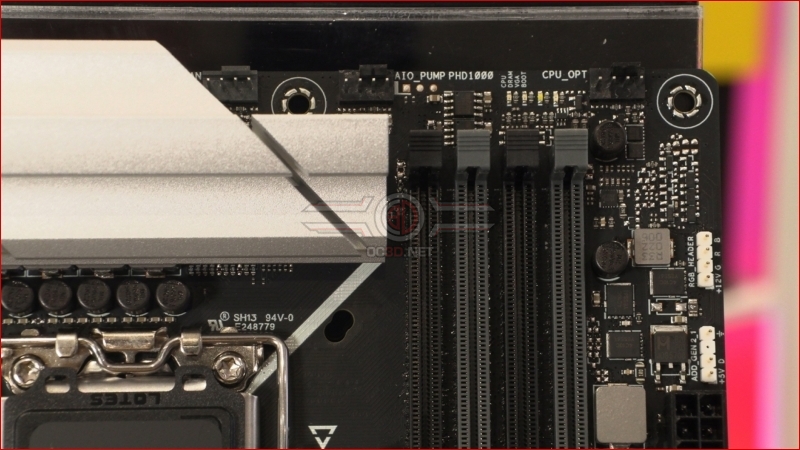
We know many of you will only read the reviews of the models you’re interested in, and even then maybe weeks apart. We wrote about the TUF this morning so the similarities are stark to us. Here we have three fan headers with a single dedicated pump header, horizontal QLED indicators just above the DIMM slots, and two parts of the AURA Sync lighting.
Front panel USB is in both Type-A and Type-C flavours, whilst we’re pleased to see the Prime retains the easy PCI Express release latch placement we’ve seen on more expensive ASUS motherboards.
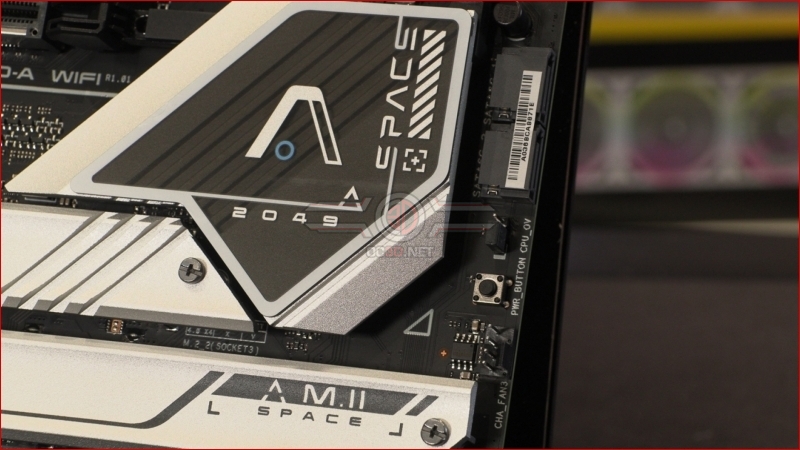
An onboard power button, another fan header, and two horizontal SATA ports are found to the right of the Z790 Chipset heatsink. We don’t understand why SATA ports get split either. It can’t save any money.
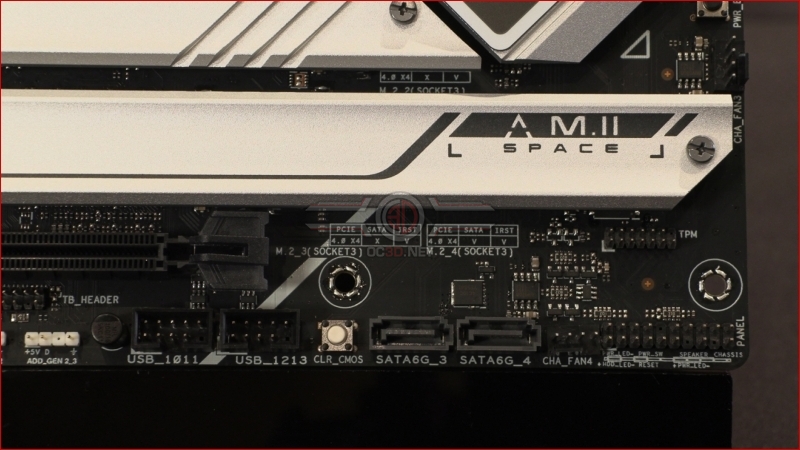
The bottom corner has the front panel headers, a fan header for your cool air intake, as well as the other two SATA ports. You’ve also got the USB headers next to the CLR CMOS button. Careful inserting the controls for your RGB cooler into that USB 2.0 header else you’ll lose all your CMOS settings.
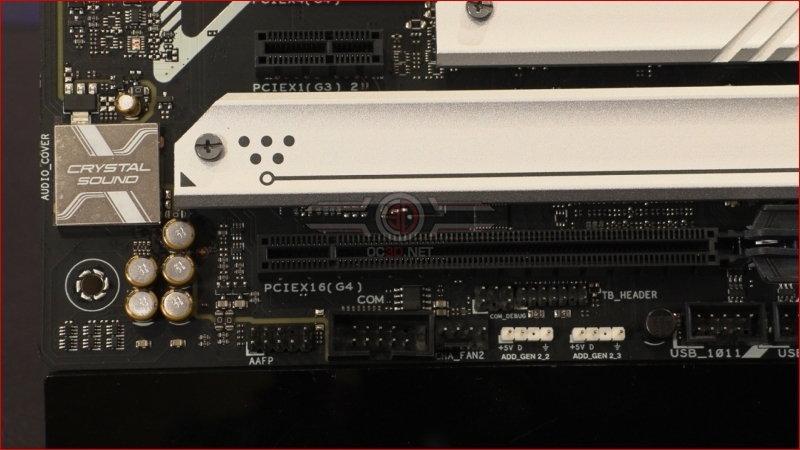
Lastly on the PCB another fan header sits alongside the other two AURA Sync lighting LED strip connectors.
Beneath the rather utilitarian heatsinks is 16+1 Teamed 60A Power Stages. Hopefully enough to power our thirsty Core i9-13900K.
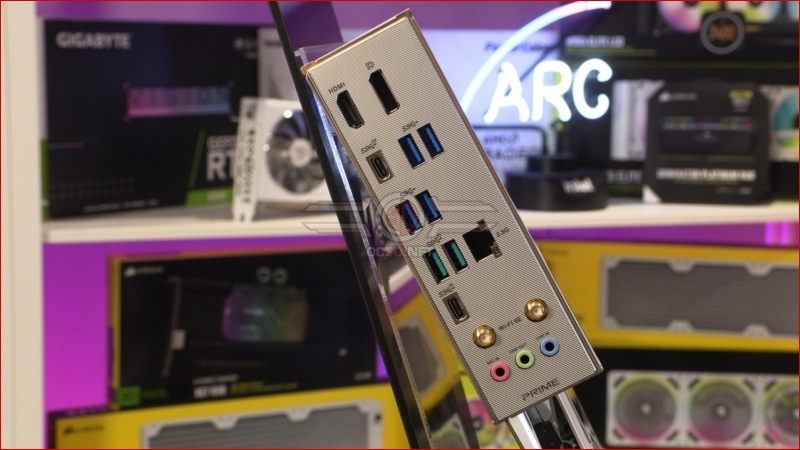
Lastly around the back is the usual selection of display outputs, parsimonious USB ports and the Intel networking in both Ethernet and WiFi 6E form.