How Intel supercharged mobile and gaming with Panther Lake

NPU 5 – Next-gen AI
Intel Deep Dive – NPU 5
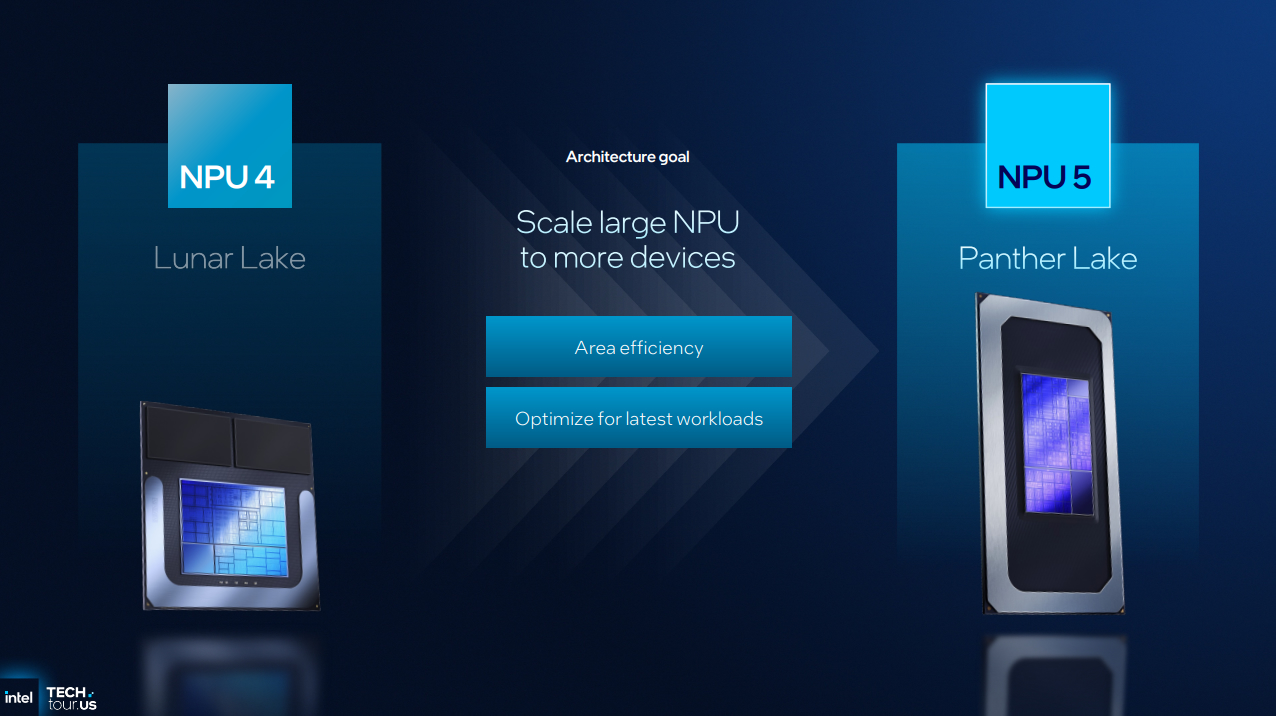
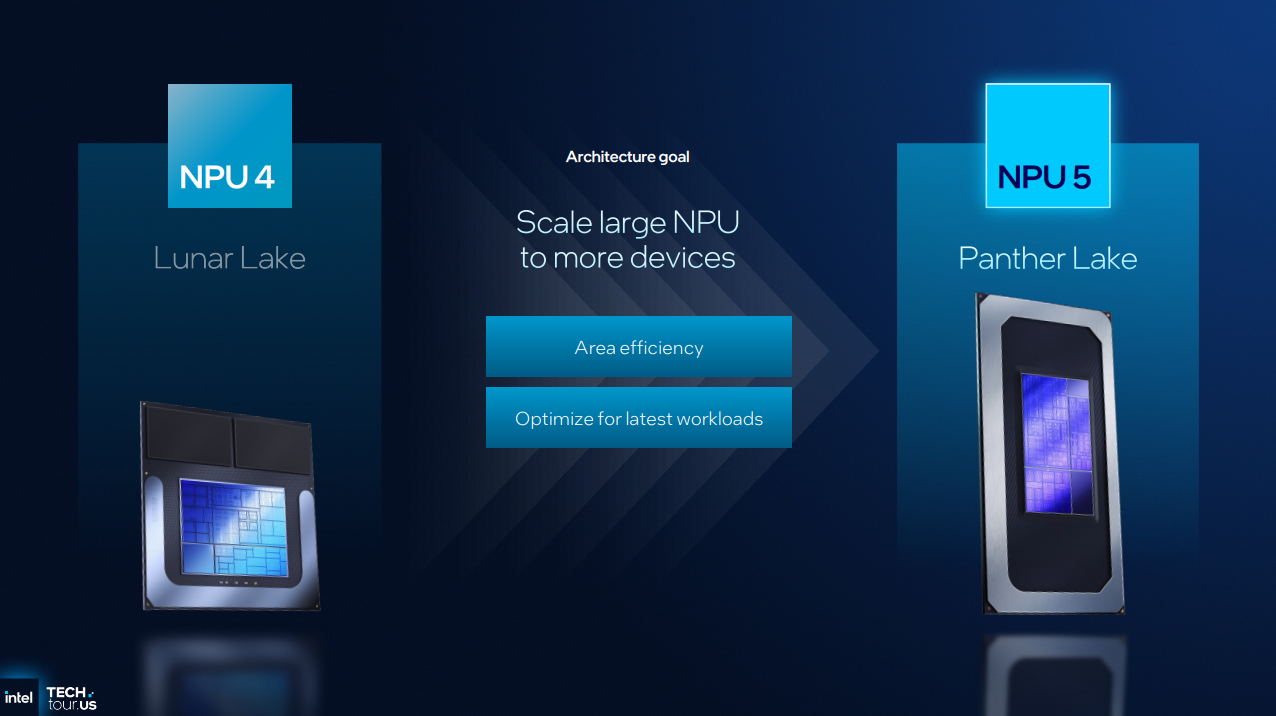
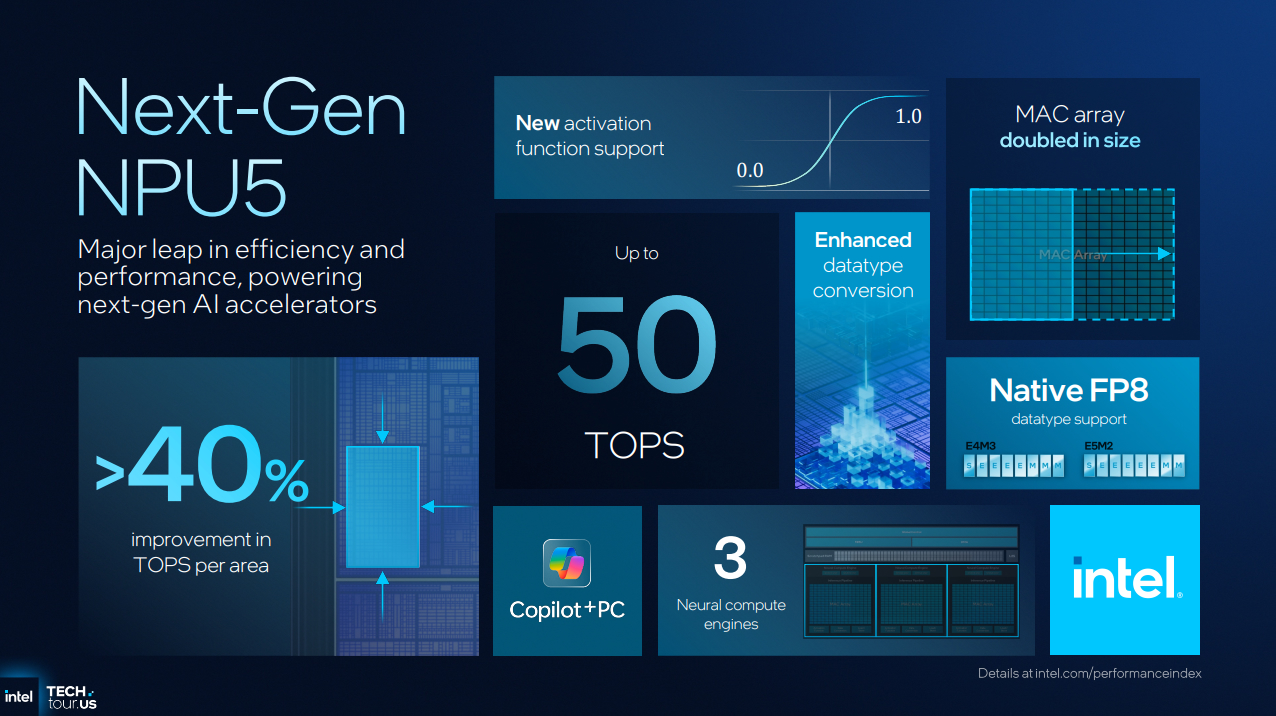
AI is a rapidly changing field. Intel needs to cater its new chips to new AI workloads, and they also need to ensure that they aren’t wasting too much die space on an aspect of its processors that some users may not utilise. That’s what Panther Lake’s NPU is focused on: efficiency, both in terms of power draw and area usage.
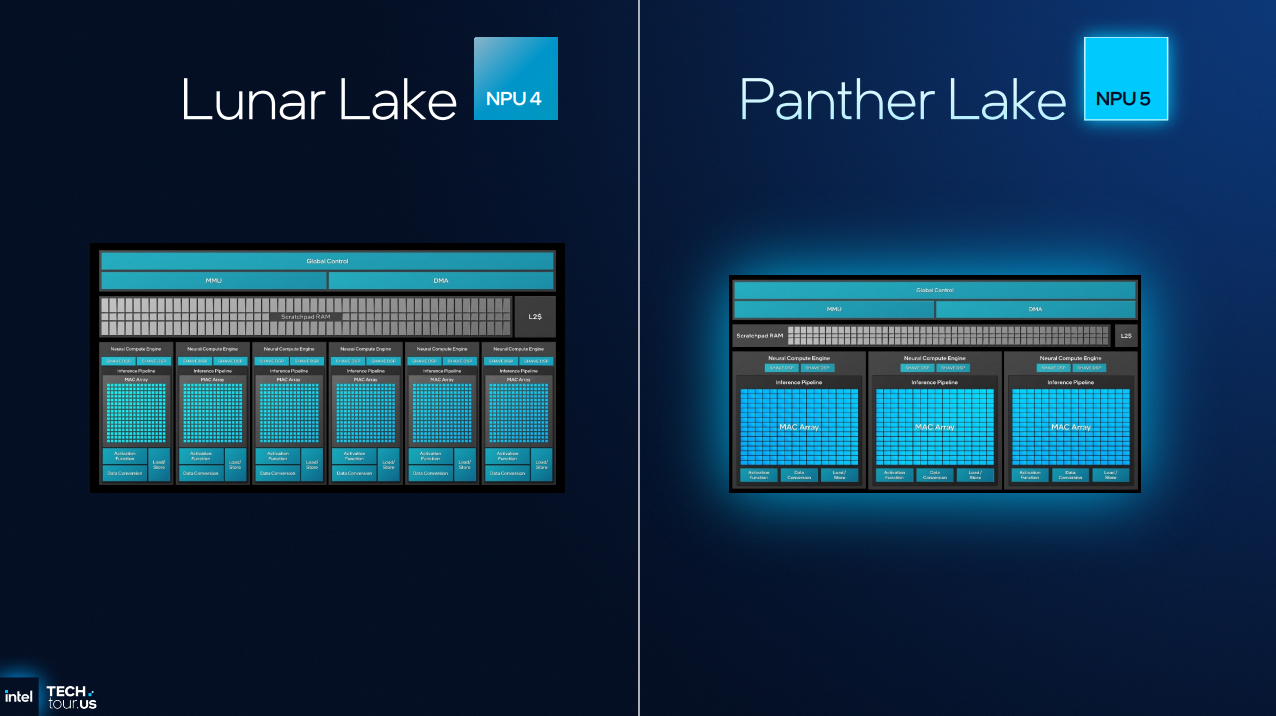
With Intel’s new NPU 5 design, the company changed the layout of its Neural Compute Engines (NCE). Instead of having six with NPU 4, Intel has three with NPU 5. Why? Because Intel found out that the limiting factor was its MAC Array, not the other areas of their NCE.
Basically, Intel has increased the size of its MAC Arrays to maximise the performance of its NCEs. This enabled increased AI performance without increasing silicon usage. With three NCEs on NPU 5, Intel can do more work than six NCEs on NPU 4.
HUGE Area Savings
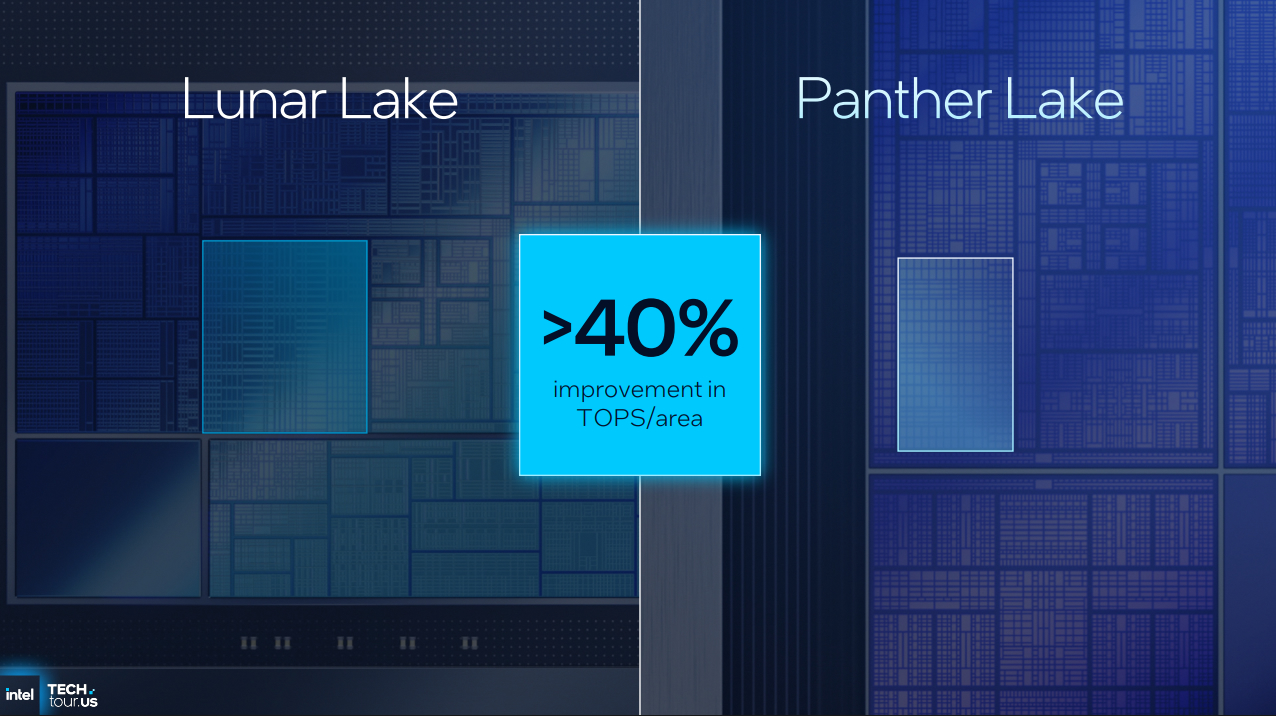
Silicon is money, and with NPU 5, Intel has achieved40% more AI TOPs per unit area. Panther Lake’s new NPU is compact, which makes it more cost-effective to produce. That’s good news for Intel and their customers.
New data types
With the addition of INT8 and FP8 support, Intel can now complete many calculations using less power than before.
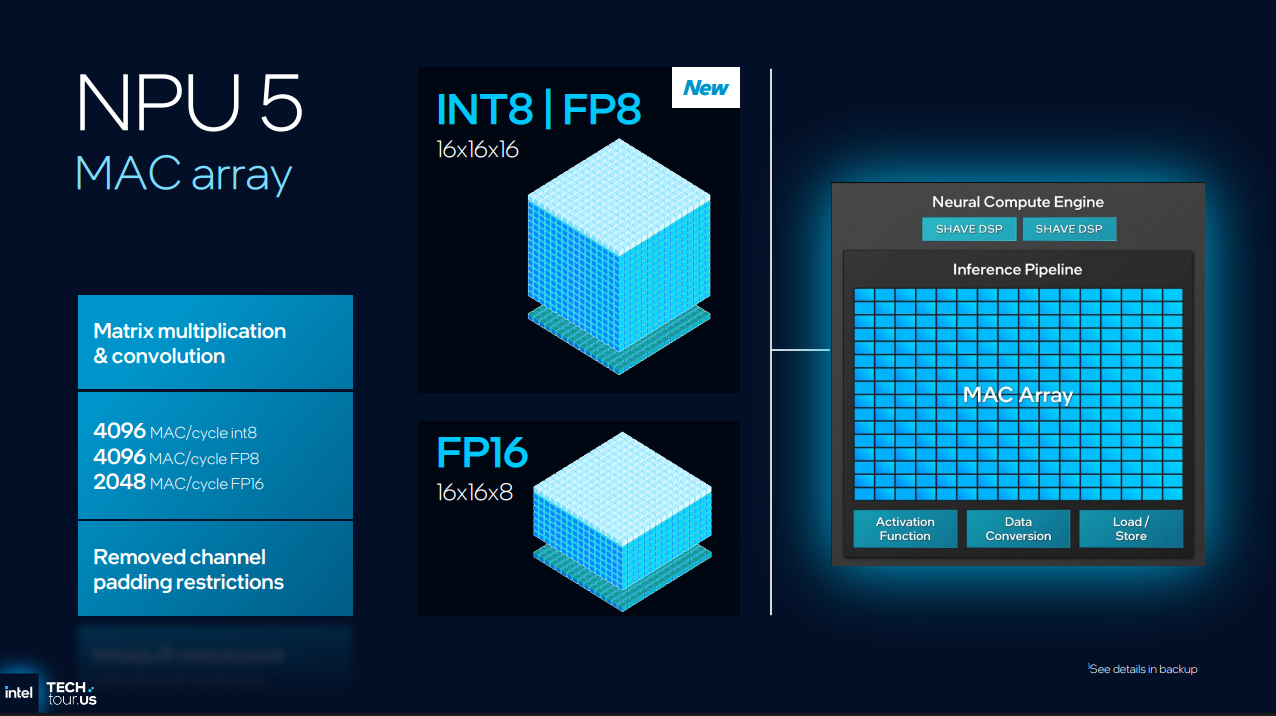
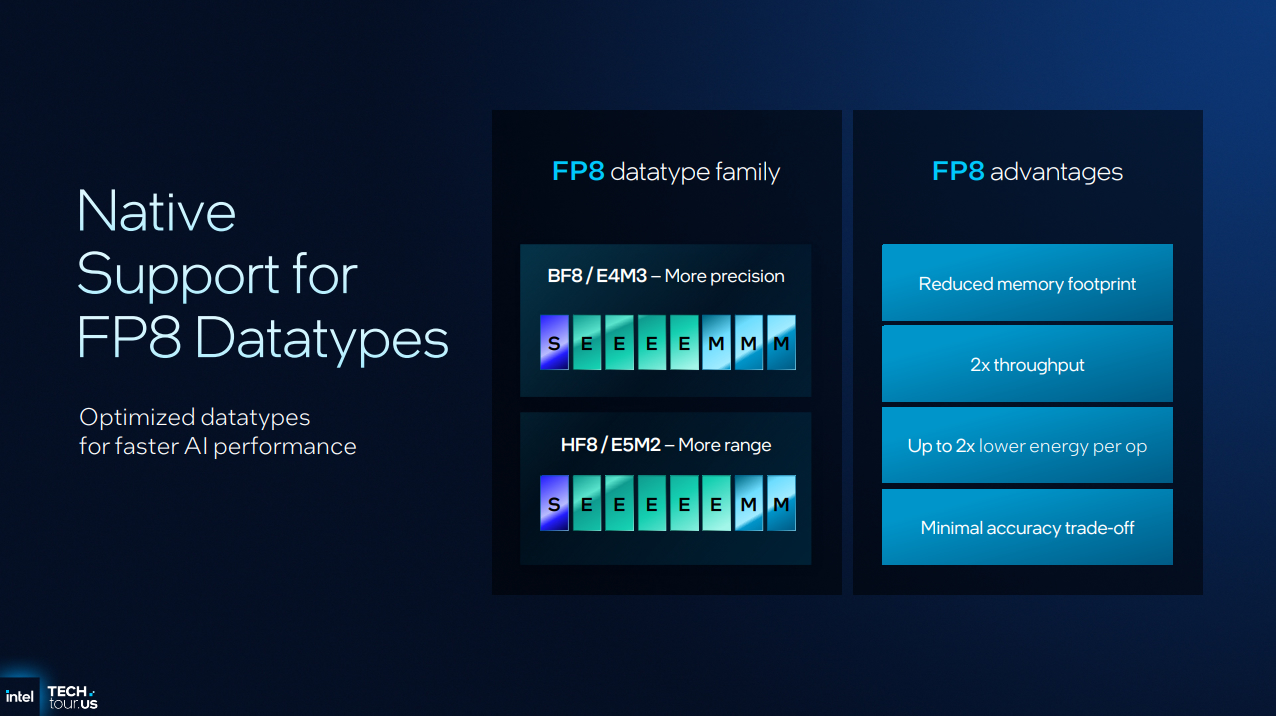
FP8 datatypes can reduce the memory footprint of AI workloads and enable a 2x increase in throughput. This increases performance per watt of power draw. In many cases, the acuracy trade-off is minimal, which means that using FP8 is an easy way to achieve higher levels of AI performance.
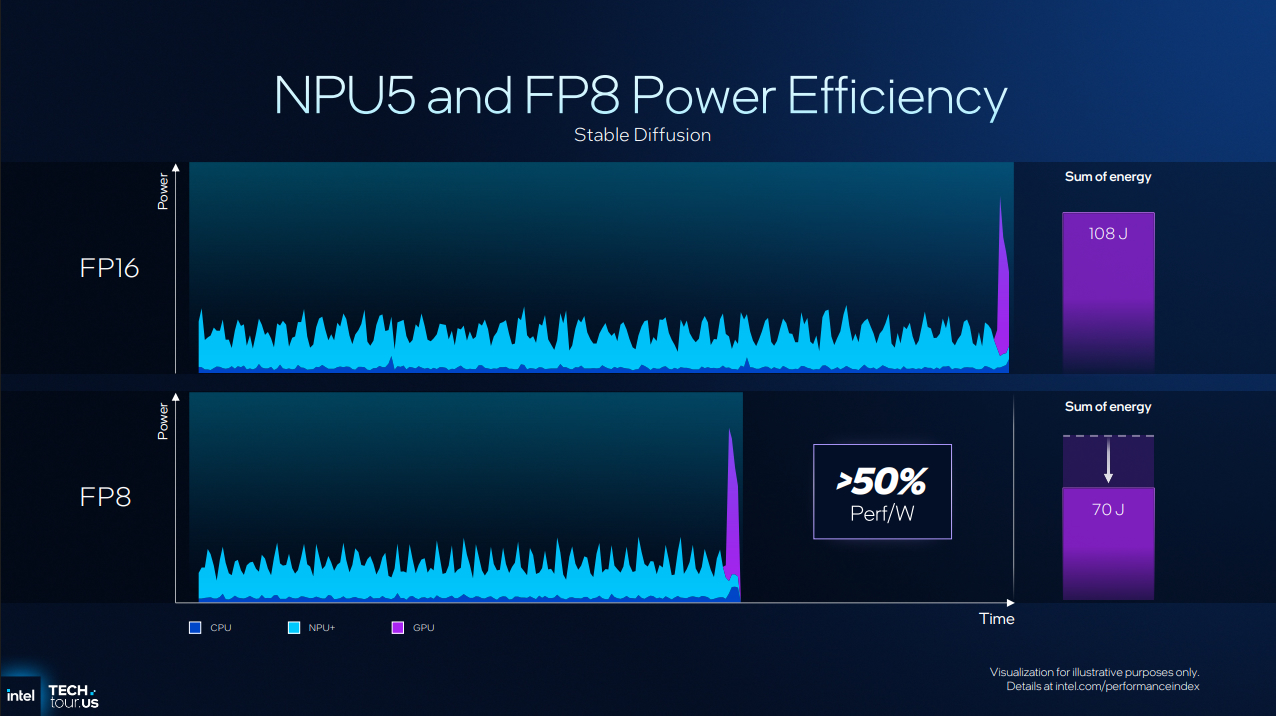
In the example below, we can see that using FP8 can increase performance/watt by over 50%. That’s a huge win for Panther Lake. Also note that the workload was completed much faster.
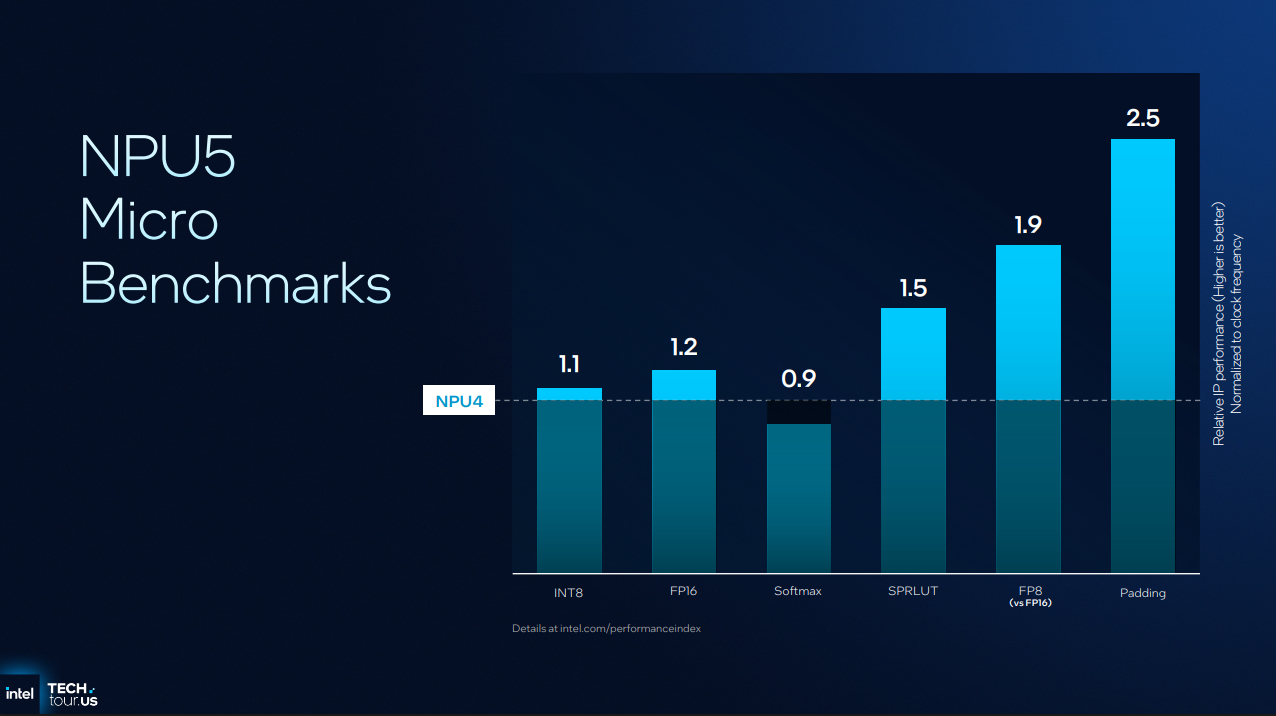
NPU Microbenchmarks
Moving from NPU 4 to NPU 5 yields performance improvements in most areas. Softmax performance is reduced slightly; however, this change is offset by substantial performance gains in other areas. Overall, this makes NPU 5 much faster than NPU 4.
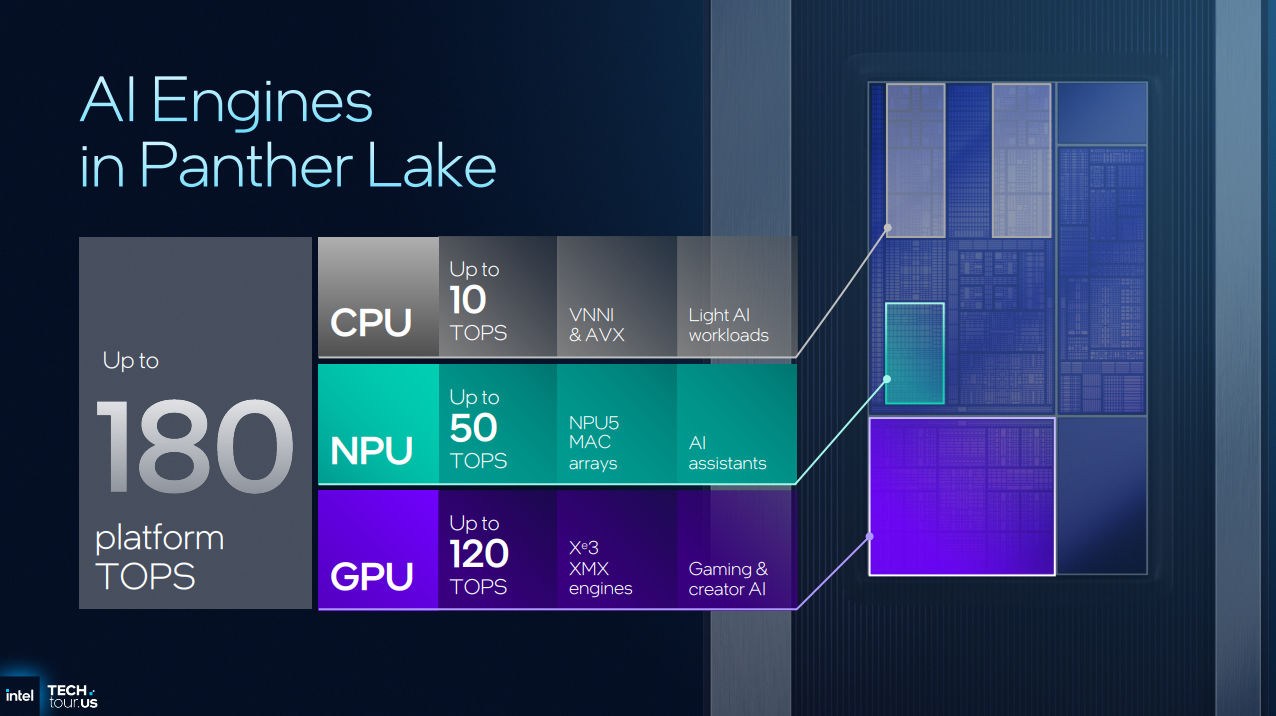
Overall, NPU 5 can give users up to 50 TOPS of AI performance. The NPU’s smaller size allows Intel more space for other Panther Lake features, and FP8 support makes many AI workloads significantly more efficient.
There’s more to AI performance than the NPU
AI is everywhere, and the NPU is just one part of the AI equation. NPU performance is focused on power efficiency and background tasks, saving your GPU resources for other tasks. While Intel’s 12-core Xe3 GPU has more TOPS overall, the NPU provides a separate pool of performance that is better optimised for specific tasks.