MSI MAG B860 Tomahawk Review

Tomahawk B860 in Detail
Tomahawk B860 in Detail
Welcome to the next page and the bottom right corner of the B860 Tomahawk. We find front panel headers, more fan headers, USB 2.0 and the second of the ARGB headers. Just in case you want to keep MSIs Mystic Light ecosystem contented.
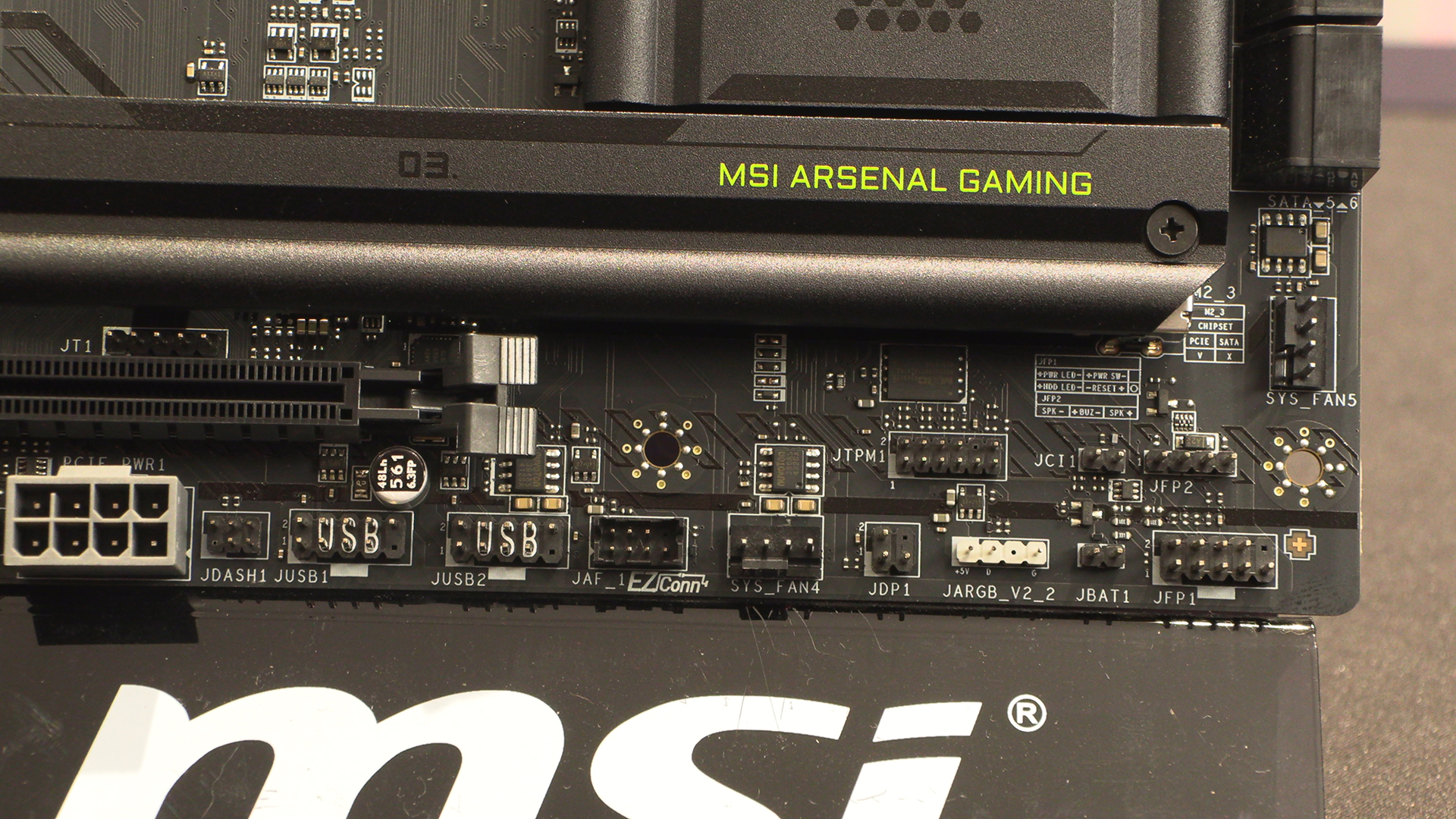
Hey it’s a giant grey 8 pin connector. Just when we thought we’d finally found a motherboard without this curiously ubiquitous addition. I’ve written about hundreds of motherboards. Why do all of them, regardless of manufacturer, suddenly have grey 8 pins? Is this an illuminati signifier? Moving on.
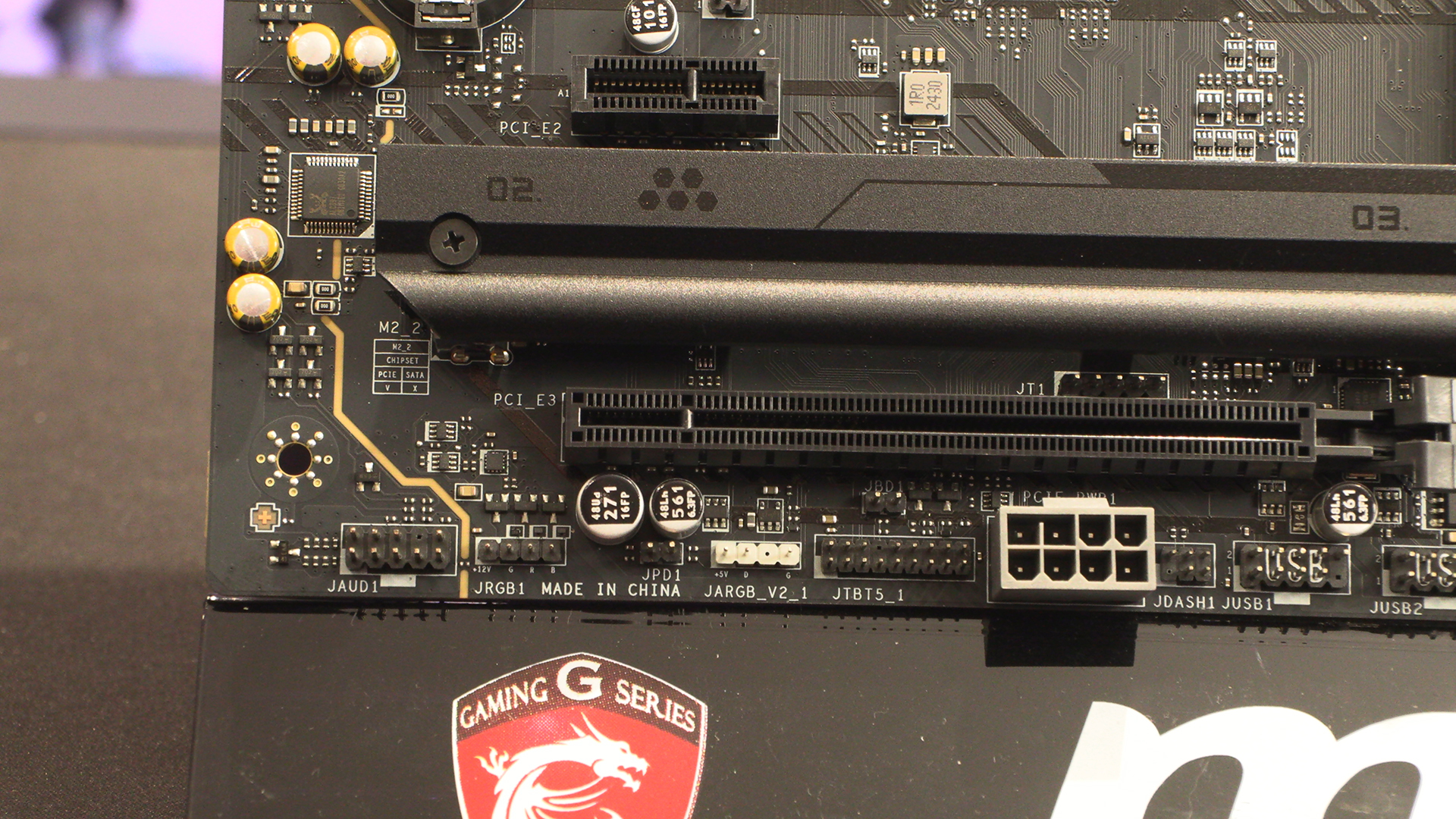
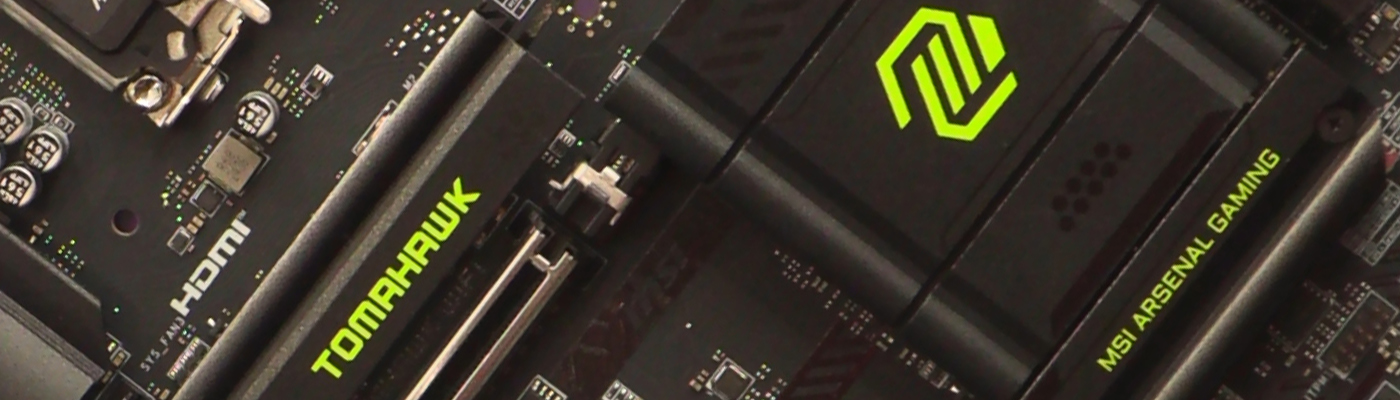
The B860 Tomahawk has three M.2 slots. Under the Tomahawk logo itself is the Gen5 one for maximum speed, whilst the bottom two run at PCI Express 4.0 speeds. All plenty quick enough.
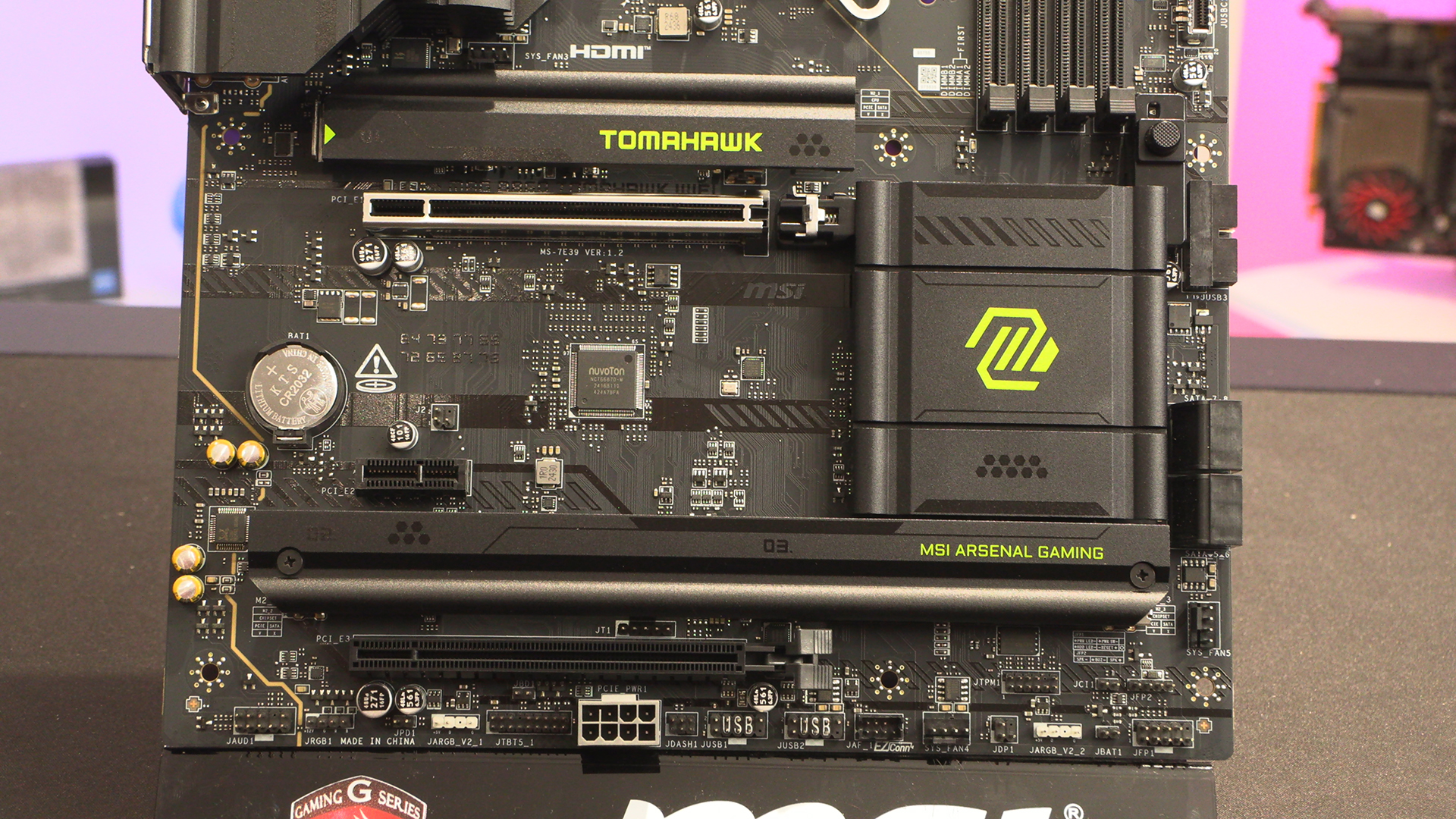
It’s good to see that the Tomahawk still has the latch for easy GPU removal. It’s such a game-changing idea we wonder why PCI Express slots didn’t start with the removal button elsewhere. Instead we’ve spent years poking wooden sticks between our CPU cooler and GPU backplate trying to hit the latch.
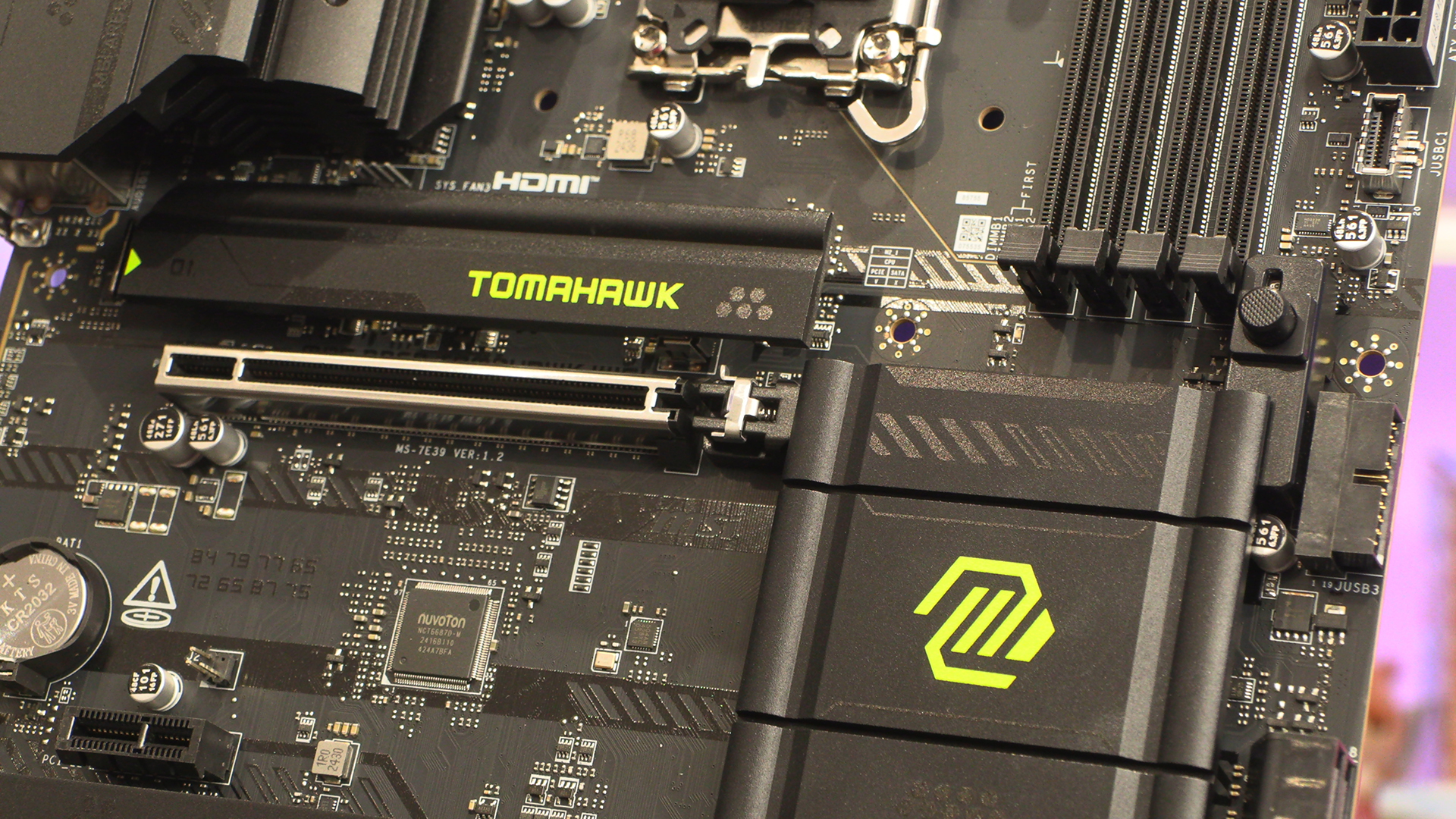
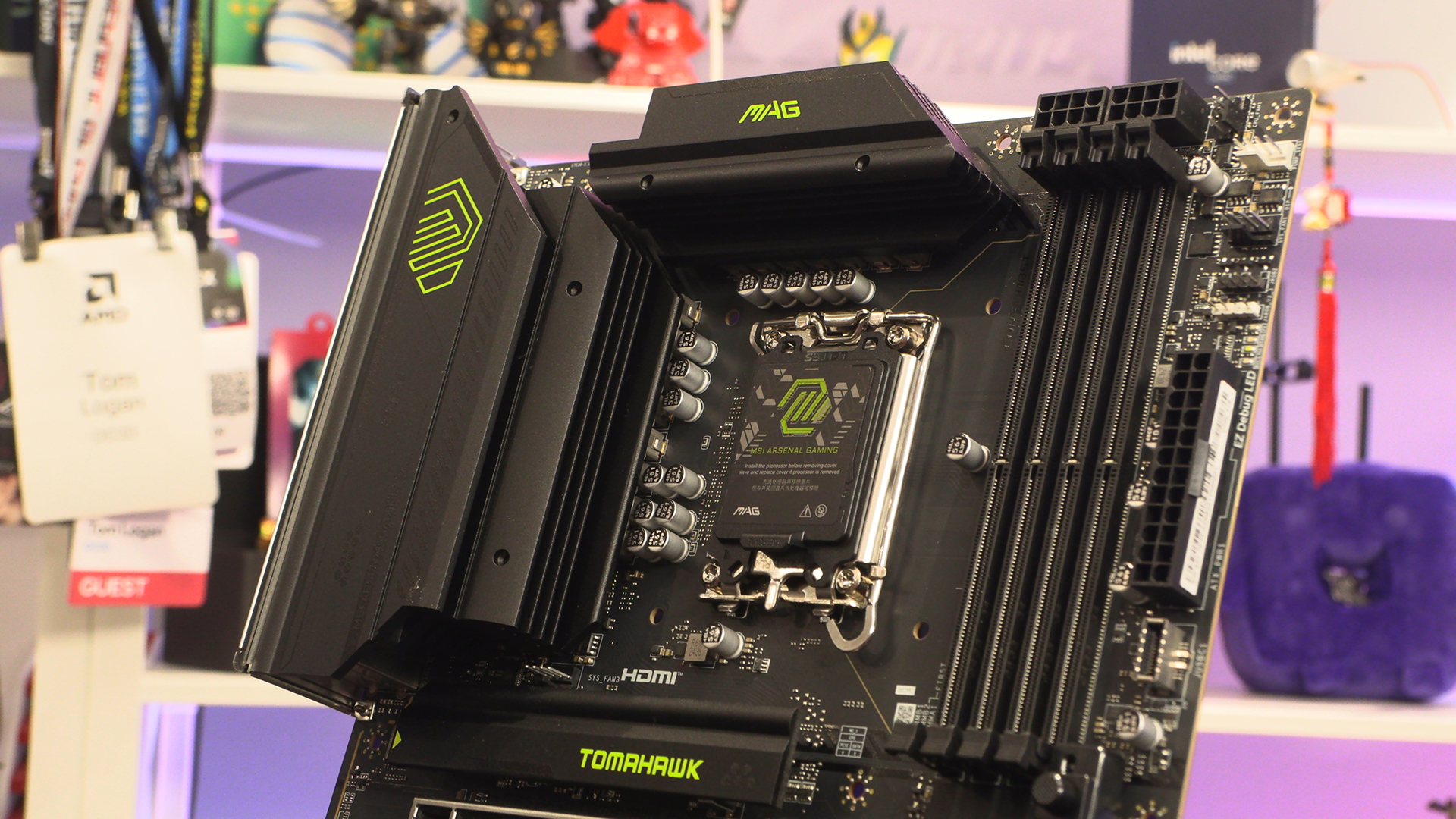
The B860 Tomahawk has a 12+1+1+1 60A smart power stage. It might not be the biggest set of numbers the world has ever seen, but the Intel Core Ultra processors, particularly the Ultra 5 245K‘s, are undemanding.
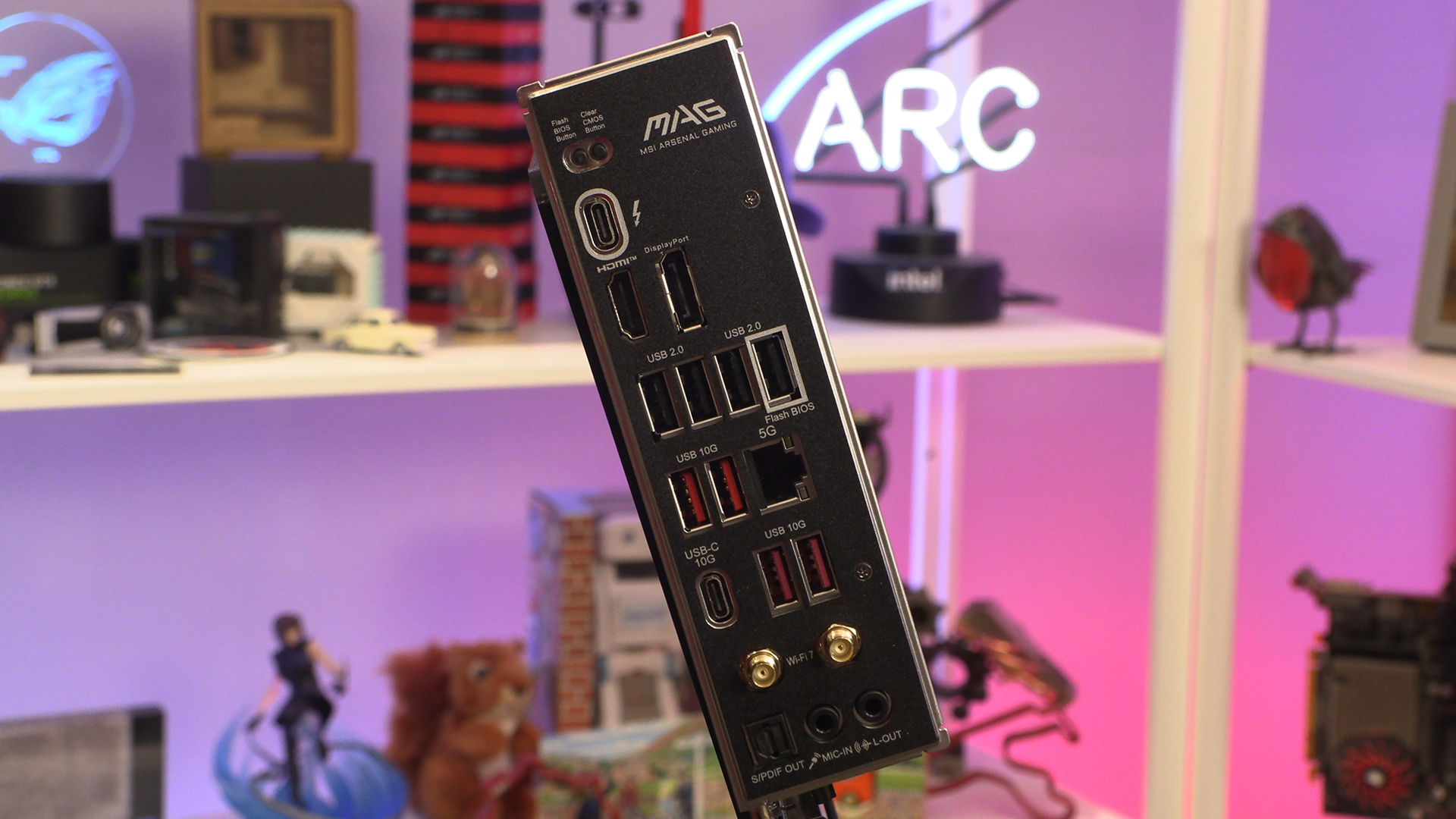
Lastly around the back we find the real value to be had from the MSI offering. This is an affordable board amongst their many options. It’s Intels newest, but more affordable than Z, B series chipset. We’d expect 5 or 6 USB ports. MSI give us 10. 2 of which are Type-C. Ambassador you’re spoiling us.