MSI MEG X870E Godlike Review

Up Close
Up Close
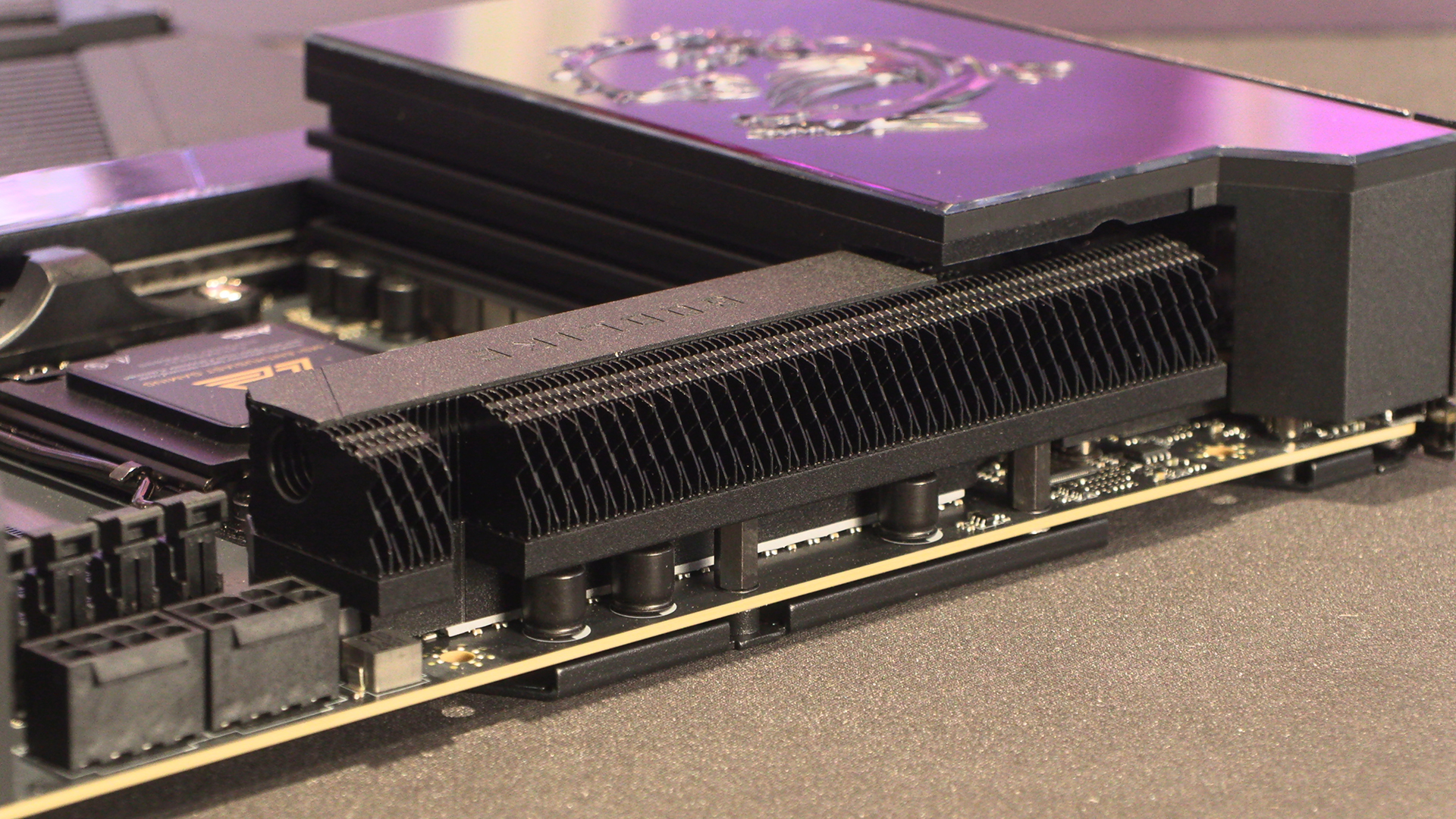
If you stared closely at the image on the previous page you could be forgiven for wondered where all the connectors are. Equally if you’re used to our way of showing you motherboards in detail you’ll be curious as to why we’re showing a more broad overview. It’s all because the MSI MEG X870E Godlike has moved all the important connectors to the side, leaving just the 12V CPU power inputs visible from the top, situated above the DIMM slots to get even more heatsink on the VRMs.
The power stage for the Godlike is 24+2+1 DRPS @ 110A. Clearly more than enough to power any of the Ryzen 9000 series processors.
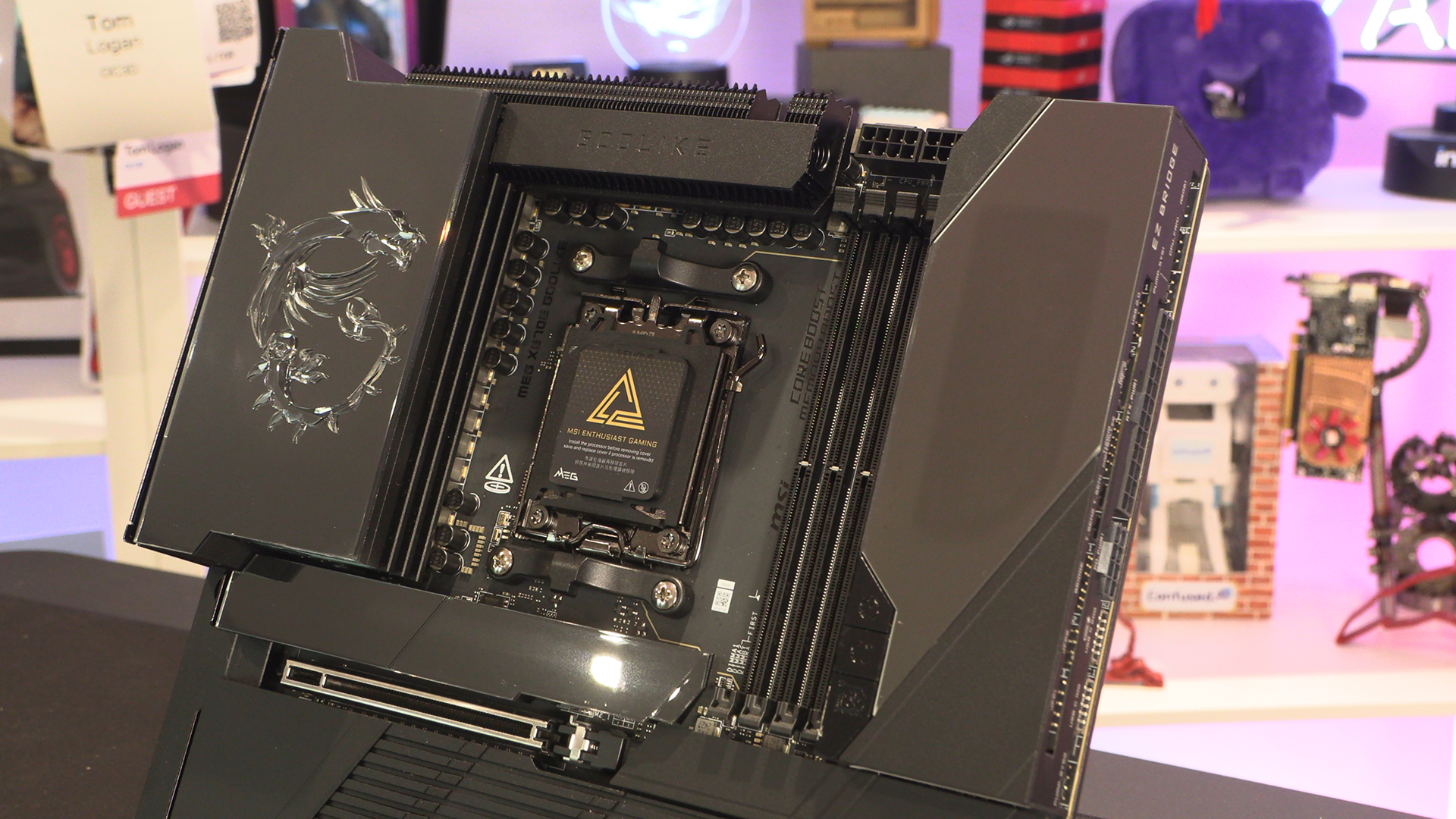
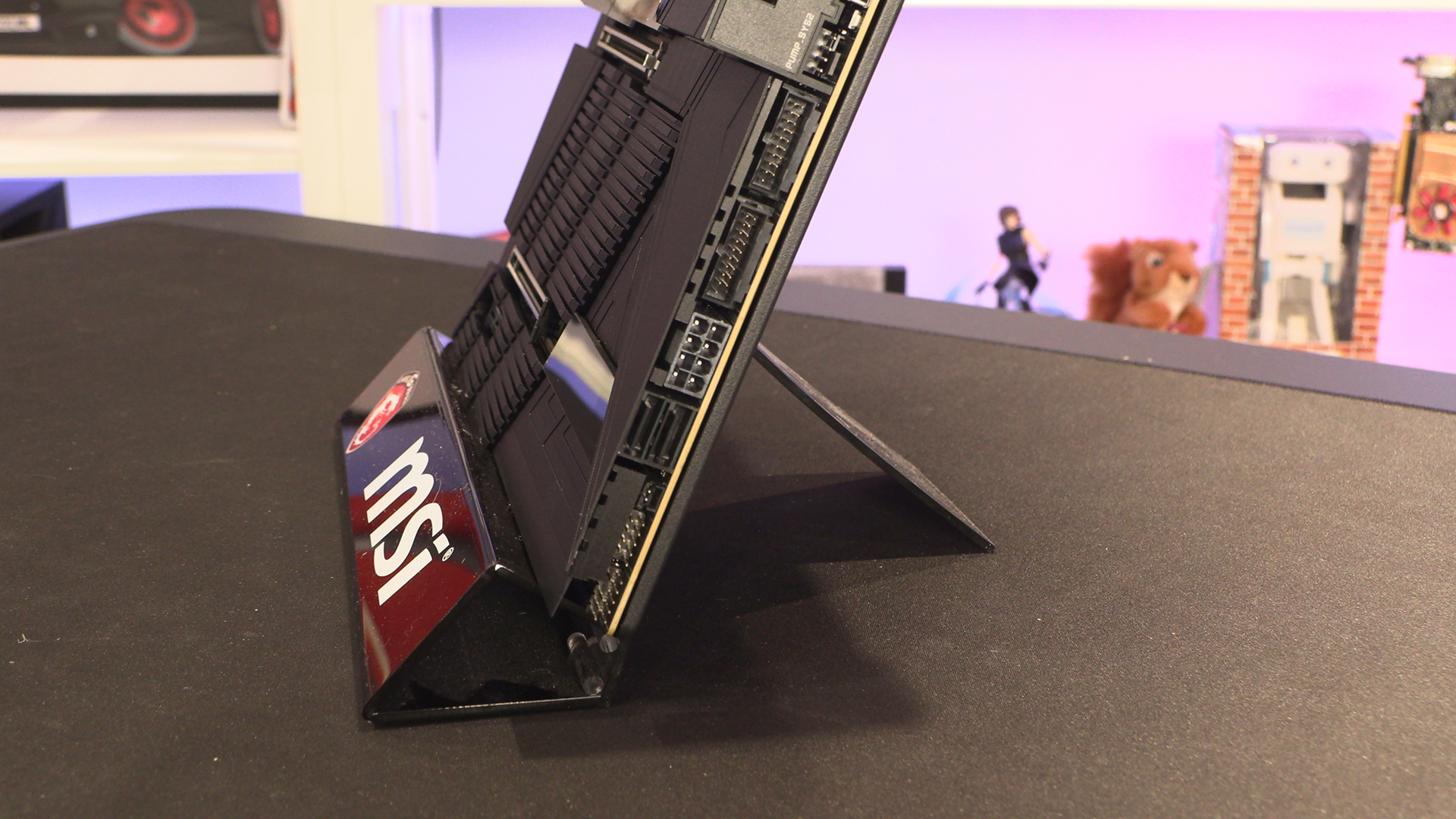
Everything is on the outside edge of the Godlike. It has been a while since we’ve had a horizontal connection method. We still love it as much today as we did when we first saw it. The “behind” connection method requires a specialist case. This horizontal way of doing things works with any chassis, and makes cable tidying a breeze. We especially like the EZConn header here as you can use a single cable to control the MSI Series AIOs. Much better than the umpteen cables you usually need for a triple fan RGB AIO setup.
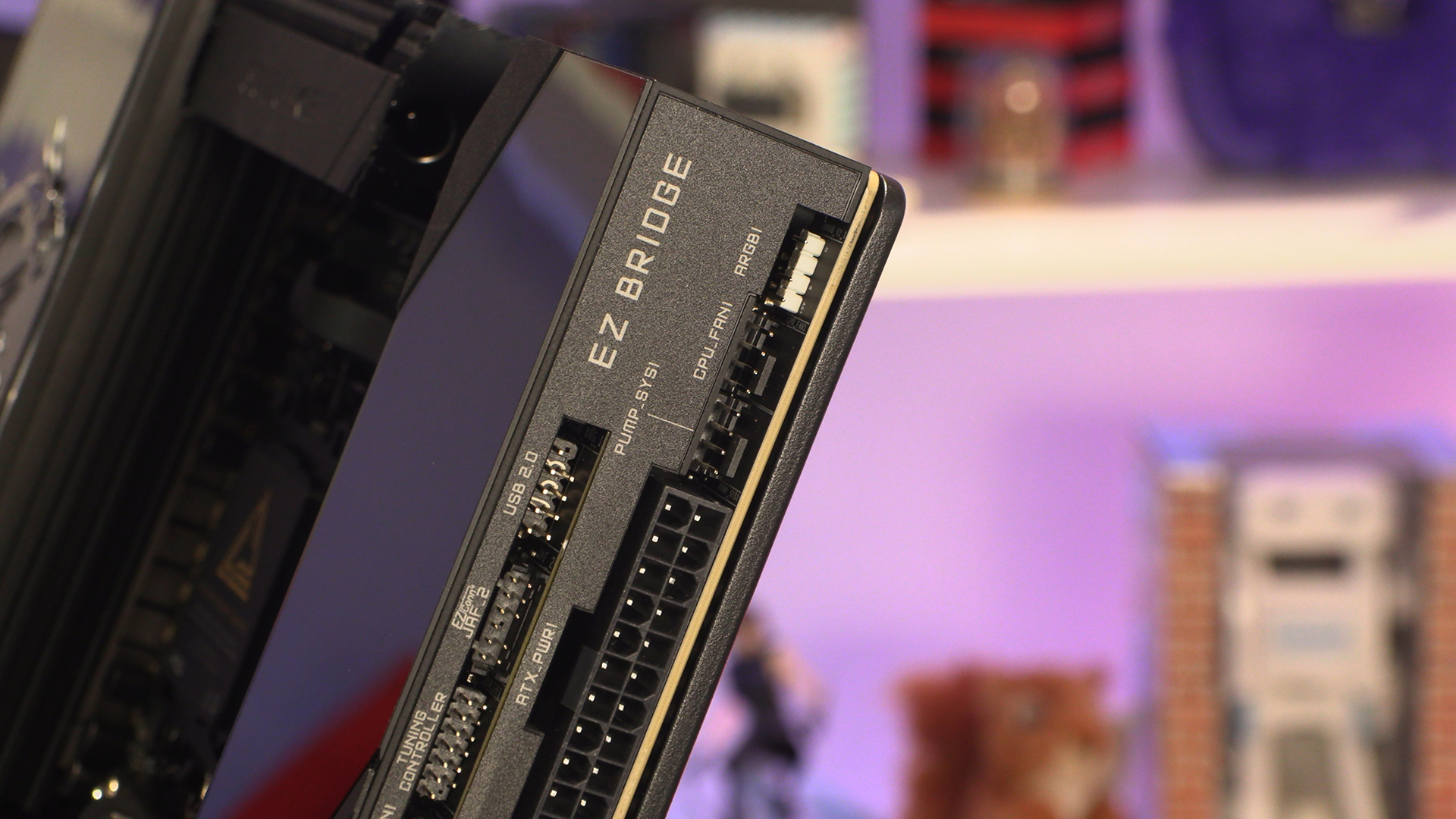
The Godlike boasts MSIs EZ connection system that allows you to plug into the header labelled bridge here and – with the supplied cable and breakout box – connect to the 2.5″ hub that has a capacity for 7 fans, 2 ARGB, 1 RGB and a Waterflow monitor. Plenty of expansion capacity, zero cable mess.
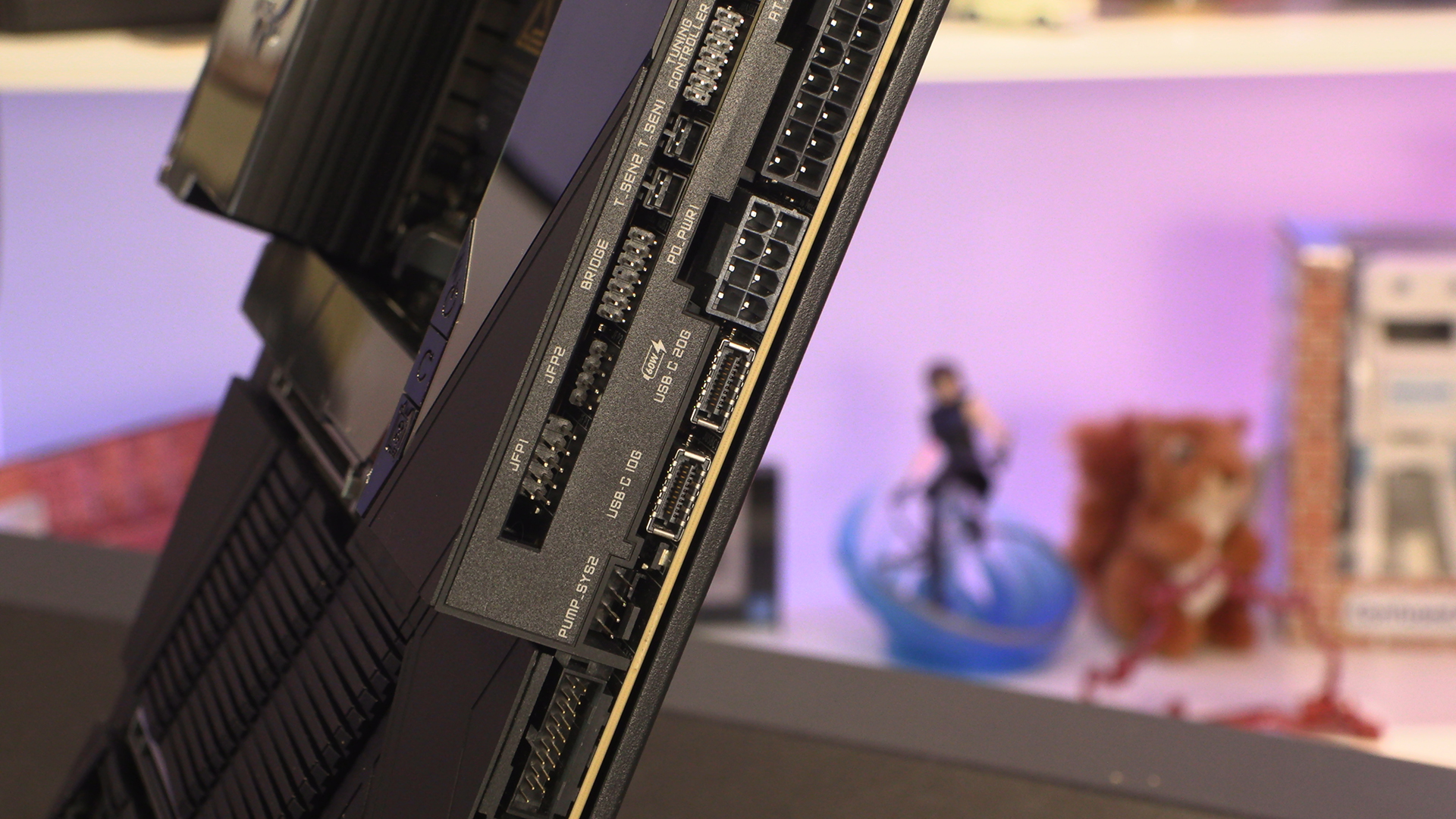
Continuing down the Eastern edge of the Godlike we have the more normal USB Type-A front panel connectors as well as a pair of SATA headers. The 8 pin power is for those of you who need more power than can be delivered through the 24 pin ATX connector.
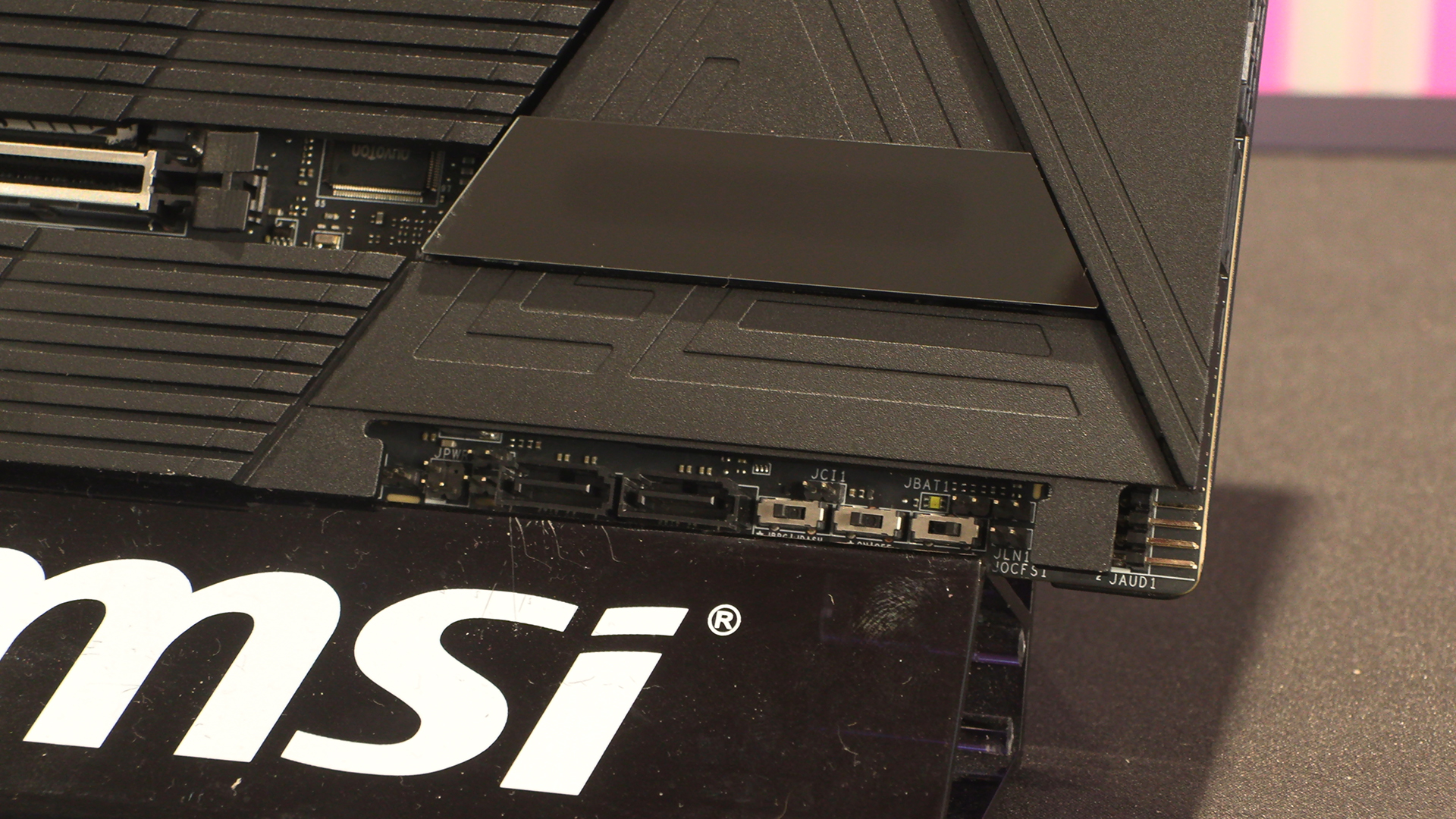
The other two SATA ports are found here beneath this little cover. It keeps everything neat if you’ve moved to a full M.2 based rig.
Slots and Connectors
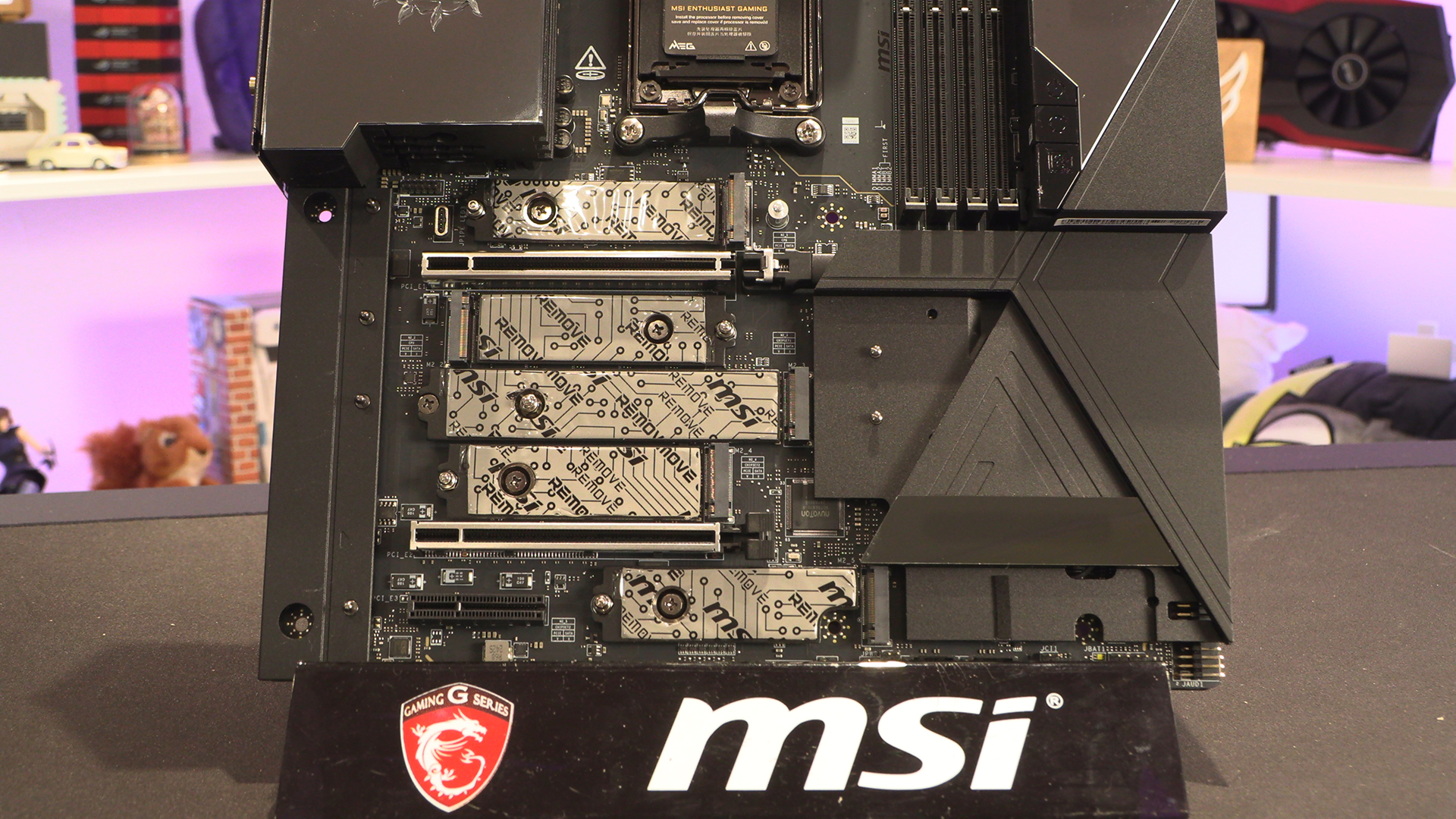
If you have, you’ll be pleased to note the Godlike has masses of onboard slots before we even consider the Xpander-Z. For those keeping score that’s 2 Gen5 slots built in, 2 Gen5 slots via the add-in card we saw on the previous page, and three Gen4 slots. More than enough for even the most dedicated collector.
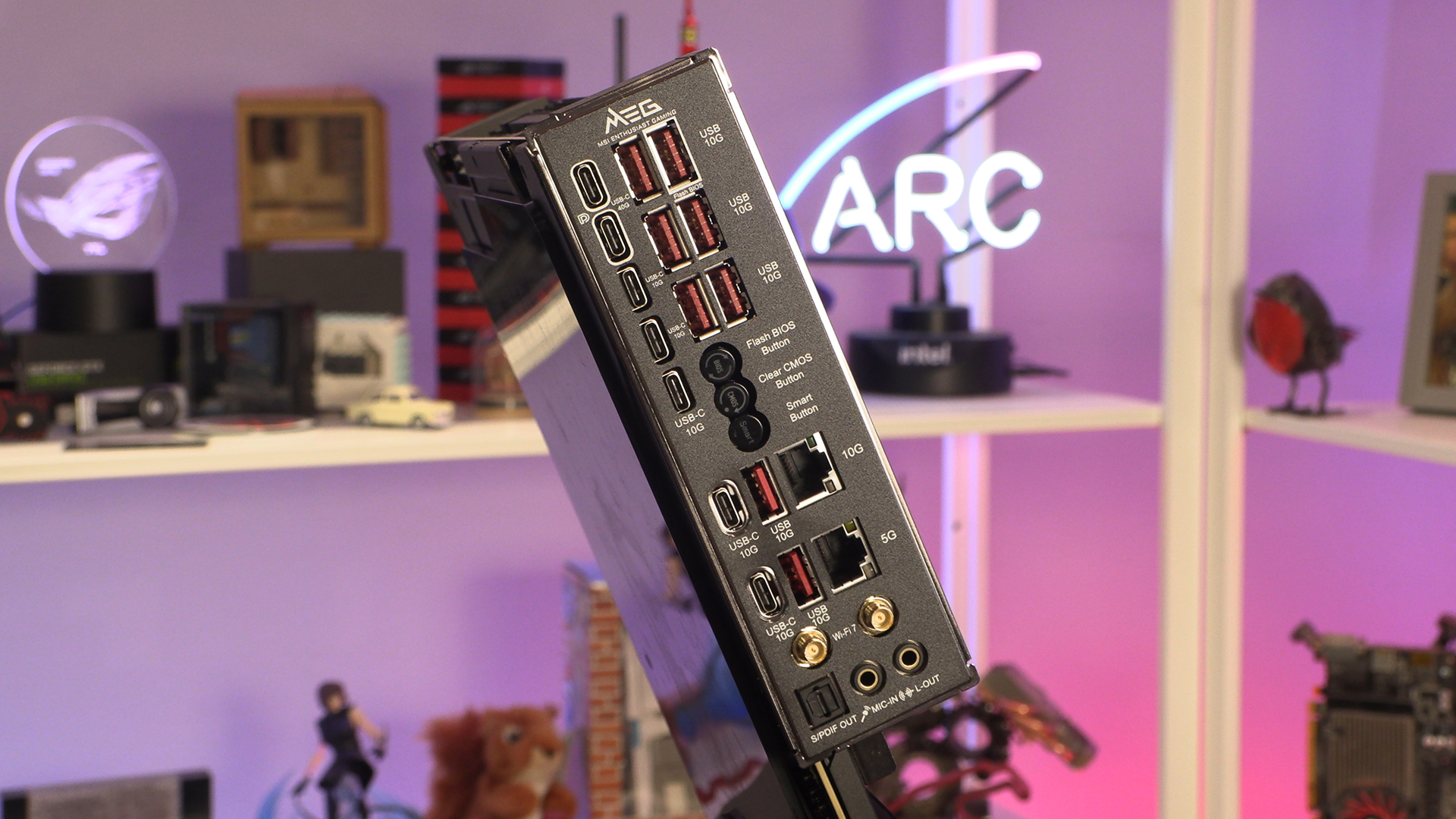
We’ve spoken at length in our X870 MSI reviews about our love for their redesigned backplate. With so many connections available on the X870E Godlike you can see how this redesign has paid dividends. Everything is still clearly labelled despite there being 7 Type-C and 8 Type-A headers, as well as twin LANs and WiFi 7 antenna connectors. A design masterpiece.
With the 24+2+1 110A power stage it isn’t surprising to see so much effort put into the VRM cooling. As you’ll see later on, this has paid off in spades.