NZXT N7 and N9 Z890 Motherboards

N9 Z890 In Detail
N9 Z890 In Detail
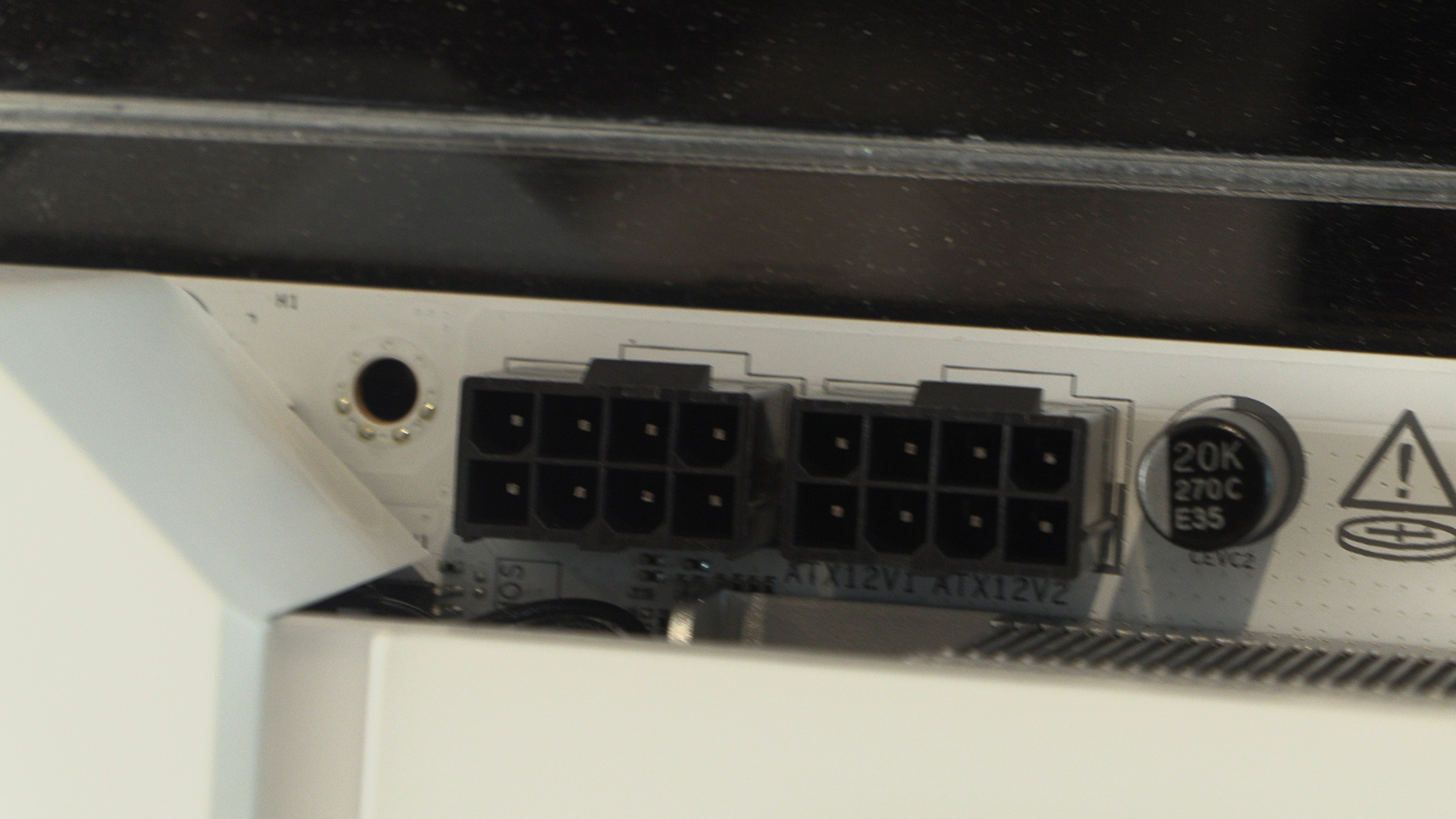
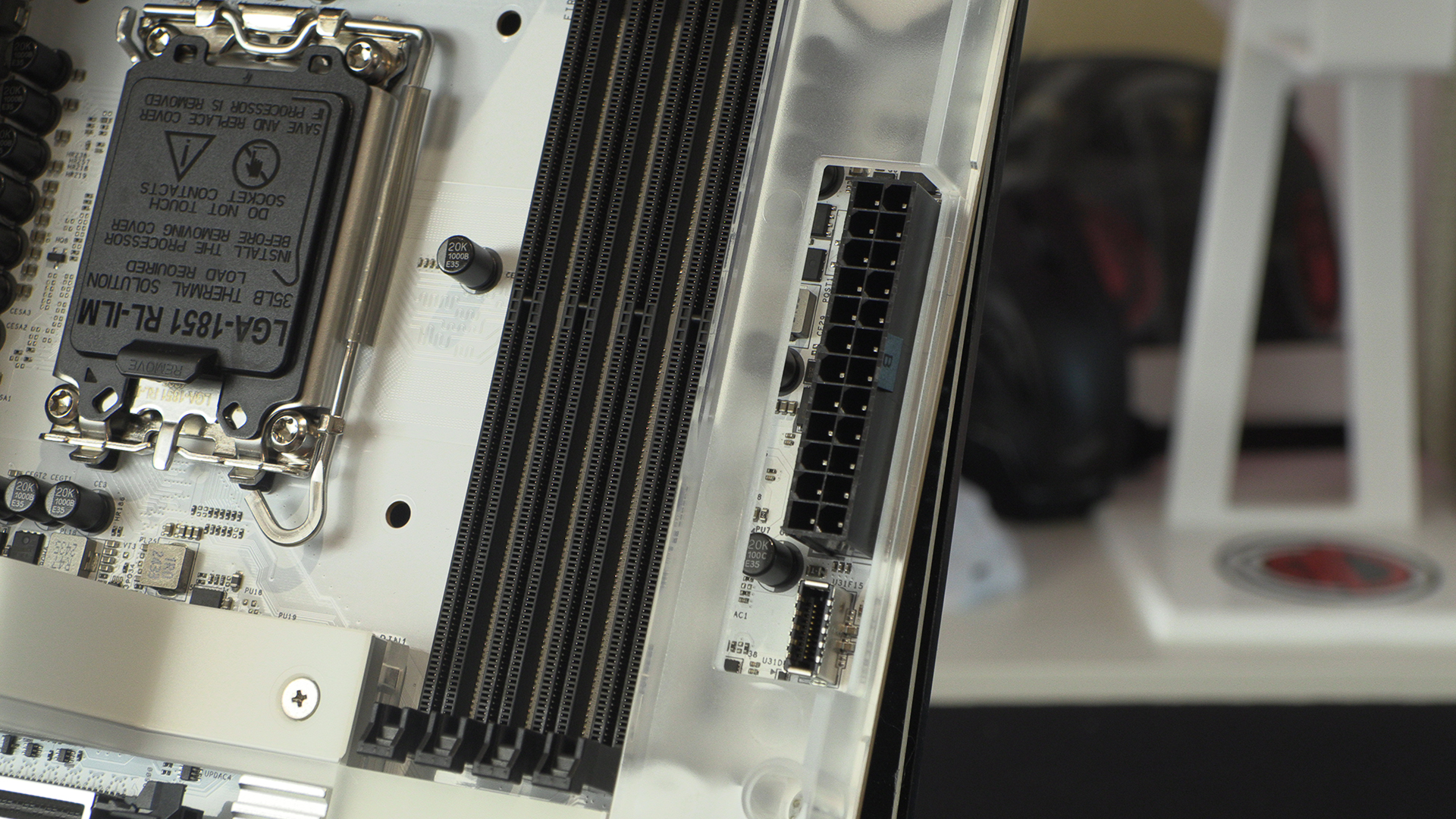
As always with start with the two CPU power connectors, and the N9 is no different. We like it’s easier to get at them than most where we leave much finger skin behind.
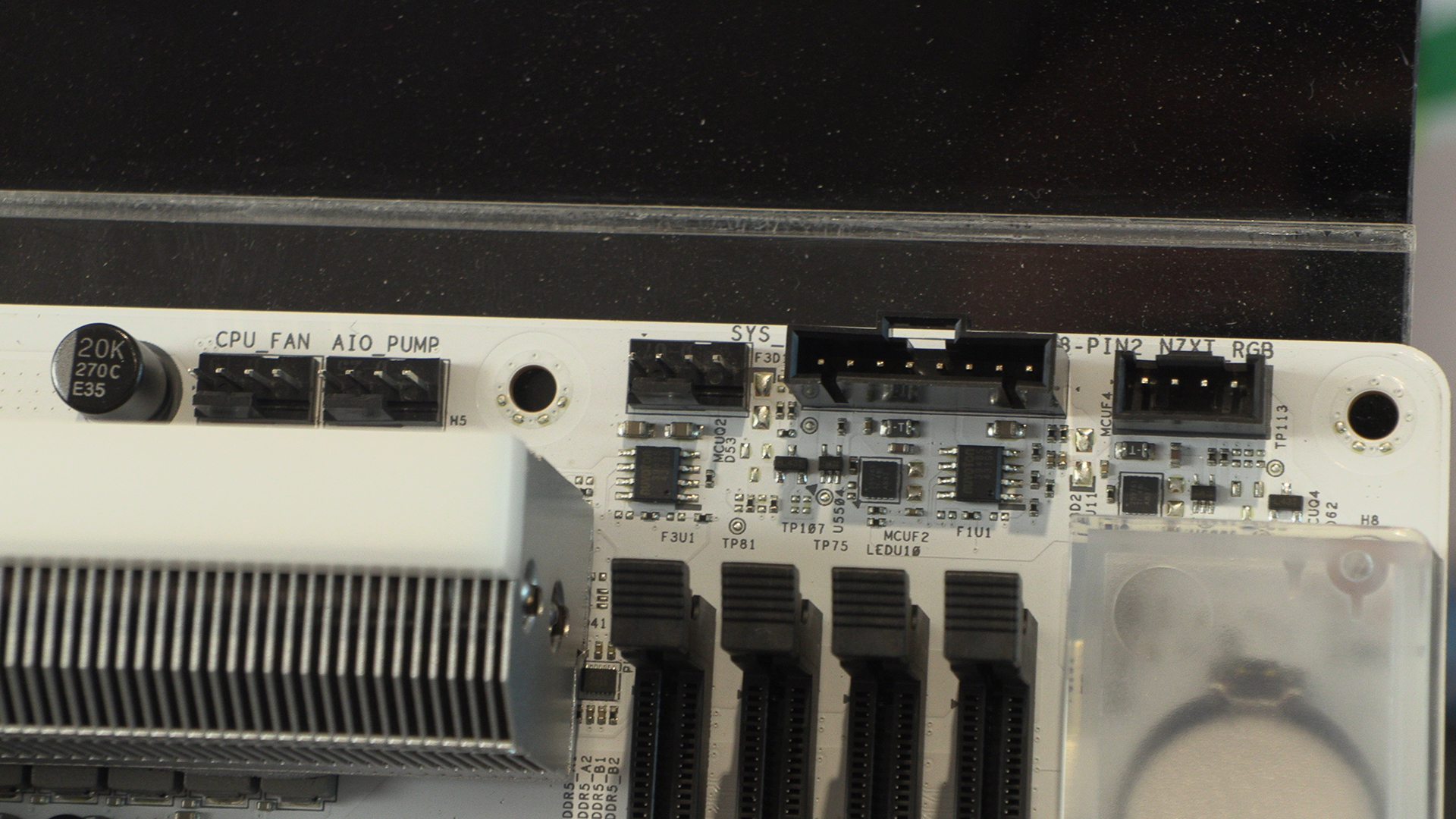
The top right finds both regular CPU cooling options as well as a connector for NZXTs 8 pin PWM solution. You have a choice, depending on how much you’ve invested in the NZXT ecosystem.
We do chuckle at the vehemence of the “don’t touch these pins” notice on the CPU cover. If you’re anything like us you are nervous plugging simple cables in. The chances of us prodding away at our expensive CPU socket pins is less than zero.
Two USB 3.2 Type-A front panel connectors surround the SATA ports. Already down to 4, it can’t be long before SATA ports go the way of ribbon cables and parallel ports.
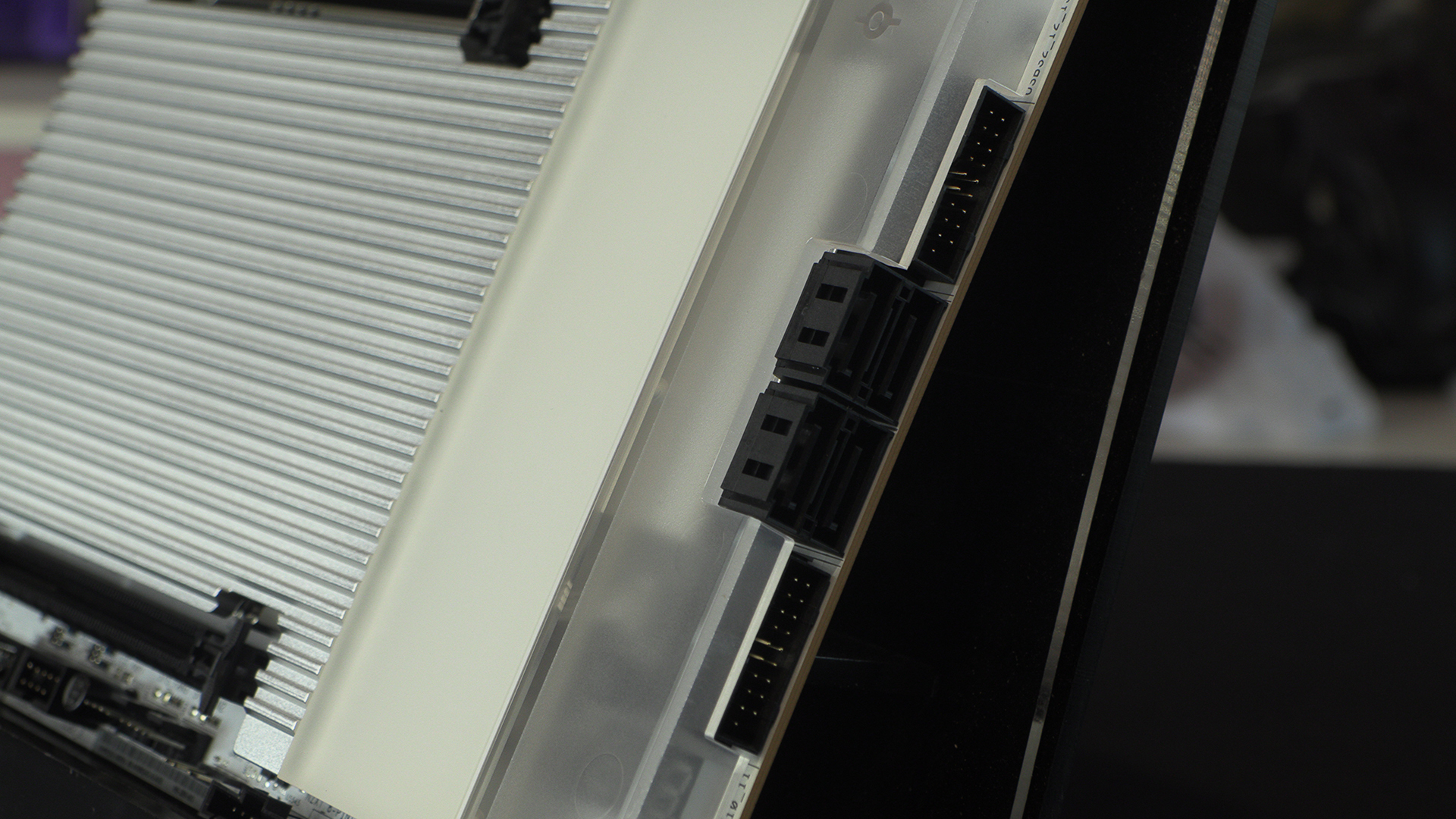
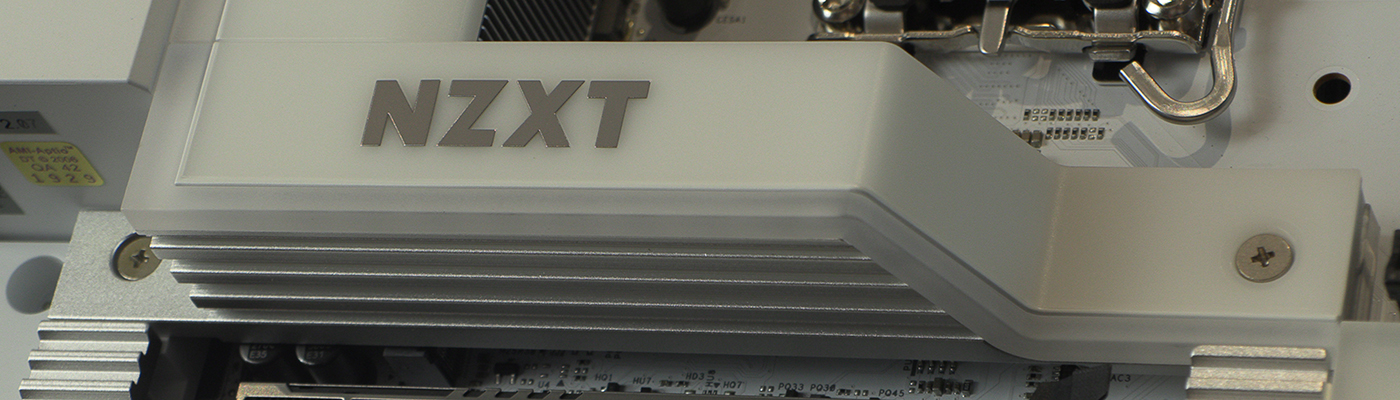
It’s so odd that we find the frosted cover so alluring. Maybe it’s because it’s next to the RGB. Or perhaps just because it covers things up without being opaque. Whatever it is, we like it.
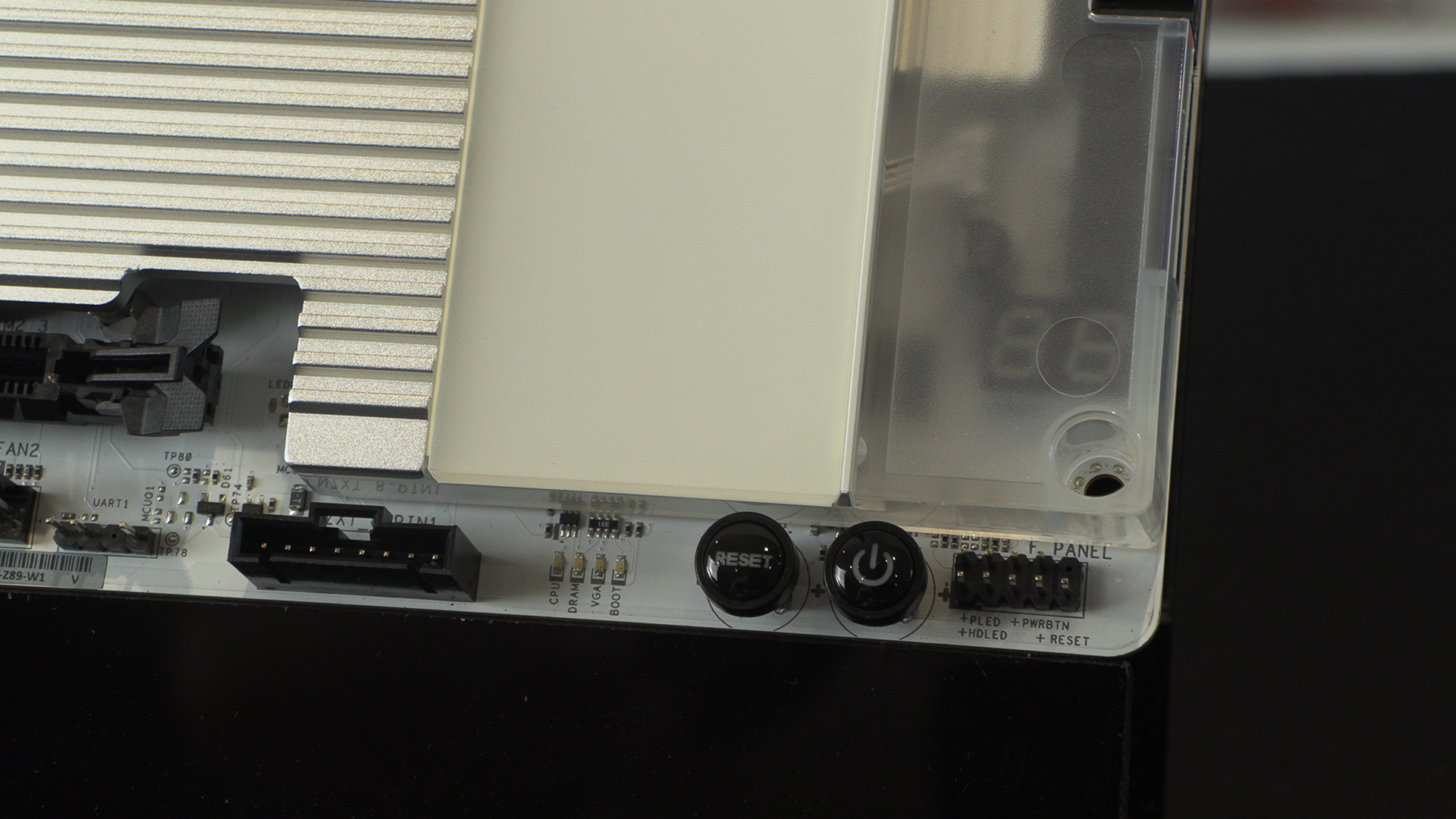
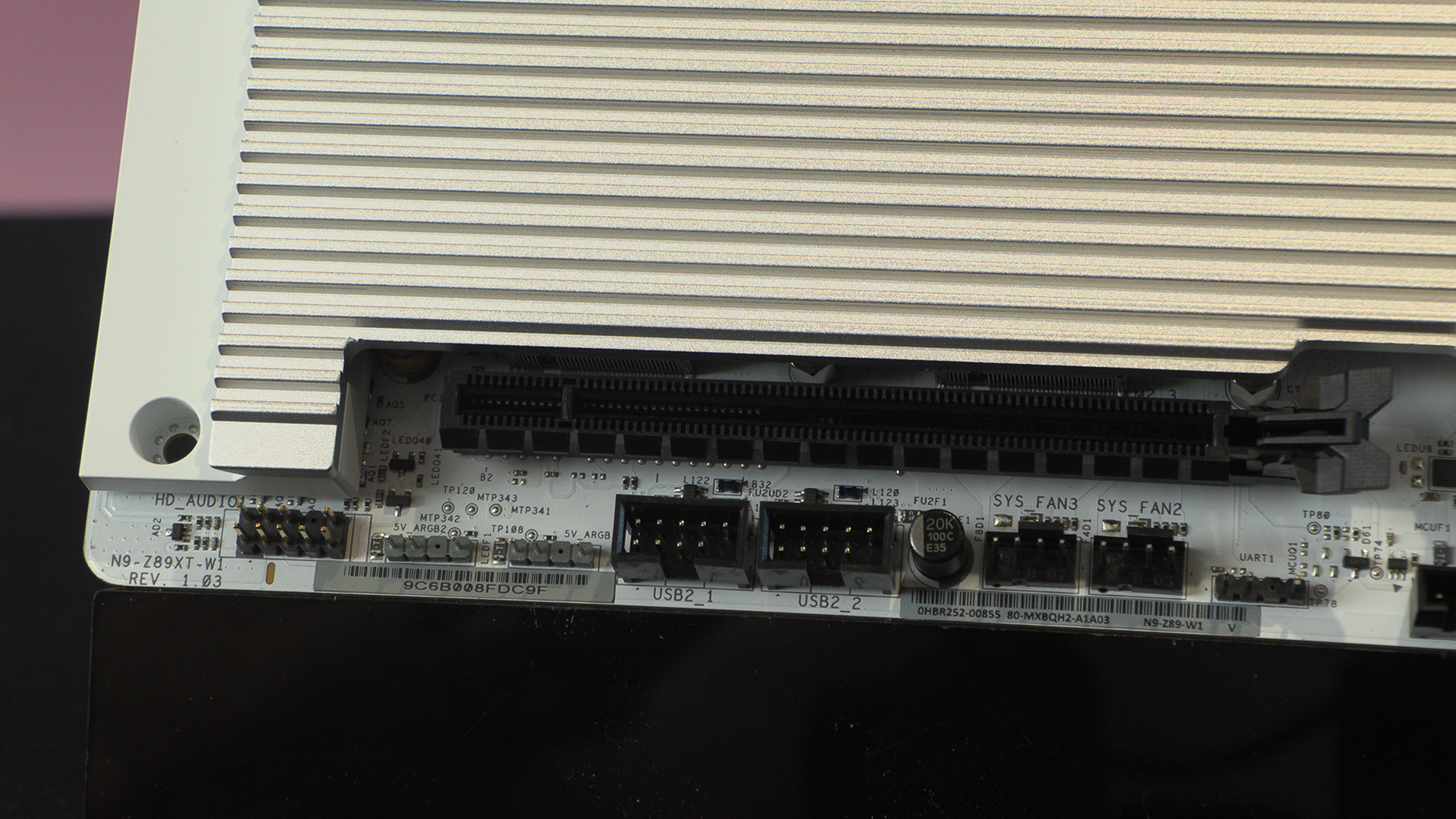
Lastly, before we get around the back, the two ARGB headers sit with USB 2.0 front panel connectors and more fan headers. The NZXT N9 Z890 has plenty of connection options.
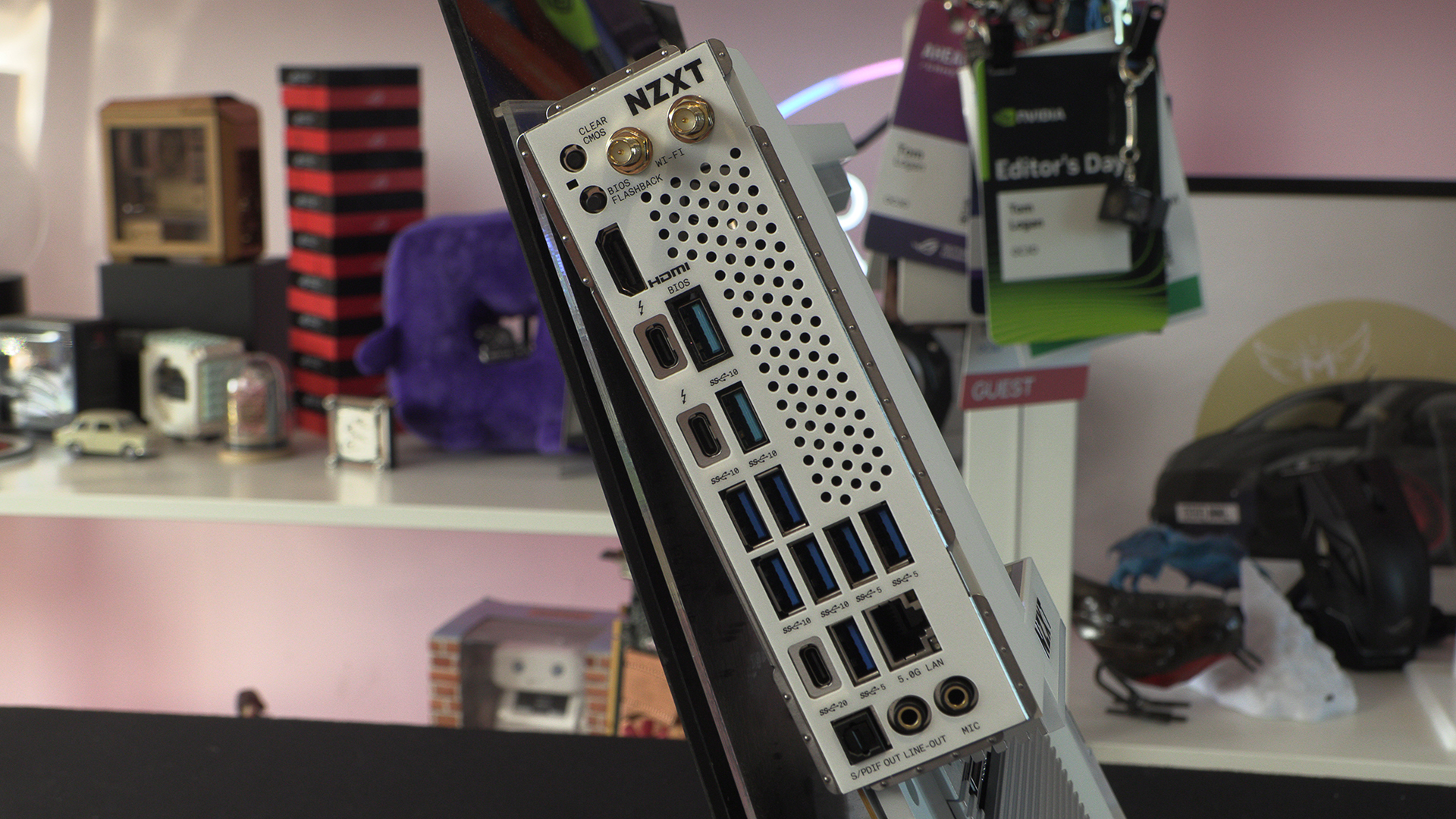
Around the back there are a whole host of USB ports to play with. From simple Type-A 5G ones up to blistering Thunderbolt 4. We like the WiFi 7 antenna plugs being at the top too, especially as most of us put our antenna on top of our cases.