NZXT N7 and N9 Z890 Motherboards

N7 Z890 Up Close
N7 Z890 Up Close
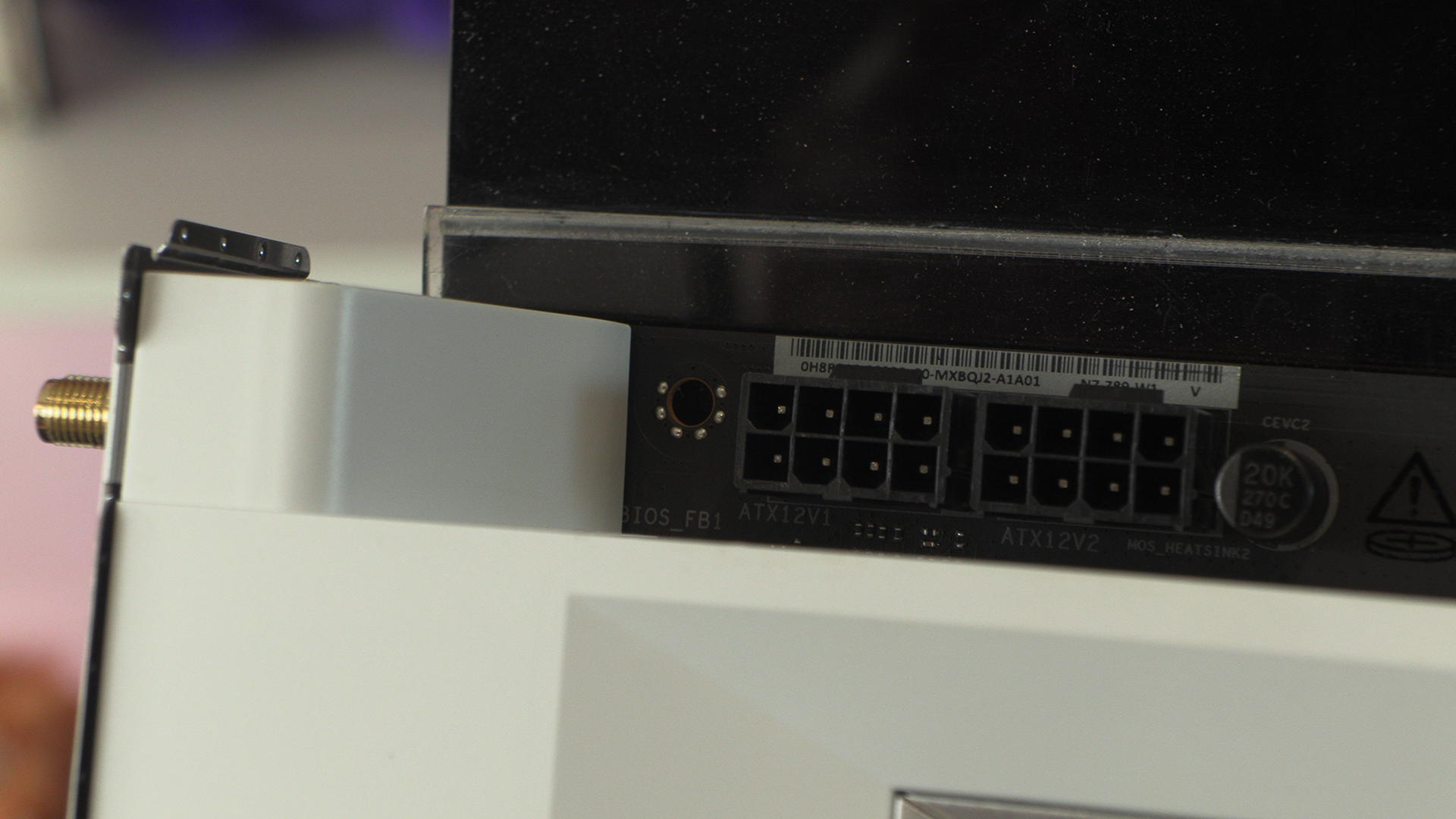
As always the top left gets the pair of 8 pin 12V CPU power connectors. The Intel Ultra 200 range might be more frugal than the 14th Gen that came before, but not so frugal that 8+4 will be enough.
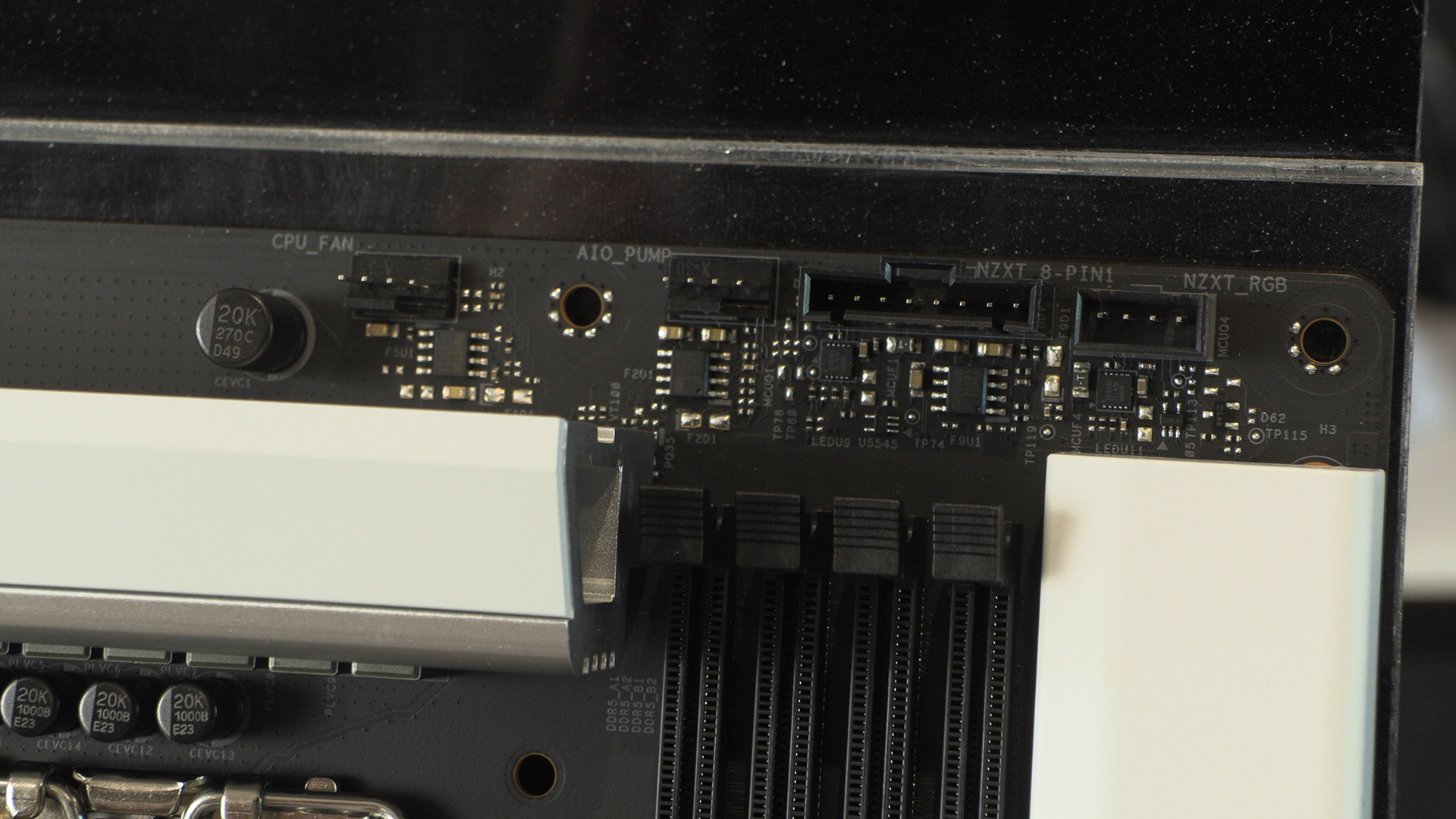
If you’re not part of the NZXT ecosystem there are regular pump and fan headers here for your CPU cooling. However, if you are, then the 8 pin NZXT PWM header makes controlling everything a breeze.
On the off-chance you’re like us and you like the simplicity of plugging your phone or tablet into the front of your rig you’ll enjoy the front panel USB Type-C header here.
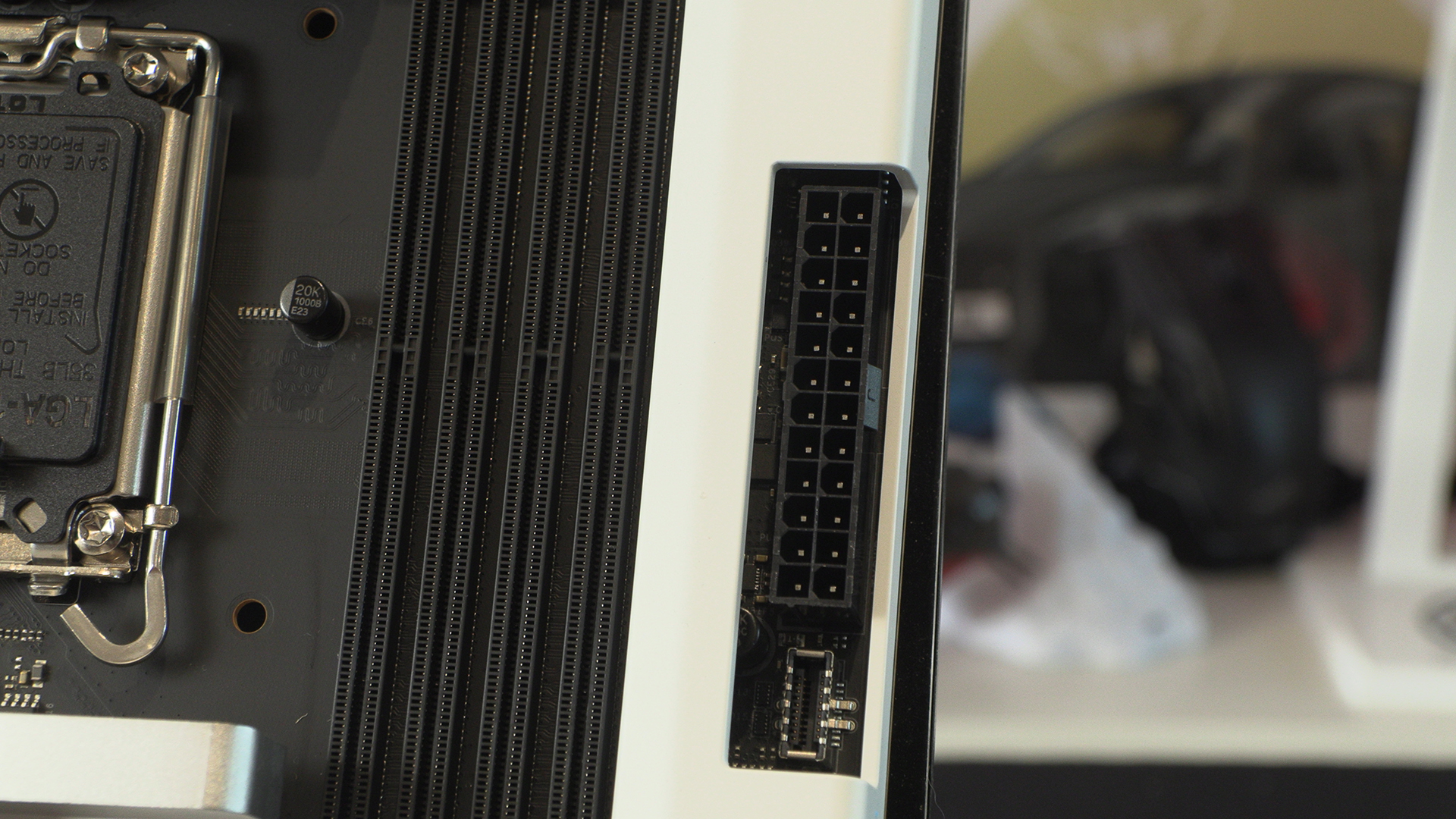
Two USB 3.2 Type-A front panel connectors bestride the SATA ports like the legs of the Colossus of Rhodes.
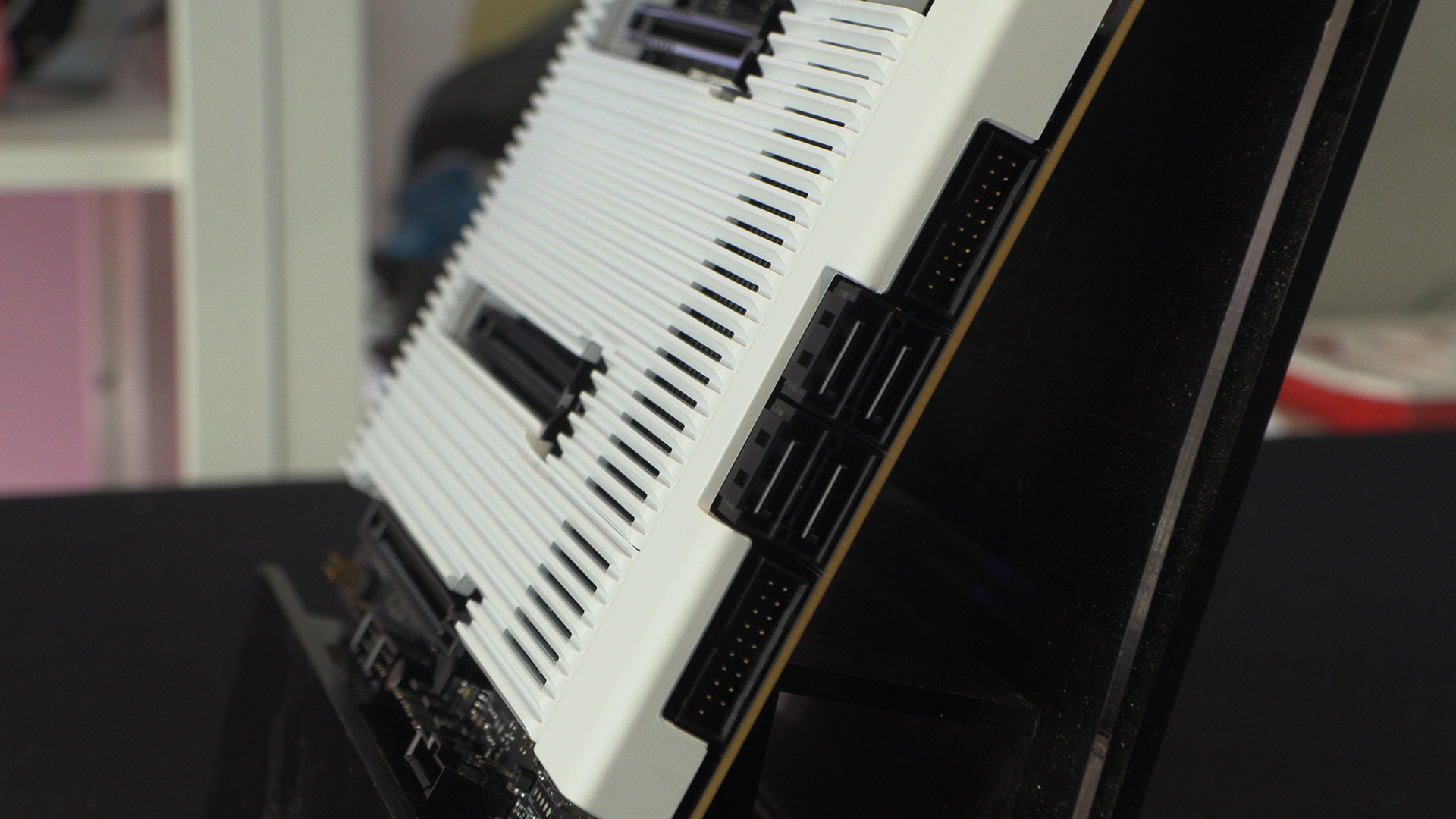
The bottom right corner hosts the power buttons as well as the connectors that plug the N7 into the lifeline of your case. If you’re part of the NZXT ecosystem you’ll appreciate their 8 pin connector here too.
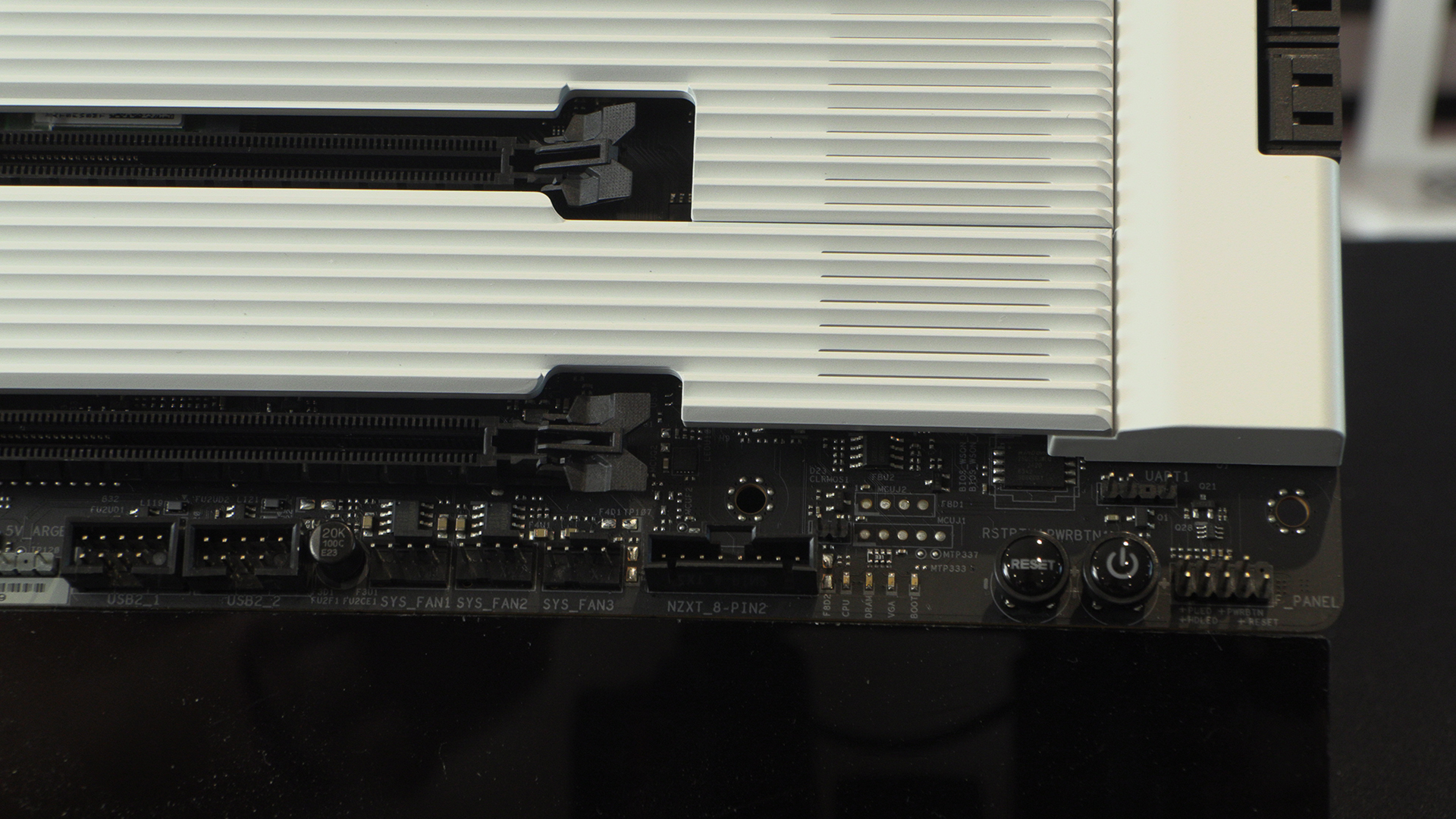
Having a lot of fan headers is important, even on the more efficient Ultra 200 processors. They might generally be cooler than their 14th Gen forebears but they still get toasty under heavy loads. The N7 makes sure you can get lots of cool air into your case.
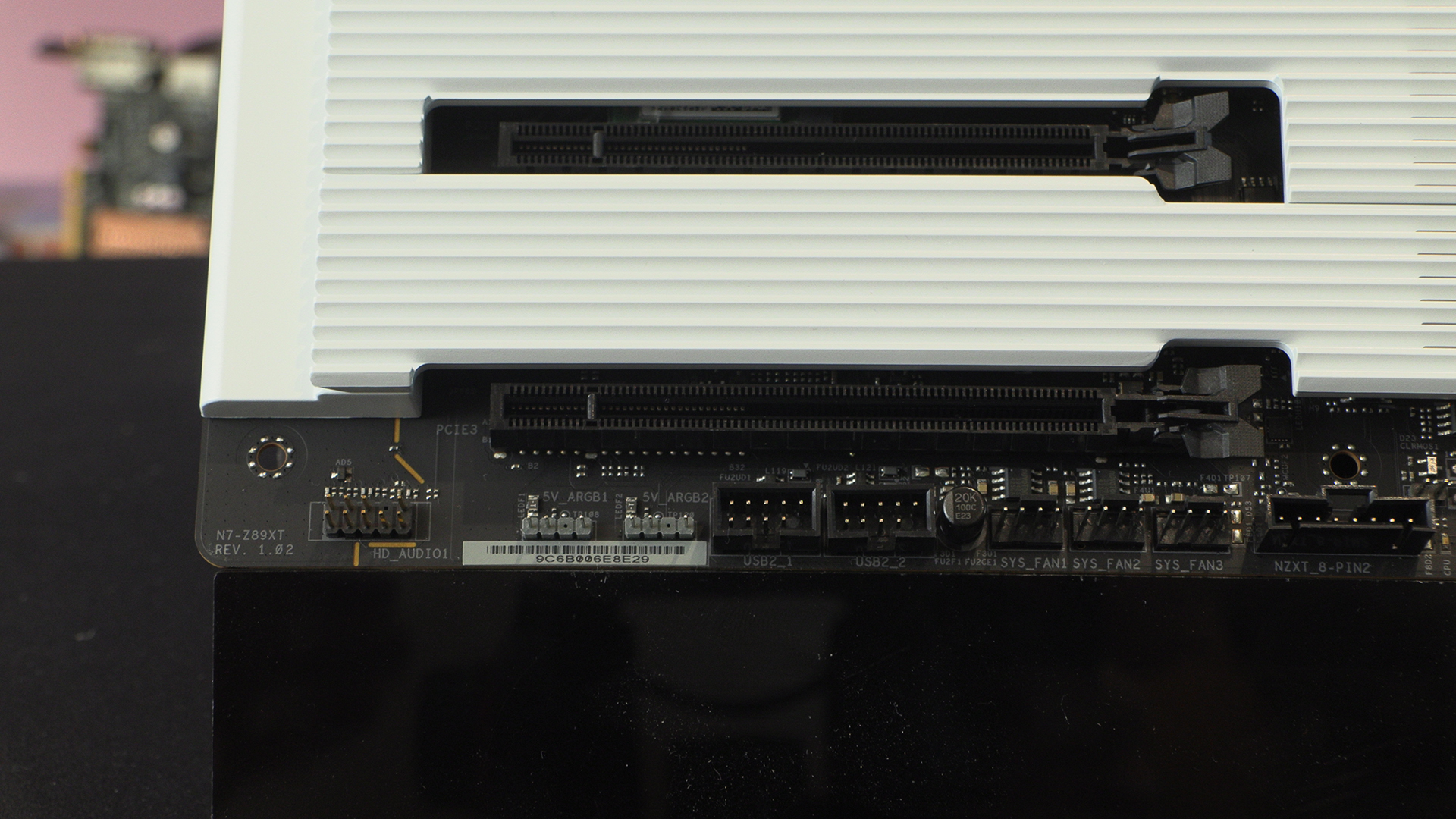
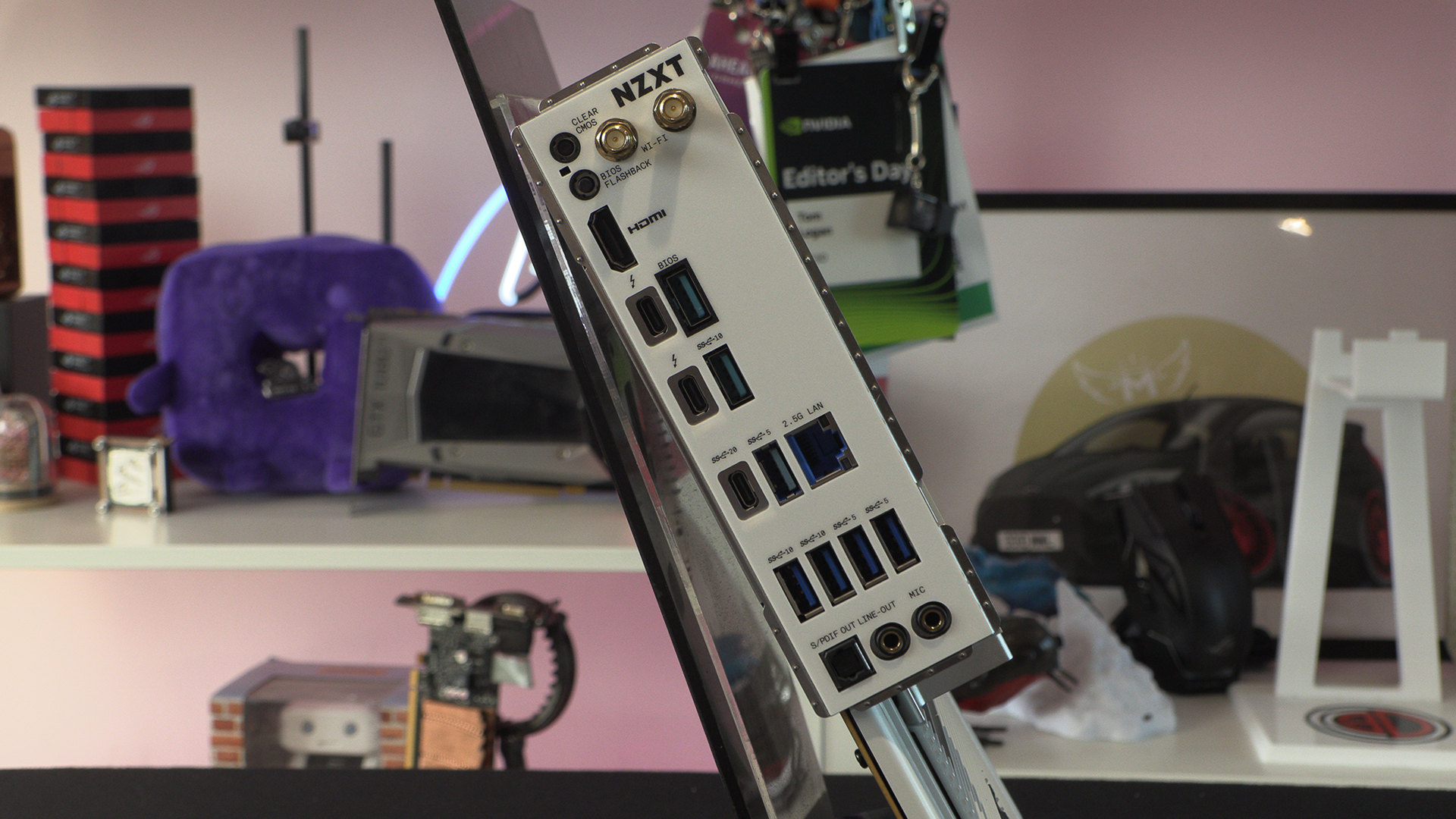
Lastly around the back we can see the last of the big changes between the N7 and N9 NZXT motherboards. Although we’re pleased to note that there are still a good number of USB ports here. Those of us with large peripheral collections need not panic.