NZXT N9 X870E Motherboard

Up Close
Up Close
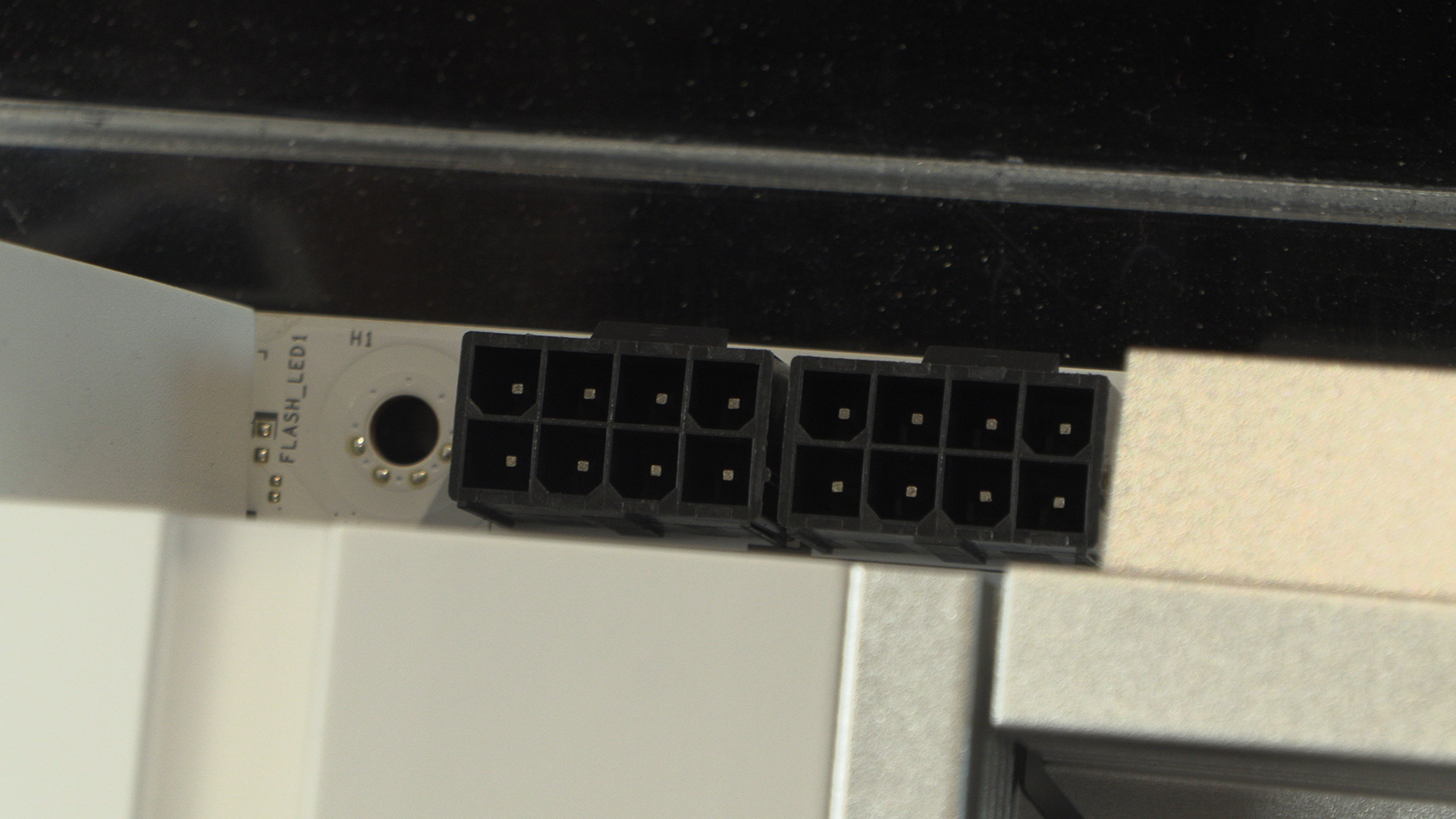
We start, as always, with the two 8pin power connectors to ensure your Ryzen CPU is kept happily fed with power. Given how wildly popular their X3D models are, we imagine this particular N9 is going to sell by the bucket load.
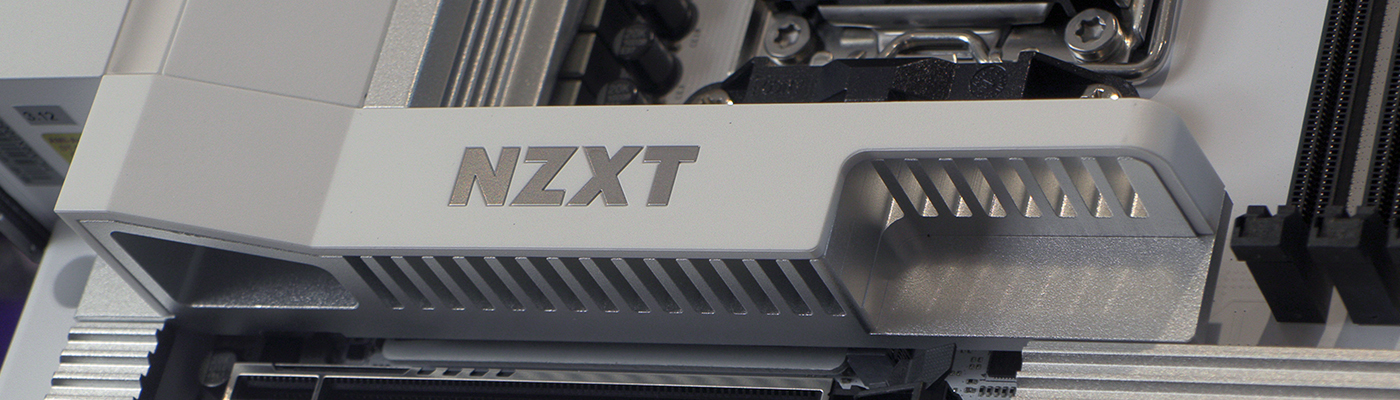
The top edge shows how committed NZXT are to their ecosystem, and a good thing too. We should be rewarded for being brand loyal. Some of us don’t mind a hodge podge of hardware. Some though want to be as single brand as possible. NZXT help you do that with the minimum of fuss.
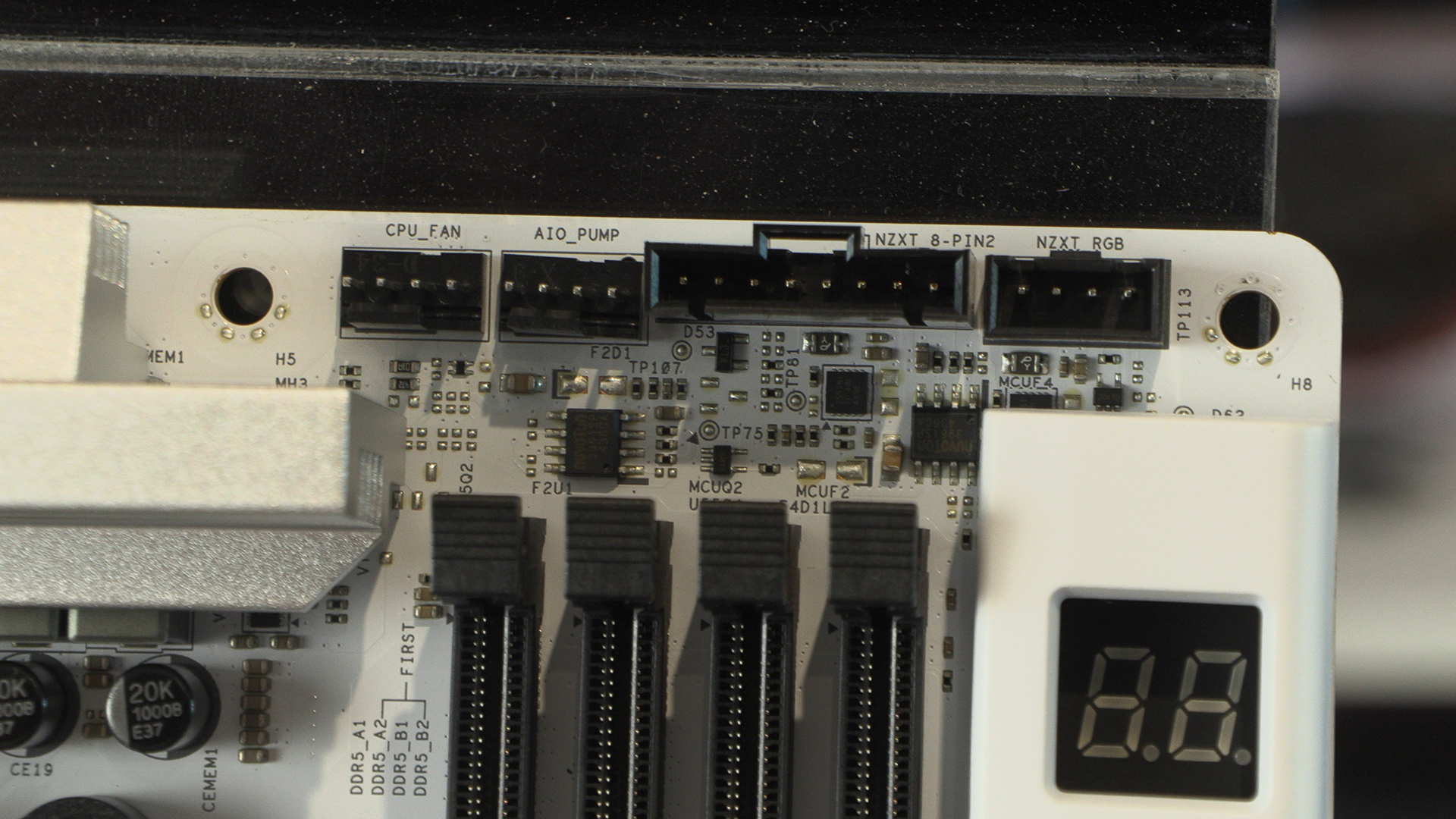
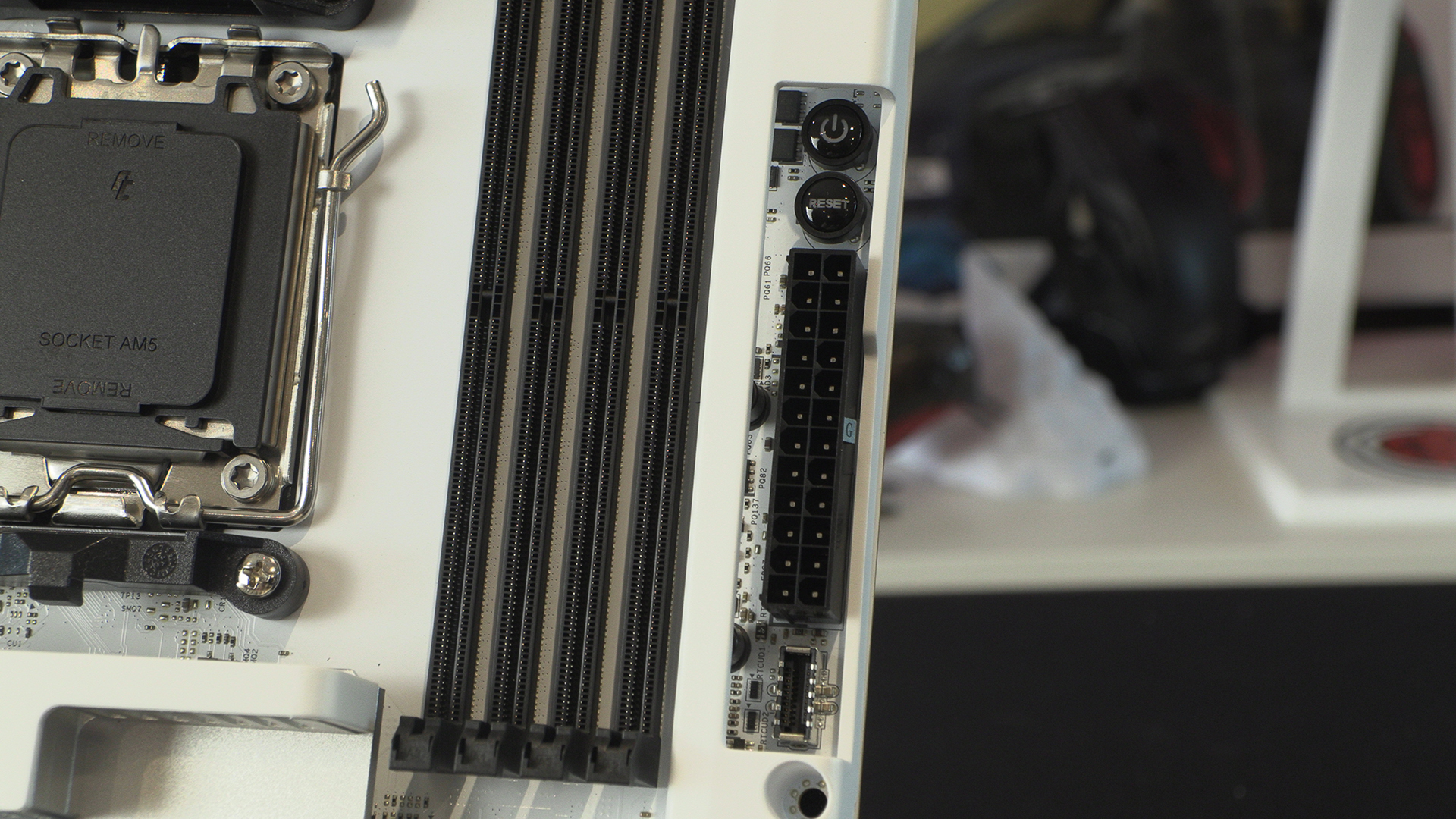
We like onboard power and reset buttons. Systems might have got a lot more reliable in recent years, but we still like being able to check everything works before final fitment.
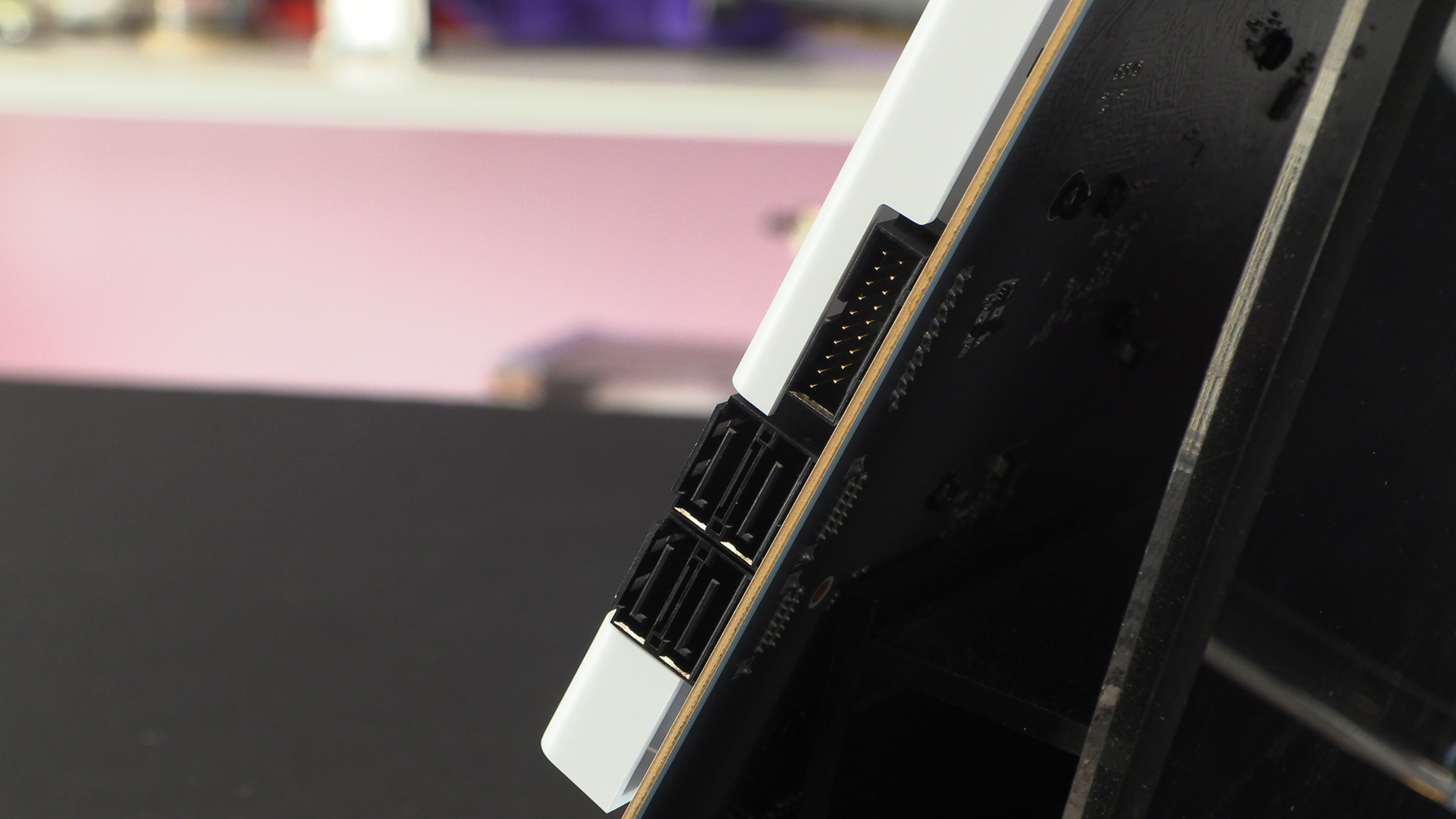
The increase in M.2 drives has led to a reduction in SATA slots. Even the most expensive motherboards stop at 4 SATA ports these days. Anyone with a bad enough storage habit will also have upgraded to M.2s so four isn’t as meagre as it seems. The first of two front panel USB 3.2 Type-A connectors sits alongside them. You can also see the thickness of the PCB, should you like such things.
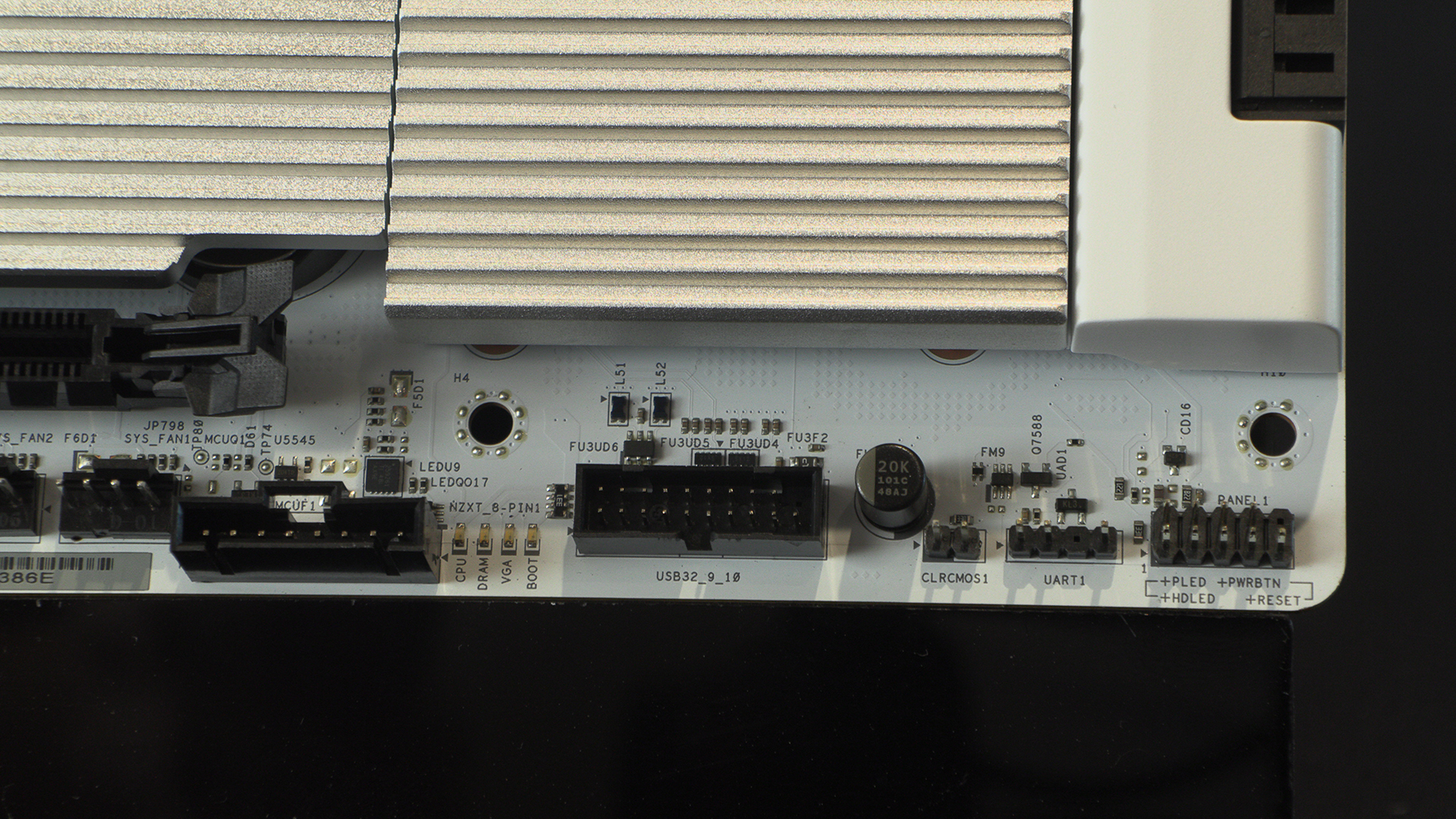
Finding the second front panel USB 3.2 Type-A connector down here with the front panel chassis connectors is strange. As anyone who has built a rig can attest, the front Type-A cables are about as rigid as cables get. Good luck cable routing that.
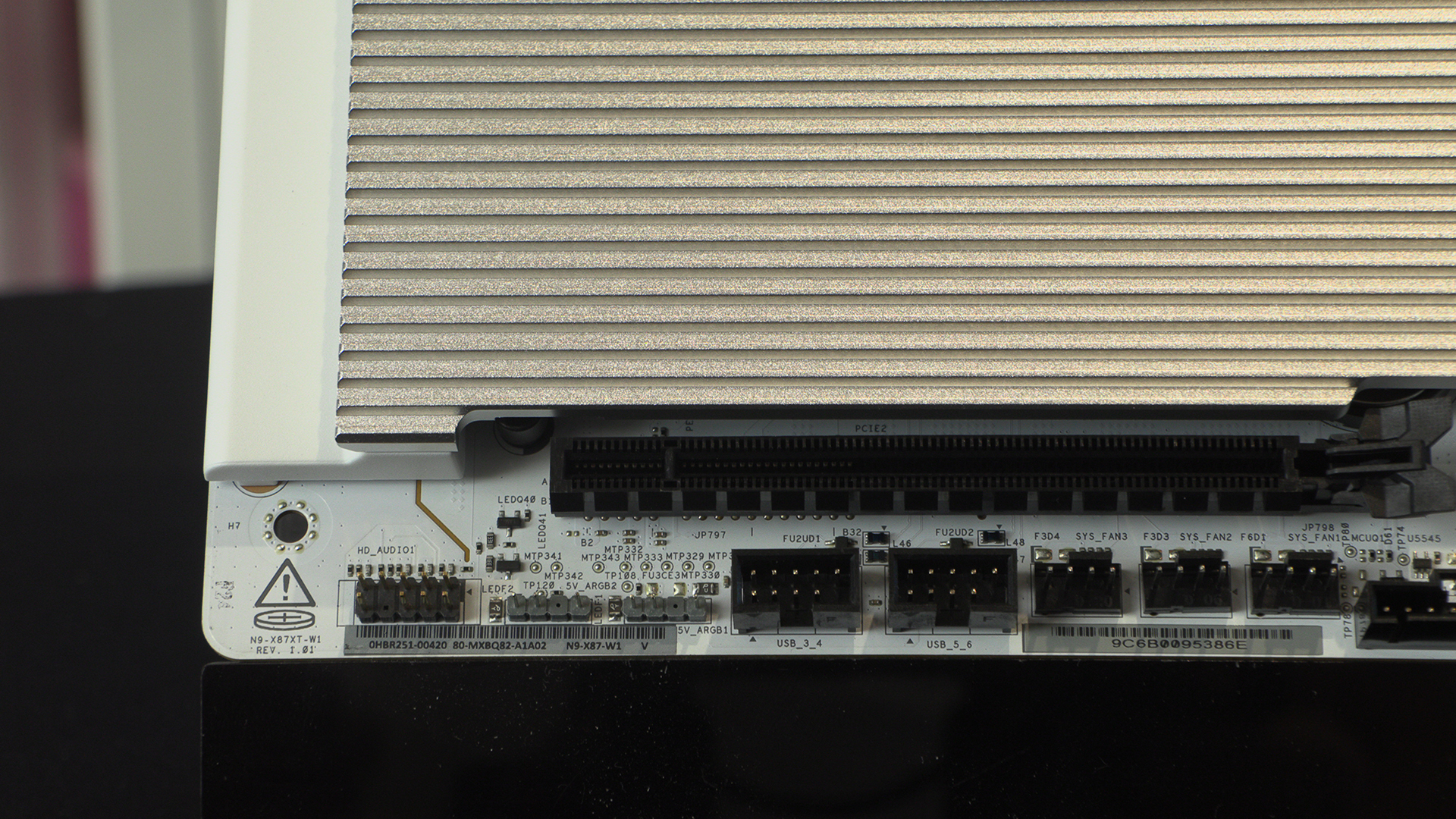
The bottom left corner has all the things you’d expect to find here. Front panel Audio, more ARGB headers, some USB 2.0 front panel connectors as well as plenty of fan headers. It’s a joy for those who like plugging things in.
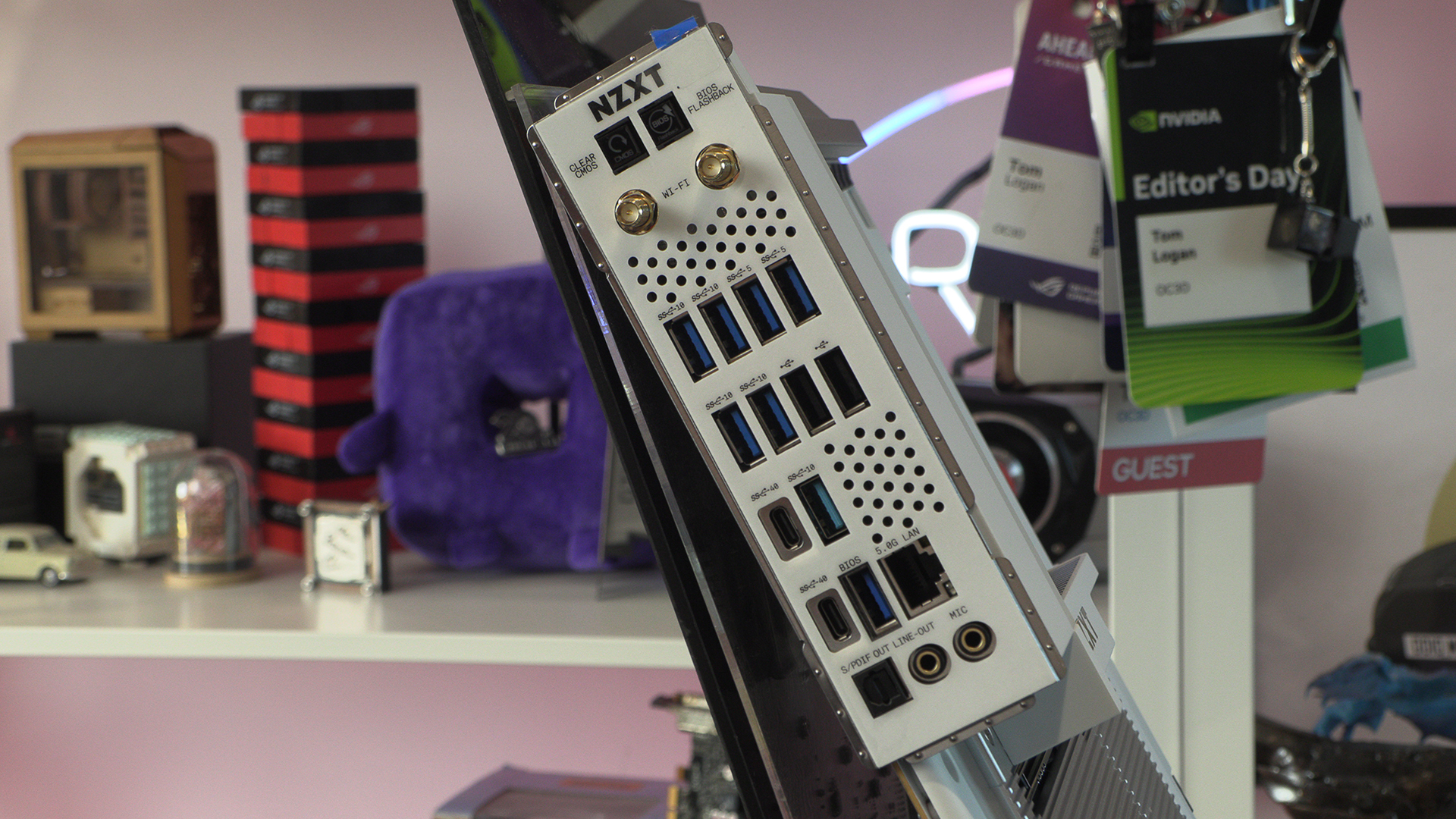
Lastly around the back we have more USB ports than any sane person could require. Two 40G Type-C, 5 10G and 2 5G Type-A, and a couple of USB 2.0s for good measure.