
Corsair XENEON 32QHD165 Monitor Review
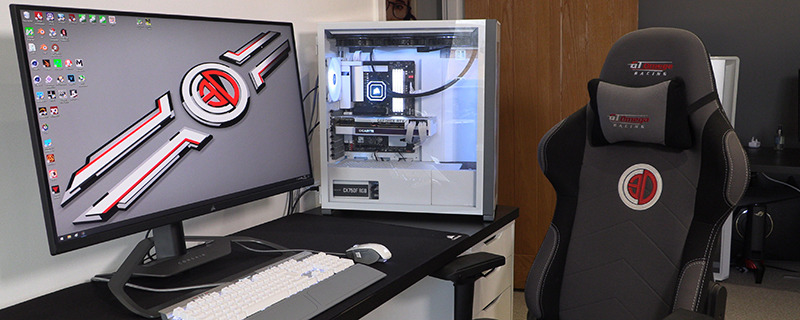
Corsair XENEON 32QHD165 Review

OSD

You can control the Xeneon using the Corsair iCUE software, which is certainly the simplest way to adjust things. However, Corsair also provide you with an excellent OSD should you prefer a more tactile adjustment experience or simply want to place a test image on the screen and adjust from that. Should you already have part of the Corsair ecosystem then you would be wisest to use iCUE as your one stop shop.

Corsair XENEON 32QHD165 Review  

Uh-oh! It looks like you're using an ad blocker.

OC3D relies on ads to provide free content and sustain our operations. By white listing us on your ad blocker, you help support us and ensure we can continue offering valuable content without any cost to you. We only run our own hand picked ads from Industry brands like MSI, BeQuiet, Sapphire and PC-Specialist - meaning they are all relevent to the content you are reading.

We truly appreciate your understanding and support. Thank you for considering whitelisting OC3D
