


The Technomancer PC Performance Review

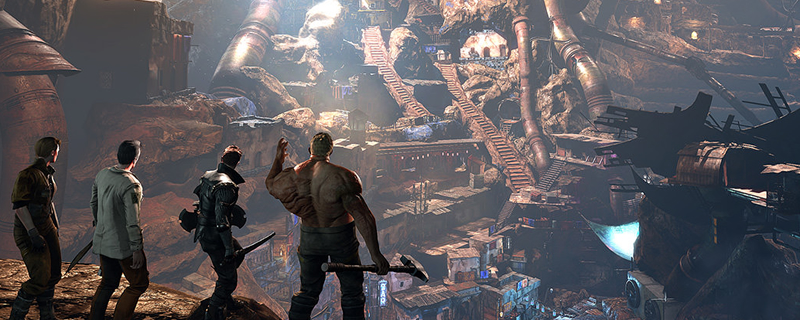
Graphical Options and Settings
The graphical options menu for The Technomancer is very barebones, offering not much more than the ability to select basic antialiasing methods like FXAA and TAA and the ability to lower the resolution of textures and shadows or the amount of particle effects and SSAO used.
When playing the game there are no changes in objects or the environment when changing the graphical settings, just how the environment is textured and how the environment is shadowed. There is a dynamic resolution option, but this can only be used to lower your resolution and then stretch the image to fit your native display resolution.
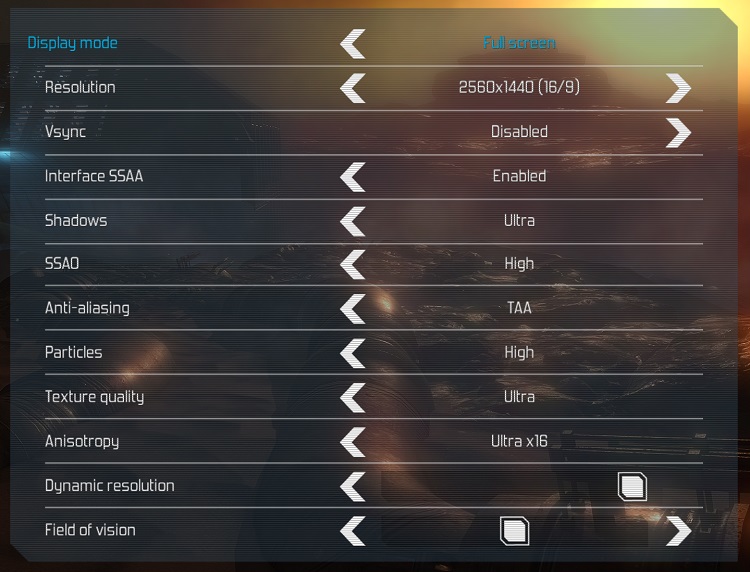
The Technomancer has no built-in graphical presets, but there are are a lot of settings that can be changed between low, medium, high and ultra. Below are images showing the settings that we have used to testing this game.


(Low Settings (Left), Medium Settings (Right))


(High Settings (Left), Ultra Settings (Right))
