Phononic Hex 2.0 Peltier CPU Heatsink Review

The Build
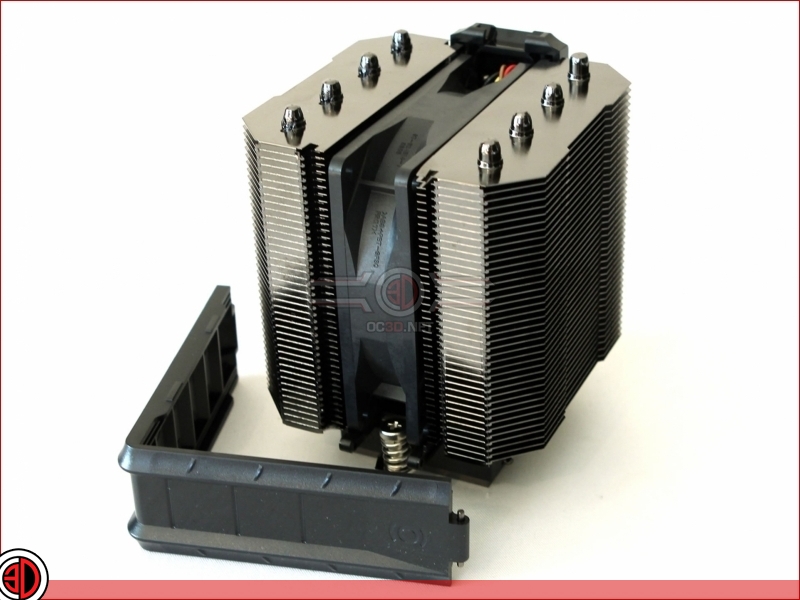
To mount the Hex 2.0 the first thing you have to do is pop off part of the plastic shroud that conceals the fan. The reason for doing this is that you then need to remove the fan to access the screws which clamp the cooler down onto the CPU.
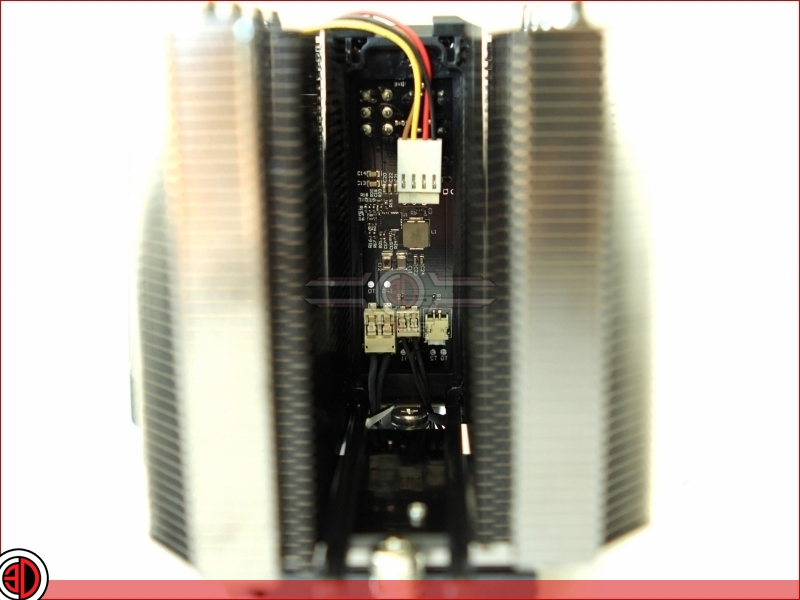
It isn’t actually necessary to remove and unplug the fan to fit the cooler, as fitting can be accomplished with the fan still plugged in but hung to one side. We have though taken it out to give you a peek at the PCB components that run the Peltier element of the cooler.
Although small, the Hex 2.0 is actually a bit of a pig to fit. Actually that’s not strictly speaking true, fitting the cooler is easy enough, getting the fan shroud to clip back on is the hard part as you have to simultaneously prod the fan in while trying to get the shroud in the right place and then clipped shut. In the end we resorted to taking the GPU out so that at least we could see what we were doing.
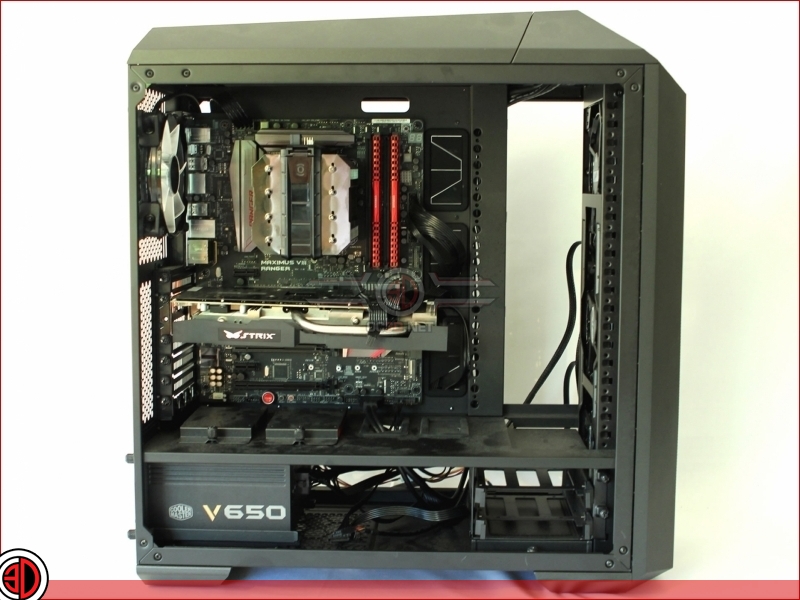
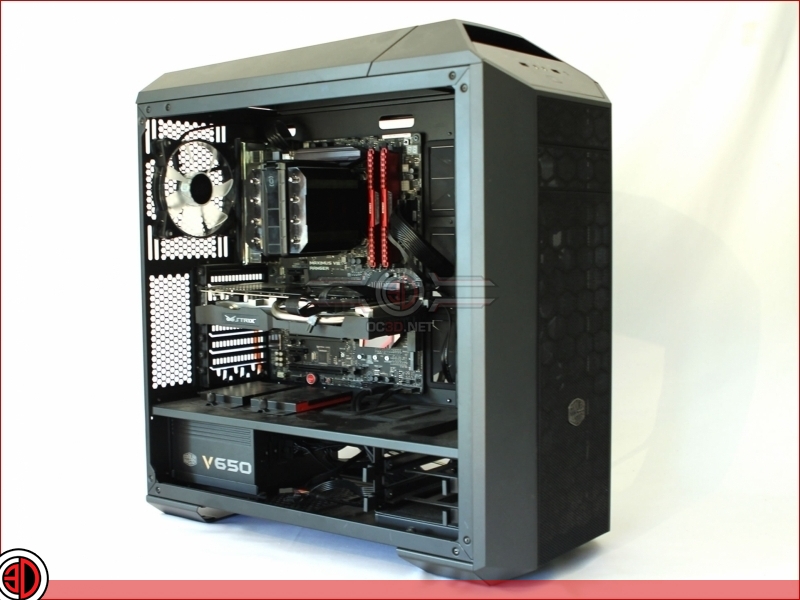
Although the Hex 2.0 will invariably find a home in many SFF and HTPC cases, it’s nice to see that it doesn’t look out of place in a mid tower such as the CoolerMaster MasterCase5 we use as our test rig.
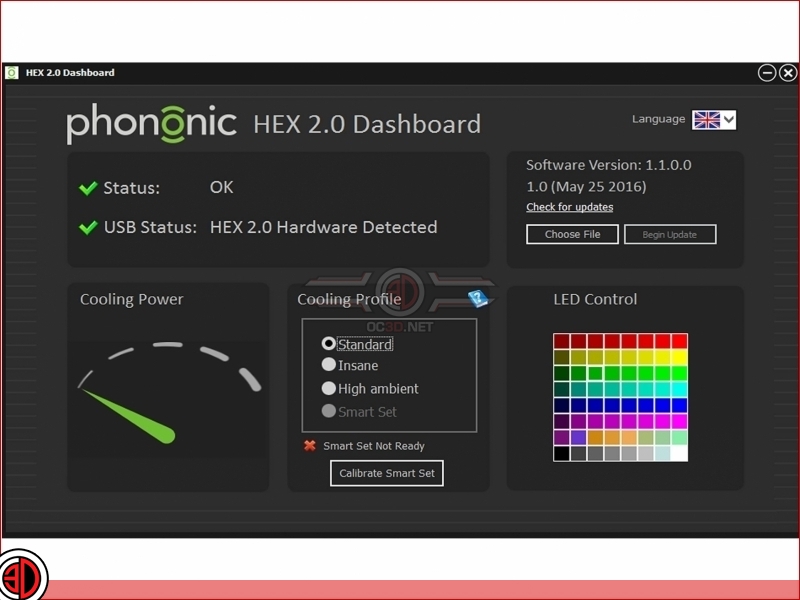
The last thing to mention before we head over to the testing is the Hex 2.0 Dashboard software associated with the cooler. The software can be downloaded from the Phononics website and although the cooler can be run without it, it’s the software that not only allows you to choose the colour and brightness of the Phononics LED logo, but also play with the cooling profiles. There are in simple terms, three pre-programmed settings; Standard, Insane and High Ambient. the forth setting “Smart Set”, is essentially a custom set up option which after a calibration is carried out, allows the user to set a profile which determines the point at which the Peltier part of the cooler adds to the cooling provided by the fin stack and fan. Activating this, and the “insane” mode, prompts a warning about the dangers of high ambient temperature, high humidity, and the potential dangers of condensation. You have been warned.