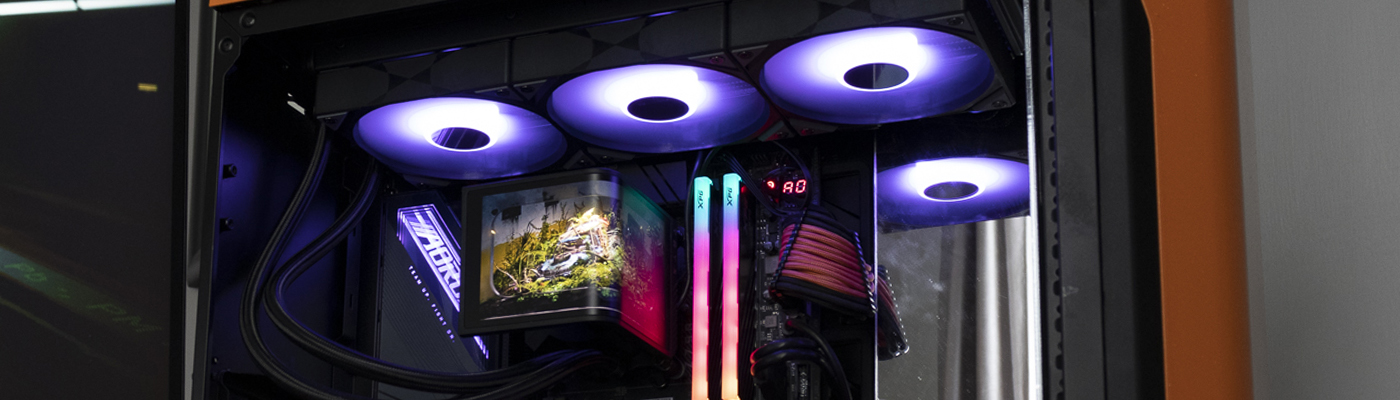
Tryx Panorama 360 SE AIO Review

Tryx Panorama SE Up Close
Tryx Panorama SE Up Close
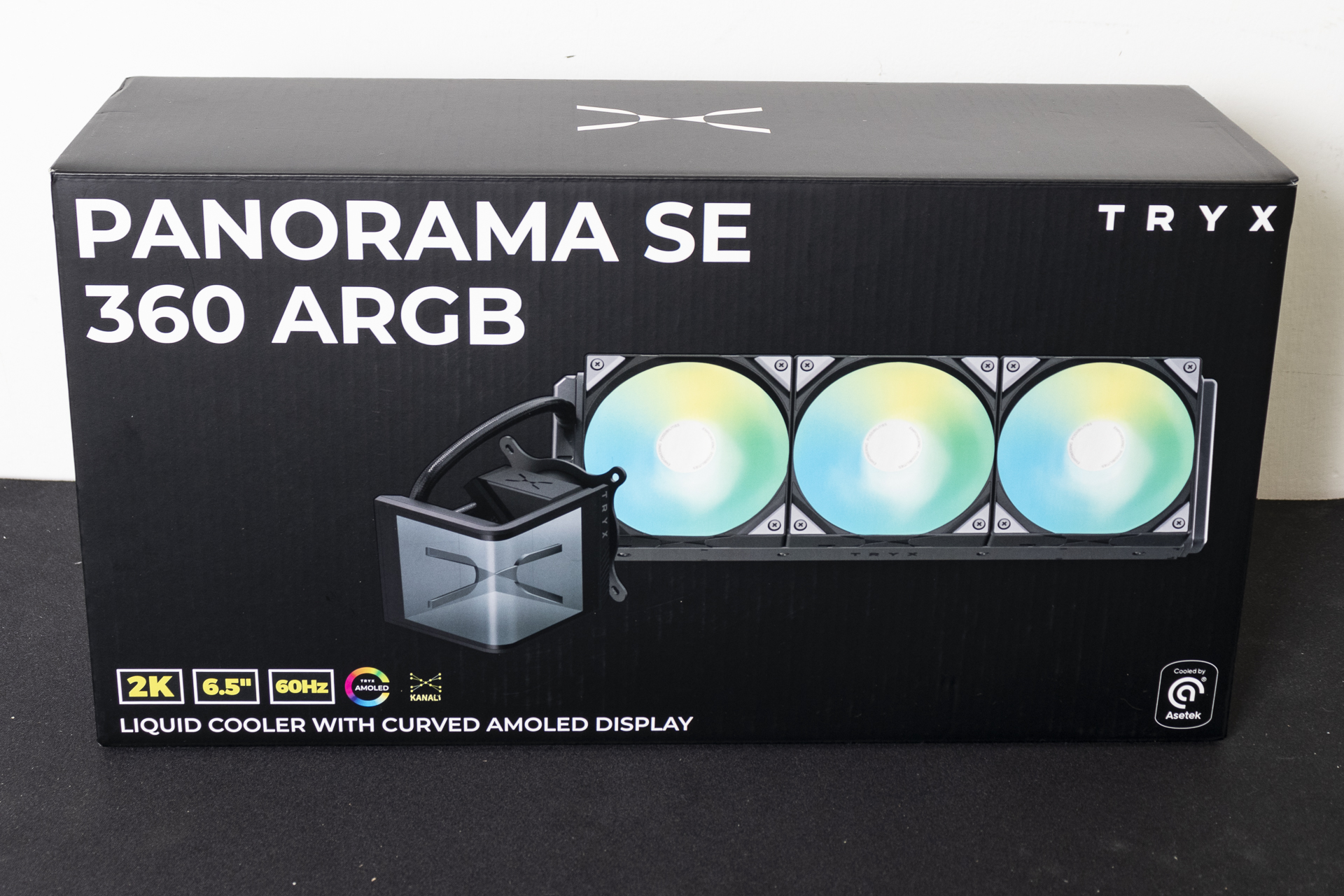
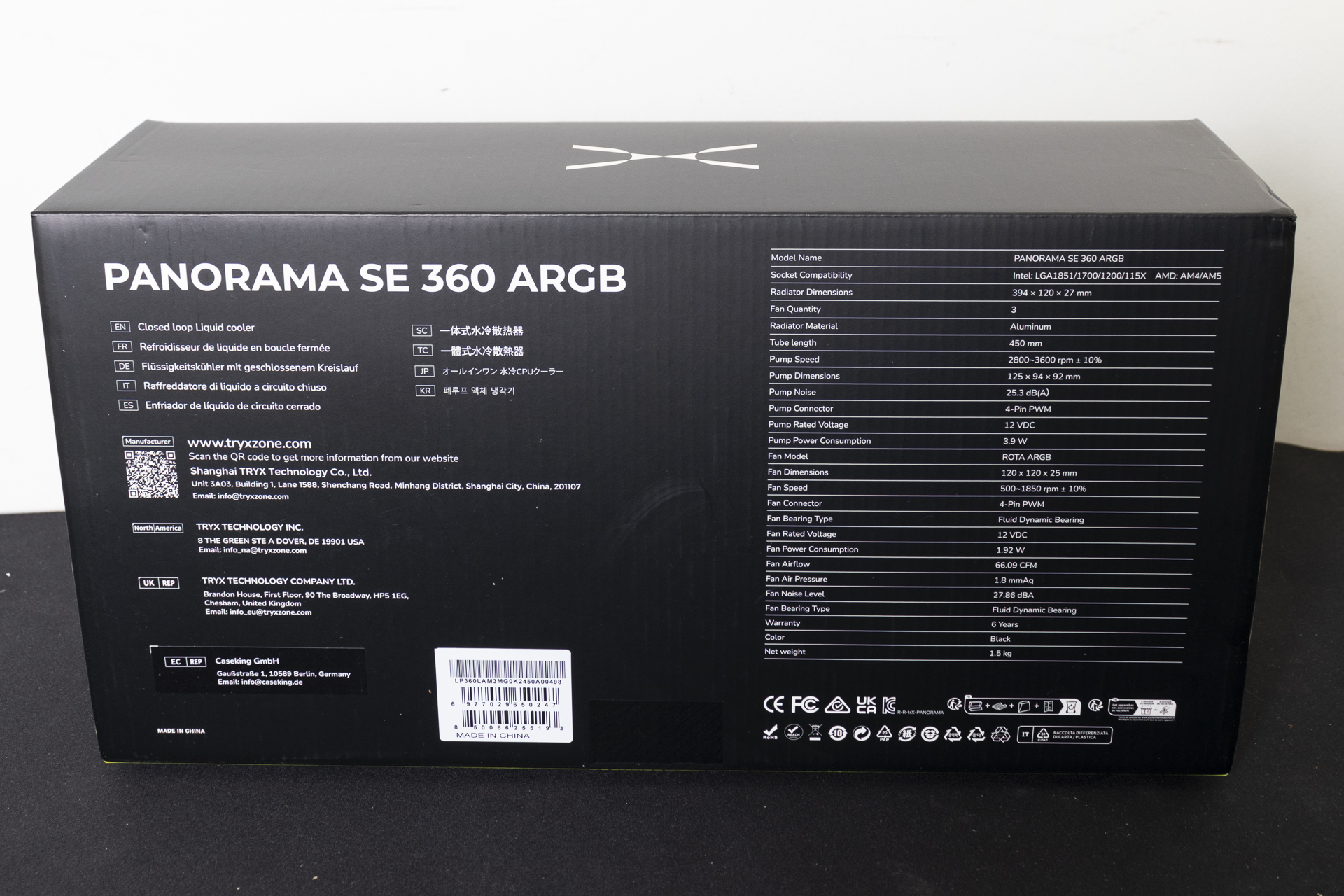
As always we start with the box. Should you like your packaging to be both clear and informative then you will enjoy the Tryx Panorama SE. Bold product imagery sits next to a clear feature list. Around the back there are the specifications we saw on the previous page.
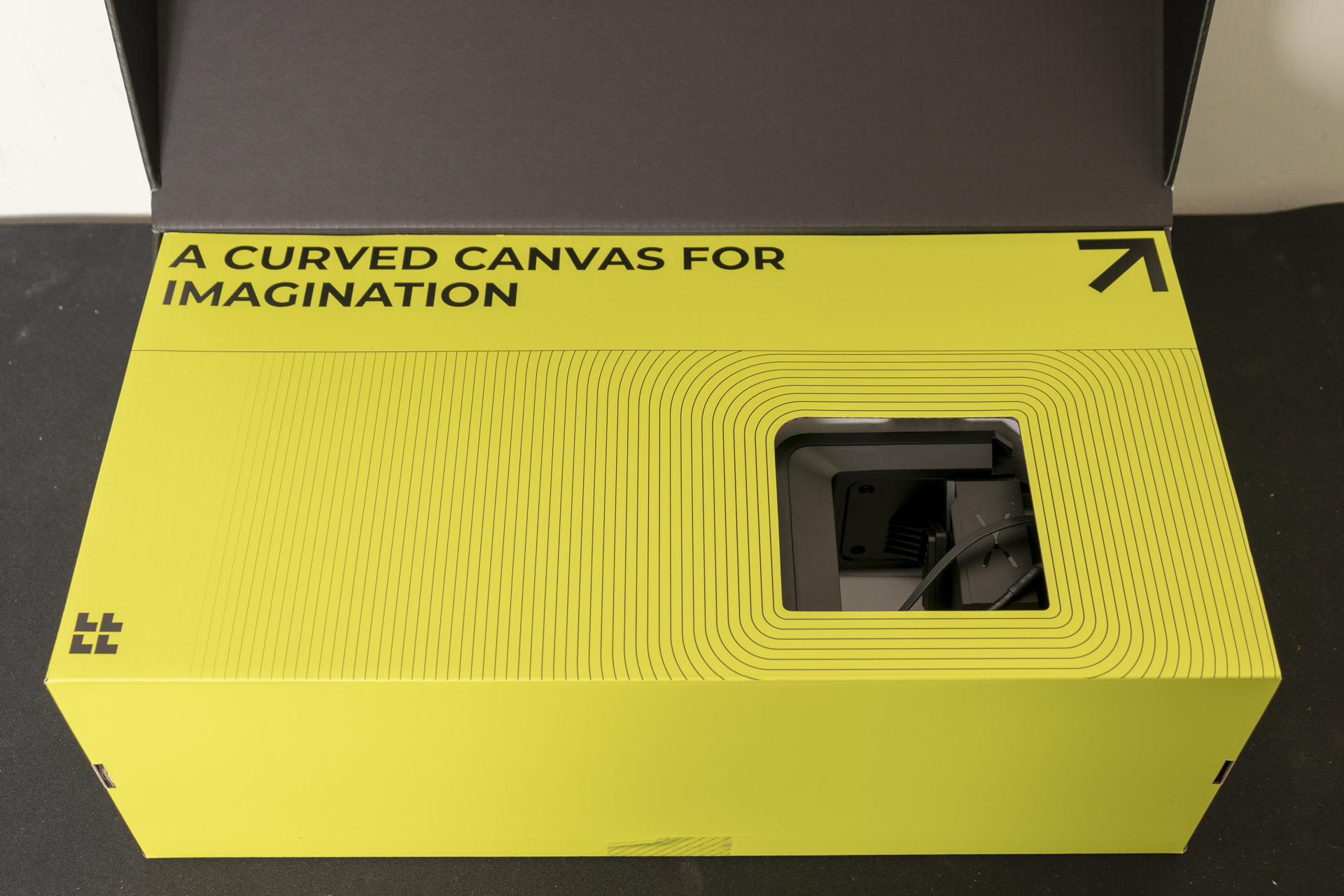
Lifting the lid is not for those of you without sunglasses. This photograph doesn’t do the lurid nature of this justice.
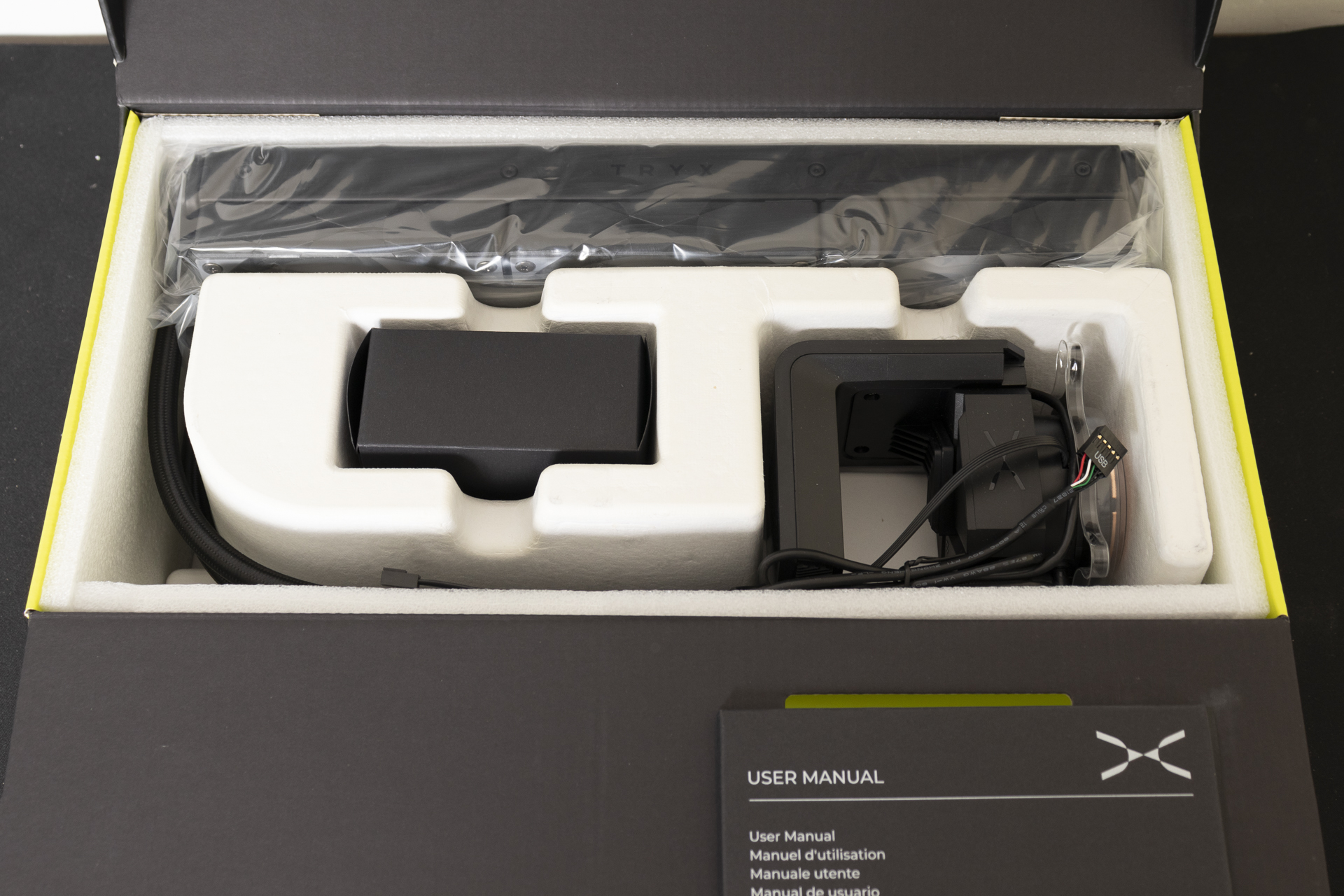
Thankfully it’s easy to lift that up and reveal the Tryx Panorama SE in all it’s glory. The central black box contains the mounting hardware. More on that in a moment.
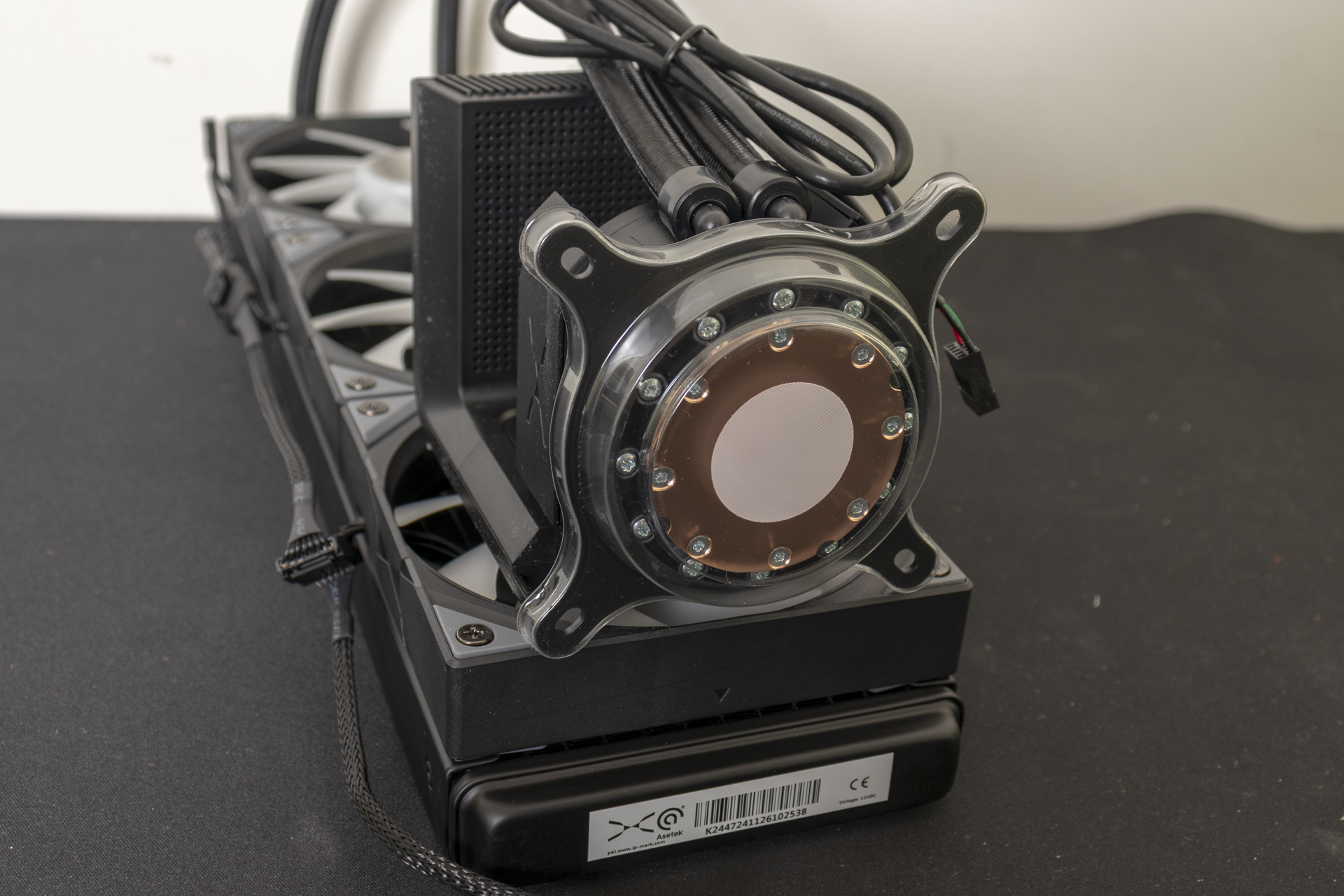
The ASETEK pump has the looks of some Victoriana. It’s almost steampunk-esque thanks to that huge copper plate and plenty of screw heads. It just makes us chuckle that something so cutting edge can also appear like it comes from a previous century.
Screen
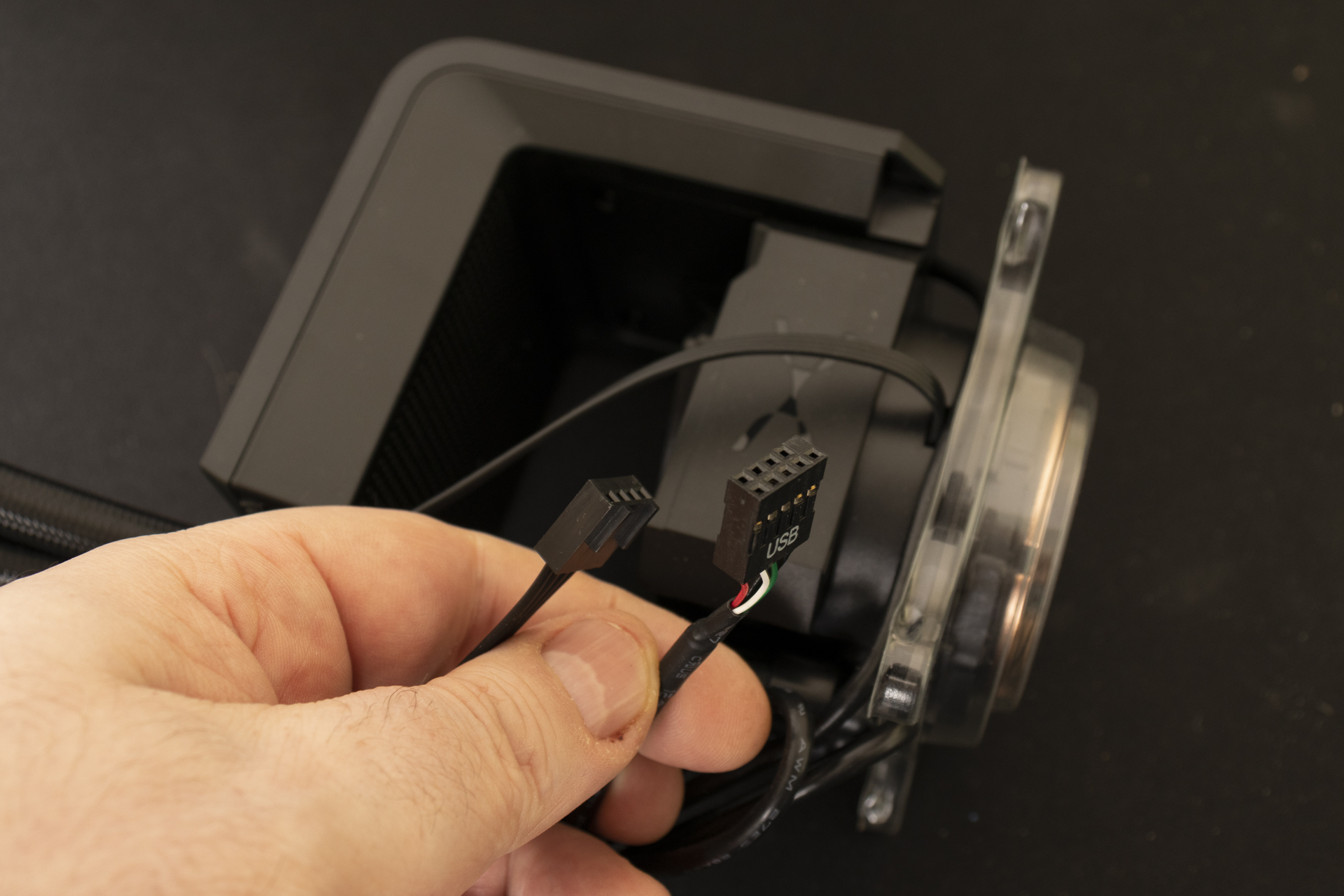
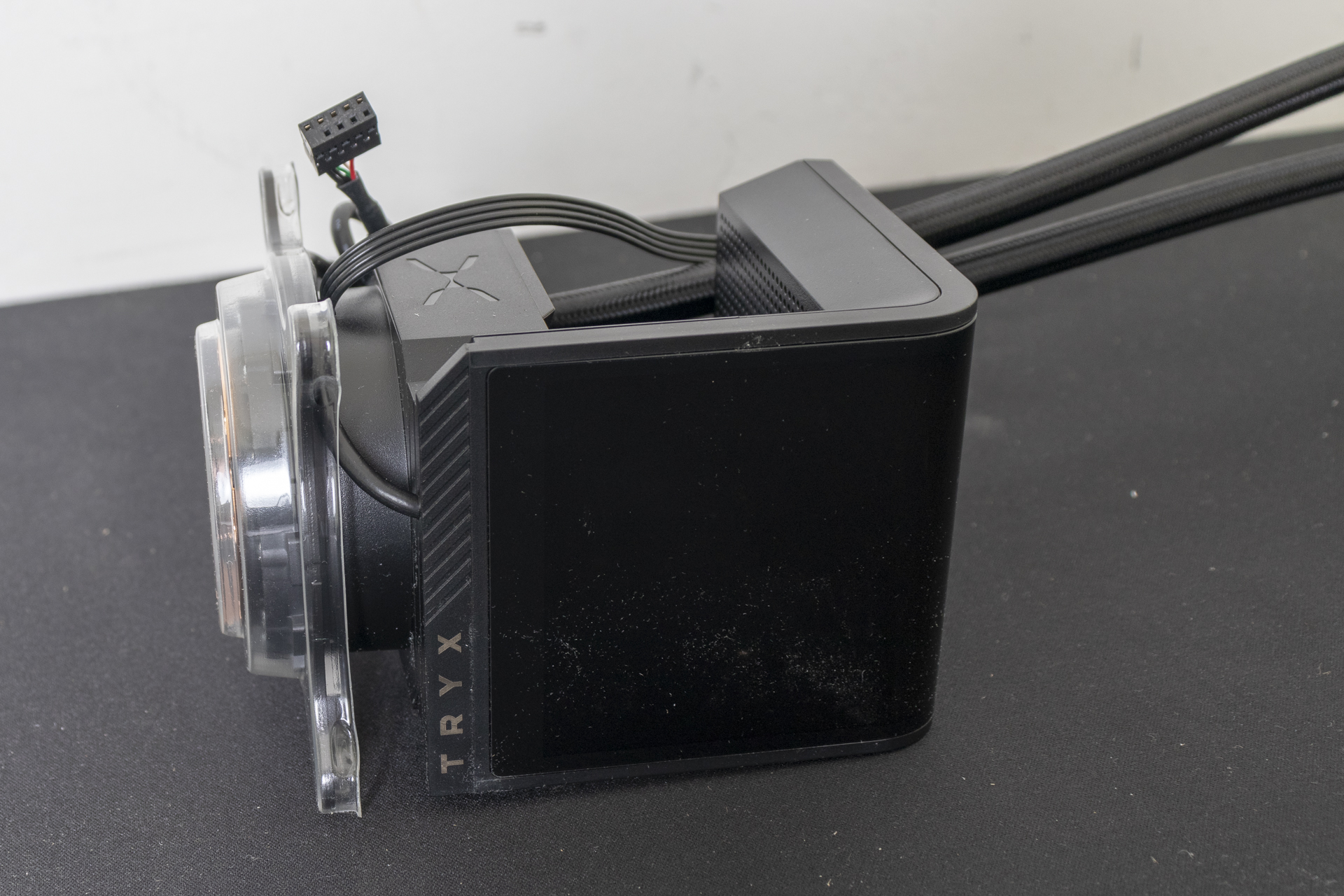
The screen attaches to the pump with magnets and is controlled by connection to your internal USB 2.0 header. The pump itself has the usual 4 pin PWM connector.
The gap you can see here is what visually separates the SE from the original Tryx Panorama. In there is a quad core CPU with 2GB of RAM and 8GB of ROM to ensure the Panorama SE doesn’t suck all your vital CPU cycles. It’s also enough that the screen can remain on and cycling through your chosen images even with the PC off. Flash.
Fans
Empowering Possibilities. If, like us, you sit through plenty of presentations then phrases like that will be all too familiar. Management speak 101. Fortunately for us the three ARGB fans supplied with the Panorama SE are in place out the box. We love daisy-chained fans too. Anything to save us faffing about when we want to be getting our system back up and running.
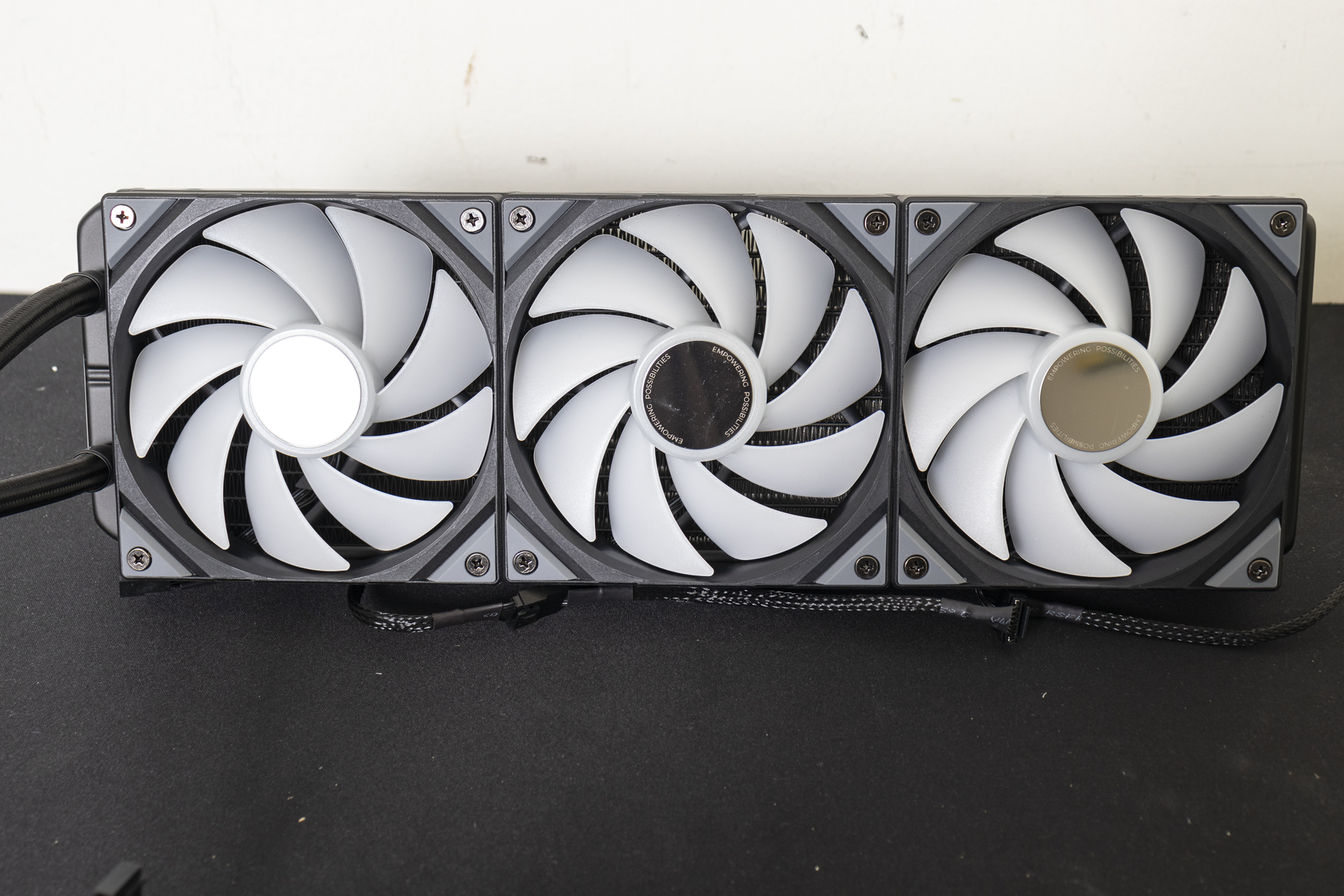
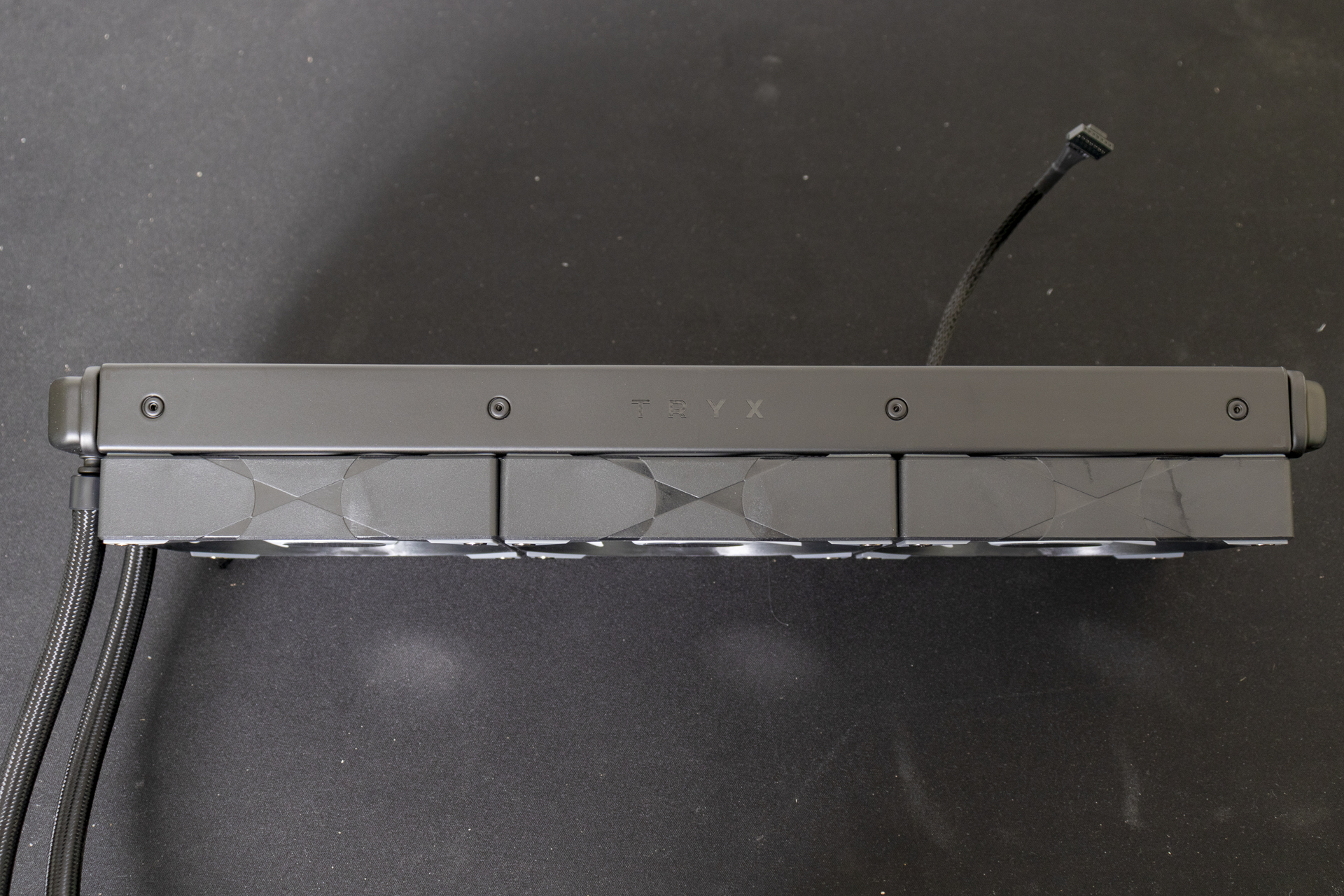
Note that the fan connector isn’t a standard one, but a combined ARGB and Power. Within the box you get a fan that takes the connector you can see below and turns it into the ARGB and PWM fan headers needed to control lighting and speed.
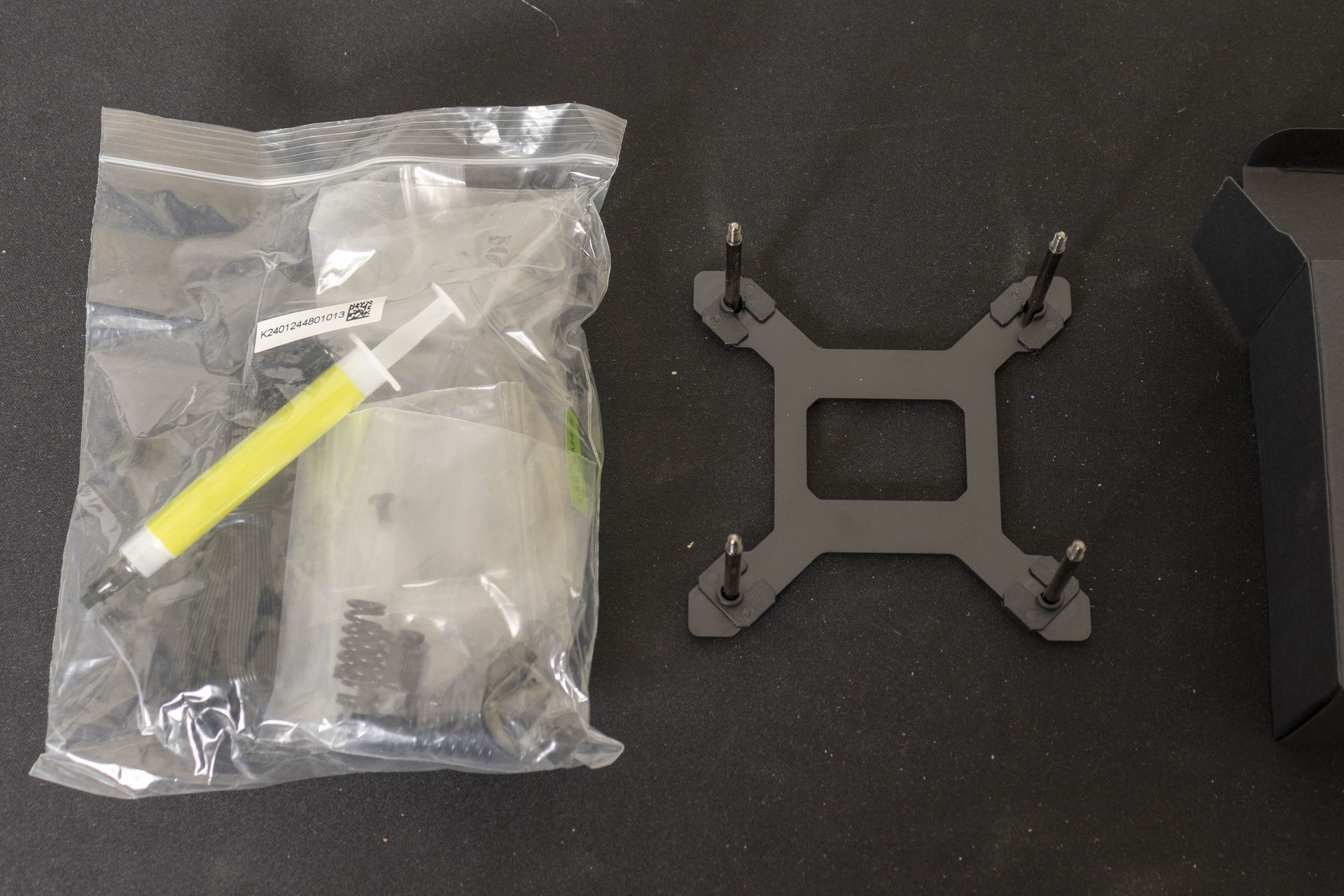
The black box you saw at the beginning has all the mounting hardware. The Tryx Panorama SE takes the long screw and spring approach. It’s incredibly easy to mount. There are also 12 screws to mount the radiator into your case. In other words, fear not if you’ve tidied your case parts box away and can’t place it.