Tryx Panorama 360 SE AIO Review

In Use
In Use
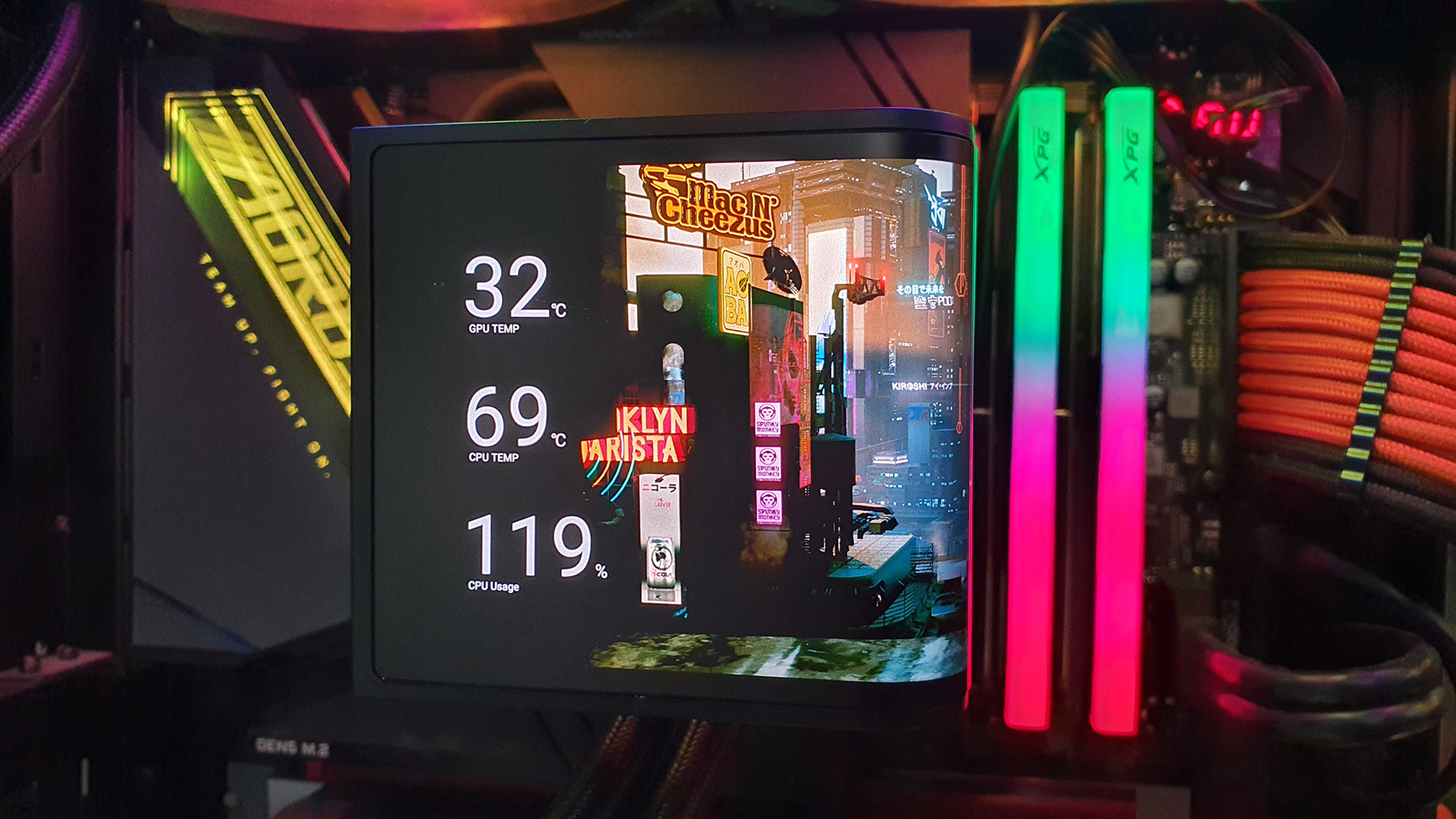
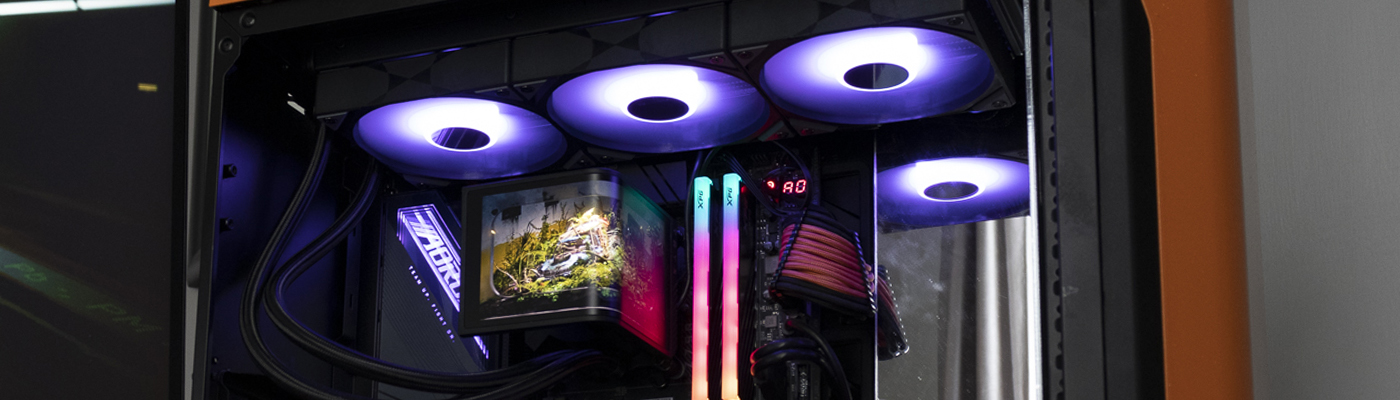
Creating your own loops and images is very much limited by your creative skills. It’s asking a lot that Tryx, or the Kanali software, give us a simple way to create them. However, unless you’re already fairly gifted you’re stuck with the default ones or whatever you can scrounge off the interwebs. Luckily the default ones are of an excellent standard.
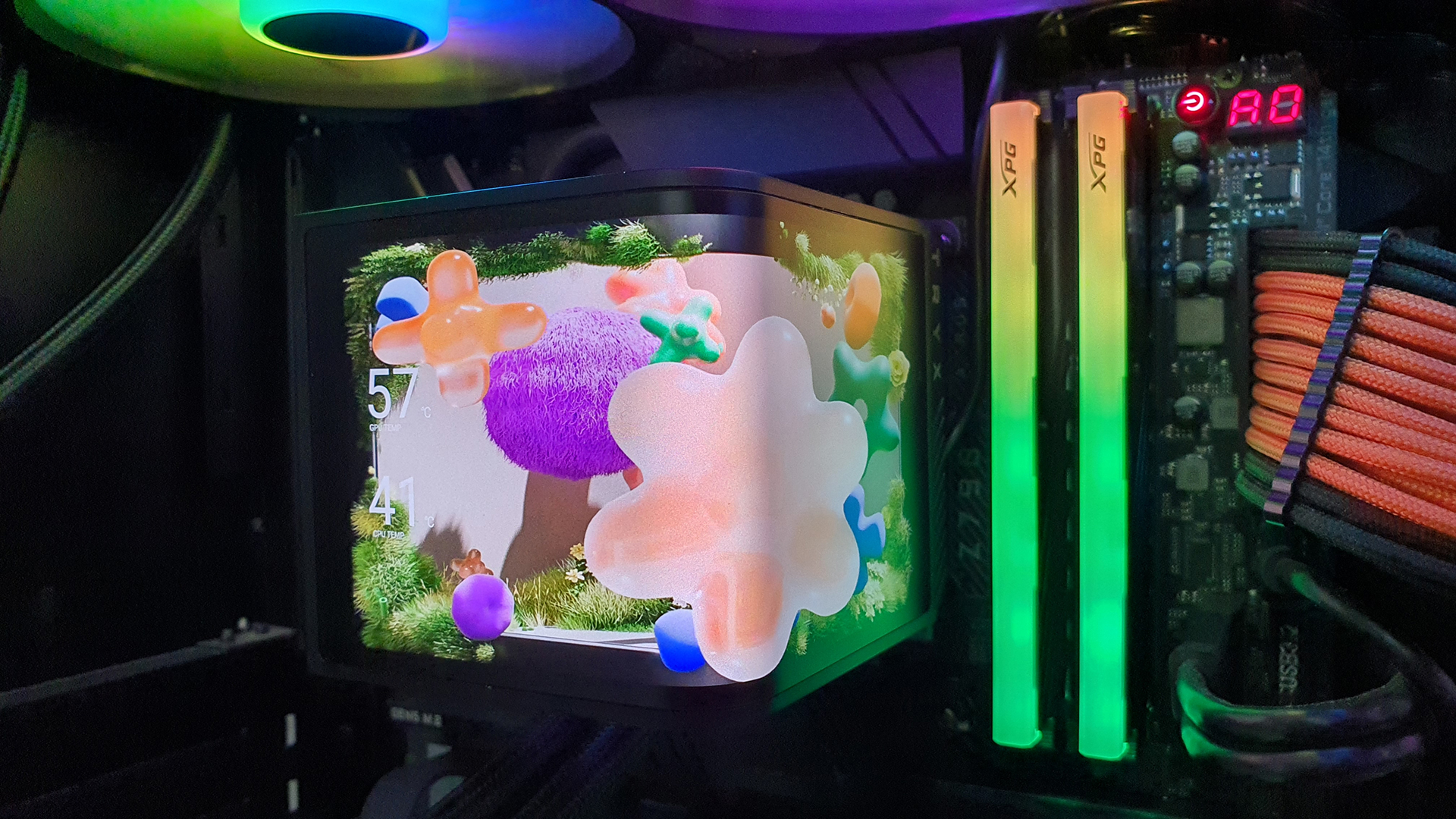
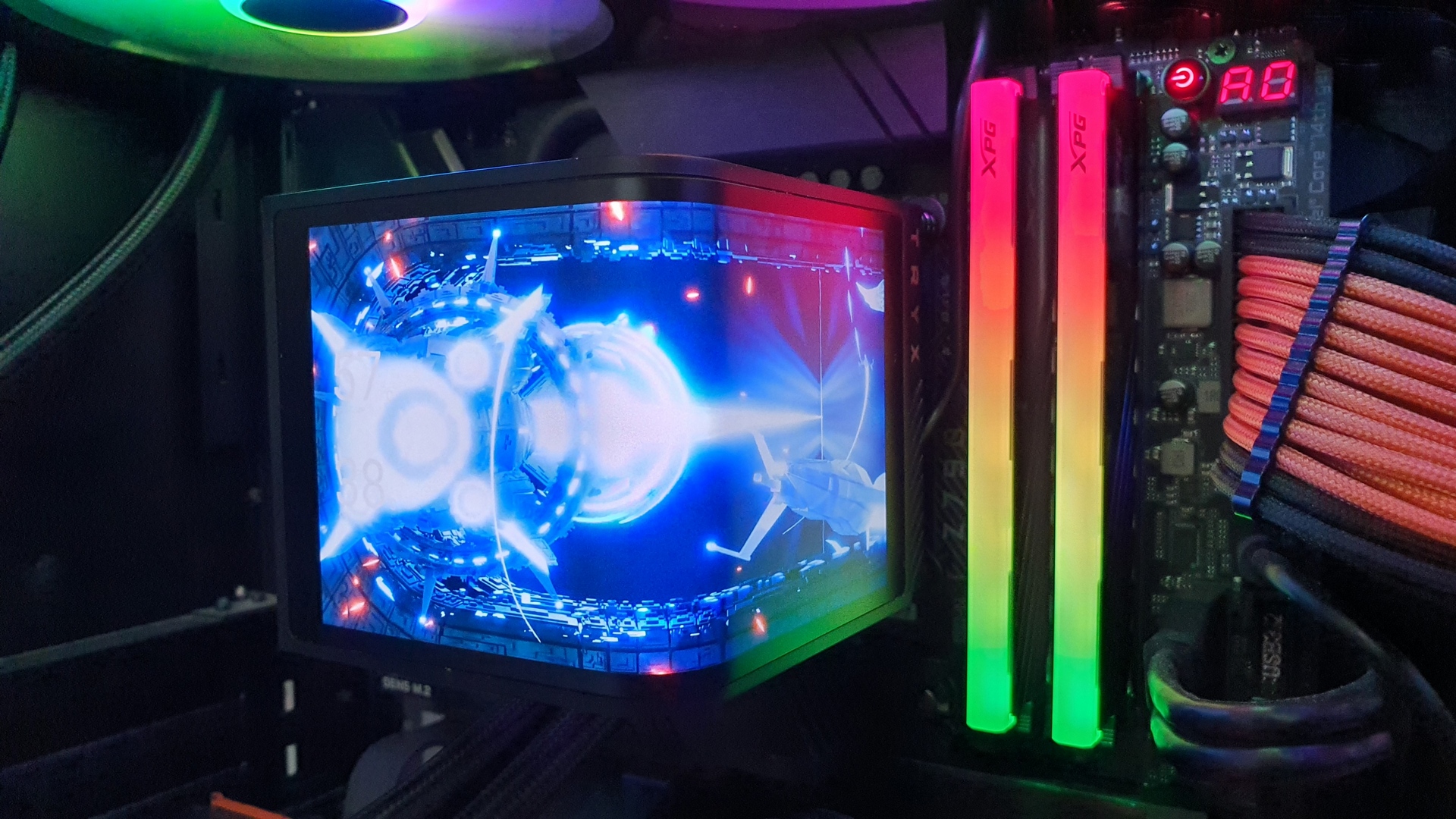
To save you the effort, yes the GPS coordinates here are to Tryx’s Global Headquarters. Wave hello.
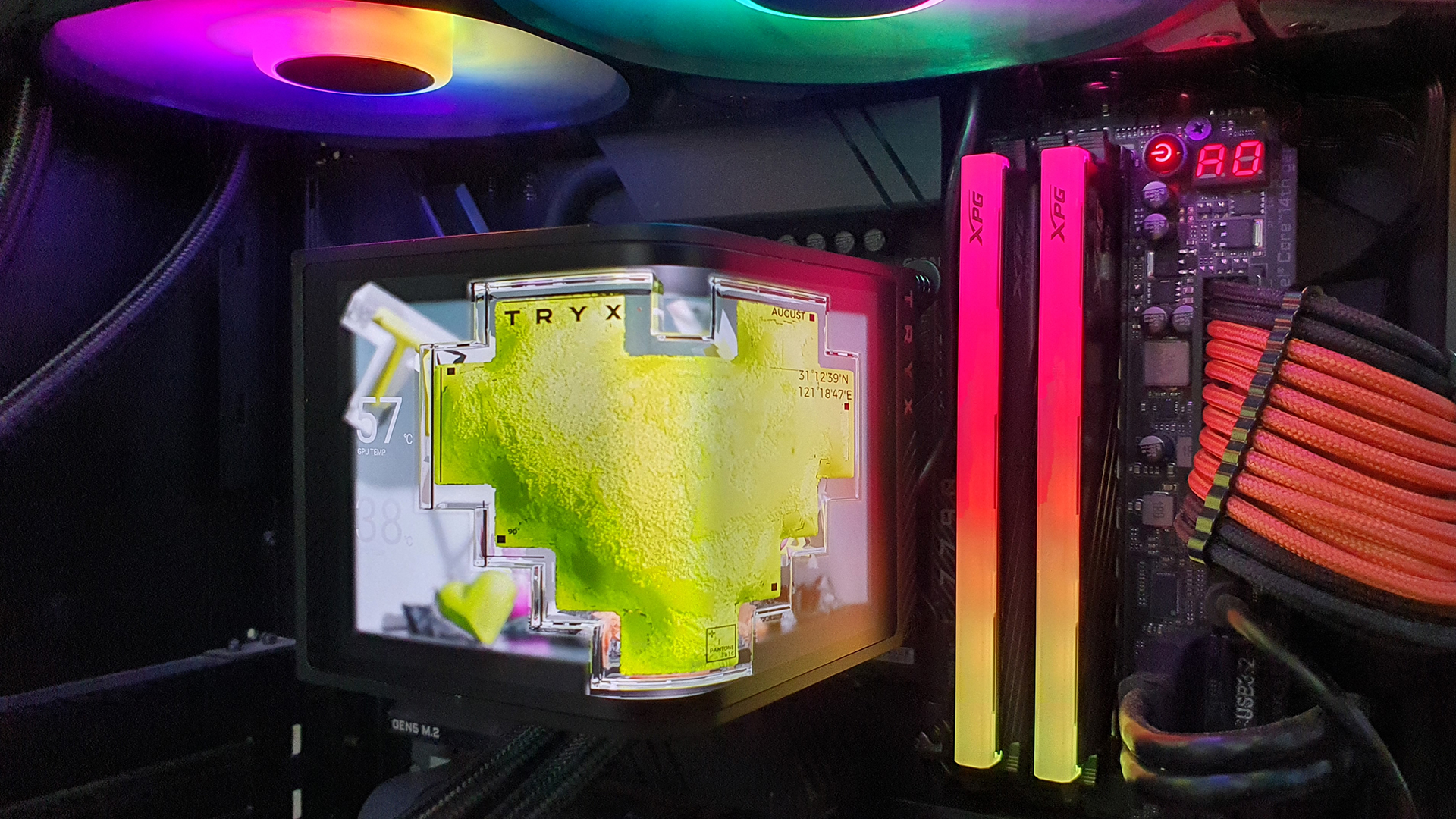
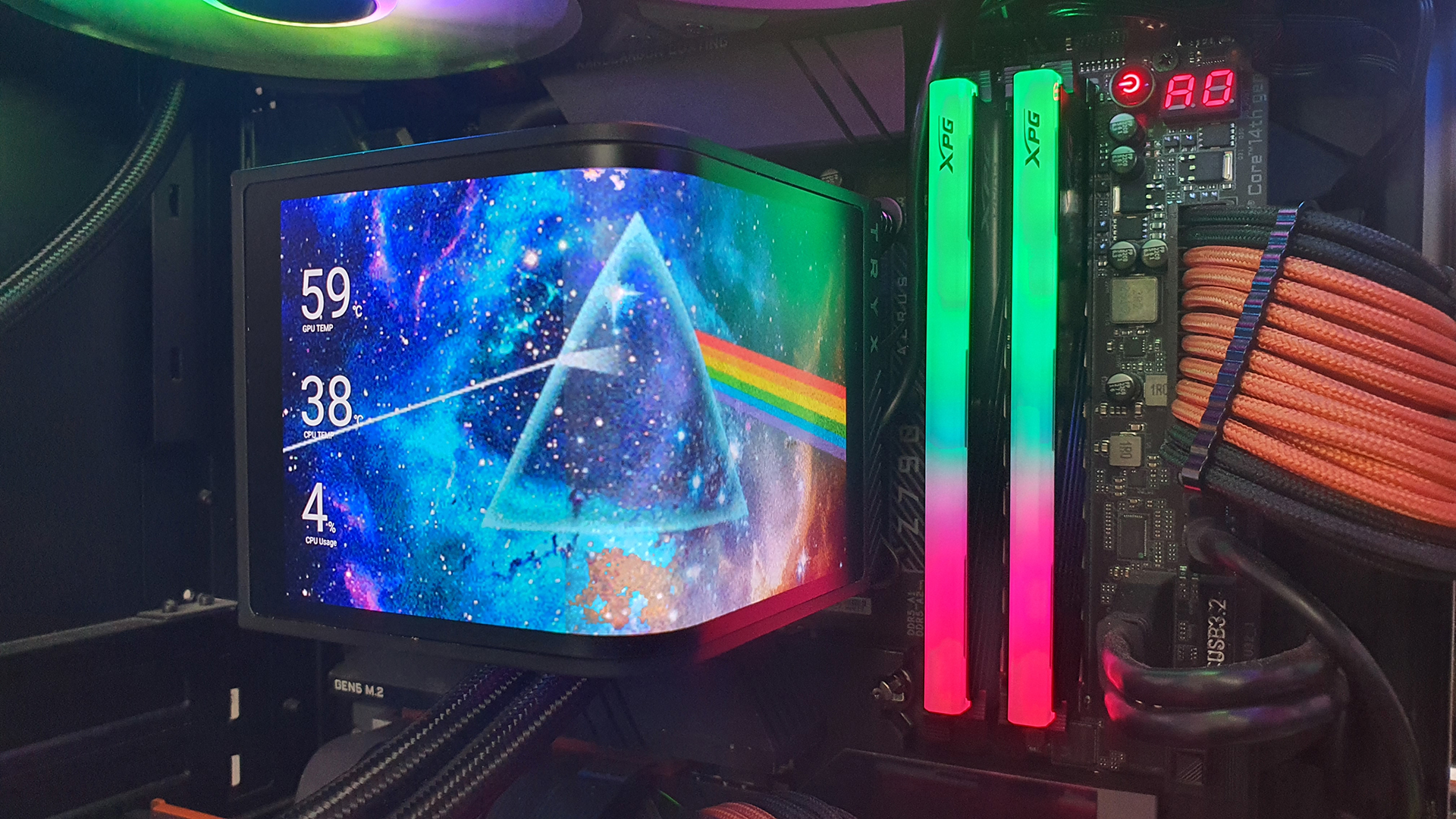
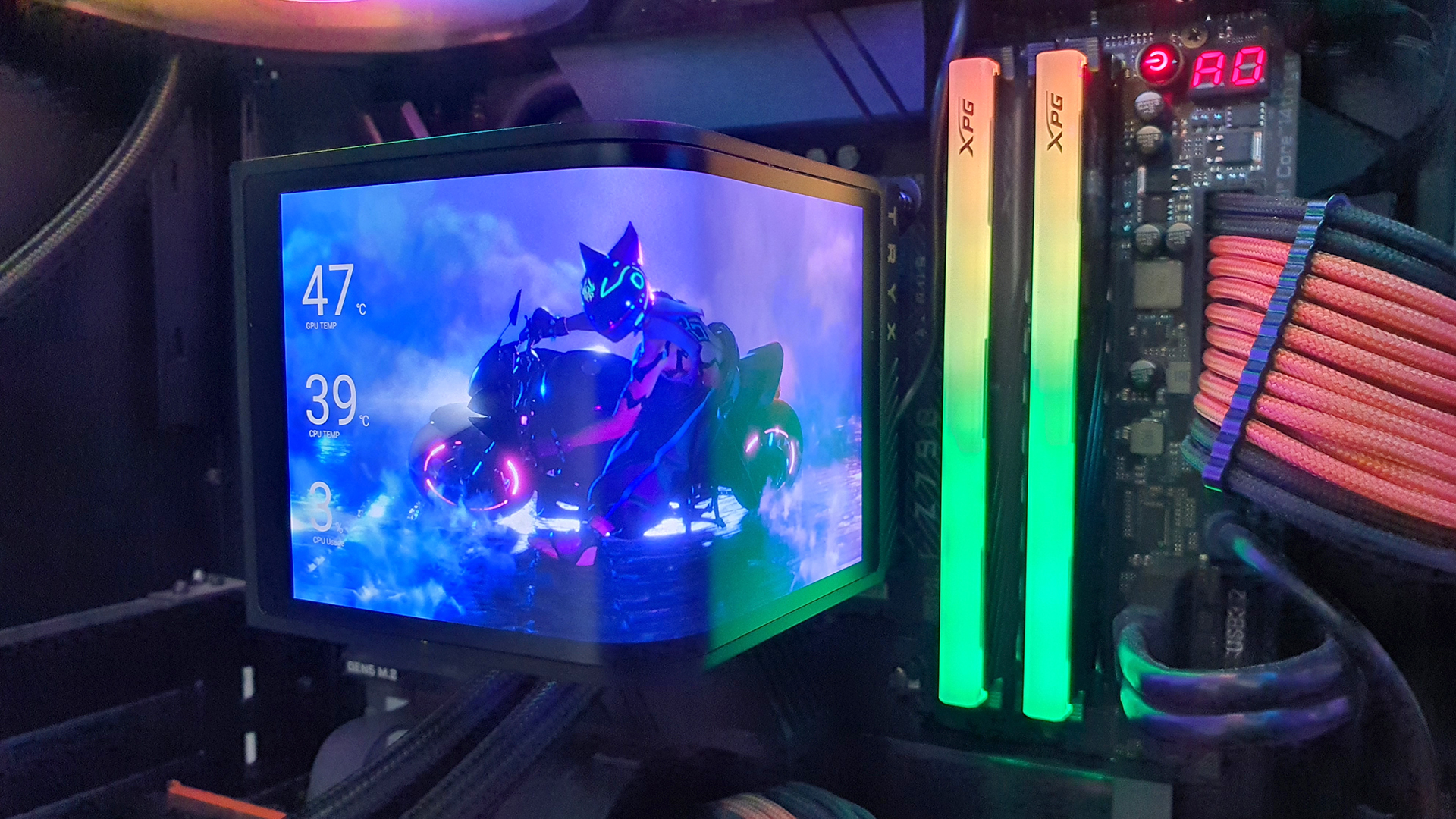
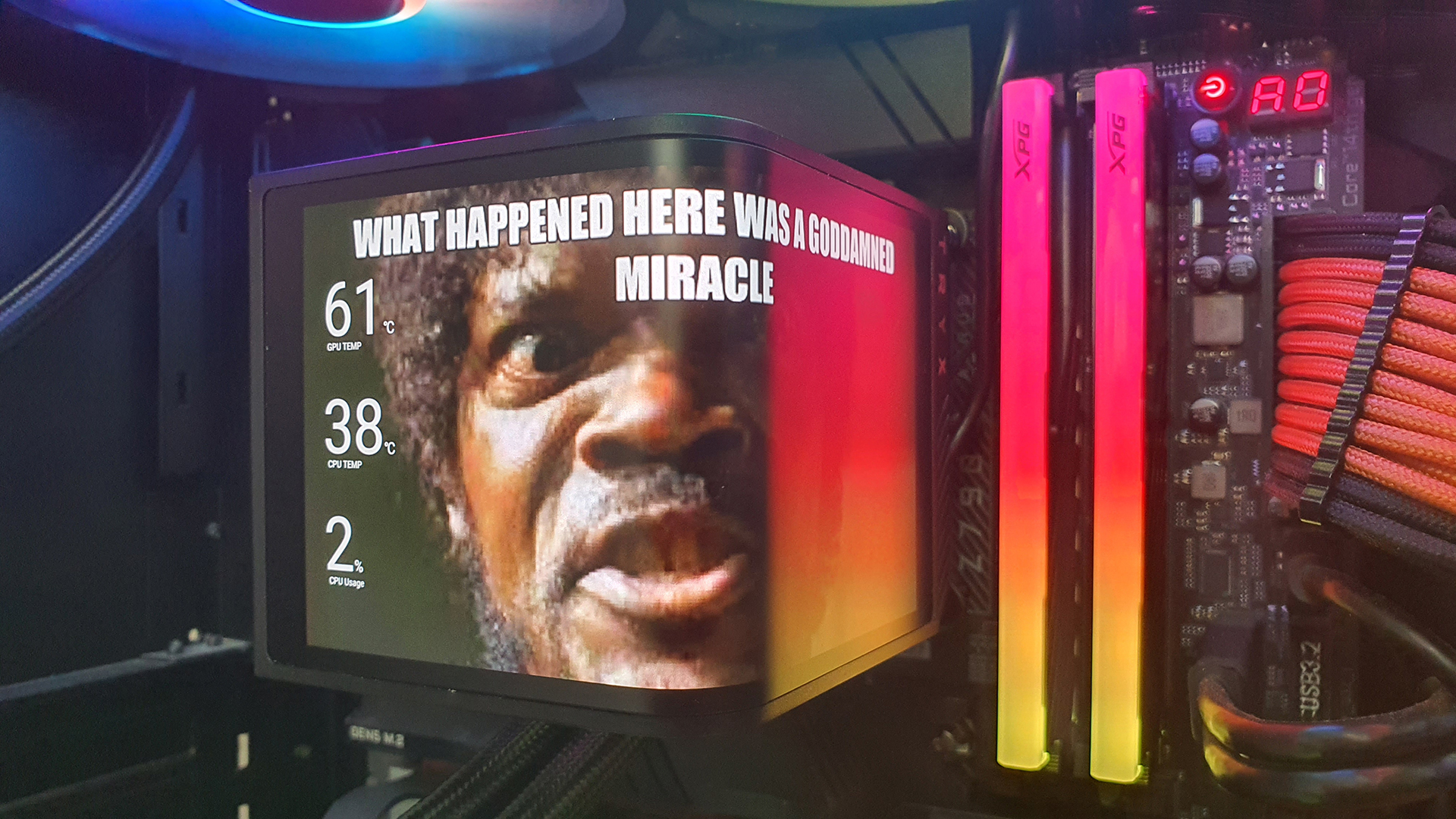
If, however, you have bands or games, or even just memes, that are more up your street, the Tryx Panorama SE has you covered here too with a bit of delving around the internet.
Minor Issues
If you enjoy having a ARGB soaked system then it’s worth bearing in mind that the right hand – or top – screen basks in the glow of your DDR5, or the supplied ARGB fans. It’s okay ‘front on’.
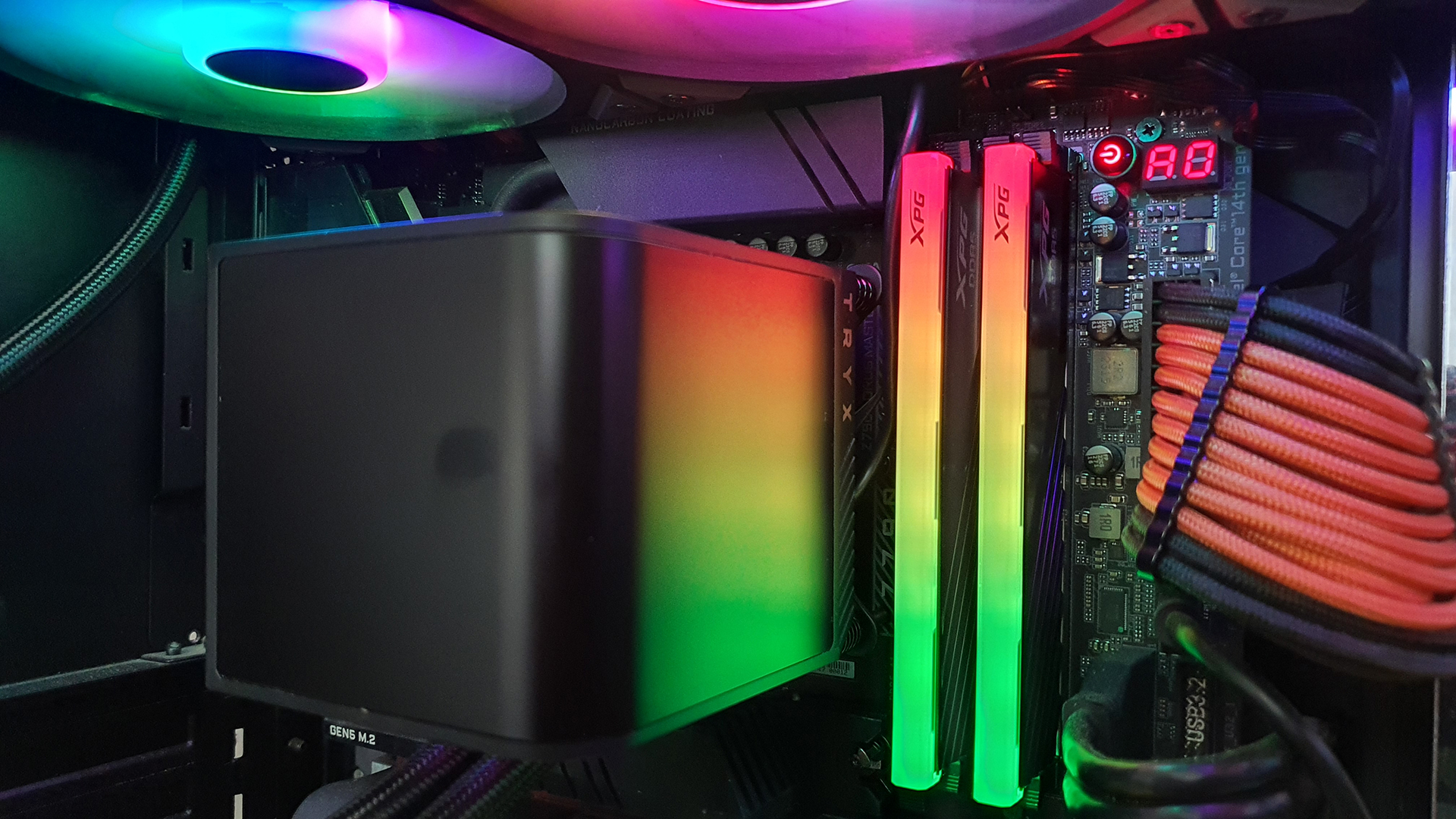
Speaking of which, the inability to have any font colour other than black or white, nor to be able to place where the text goes, can really be a problem on certain logos. If we could move the temperature readout to the top left or bottom right, we’d be fine.
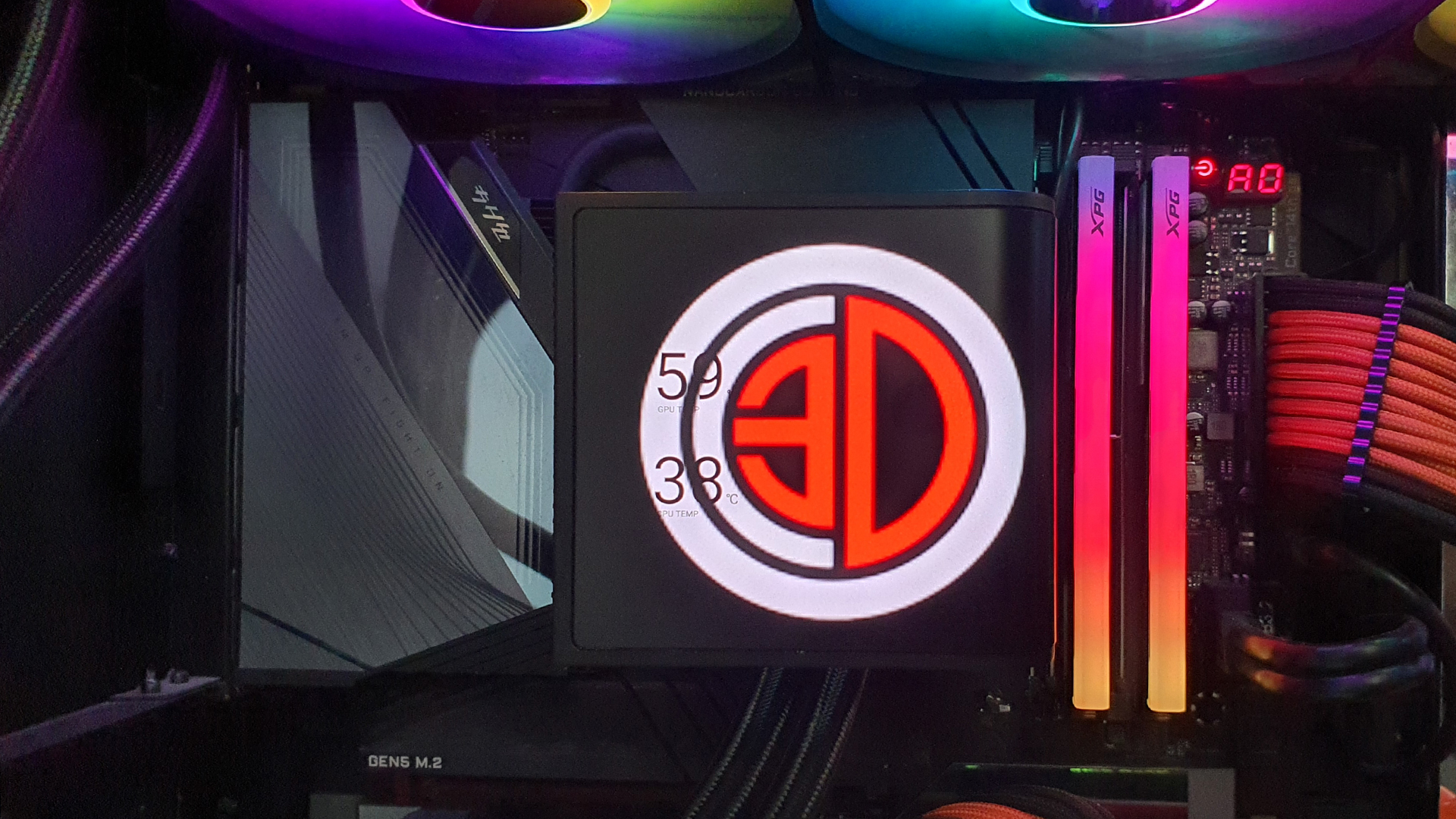
Lastly, and more for giggles than anything, the CPU Usage isn’t always read accurately. Who needs overclocking when you can just use more of your CPU?