Tryx Panorama 360 SE AIO Review

Kanali Software
Kanali Software
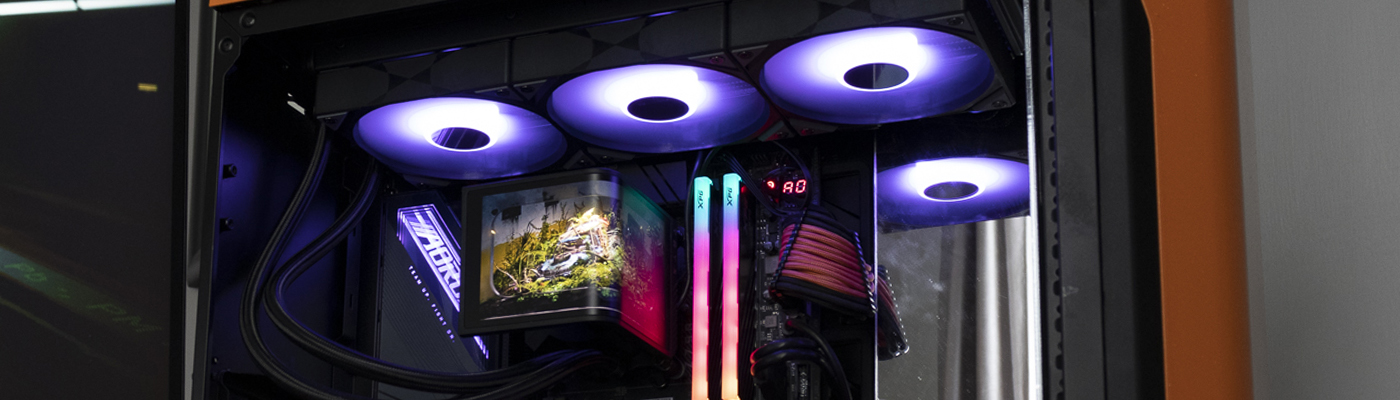
The Kanali software that controls the Tryx Panorama SE doesn’t seem to have advanced much from when we saw it back in November. It’s embryonic. Any time a piece of software loads with your system, but doesn’t load minimised to the system tray rings our alarm bells.
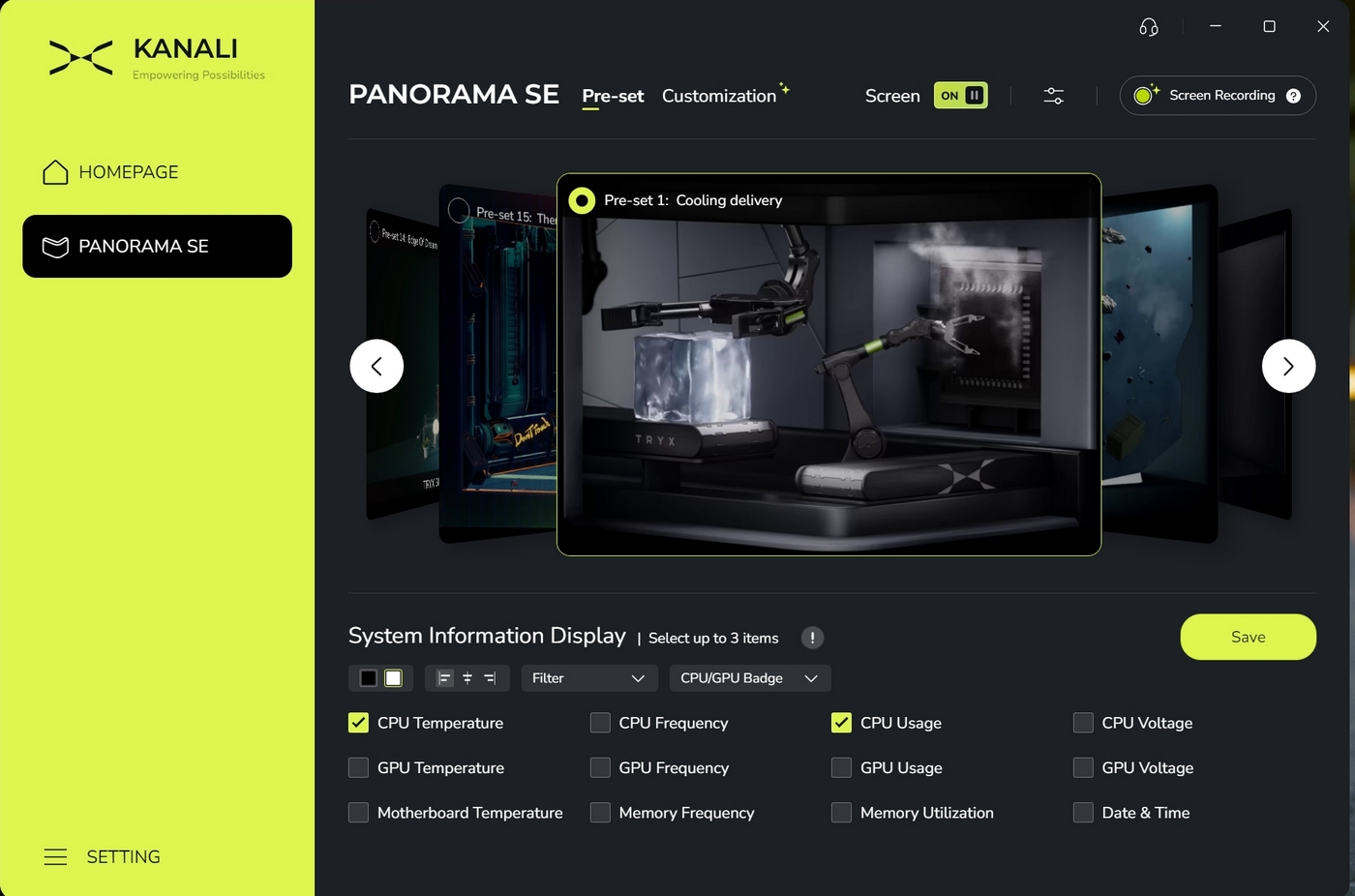
Since we last saw the Pre-Set options, the Kanali software now has another 7 demo videos, for a total of 15. Be aware that you’ll need to go scouring the internet if you want custom gifs or video. The software has zero options beyond uploading them from your own storage.
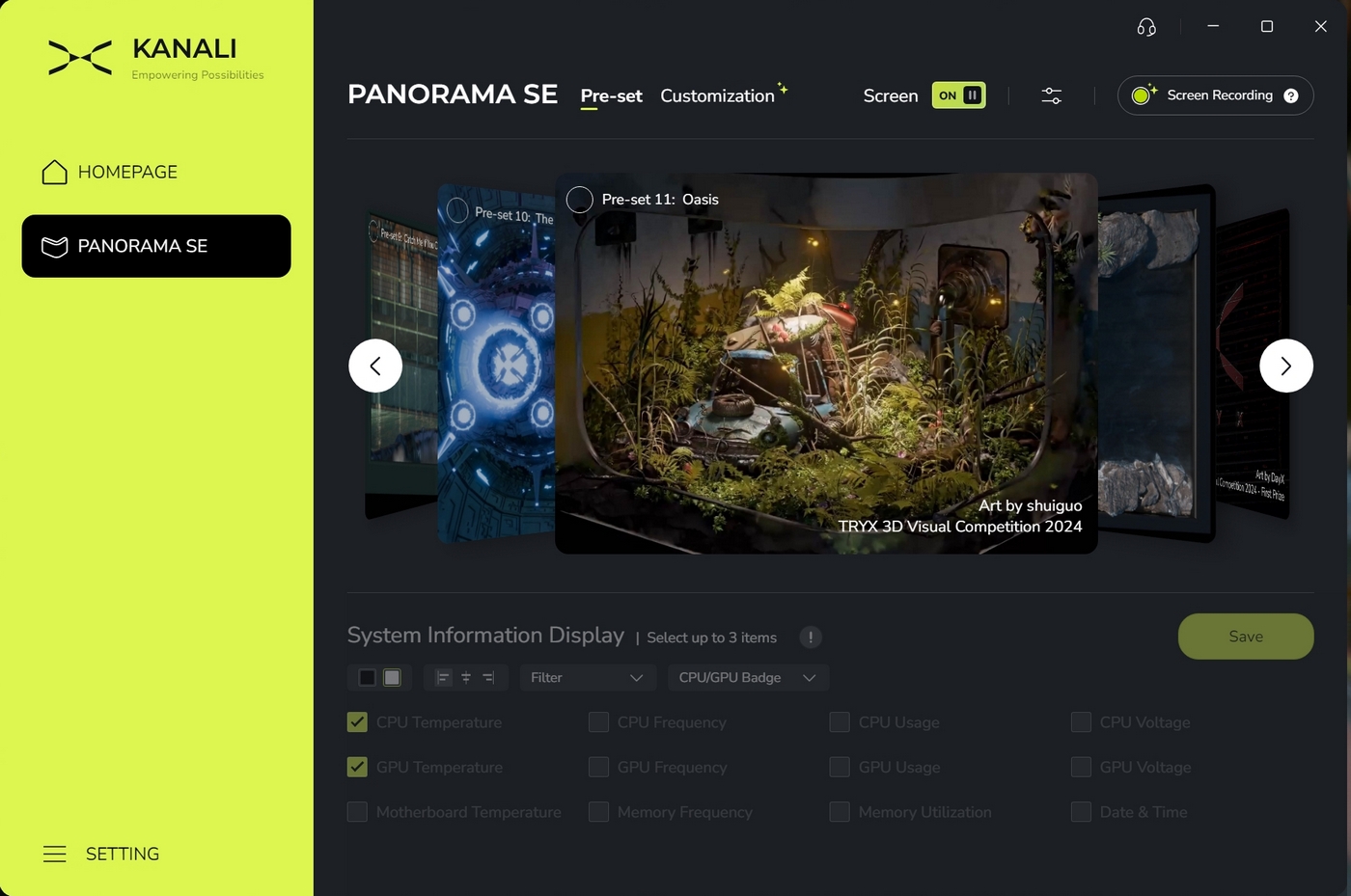
Although we’ve have the screen mounted horizontally, it’s nice to see Tryx giving an option that demonstrates the “waterfall” vertical orientation.
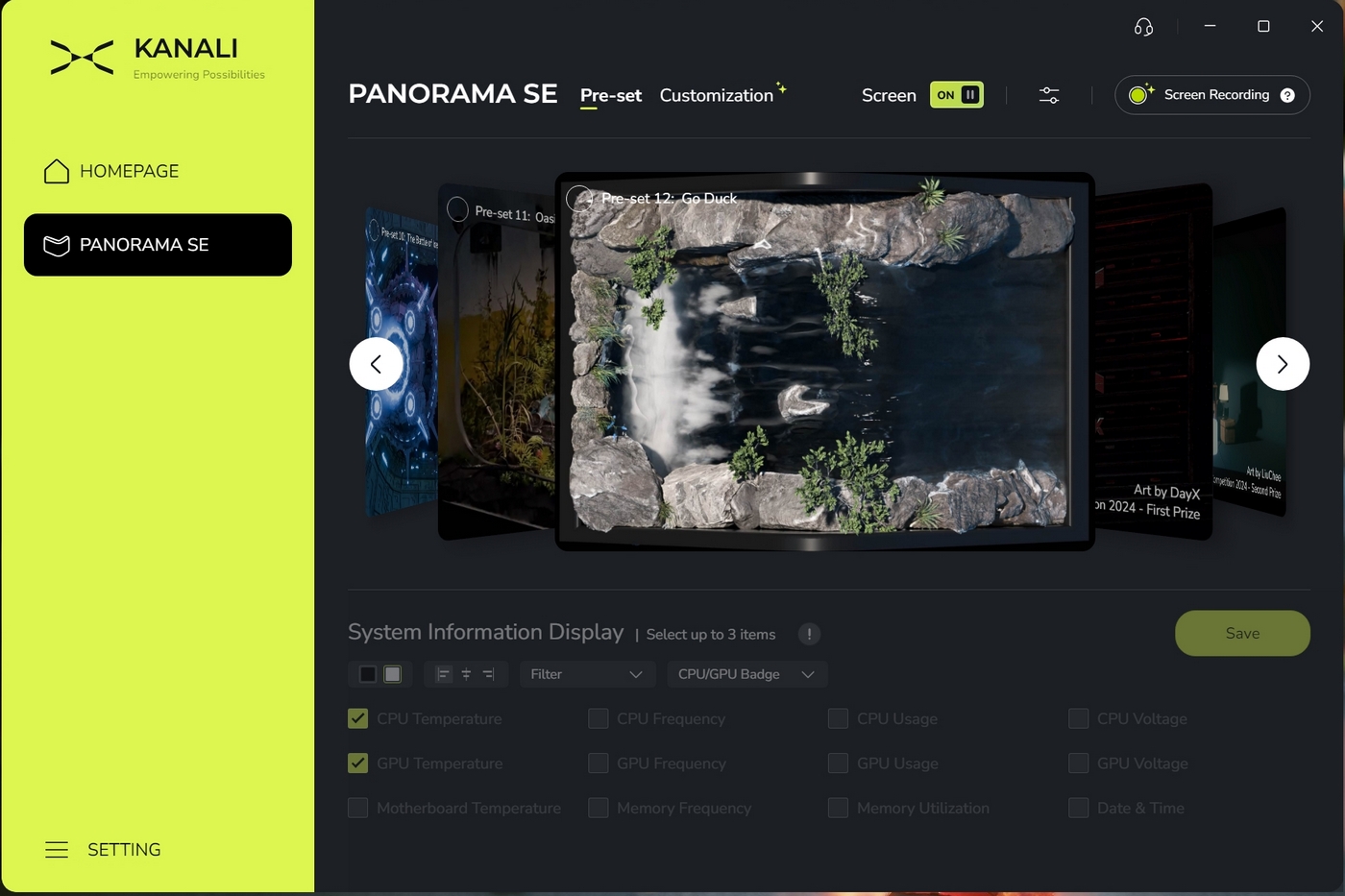
You have a choice between 12 different displayed readouts. Only in one font, and that font must be white or black. You can also only position the readouts in groups, and only on the far left, far right or on the bend in the screen.
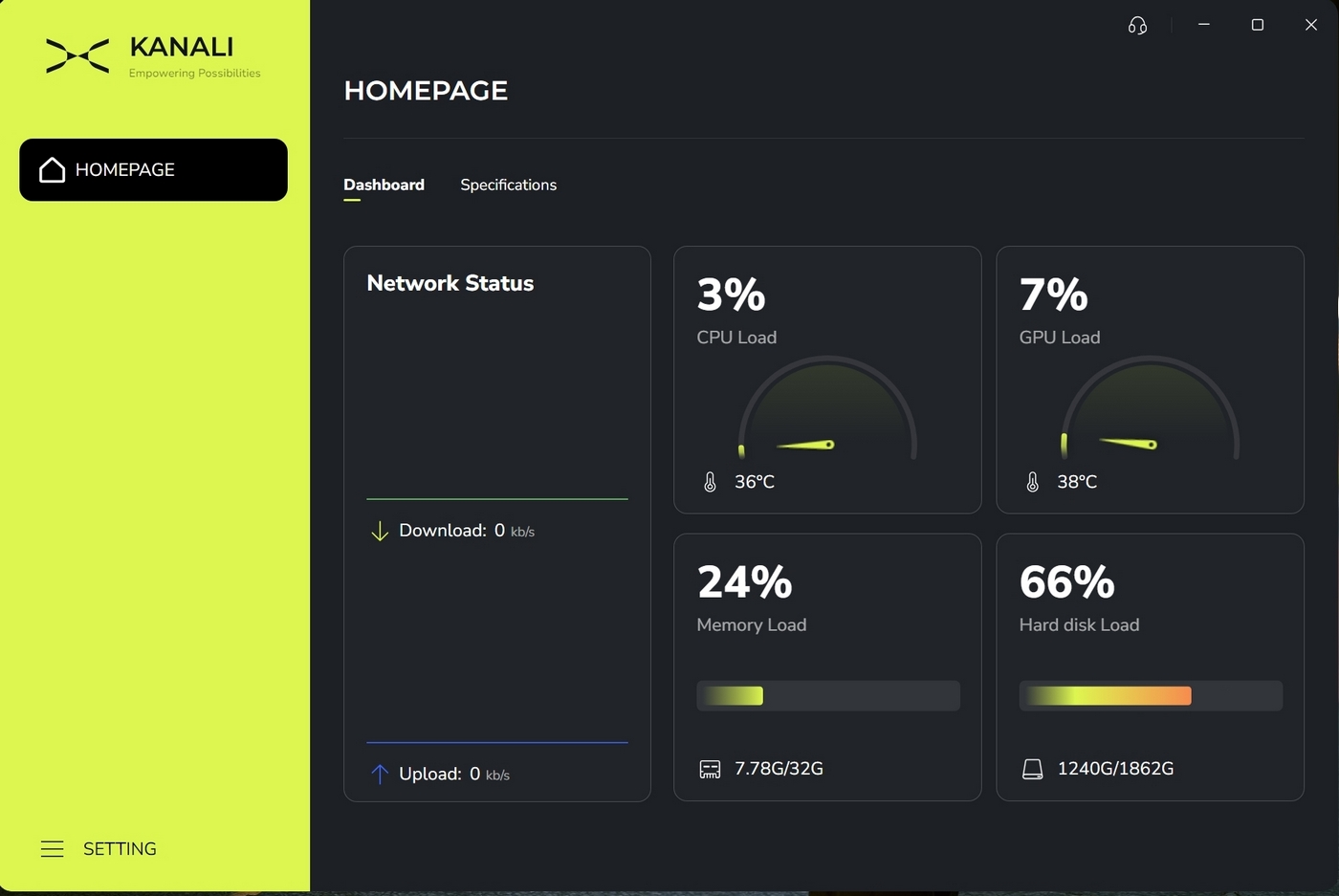
Under the customisation tab you have two main options. On the left is a “full screen” mode, which uses all of the 2K display. On the right it gets split down the middle letting you use two different feeds. Like the pre-installed ones you’re still limited to just two text colours in three locations, showing three of twelve possible readouts.
Also note that everything has to be added into the media library before it can be used. You can’t just point the software at other folders on your computer.