ASUS ROG Maximus Z890 Extreme Review

ASUS ROG Maximus Z890 Extreme Up Close
ASUS ROG Maximus Z890 Extreme Up Close
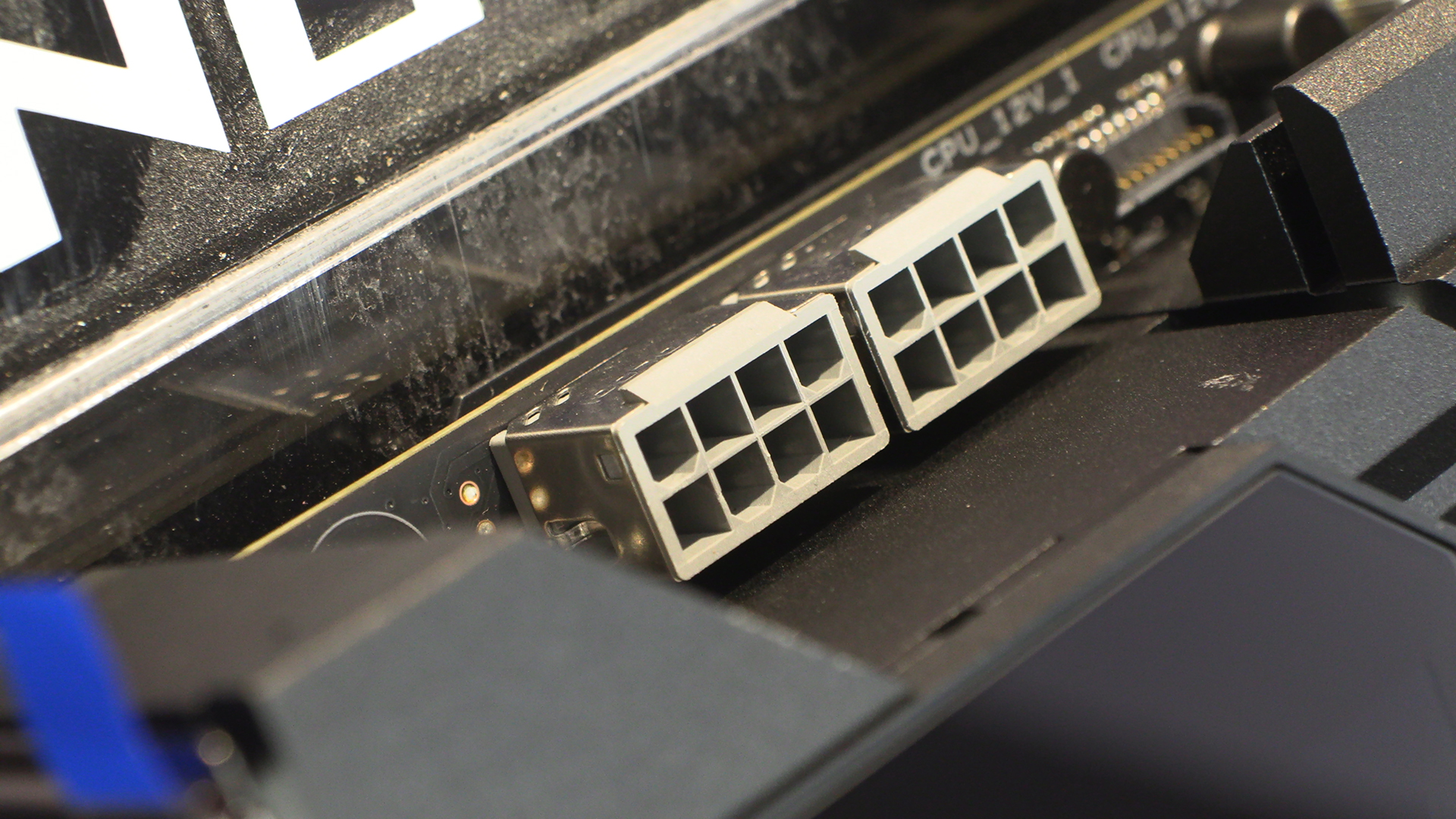
We begin as we always do with the top left corner. Occasionally the home of a fan header, the Extreme has two 8pin 12V CPU power headers. At this point we’re convinced ASUS got a job lot of grey 8 pin connectors. You go 15 years without seeing a grey power connector, then seemingly every Z890 motherboard has them.
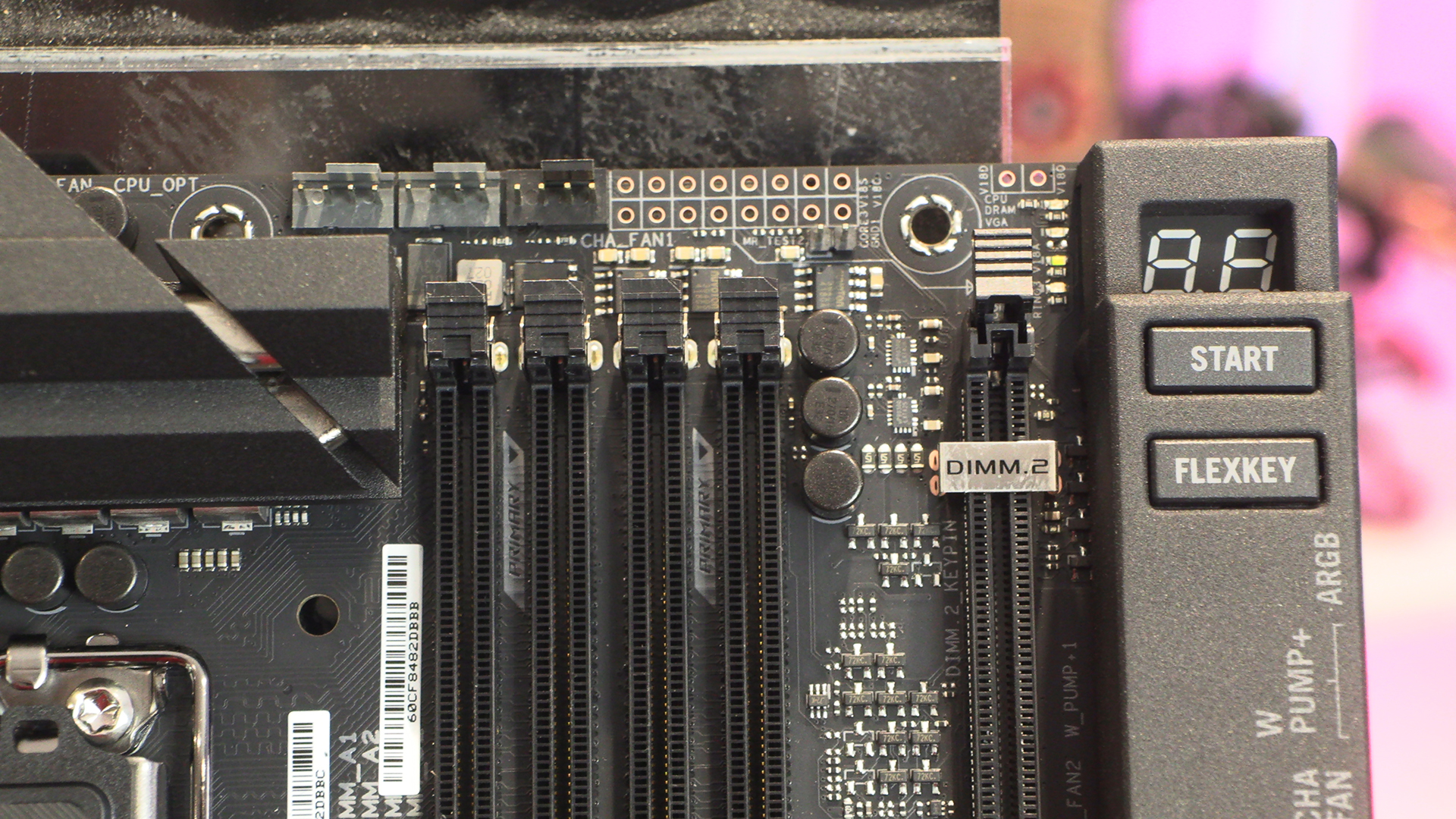
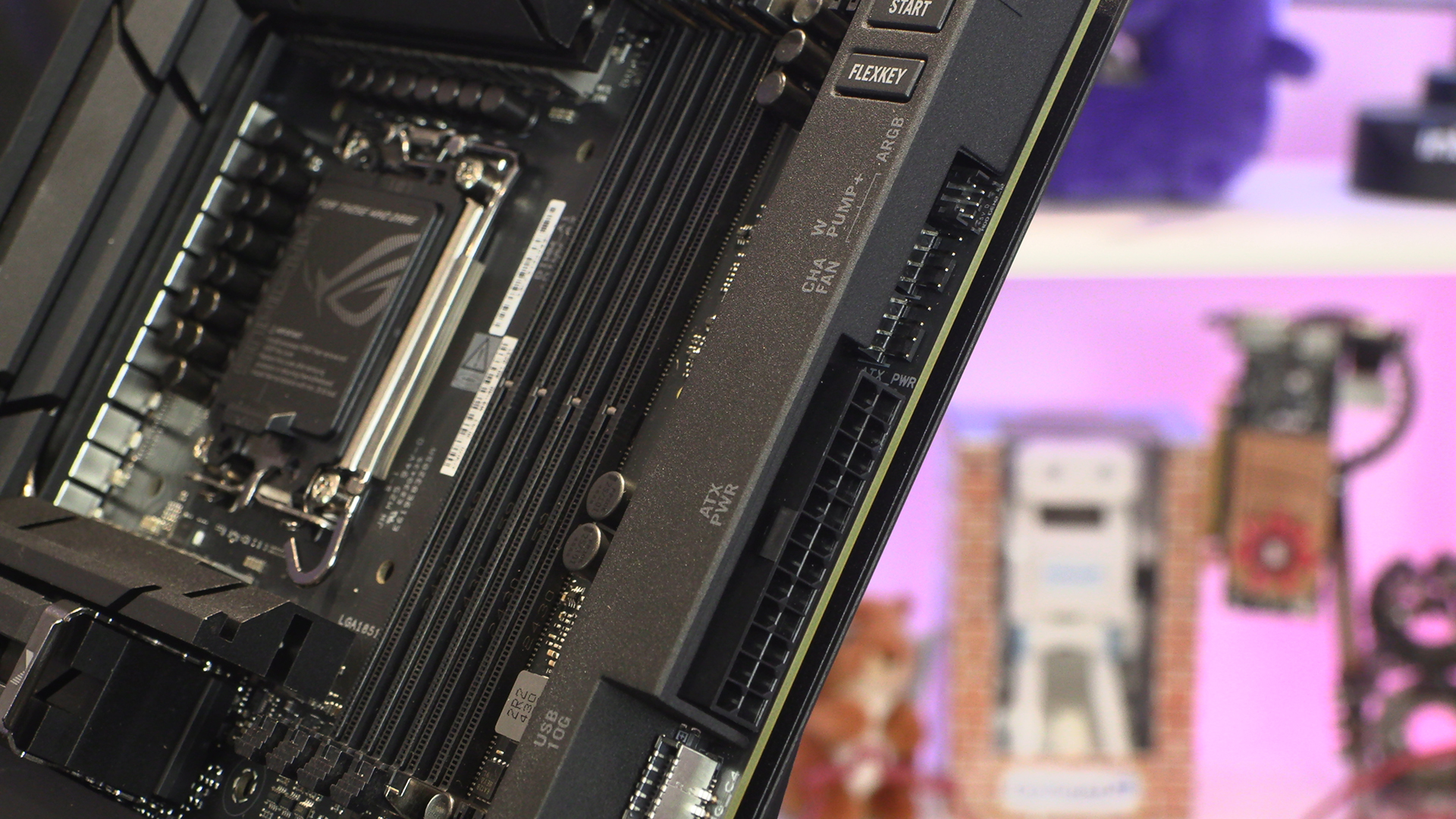
The Extreme is the result of putting the Hero and Apex in a room overnight and closing the curtains. The Apex has two DIMM slots and an DIMM.2 slot. The Hero has four DIMM slots. The Extreme has four DIMM slots and a DIMM.2 slot.
There was a brief period of time where it looked like horizontal connectors were the future. We still think they are. It just makes your system look so tidy. Kudos then to ASUS for supplying the Maximus Extreme with largely horizontal connectors.
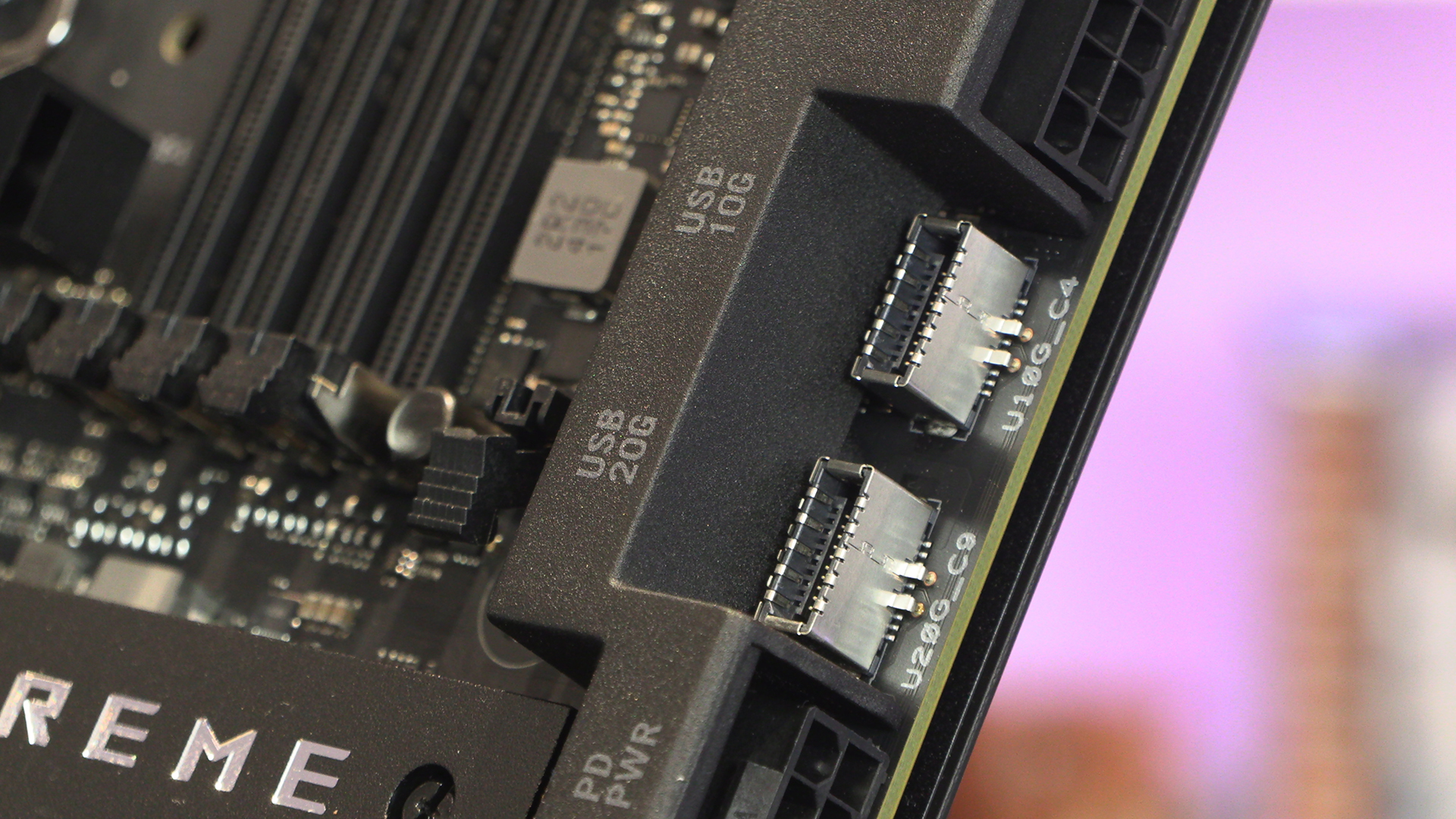
The Type-C front panel USB connectors – 10G and 20G options – are vertically mounted. Maybe there is a technical reason behind it. It’s above our paygrade to worry about.
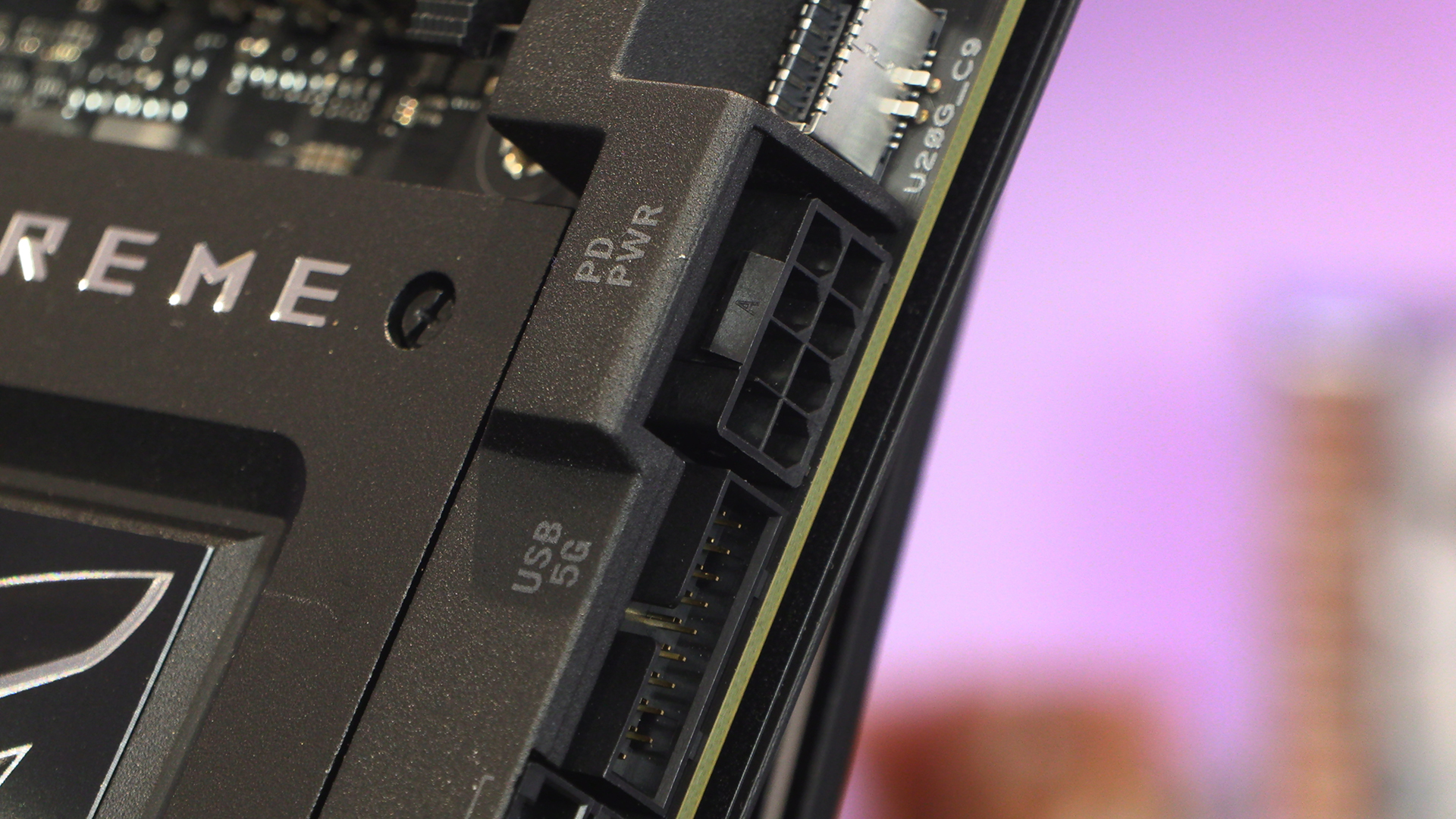
High overclocking settings usually require a little extra juice, and the inclusion of an 8 pin PCIe power port ensures you can feed the monster.
Lastly down the bottom you can see the SATA ports, Type-A front panel USB, and yet more fan headers.
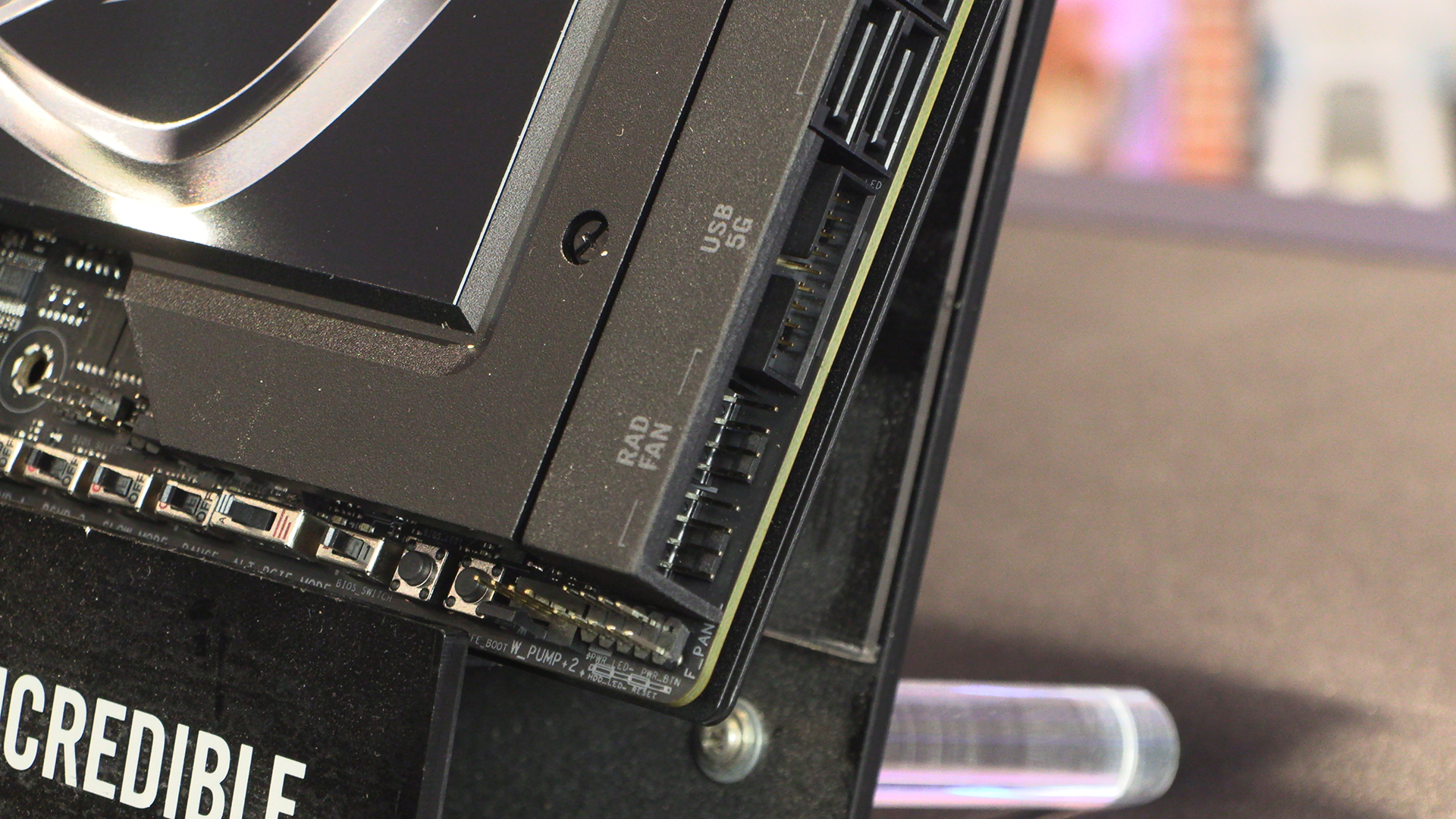
Bottom Edge Connectors
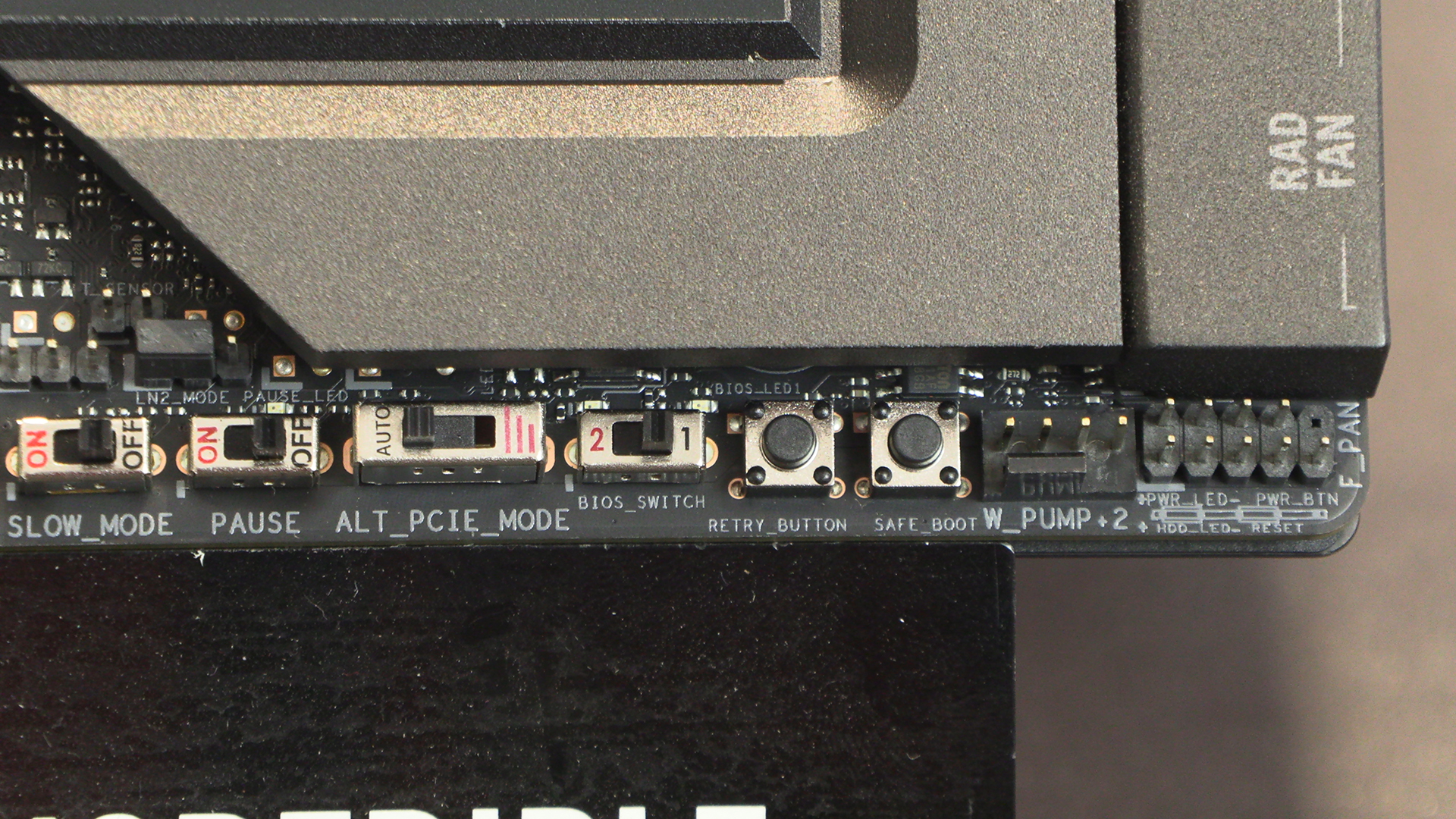
In keeping with the Extreme ethos that beats at the heart of the latest Z890 Maximus, there are all the controls you need for some spectacular overclocking efforts. Even those of you who indulge in LN2 aren’t left out. DIP switches control the requisite slow modes and alternative PCIe modes necessary to push the boundaries.
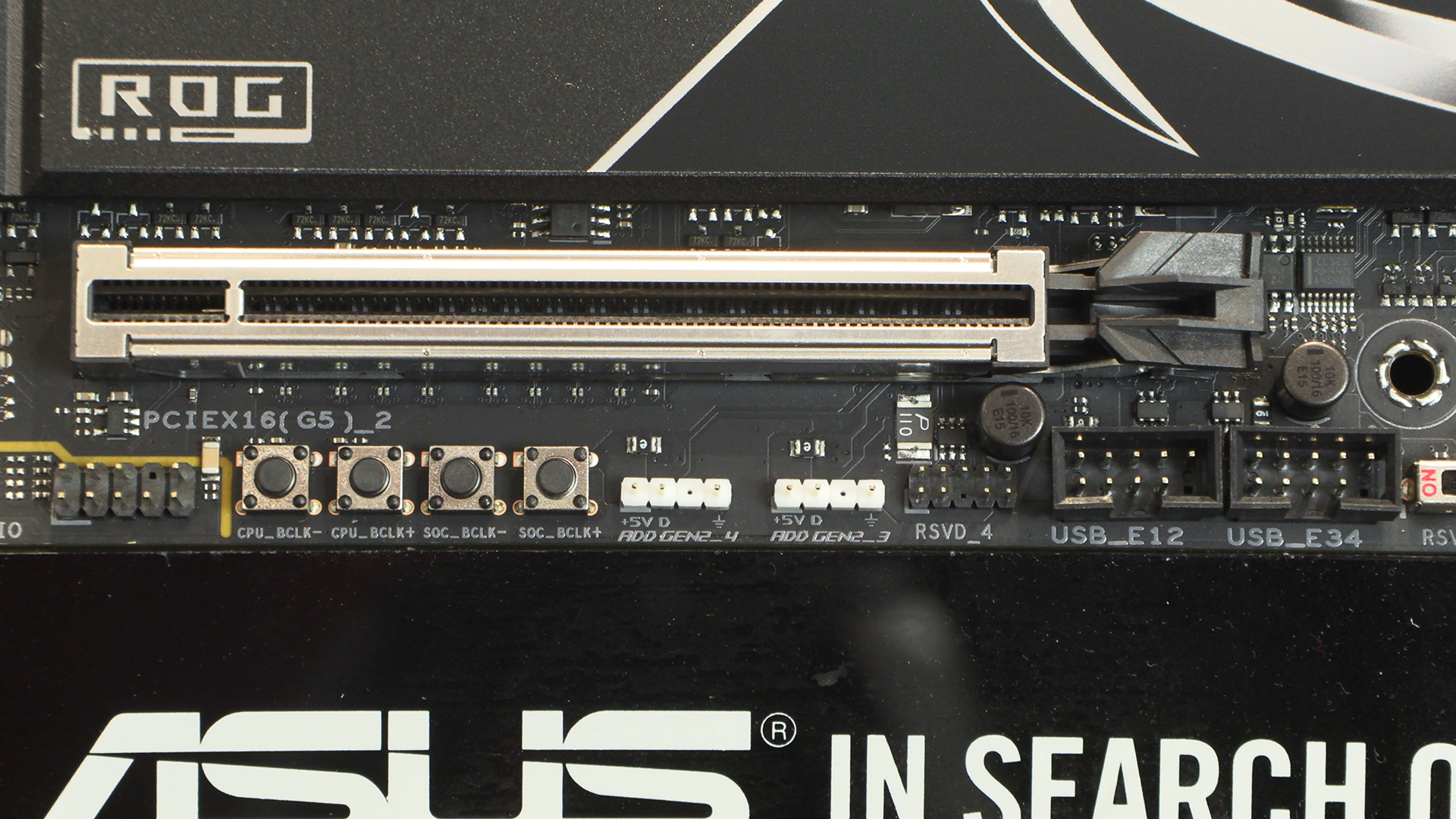
We saw on the Apex the four buttons that control BCLK speeds once you’ve made it into the OS. When you’re on the edge of stability, chasing world records, these are the kind of things that can put your name in lights.
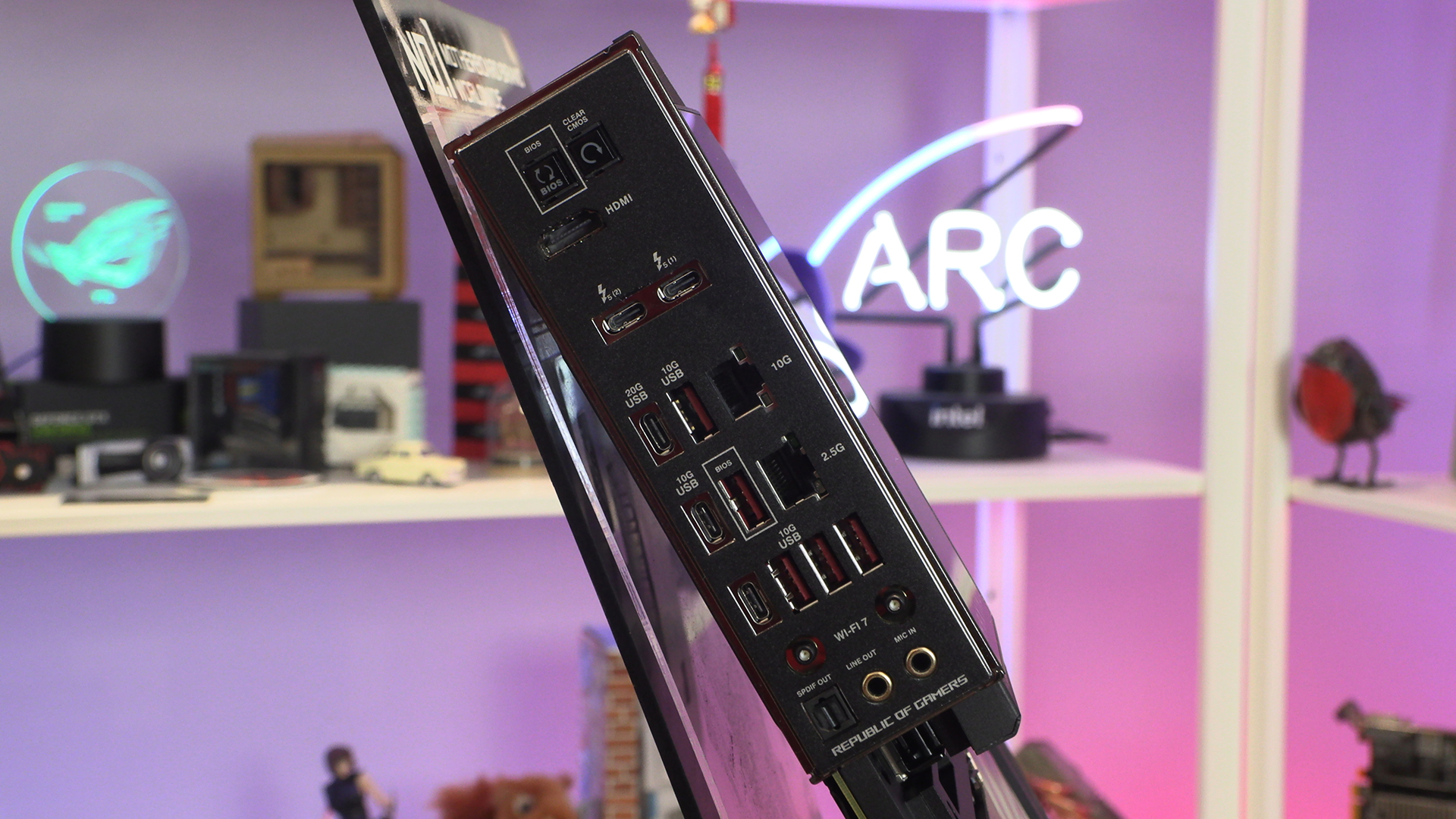
Lastly around the back we don’t see as many USB ports as we might expect from a model called the Extreme. There are loads of USB Type-C, but only five Type-A. Keyboard, mouse and headset and suddenly you’re left with just two Type-As. One wheel and pedal or HOTAS setup and you’ve run out. Yes we appreciate the bandwidth of Type-C ports, but for an Extreme, and one with such room spare, we hoped for more.
We’re not being harsh, just “ROG Flagship motherboard” and “Maximus Extreme” set certain expectations. The ASUS E-Store price of £1360 does nothing to temper them.