ASUS ROG Maximus Z890 Extreme Review

Storage and Lighting
Storage
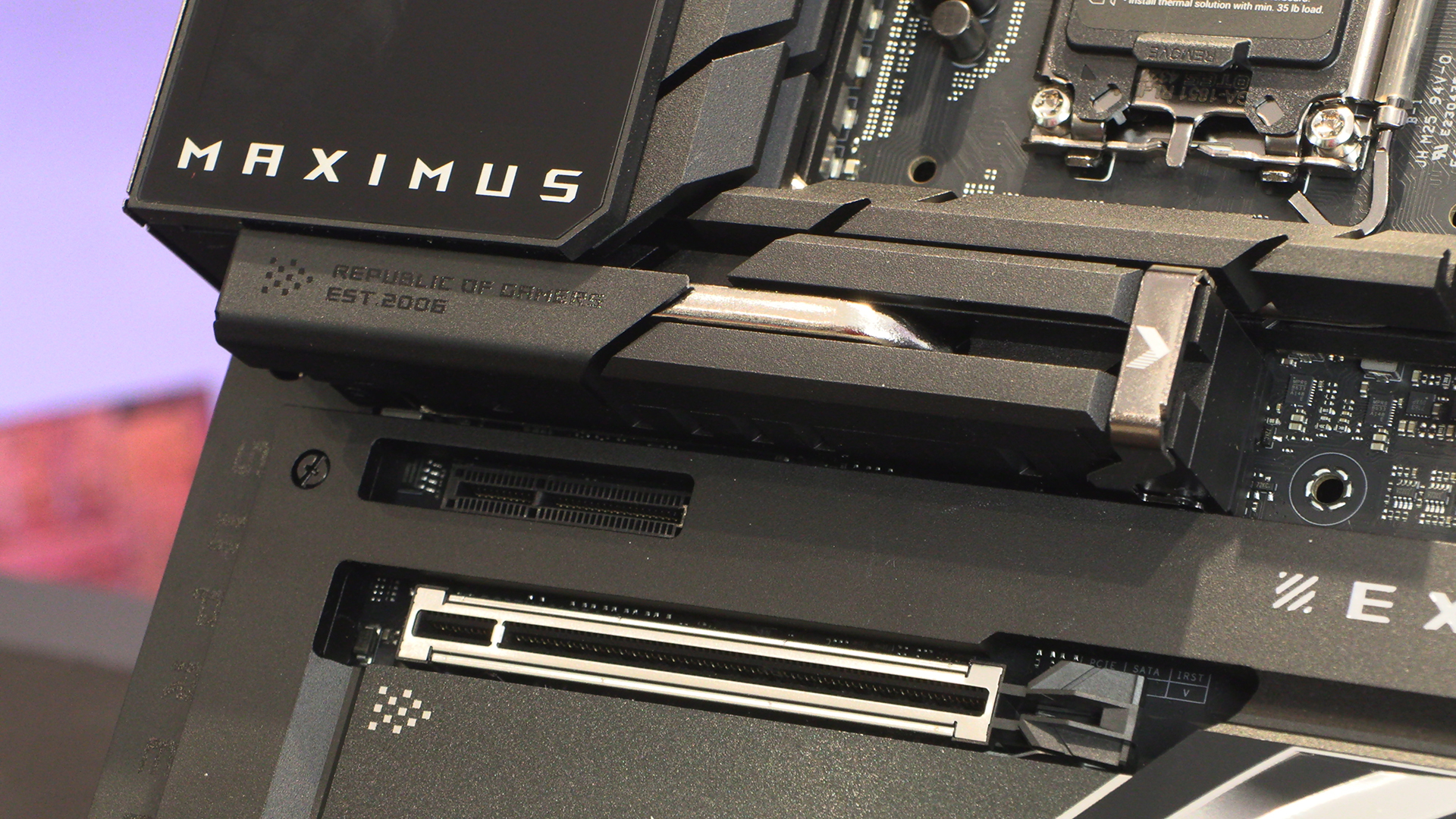
We love the move towards toolless solutions, especially given how often we’re moving drives around. The ASUS motherboards have some good solutions, and the Extreme’s main slot definitely sits in that bracket. Easy to get at. Easy to close. If you’ve been enticed by one of the short M.2 drives on the market it’s never been easier to install one than with the ASUS solution.
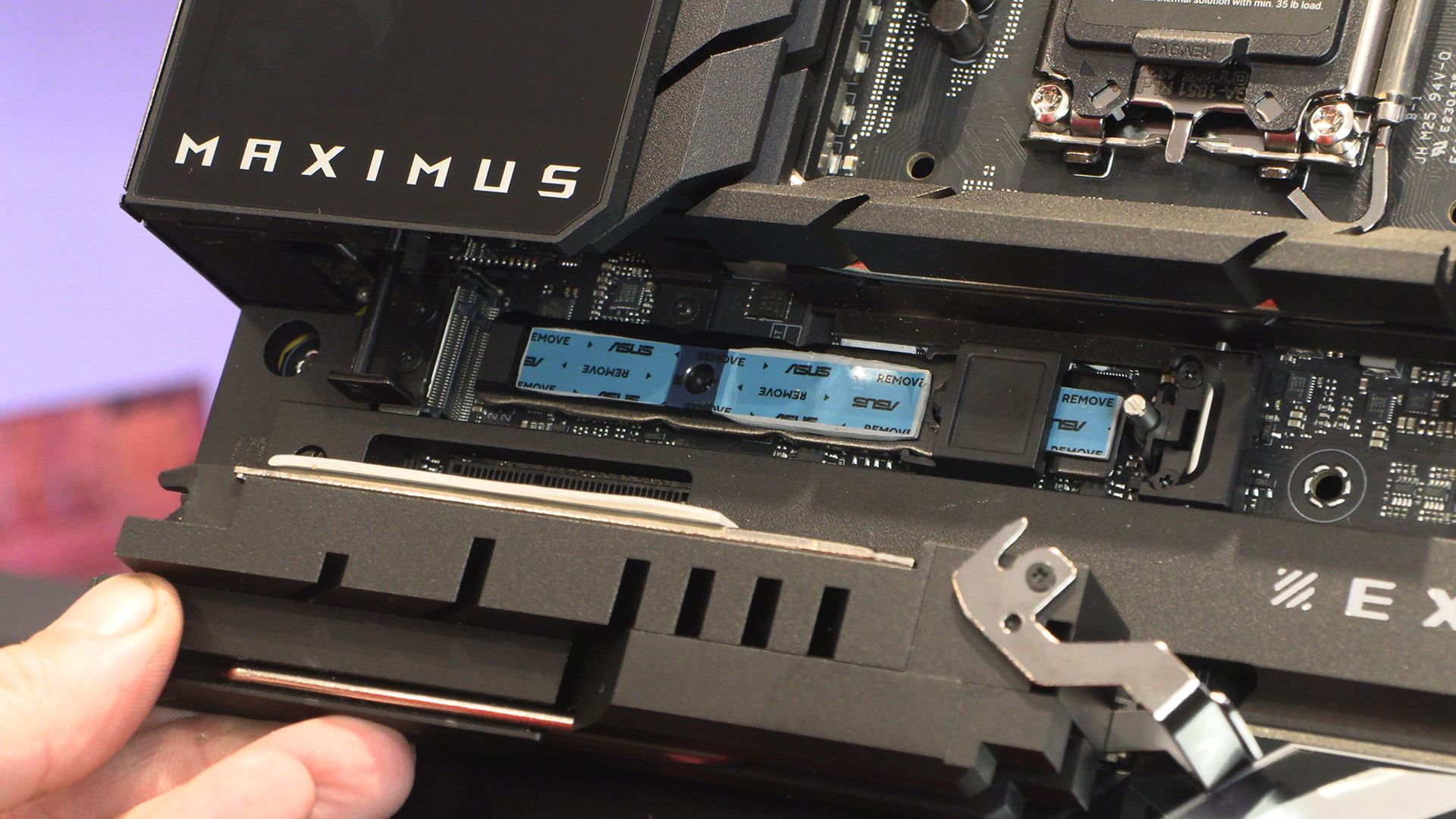
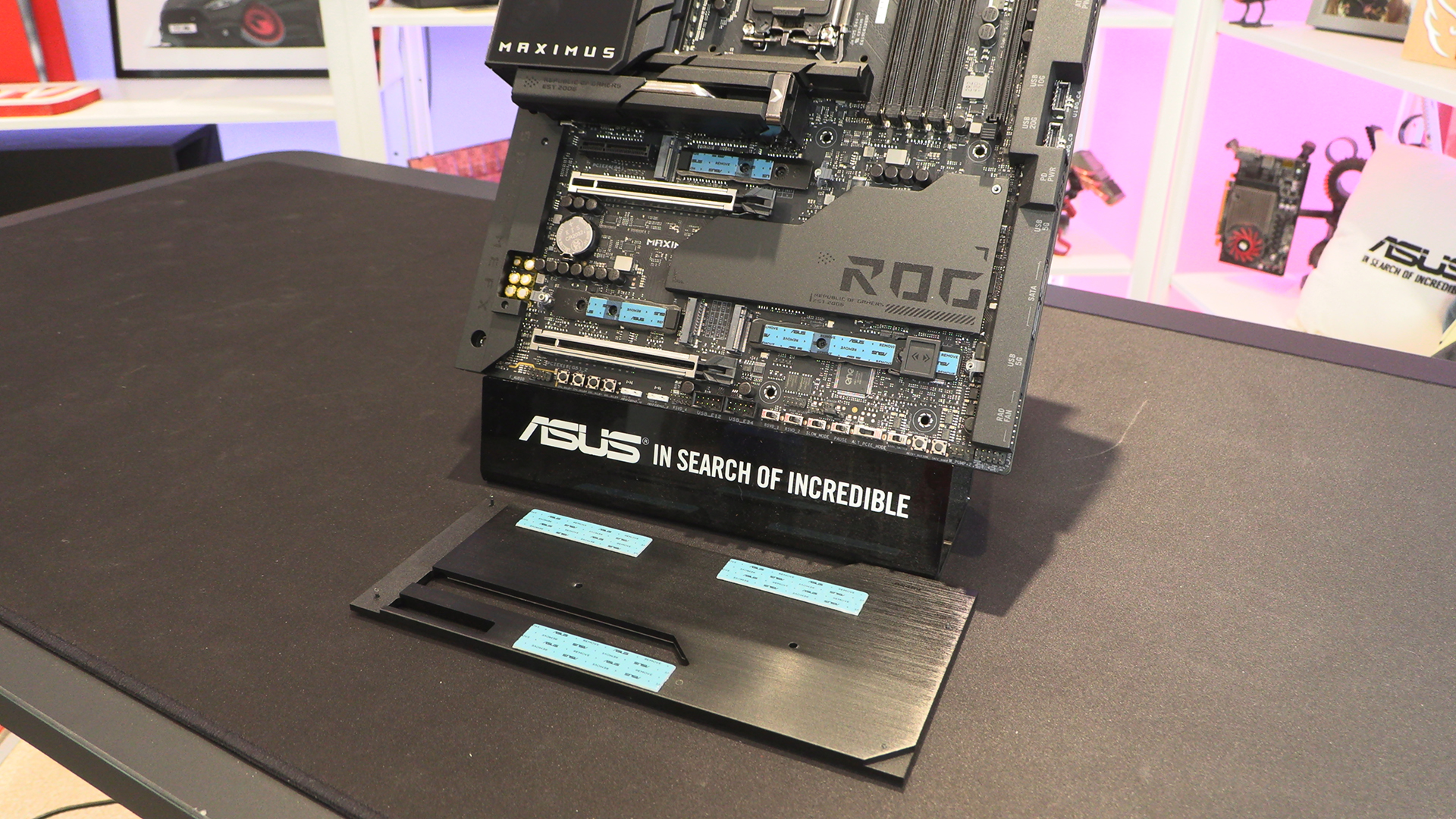
As well as the main slot we saw above, the M.2 below the chipset heatsink – behind the SATA ports – also has the length adjusting plastic tool. It’s odd that the Hero has significantly more M.2 slots than either the Apex or Extreme.
Lighting
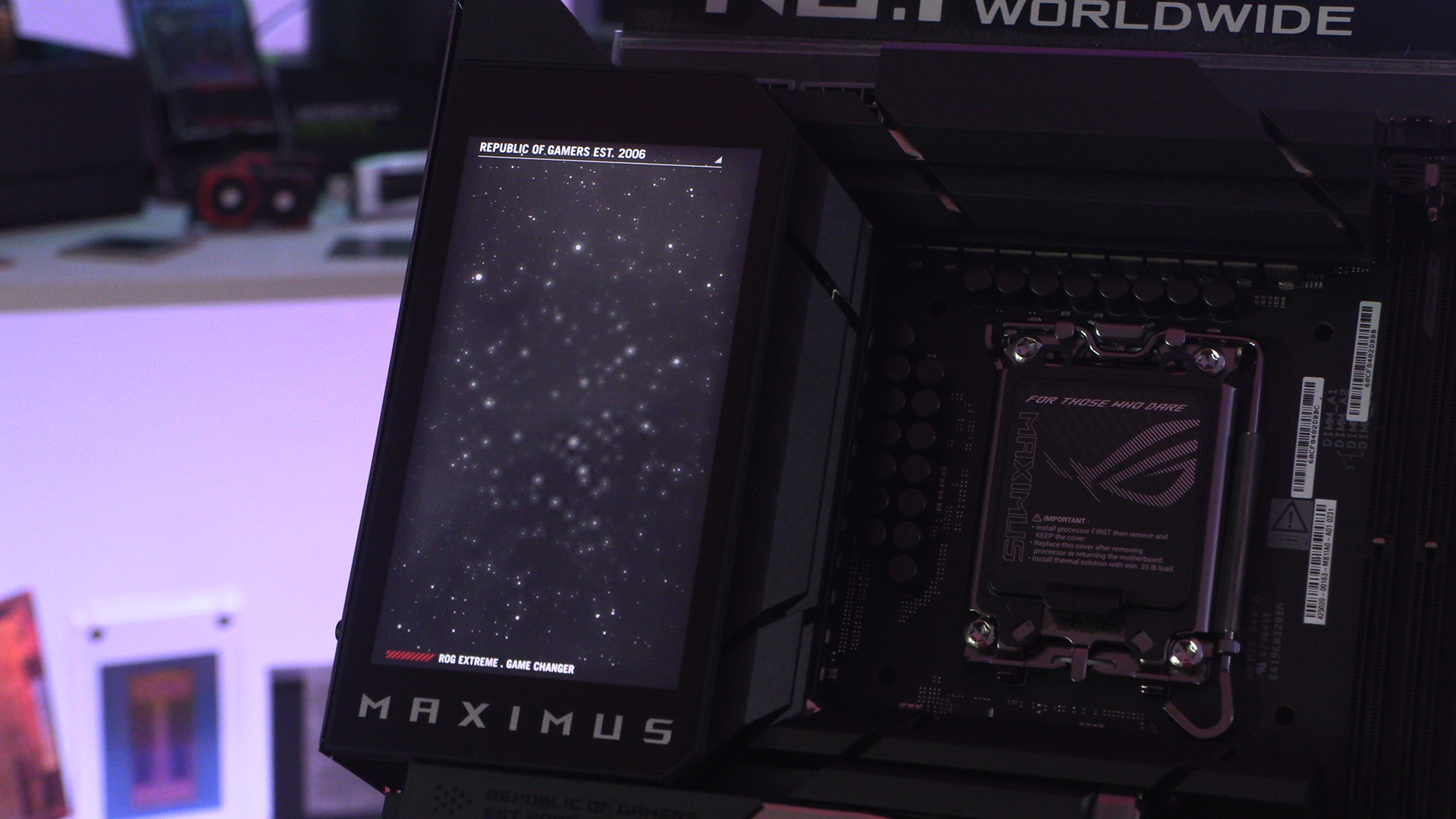
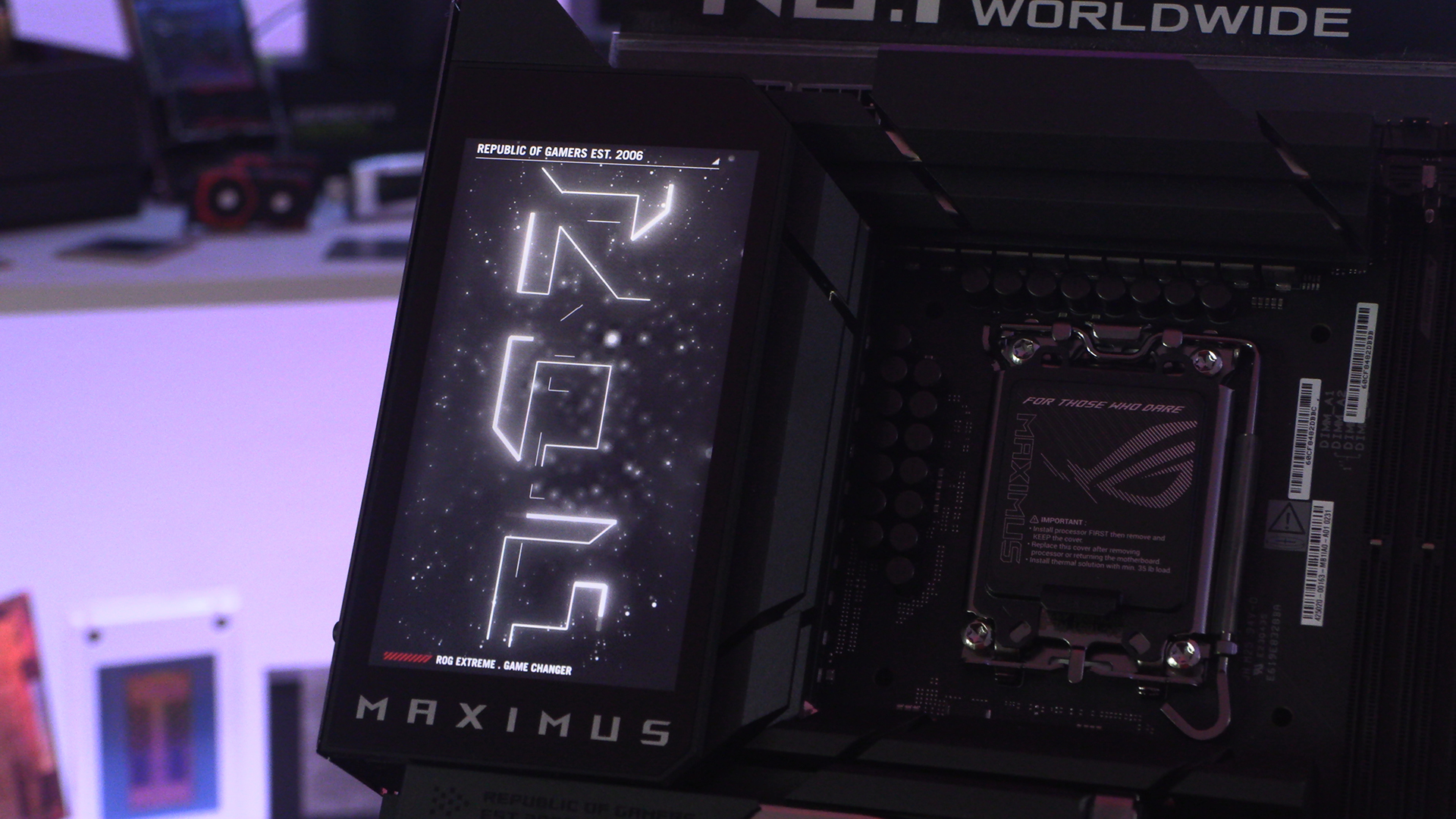
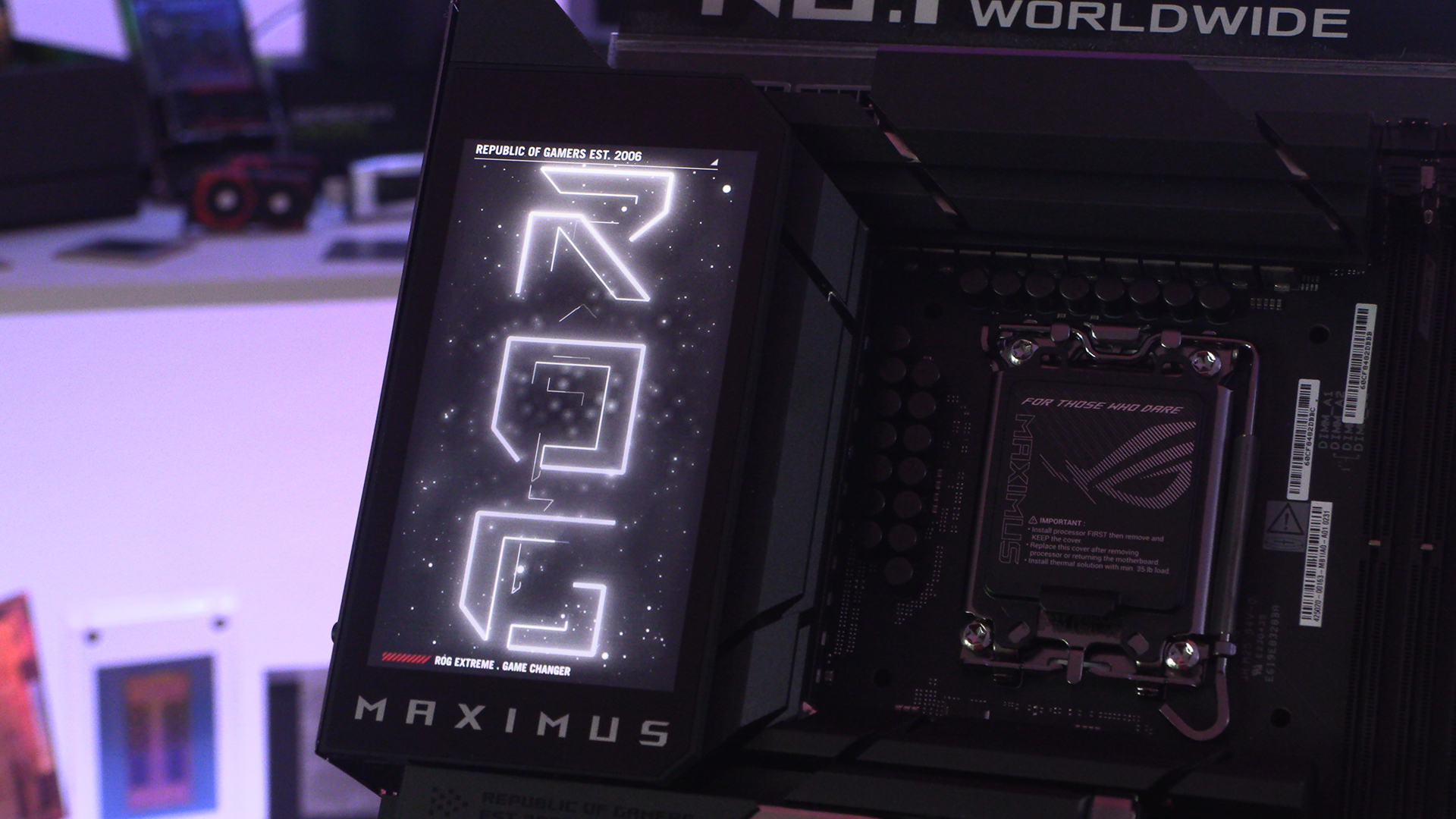
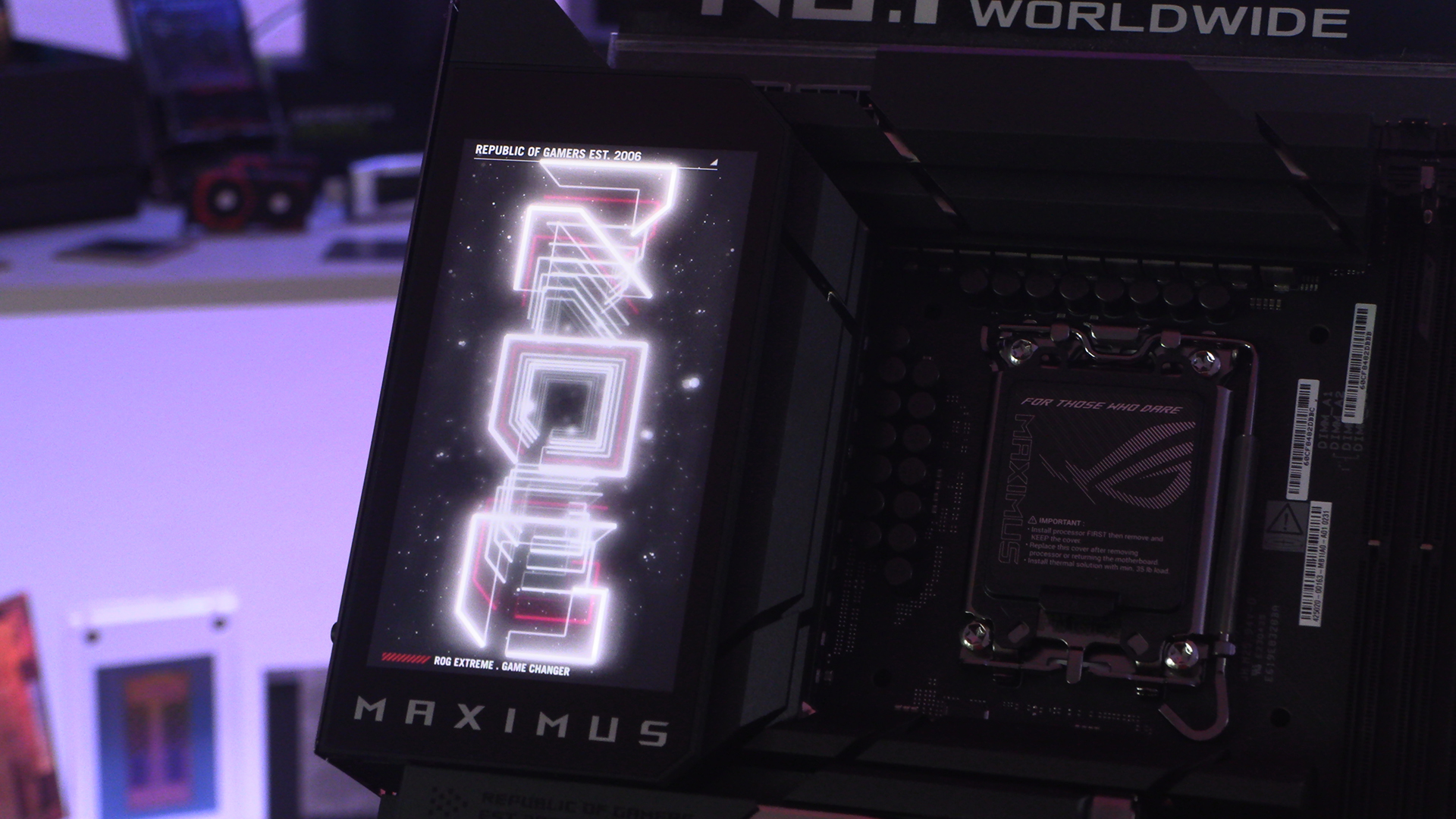
If you scroll down the page really quickly you can get a feel for how the Maximus Extreme screen looks when first booting up. We can’t wait to play with it. Hopefully the ASUS software has finally been updated to something usable so it will be easy to change the GIF. You have finally fixed your software, haven’t you ASUS?