MSI MAG X870 Tomahawk WiFi Review

BIOS
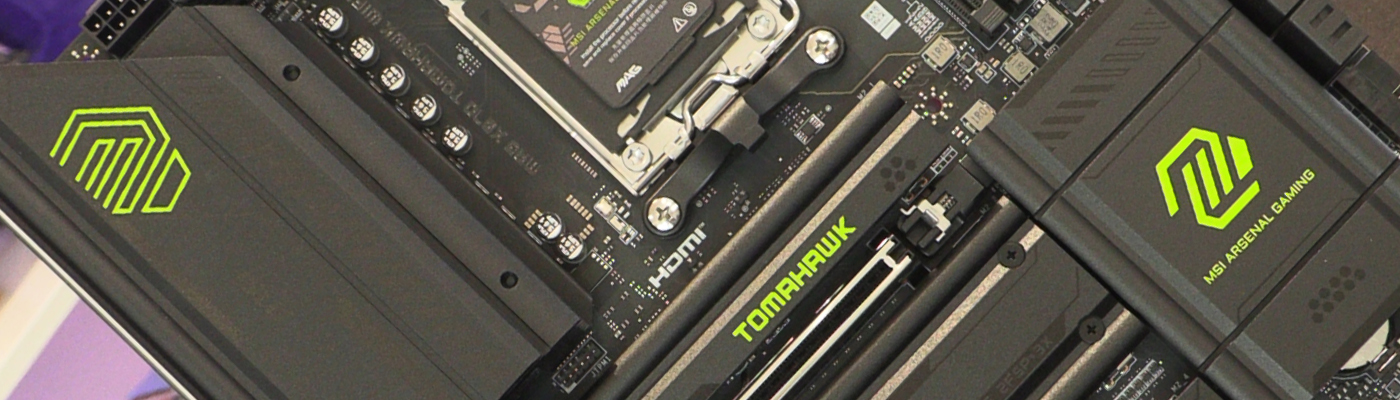
BIOS
The MSI BIOS is a real step forwards we feel. The other two main manufacturers seem to have basically the same UEFI as you’ve seen on other boards. The MSI ones, and the Tomahawk here in particular, are really easy to get your head around. There is nothing like clarity of BIOS settings to give you confidence.
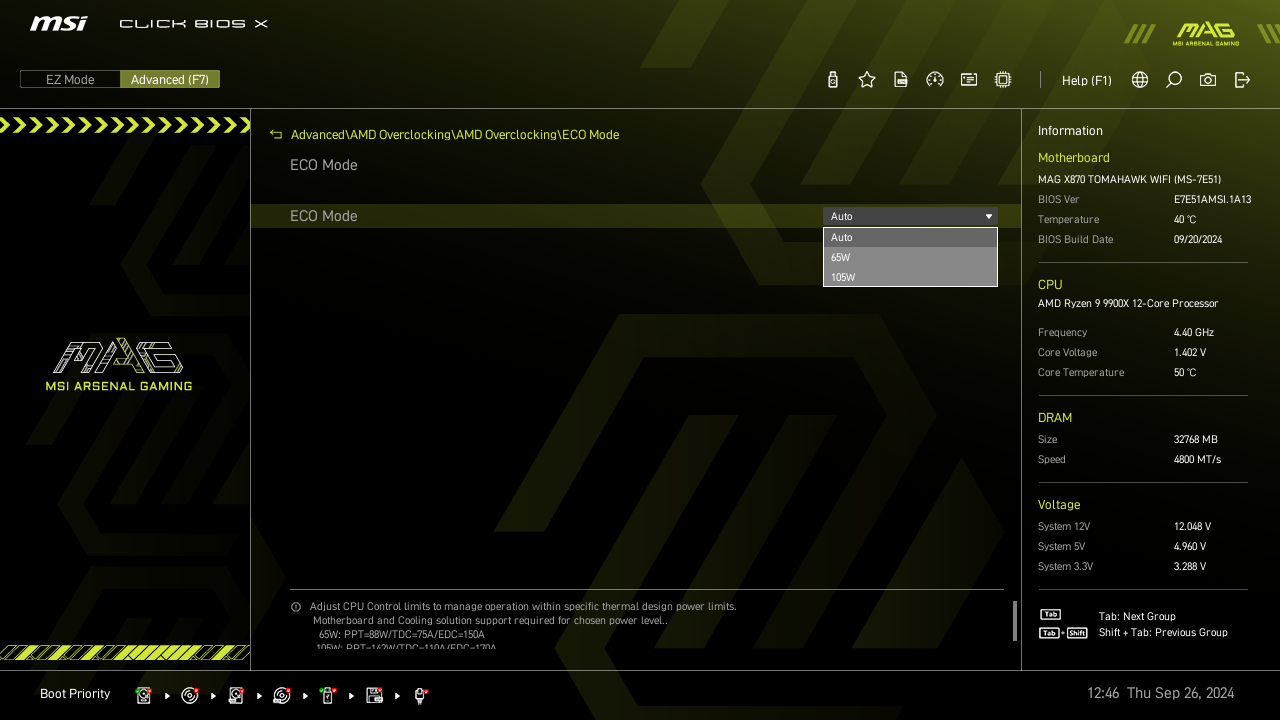
ECO Mode, should you want a more efficient system, or just want to run it cool when you’re not extracting every last megahertz.
An EZ Mode that actually is easy. You pick from either faster, or cooler. Nice and simple.
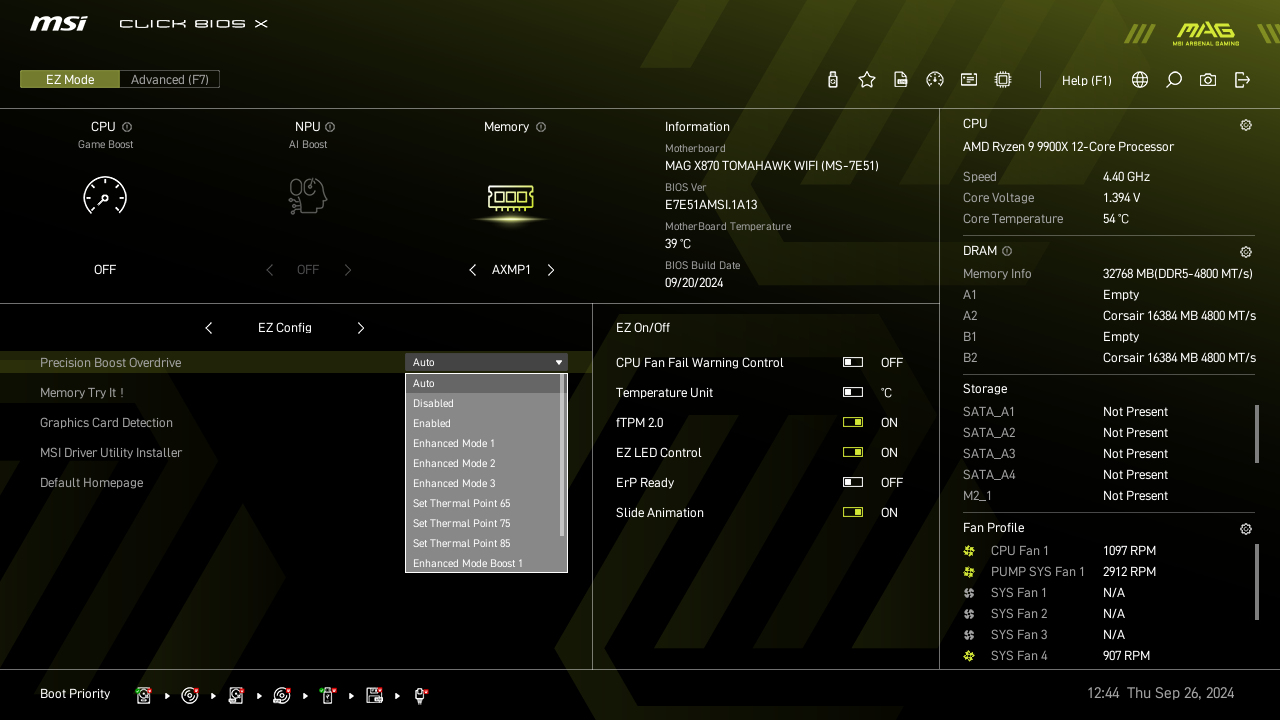
MSI also provide you with temperature monitoring in a clear manner within the BIOS. An ‘all in one’ view of your voltages and temps.
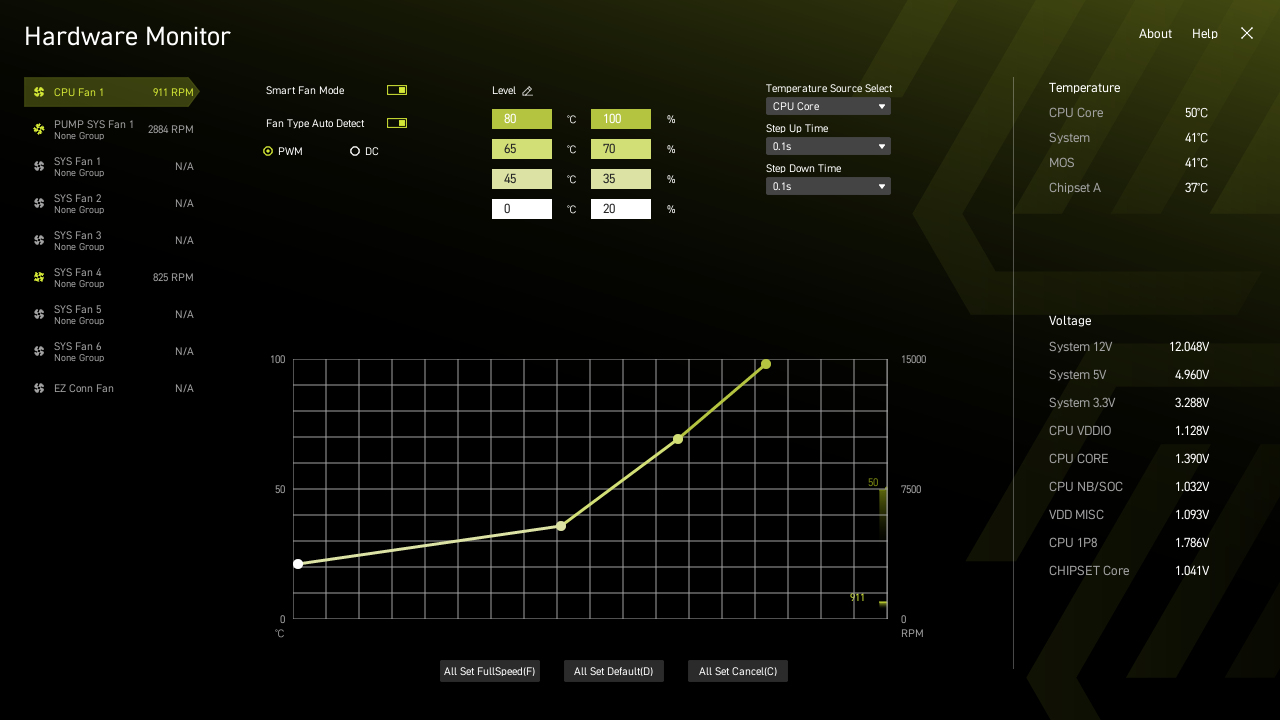
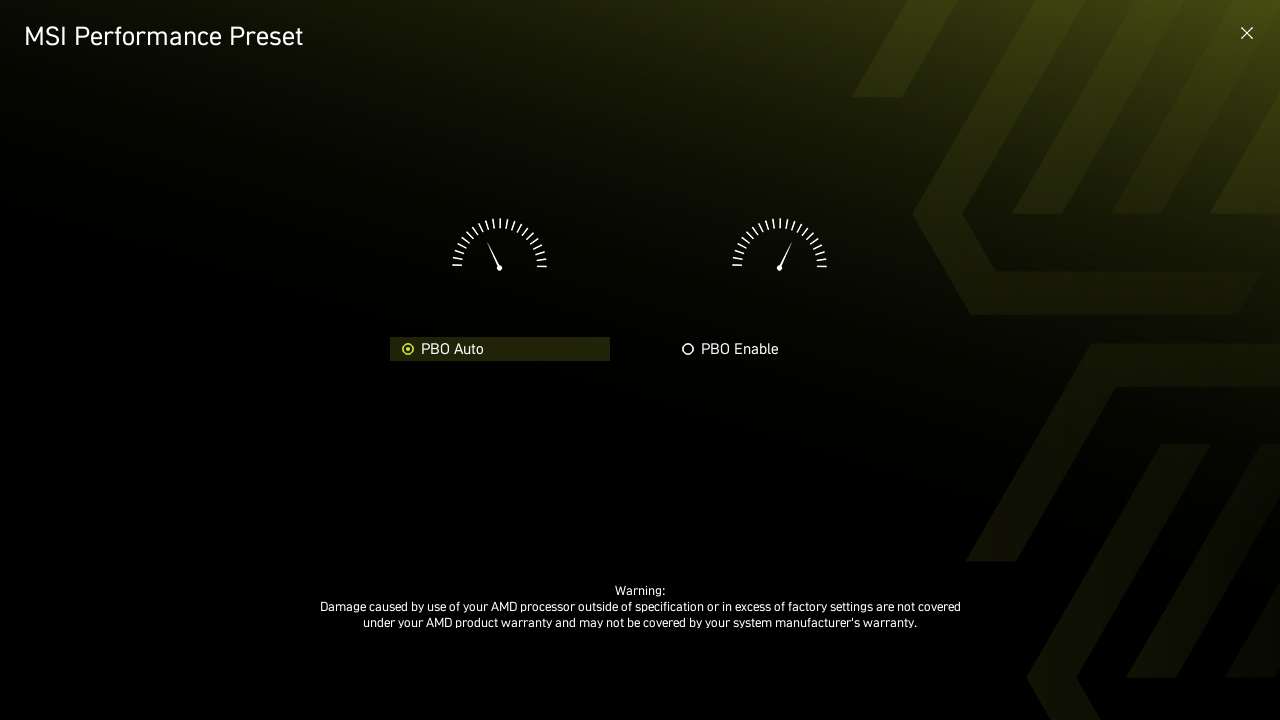
There is obviously an advanced mode for those who prefer to get right into the nitty gritty of things.
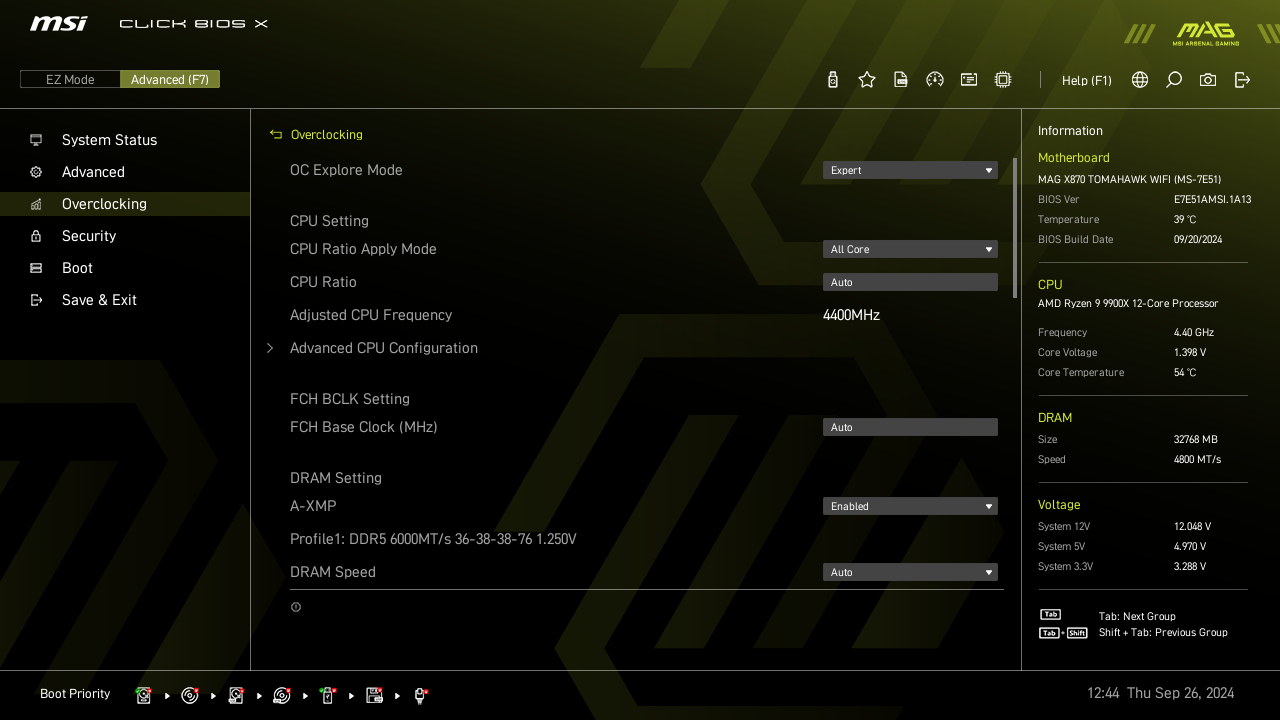
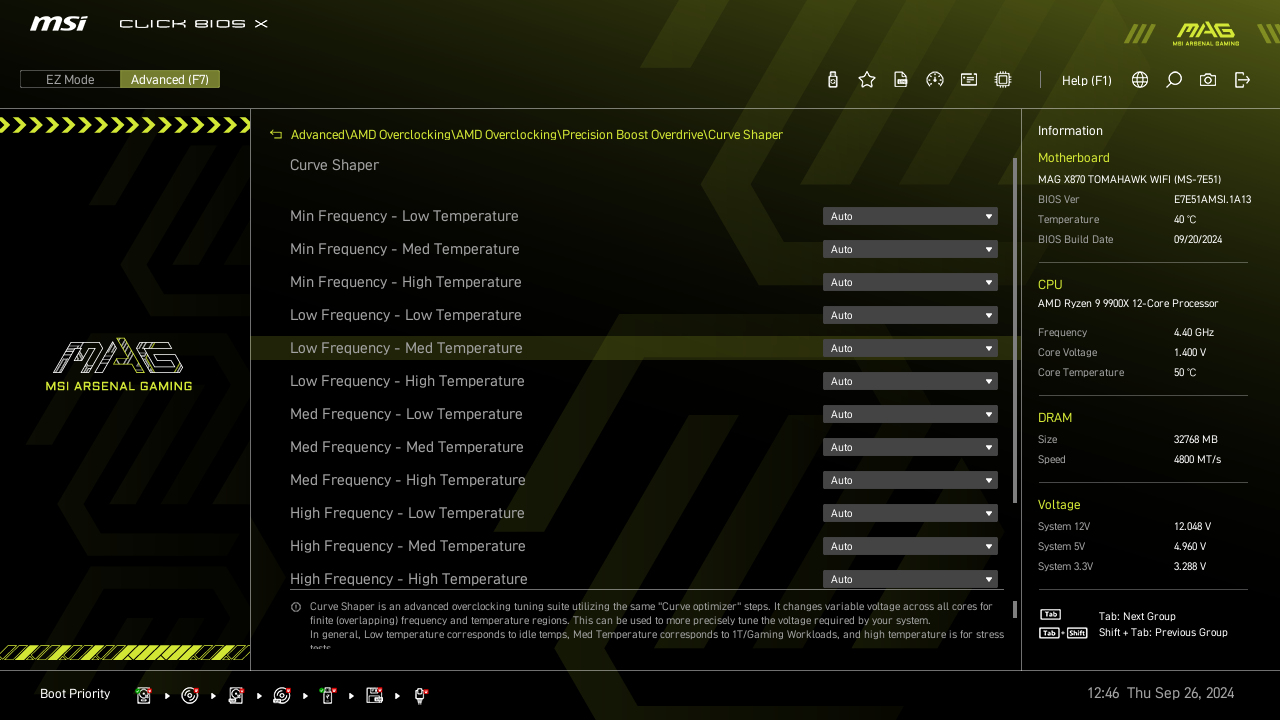
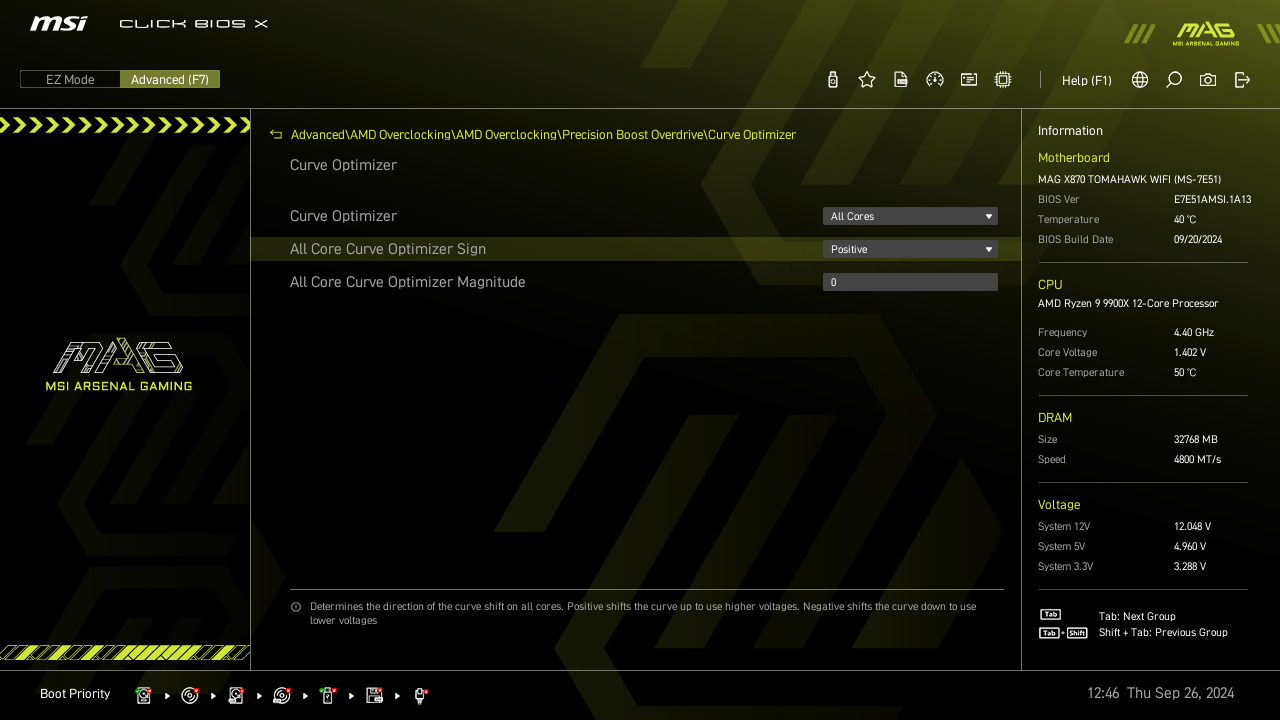
If you want very granular control over the Precision Boost Overdrive functionality then MSI provide it on the Tomahawk. You can set voltages for your CPU that respond to whether you’re using it gently or hard. We love it. What a handy way to really squeeze the last bit of performance juice from your processor.