MSI MAG X870 Tomahawk WiFi Review

Board Tour
Board Tour
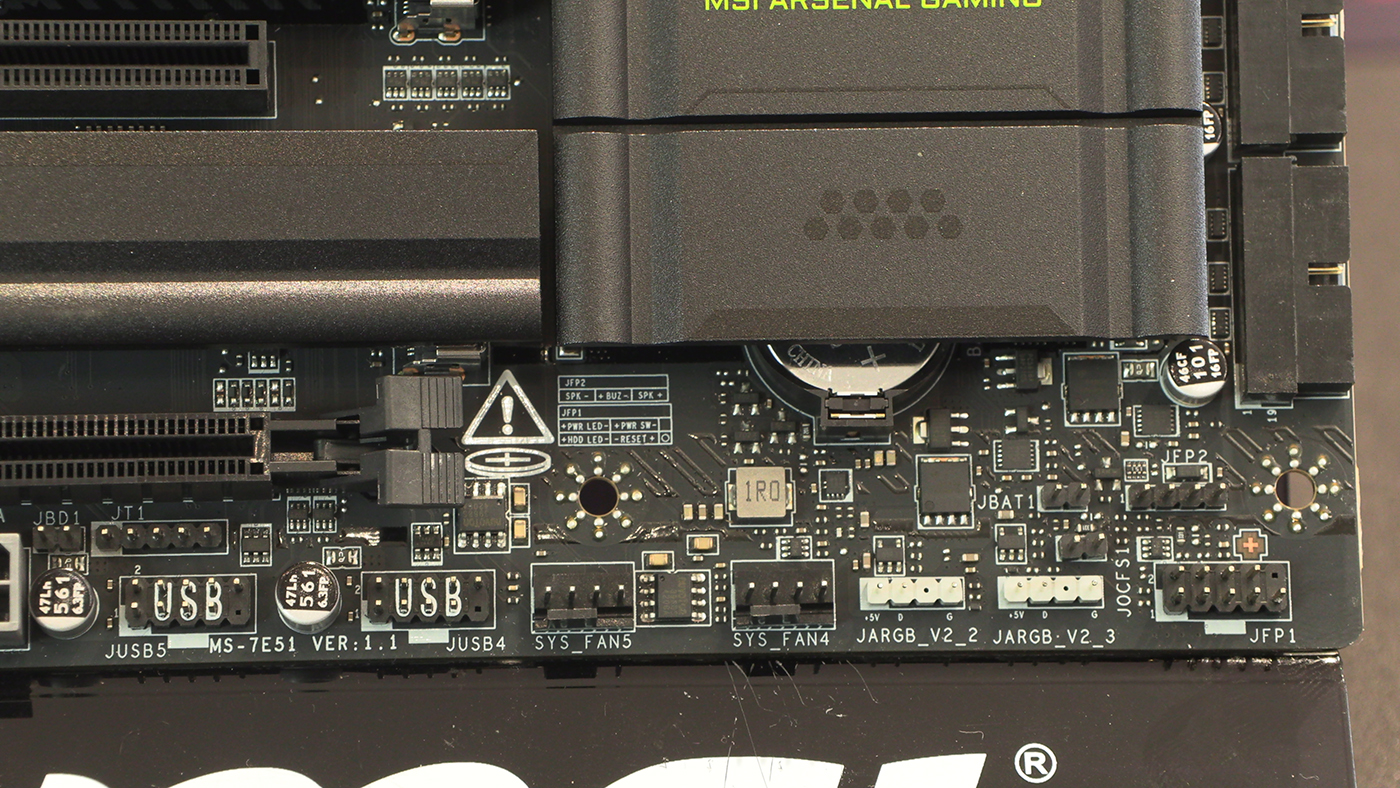
Diving in closer you can see how much cooling is available on the X870 Tomahawk. That’s a lot of fan headers in a single place. CPU and AIO as well as three system fans. All placed very nicely for easy cable routing.
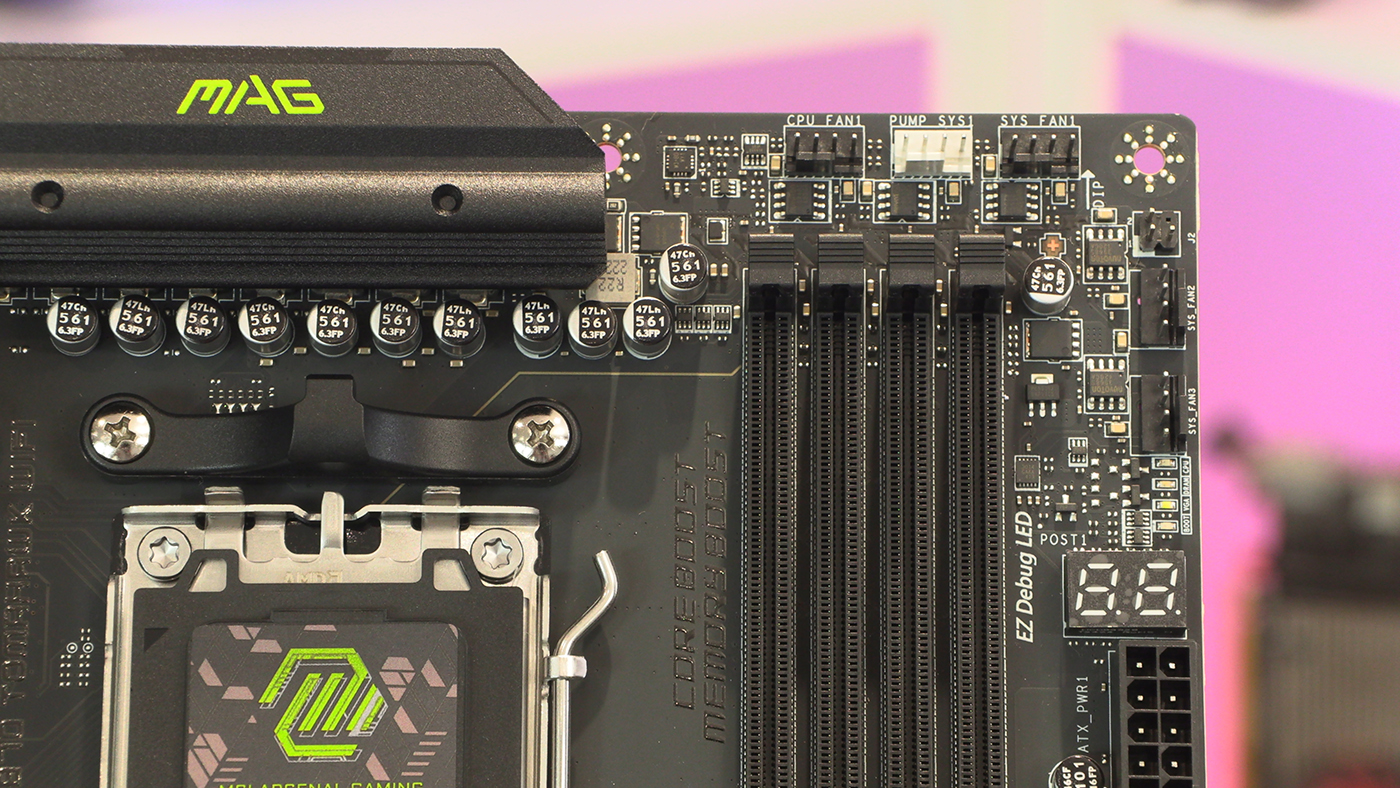
Below the 24pin ATX main power is the EZConn which works with the cable we spoke about earlier to put all your front panel connections in one place. And one easily hidable place at that.
Plenty of front panel USB ports sit alongside the four SATA ports that appear to be the standard number on all the new AMD motherboards we’ve seen for today’s reviews.
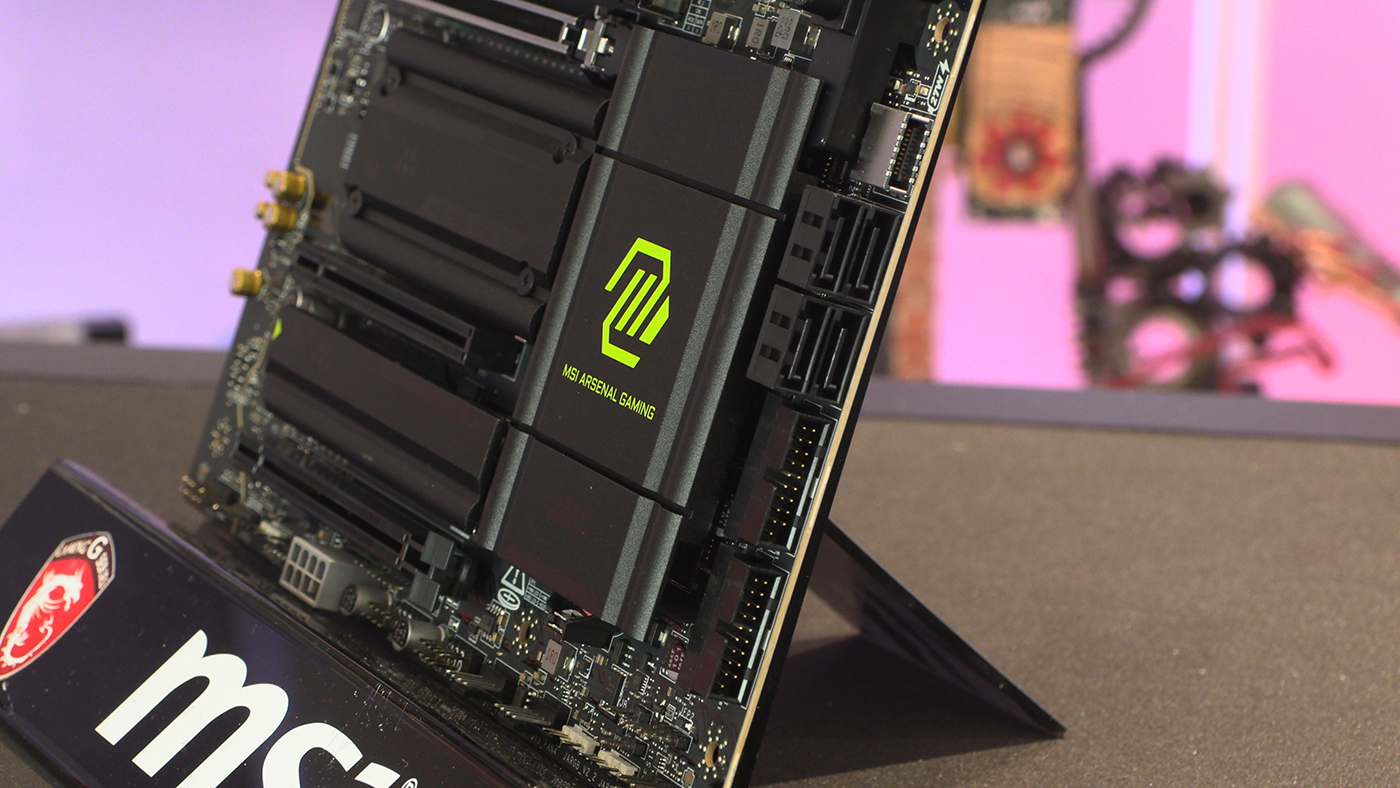
You can still use regular front panel connections if you wish. Next to those are two ARGB headers for the MSI Mystic Light ecosystem, as well as yet more fan headers.
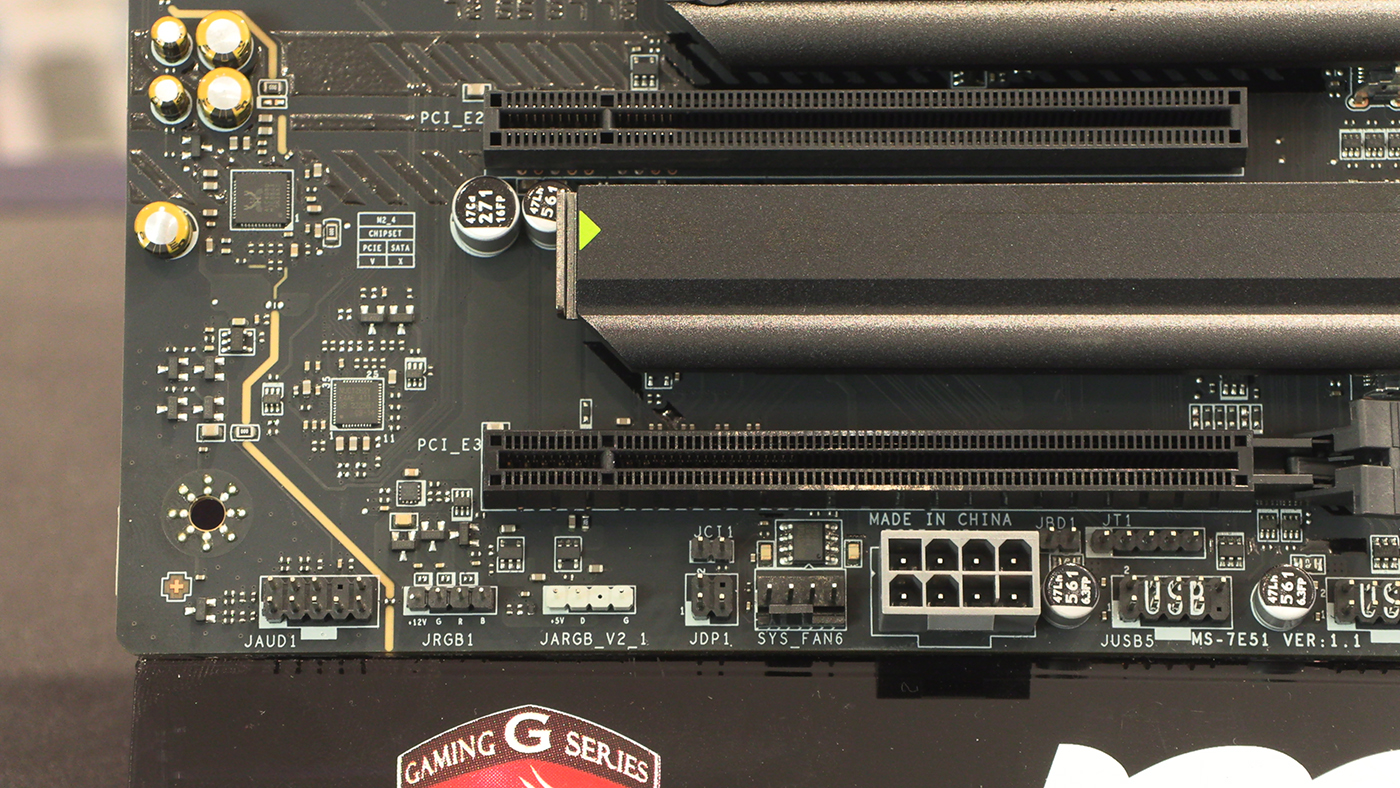
Lastly the bottom left has an extra power input should you need it. This sits next to another fan header, and wraps up with a final ARGB and regular RGB header for all your lighting needs.
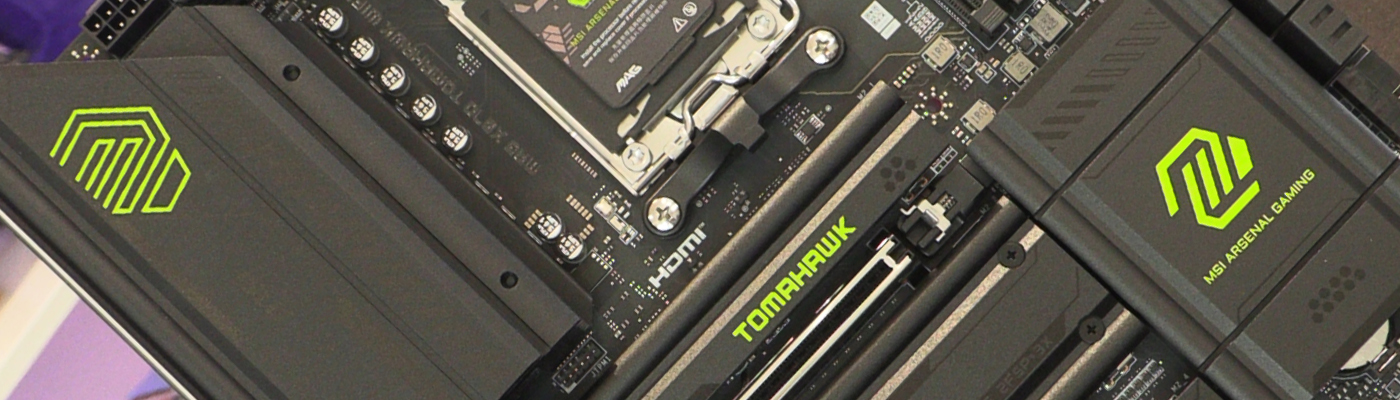
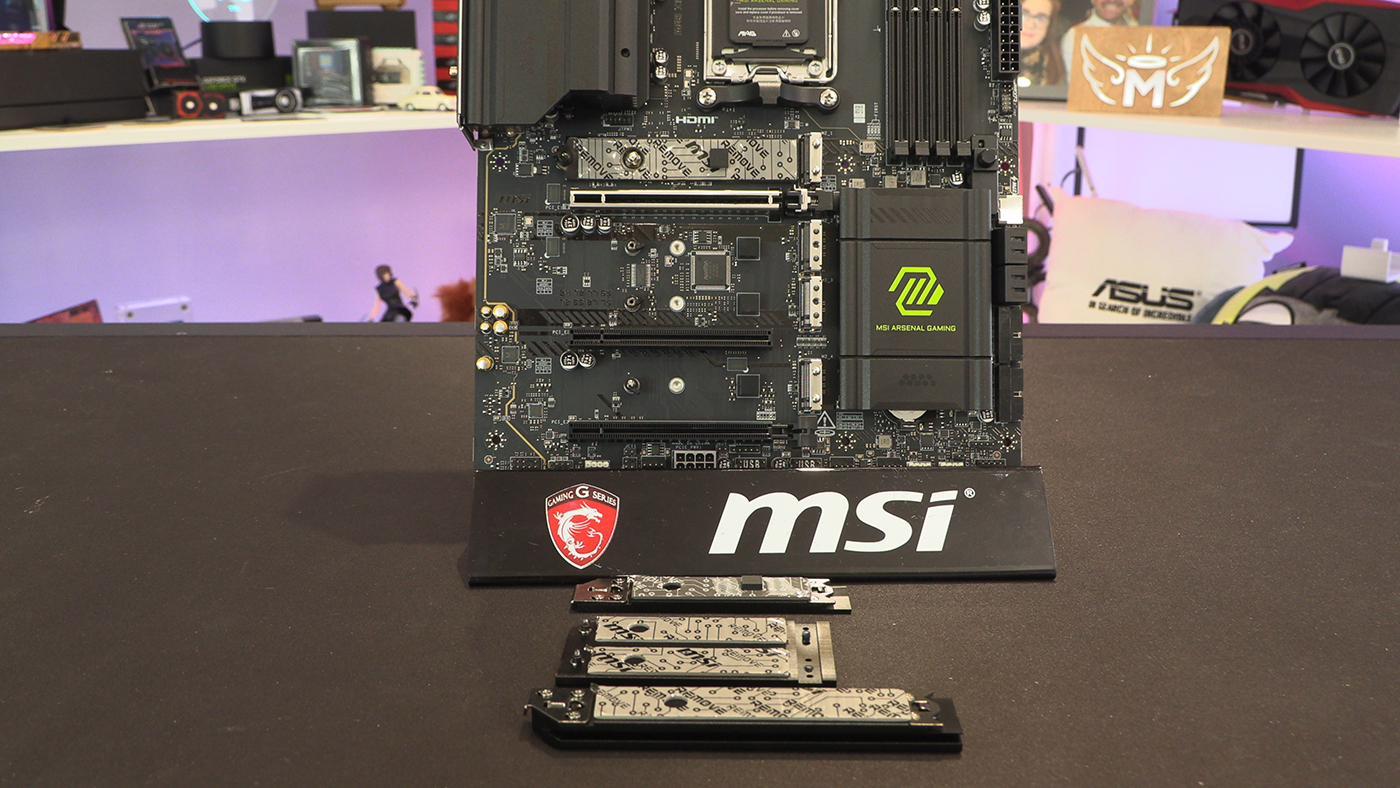
Removing the heatsinks and we can see the 4 M.2 slots. Two 128 Gbps Gen5, 2 Gen4 split between 64 Gbps and 32 Gbps. Important to keep an eye on if you’ve a lot of drives on hand.
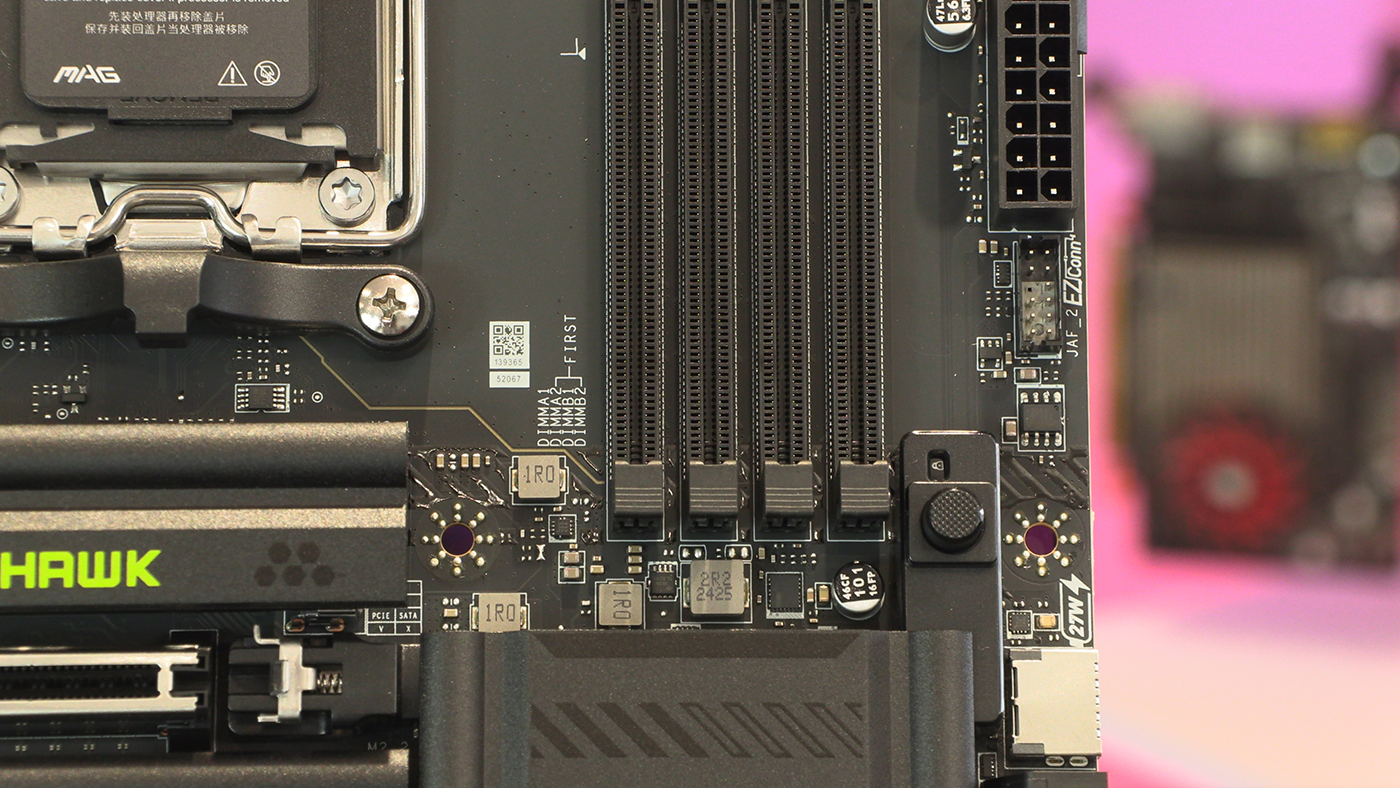
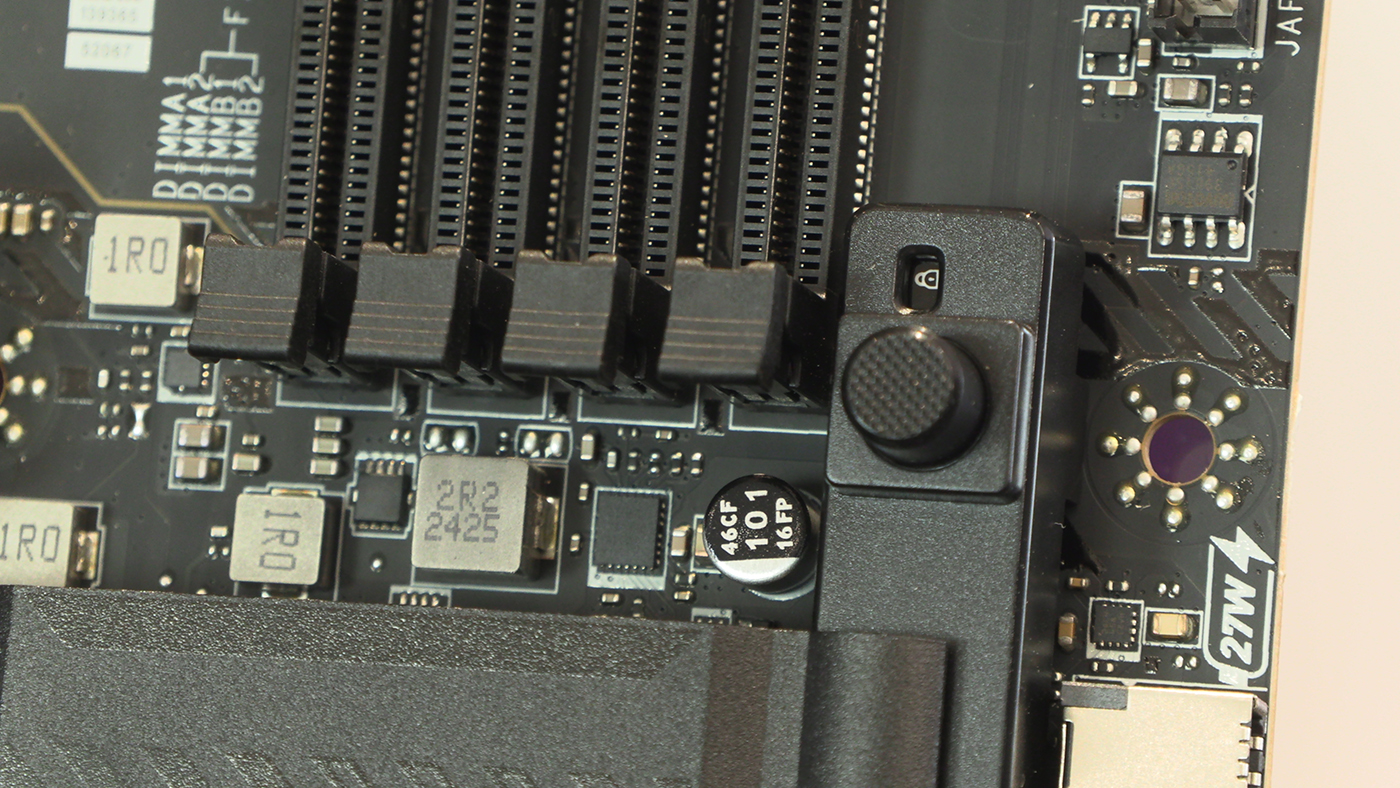
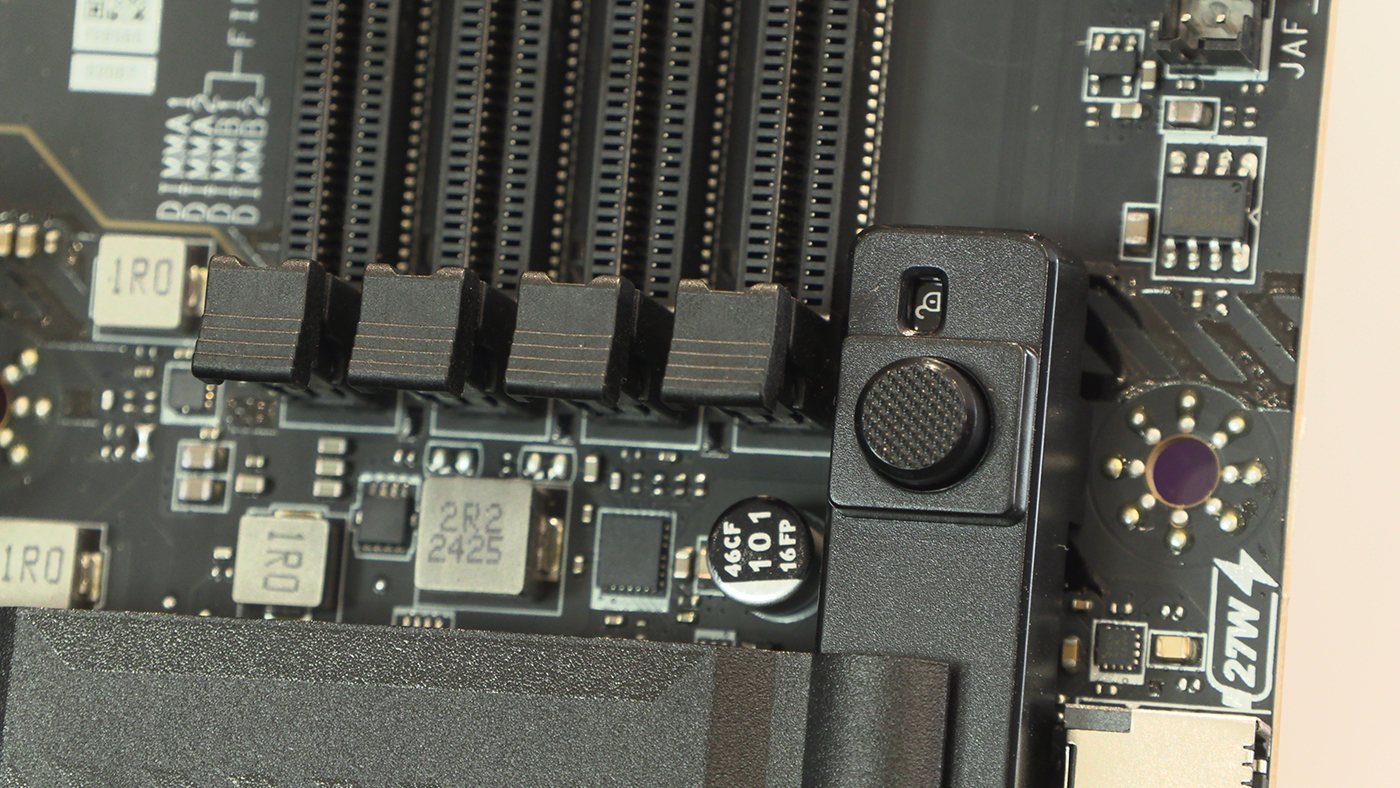
The button that allows us to remove our GPU with the minimum of fuss is one of our favourite inventions in recent times. Given that it’s obvious if your card is in or not, it makes us smile to see the attention to detail MSI have put in by having a clear padlock indicator too.
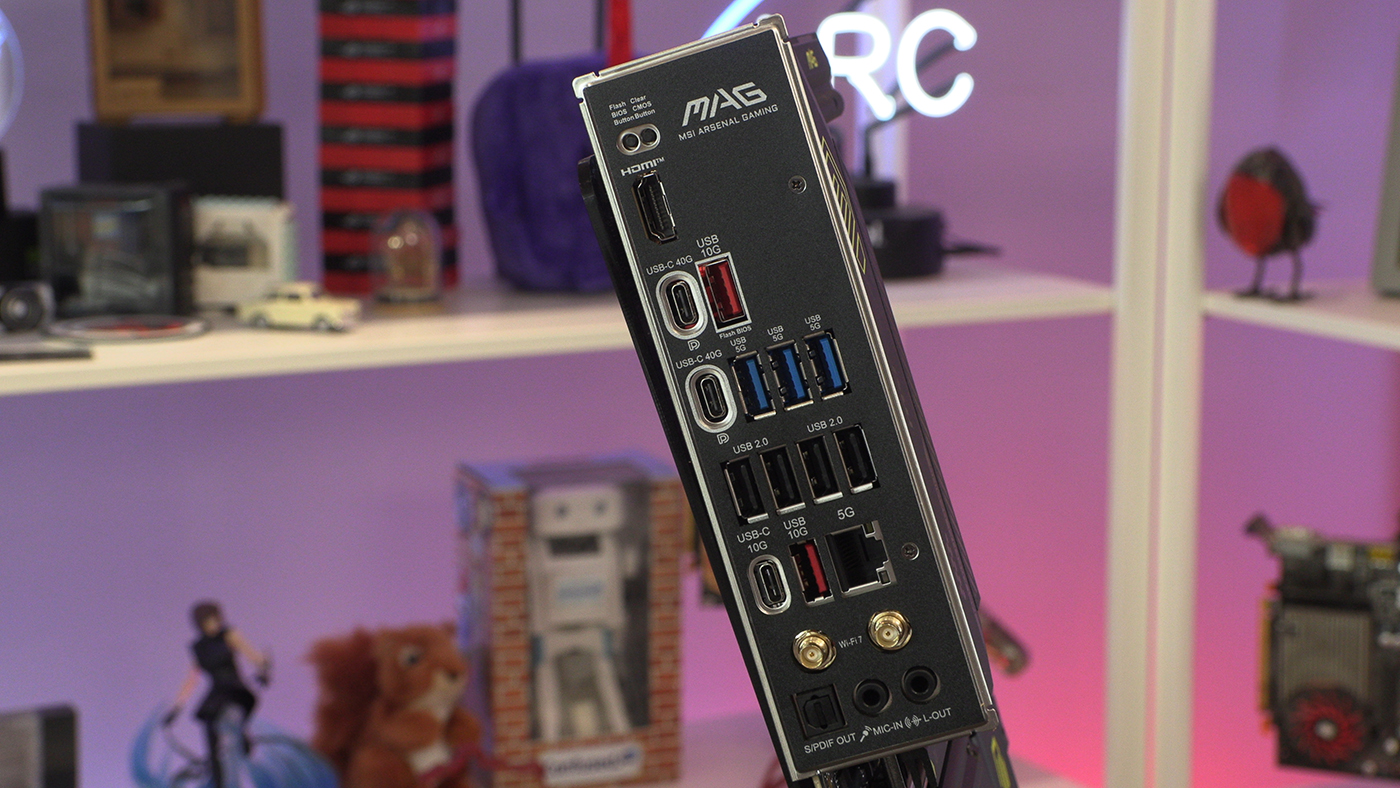
Lastly the huge amount of USB ports – including USB 4 – and networking options on the MSI MAG X870 Tomahawk. Fair dos for including a 5G LAN too.