


Just Cause 3 – AMD VS Nvidia Performance Review


Graphical Options and Settings
Upon booting up the game alarm bells began ringing, once i saw the Nvidia’s GameWorks logo appear I recoiled like a vampire to a cross, but hoped that perhaps this time things will be a little bit different.
In the past Nvidia’s GameWorks has had a very bad reputation for being used to harm AMD’s performance, but in reality a lot of the time AMD’s performance defect in these games have often be fixed by using post launch game optimized drivers, so it will be very interesting to see if this time that is the case.
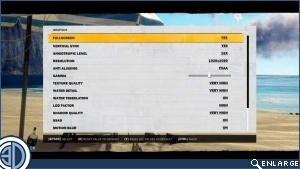
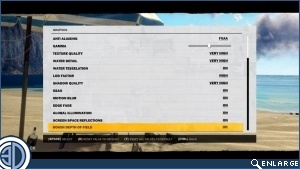
The games option menu offers plenty of of options for PC gamers to increase their performance, with the option of FXAA and SMAA for Anti-Aliasing and a wide range of toggle-able features, like Bokeh depth of field, motion blur, global illumination, edge fade and SSAO.
These toggle-able options will be where the bulk of extra game performance can be gained when turning your settings down, as these options are much more demanding than the Texture quality, water detail, LOD factor and shadow quality options, which can be turned from low all the way to very high.
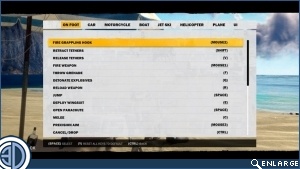
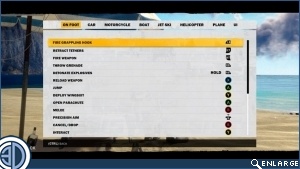
The controls of the game are entirely user configurable, allowing the game to be controlled exactly the way you want it to, regardless of whether you are using a mouse and keyboard or a controller, which is something that far too many games forget about.
Without a set of pre-defined game options to look at we have had to create our own settings to benchmark this game with, all of which are included below.
We decided to separate the graphical options with low to very high options and the toggle-able options, only toggling these on/off options when we are maxing the game out.
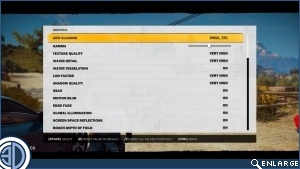
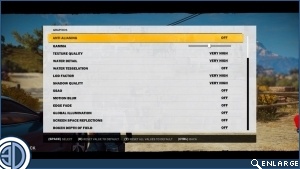
Maximum Settings (Left), Very High settings (Right)
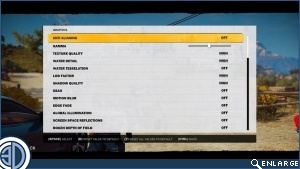
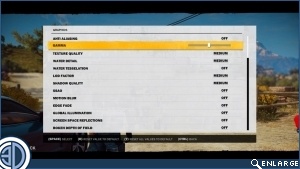
High Settings (Left), Medium settings (Right)
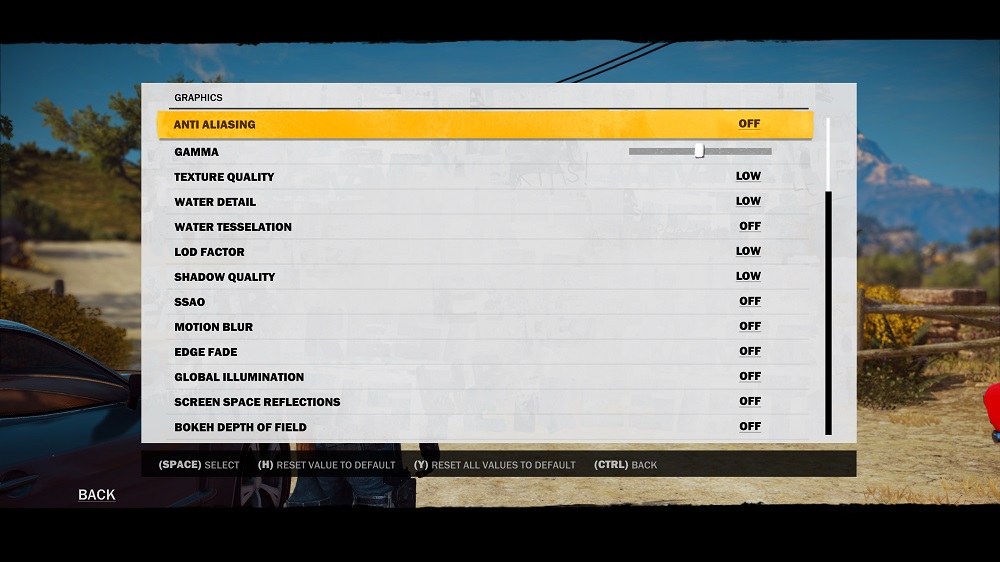
(Low Settings)
