


Corsair iCUE Nexus Review

Introduction
When Elgato were absorbed into the Corsair umbrella we knew it would only be a matter of time before their – Elgatos – products bled into the Corsair range.
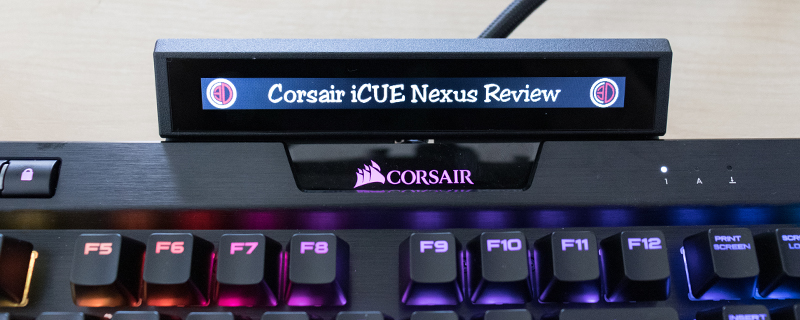
The clearest indication of this is with today’s launch of the Corsair iCUE Nexus. A product which is a touchscreen display designed to be put on top of your Corsair keyboard that is promised will function very much like the stupendously popular Elgato Stream Deck. Given that the Stream Deck sits alone on our desks and isn’t always within easy reach you can imagine how excited we are to get the Nexus on our Corsair keyboard and test it out.
Normally at this point we’d discuss the potential of what you could do, but we already know the things that you can do with a Stream Deck, and we know how easy it is to use touch screens thanks to every Smart Phone released in the last decade, so let’s get down to business. There is a lot of business to get down to as you’ll soon see.
Technical Specifications
The Nexus is light and small, fitting neatly onto the top of the K70 Mk2 or the K95 Platinum, with a stand for those of you who haven’t got one of those two extremely popular keyboards upon your desk. It supports up to 200 screens, of six items giving you more than enough capability for anything you can think of to display. As is often the case with hardware such as this it all becomes clear in the viewing, so let’s look at what you get in the box before we see it in action, as well as looking at the customisation options available to you in the Corsair iCUE software.

