
Steelseries Apex 7 Keyboard Review

Steelseries Apex 7 Keyboard Review

OLED Display

Pretty much all the features you can adjust from the Steelseries Engine software you can also control on the keyboard itself using the built in menu on the OLED – Organic Light Emitting Diode – display. A long press on the main button brings it up and then you use the scroll wheel to cycle through your options, clicking the wheel for okay or hitting the main button for cancel. It’s a very simple solution to the otherwise esoteric combination of keys and blinking lights that usually accompany onboard keyboard setup systems. Plus when you’re not using it to control the keyboard you can use it to show which song you’re playing, or your volume, or some cool cat gif.

Steelseries Apex 7 Keyboard Review  
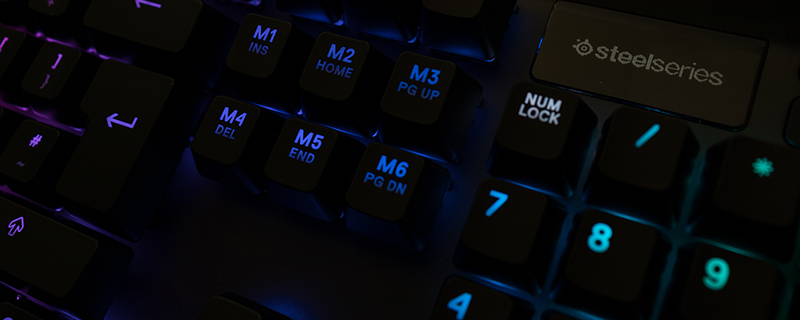

Steelseries Apex 7 Keyboard Review  

Uh-oh! It looks like you're using an ad blocker.

OC3D relies on ads to provide free content and sustain our operations. By white listing us on your ad blocker, you help support us and ensure we can continue offering valuable content without any cost to you. We only run our own hand picked ads from Industry brands like MSI, BeQuiet, Sapphire and PC-Specialist - meaning they are all relevent to the content you are reading.

We truly appreciate your understanding and support. Thank you for considering whitelisting OC3D