


Borderlands 4 PC Performance Review and Optimisation Guide

Conclusion
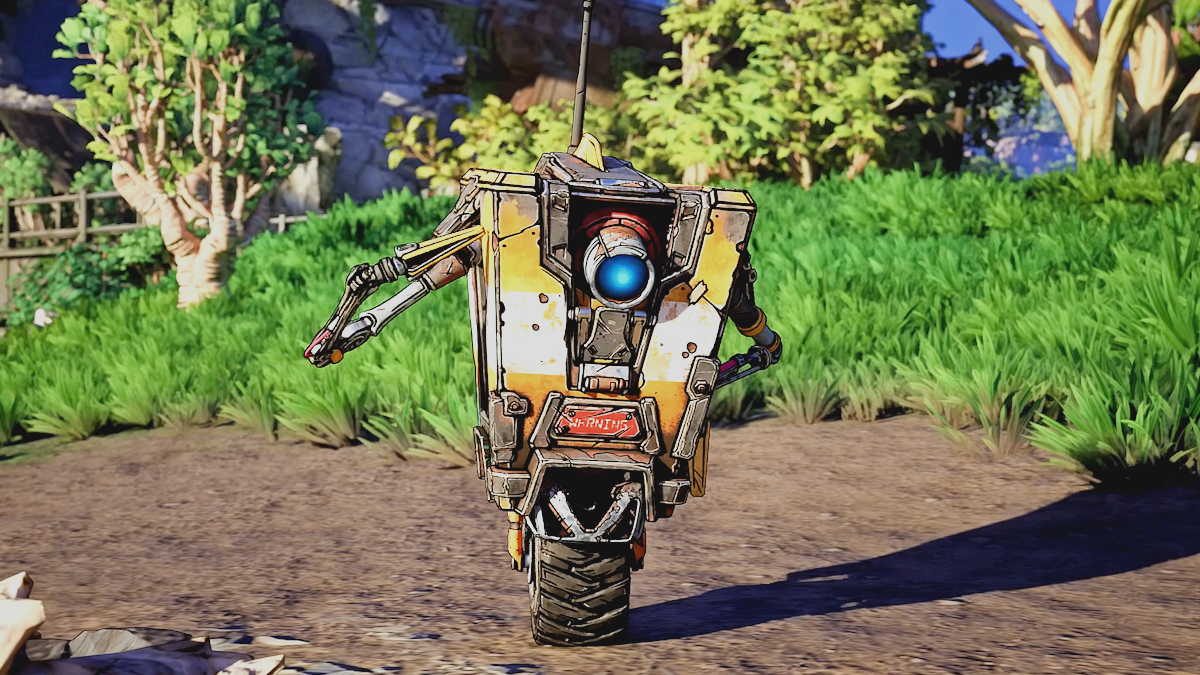
A fun game, but performance is a letdown
Borderlands 4’s PC version is a mess. During our time playing the game, stuttering was our constant companion. This game’s shader compilation steps do not cover everything. Sadly, this game’s huge variety of weapons and enemies works against the game by constantly presenting us with new effects. These effects require new shaders, which are then compiled in real-time. This results in frequent stutters, giving all PC gamers a poor first impression of Borderlands 4. While these stutters will become less and less frequent over time (as more shaders are compiled), they are are problem. Remember, every fresh GPU driver update will require all those shaders to be compiled again…
Borderlands 4 is a prime example of a game designed with modern upscaling solutions in mind. That’s not a good thing. If you are not willing to use upscaling, you are unlikely to have a good time playing this game on PC. Even the highest-end PC hardware available can struggle to play this game without a healthy dose of upscaling. If you want 100 FPS+ framerates, you will likely need to use Frame Generation.
Honestly, Borderlands 4’s “Badass” preset shouldn’t be in the game. The developers of this game should have known that a preset requiring an RTX 5090 to achieve significant upscaling and run smoothly at 4K was a bad idea. We’ve seen many games that use path tracing run faster than Borderlands 4 with its Badass settings. When so many graphical settings can be lowered with little visual consequence, there is little reason for Gearbox to set the graphical bar so high. It honestly feels like this game is wasting computational resources for the sake of it. Yes, graphical fidelity is higher at “Badass” settings, but when our “optimised” settings run over 50% faster with minimal visual difference, you know something’s wrong.
Gearbox’s CEO, Randy Pitchford, has made numerous statements that have angered PC gamers, but he’s right about one thing. PC gamers shouldn’t just set games to their “maxed out” settings and expect them to run well. That said, game developers shouldn’t expect PC gamers to be happy when even owners of £2,000+ RTX 5090 GPUs complain about performance issues. More PC gamers should be happy to run games at medium or high settings. Today, games look pretty good at these settings. That’s how far the graphical bar has been raised since the early days of PC gaming. Even so, developers shouldn’t complain when gamers call their games “unoptimised” when there are clear issues with their games.
One thing that I will mention is that this game probably should have a benchmarking tool. Allowing gamers to test their graphical settings outside of gameplay would be incredibly useful. If nothing else, it would let many players start the game with more optimal graphical settings.
Borderlands 4 is an incredibly demanding PC game, and it feels like this game could run a lot more efficiently. When we started using our “optimised settings”, we could barely tell the difference between those settings and this game’s “Badass” preset. Well, we could tell the difference; our settings ran the game over 50% faster on our Radeon RX 9070 XT at 4K. It really feels that this game’s graphical settings could have been tweaked to make the game more performant with minimal visual downsides.
Borderlands 4 can be a lot of fun, but only after you have taken the time to get the game running well on your PC. Hopefully, future game updates will help to address this game’s stuttering issues. Sadly, this is a fun game that is marred by serious performance issues. This game needs a powerful gaming PC to run well.
You can join the discussion on Borderlands 4’s PC version on the OC3D Forums.

