Borderlands 4 PC Performance Review and Optimisation Guide

Meet Borderlands 4 – Its a mess

Borderlands 4 is here, and it’s a mess
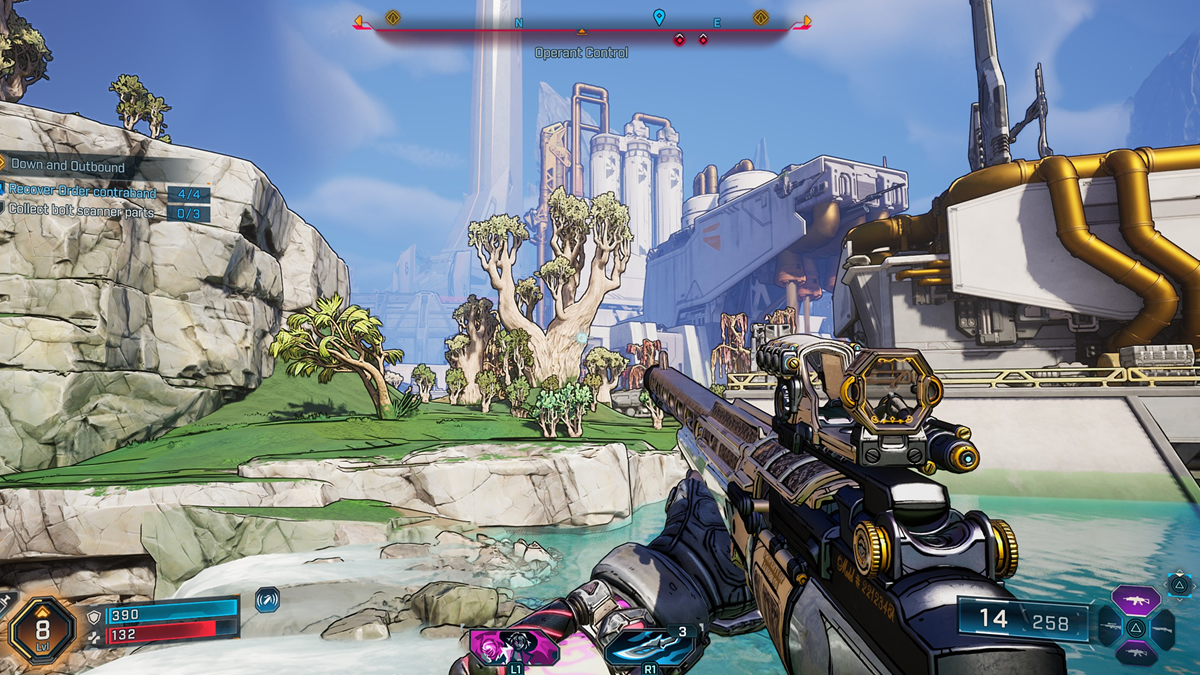
Borderlands 4 has arrived, and it is one of the most demanding PC games of 2025. Not many games can bring Nvidia’s £2,000 RTX 5090 to its knees, but this game can. That said, the game can run much faster if you are willing to adjust some graphical settings and leverage the performance advantages that upscaling can offer.
Borderlands 4 is the newest Unreal Engine 5 game to launch with significant performance issues on PC. While the game includes a shader compilation step at launch and similar steps during some loading screens, stuttering remains a frequent issue. Altering graphical settings can also cause more stuttering, making settings optimisation challenging.
Unlike its predecessor, Borderlands 4 does not have an integrated benchmarking tool. That means that you need to test your graphical settings tweaks during gameplay. Given how demanding this game is, I expect a lot of PC gamers to spend the early sections of this game constantly messing around with graphical settings.
Today, we will be looking at Borderlands 4’s PC performance across a wide range of graphics cards. For those who need them, we have some graphics optimisation tips. We will also be looking at the game’s upscaling solutions, and let you know which is the best option for you.
Drivers
To test Borderlands 4’s PC version, we used the newest GPU drivers available from AMD and Nvidia. These are AMD Software 25.9.1, and Nvidia’s GeForce 581.29 “Game Ready” driver.
OC3D Gaming Test Rig Upgrades
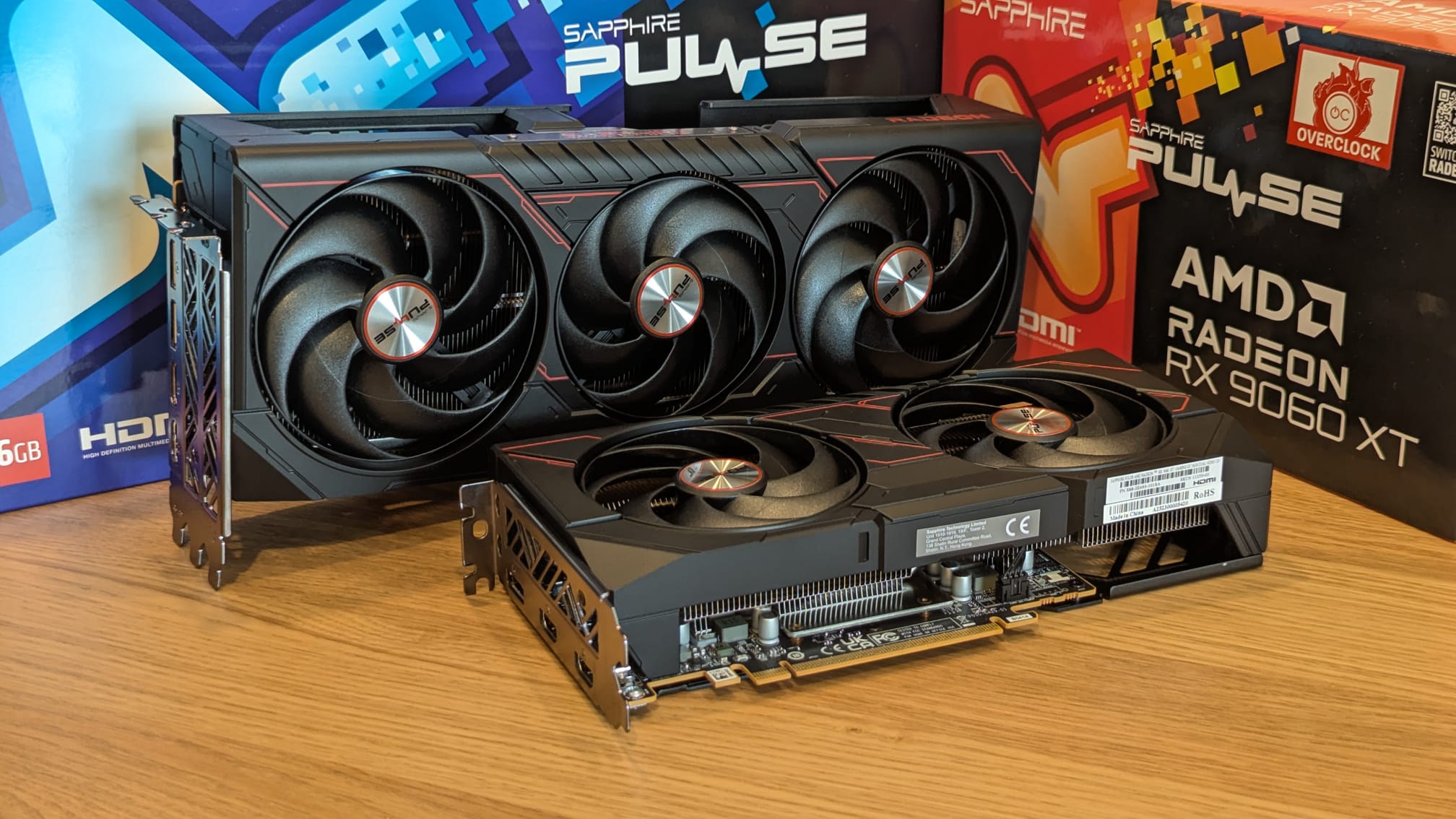
Thanks to Sapphire, we have been able to upgrade our gaming test suite with some AMD RDNA 4 graphics cards. For today’s analysis, we will be using Sapphire’s Radeon RX 9070 XT Pulse and RX 9060 XT Pulse (16GB) graphics cards. Both GPUs are great options for playing Borderlands 4. You will be able to see how both GPUs (and many others) perform later in this article.
We are currently working to get RTX 50 series GPUs for our test suite.
See our dedicated AMD FSR 4 article for Borderlands 4 here.
Test Setup – OC3D’s New Test Rig
Recently, OC3D started conducting new game testing and GPU reviews on a new test system. Thanks to Corsair, Intel, and ASUS, we have created a new testing system that will allow us to properly test new graphics cards and the newest PC releases. This system features Intel’s i9-13900K processor and a ROG Strix Z790-F Gaming motherboard, with all other components coming from Corsair.
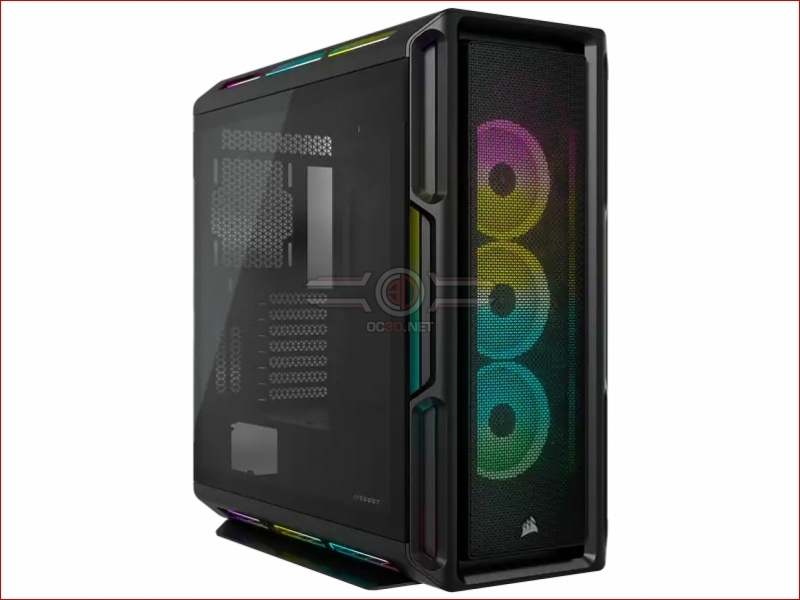
Our new test system is powered, cooled, and operated using Corsair components. The OS we will be using is Windows 11, and the case we will be using is Corsair’s airflow-optimised iCUE 5000T.
System Specs
Below are the full specifications of our new GPU/Games testing system and links to all the components we used.
OC3D GPU/Games Test System Specifications (Affiliate Links below)
CPU – Intel i9-13900K
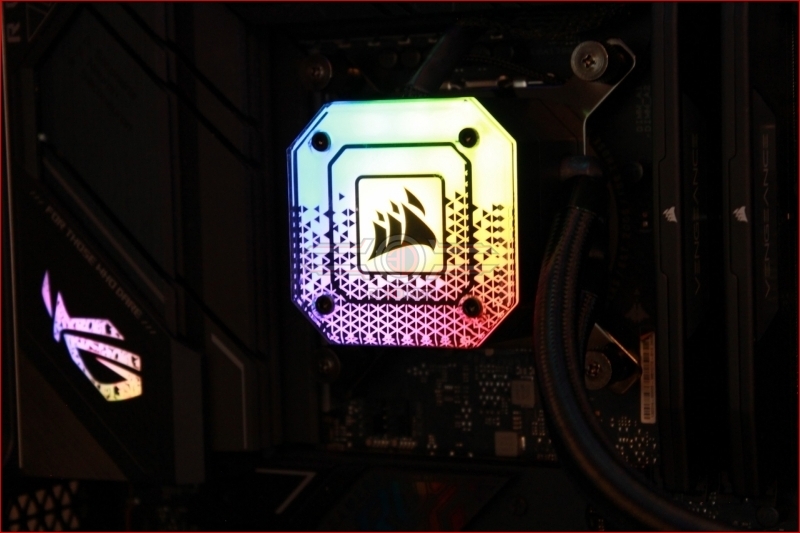
Cooling – Corsair iCUE H150i Elite CAPELLIX XT
Motherboard – ASUS ROG Strix Z790-F Gaming WiFi
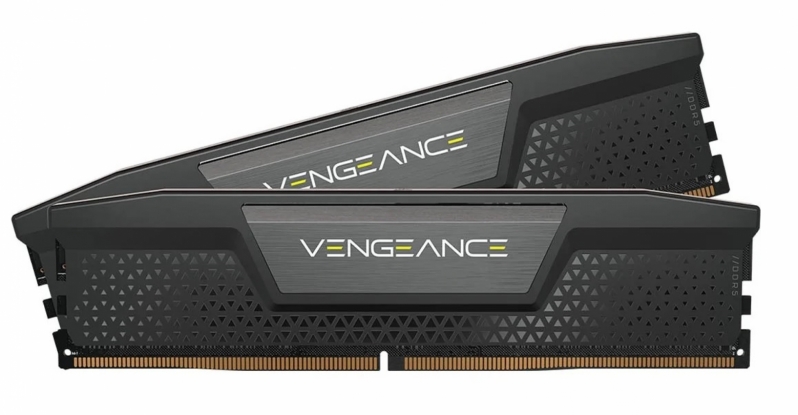
Memory – Corsair Vengeance 2x16GB (32GB) DDR5-6000 CL36 Memory
Storage – Corsair MP600 PRO NH 2TB PCIe 4.0 SSD
Case – Corsair iCUE 5000T RGB
Power Supply – Corsair HX1500i
OS – Windows 11