


Death Stranding 2: On the Beach PC Performance Review

Conclusion
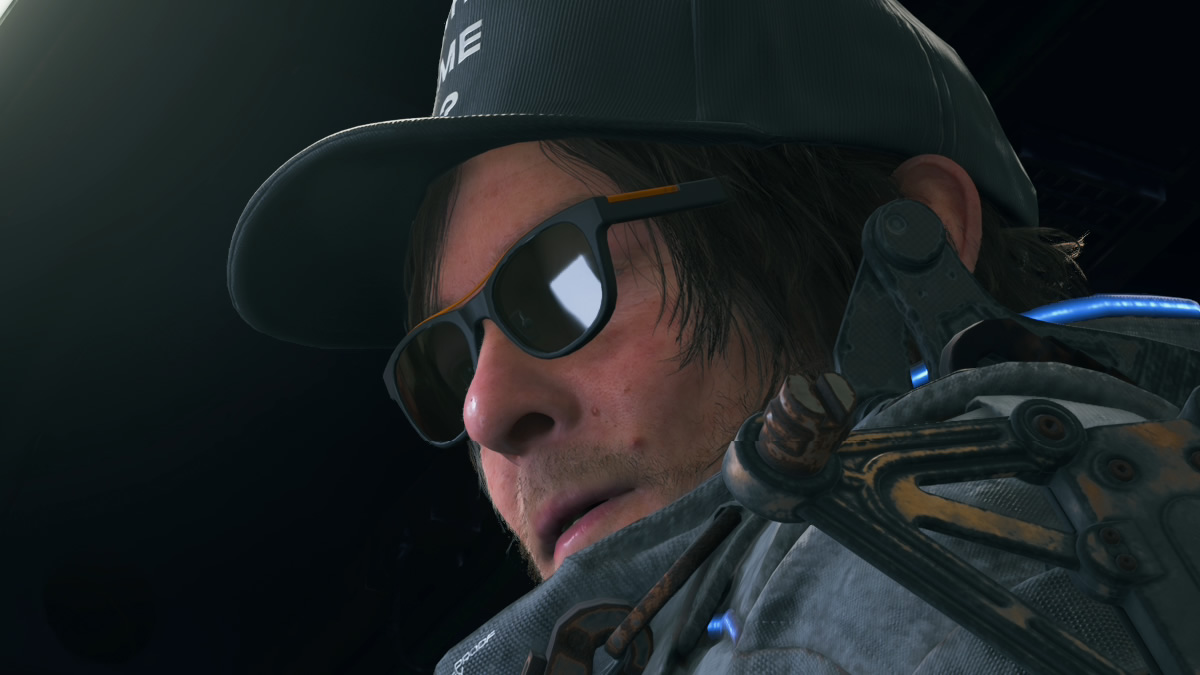
Excellent work from Nixxes and Kojima Productions
Nixxes and Kojima Productions have done a great job bringing Death Stranding 2 to PC. The game runs well, boasts a strong PC feature set, and is beautiful to behold.
With higher graphical settings, support for all major upscalers (including the Decima Engine’s PICO upscaler), and ultrawide resolution support, Death Stranding 2 looks and plays best on PC. The game’s unique ray tracing settings are the icing on the cake, though they’re only for gamers with the highest-end systems.
Ray Tracing isn’t worth it
Honestly, ray tracing is an addition to Death Stranding 2 that the game could have done without. Overall, the visual impact of ray-traced ambient occlusion and reflections is minimal in most instances. That said, improvements are there if you search for them. The problem is that using ray-traced reflections has a high performance cost. That said, with newer ray-tracing hardware, ray-traced ambient occlusion can be used with minimal impact on framerate.
At a minimum, PC gamers should set ray-traced reflections to “high” rather than “very high” to minimise the performance cost. That said, my personal preference is to turn it off and run the game at a higher internal resolution with less upscaling.
Solid Performance Scaling
Death Stranding 2 has five graphical presets, giving the game a lot of scalability outside of upscaling. Using the game’s “High” preset provides console-like settings and a significant performance increase compared with Very High settings. High settings are what most PC gamers should be targeting. That said, users of higher-end systems should have no trouble using very high settings. If you move below medium, visuals notably dip and pop-in becomes an issue. These settings are only for lower-end systems and need the extra performance. Personally, I would use High settings with upscaling before dropping to medium or lower.
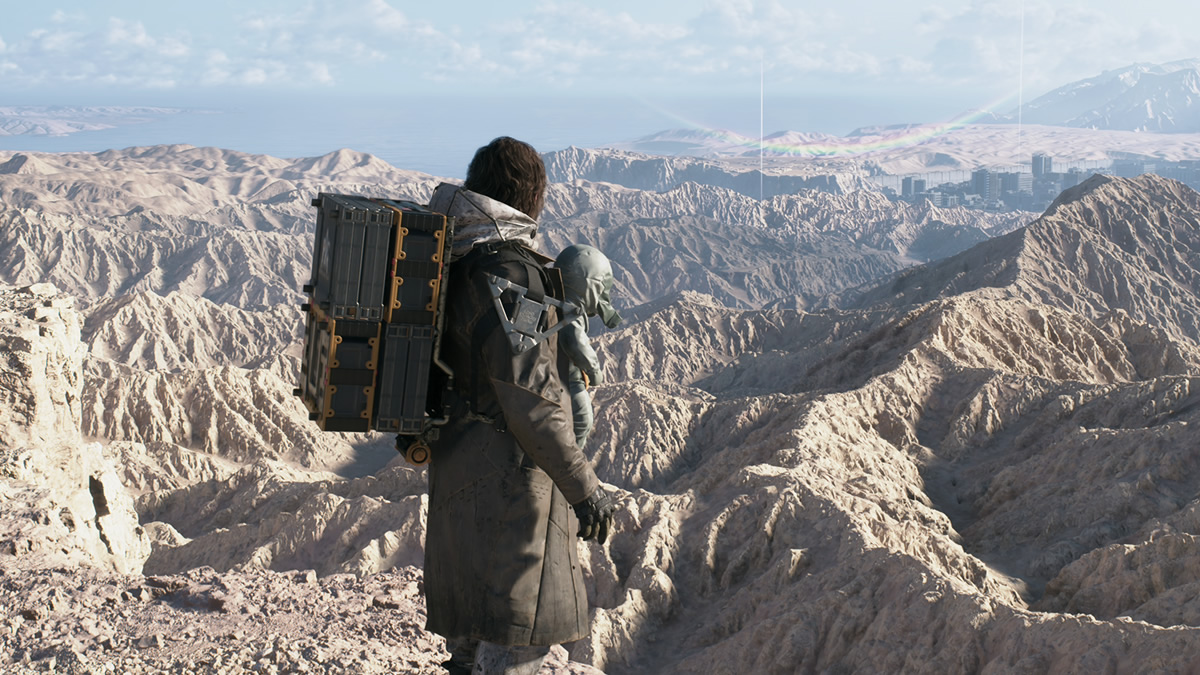
Upscaling isn’t a crutch
The performance gaps between medium, high and very high settings are significant. Upscaling isn’t the only way to improve Death Stranding 2’s performance on PC. The game can run well without upscaling, and gamers can choose the best upscaler for them. For Intel users, XeSS is available. If you use an Nvidia GPU, DLSS is there. For AMD RX 9000 series users, FSR 4/4.1 is available. As for older AMD GPU users, Death Stranding’s PICO upscaler is the best option, as it delivers better results than FSR 3.
VRAM usage is solid – 8GB GPUs are safe
Death Stranding 2 proves that PC games don’t need to consume copious amounts of GPU memory to look good. Using this game’s high preset, this game will not use more than 8GB of VRAM. Even with the game maxed out at 4K, 12GB of VRAM is more than sufficient. Death Stranding 2 makes efficient use of memory resources, and that’s great news for gamers with older GPUs. 8GB GPUs are problematic for some newer games, but Death Stranding 2 isn’t one of those games.
A great PC version, but some patches are needed
Overall, Death Stranding 2’s PC version is solid. The game runs well, has great PC features, and is well optimised. The game looks and feels great on PC. Nixxes and Kojima Productions should be proud of their work.
The only problem that I found with this game is frame pacing issues when DLSS Frame Generation is enabled, especially in 3x and 4x modes. This is similar to what I found in Dying Light: The Beast last year, and that was fixed through game updates. Hopefully, the same will be true for Death Stranding 2. Regardless, Death Stranding 2 does not need Frame Generation to run smoothly on PC, so this is a minor concern.
Well done, Nixxes. I hope we will see more PlayStation-to-PC conversions from you in the future.
You can join the discussion on Death Stranding 2’s PC version on the OC3D Forums.

