


Cyberpunk 2077 FSR 4 Update Tested!

FSR 4 has come to Cyberpunk 2077
AMD FSR 4 has arrived in Cyberpunk 2077
AMD’s FidelityFX Super Resolution 4 (FSR 4) Technology is now available in Cyberpunk 2077, delivering higher quality upscaling to all AMD RDNA 4 graphics card users. This support comes thanks to Cyberpunk 2077’s recent 2.3 update and AMD’s new AMD Software 25.8.1 GPU drivers. Both are required to enable FSR 4 support in Cyberpunk 2077.
OC3D Gaming Test Rig Upgrades
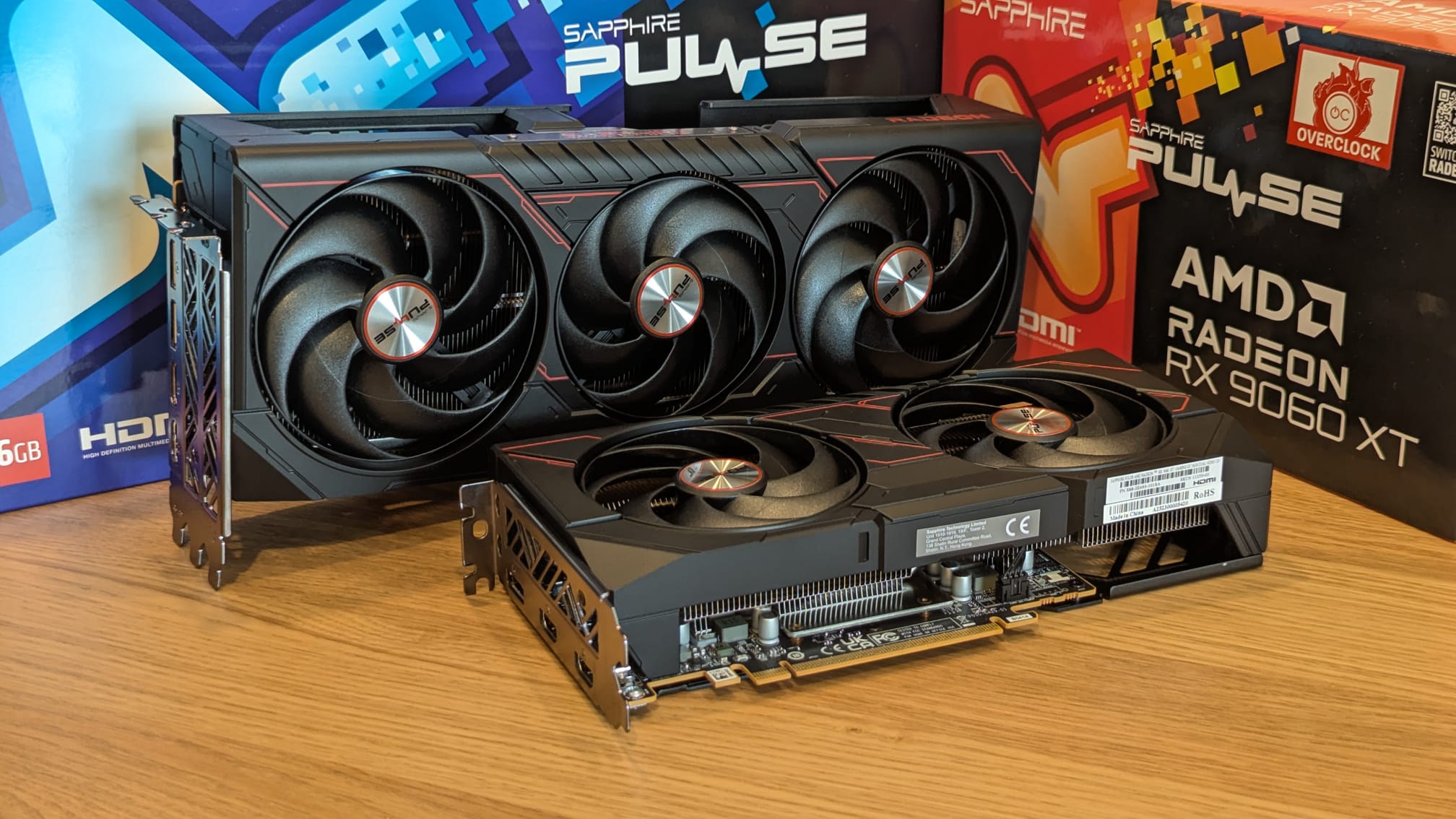
Thanks to Sapphire, we have been able to upgrade our gaming test suite with some AMD RDNA 4 graphics cards. For today’s analysis, we will be using Sapphire’s Radeon RX 9070 XT Pulse and RX 9060 XT Pulse (16GB) graphics cards. Both GPUs are great options for playing Cyberpunk 2077, especially now that the game supports FSR 4.
GPU pricing
For anyone interested in Sapphire’s new Pulse series GPUs, here are some links to them at UK retailers and their current pricing. As always, GPU pricing can change rapidly as supply and demand fluctuate.
Sapphire RX 9070 XT Pulse
Sapphire RX 9060 XT Pulse 16GB
How to enable FSR 4 in Cyberpunk 2077
RDNA 4 GPU users need to enable AMD’s “FSR 4 Upgrade” option within AMD Software to use FSR 4 in games. Enabling this option will make FSR 4 appear as an available option in Cyberpunk 2077.
We have created a guide to help AMD RDNA 4 GPU users enable FSR 4 within AMD Software. You can read this guide here.
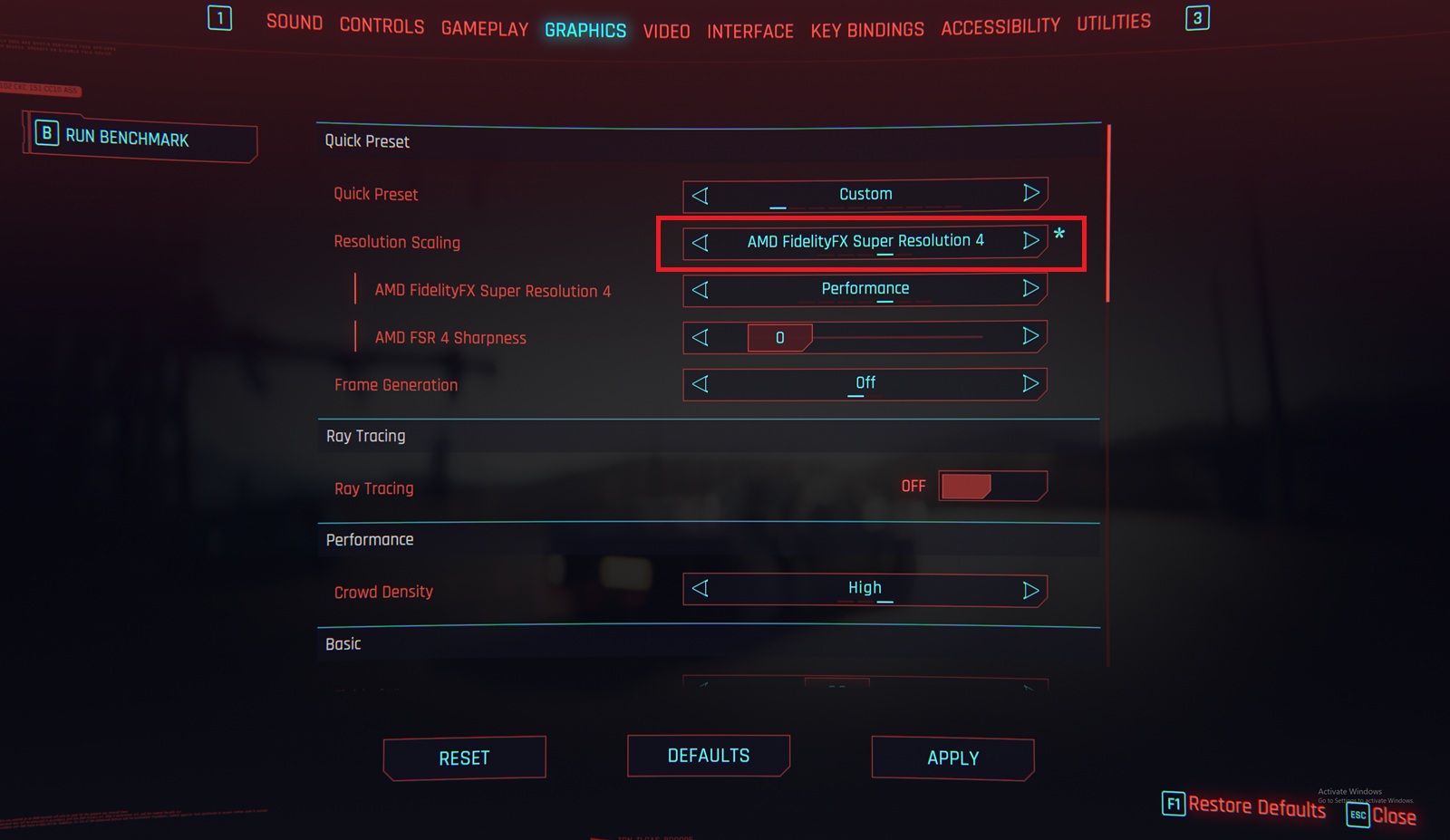
FSR 4 is available in Cyberpunk 2077’s options menu
Once the FidelityFX Super Resolution 4 option is enabled within AMD Software, Cyberpunk 2077 players will be able to enable the option in-game. Note that Cyberpunk 2077 must be booted after this driver setting is changed for the option to appear. Once enabled, Radeon users will be able to enjoy the benefits of AMD’s FSR 4 technology.
Over the next few pages of this review, we will be comparing FSR 4 with AMD’s FSR 3 upscaler and this game’s native TAA presentation.
System Specs
Below are the full specifications of our new GPU/Games testing system and links to all the components we used.
OC3D GPU/Games Test System Specifications (Affiliate Links below)
CPU – Intel i9-13900K
Cooling – Corsair iCUE H150i Elite CAPELLIX XT
Motherboard – ASUS ROG Strix Z790-F Gaming WiFi
Memory – Corsair Vengeance 2x16GB (32GB) DDR5-6000 CL36 Memory
Storage – Corsair MP600 PRO NH 2TB PCIe 4.0 SSD
Case – Corsair iCUE 5000T RGB
Power Supply – Corsair HX1500i
OS – Windows 11

