Dying Light: The Beast PC Performance Review and Optimisation Guide

Dying Light: The Beast – Intro and Test Setup
Dying Light: The Beast has arrived on PC
Techland has released Dying Light: The Beast, a new game that acts as a sequel to Dying Light 1, which is set before the events of Dying Light 2. On PC, the game has launched with support for all modern upscaling technologies, which include Intel XeSS, AMD FSR, and Nvidia DLSS. The game also features Techland’s own TAAU upscaler.
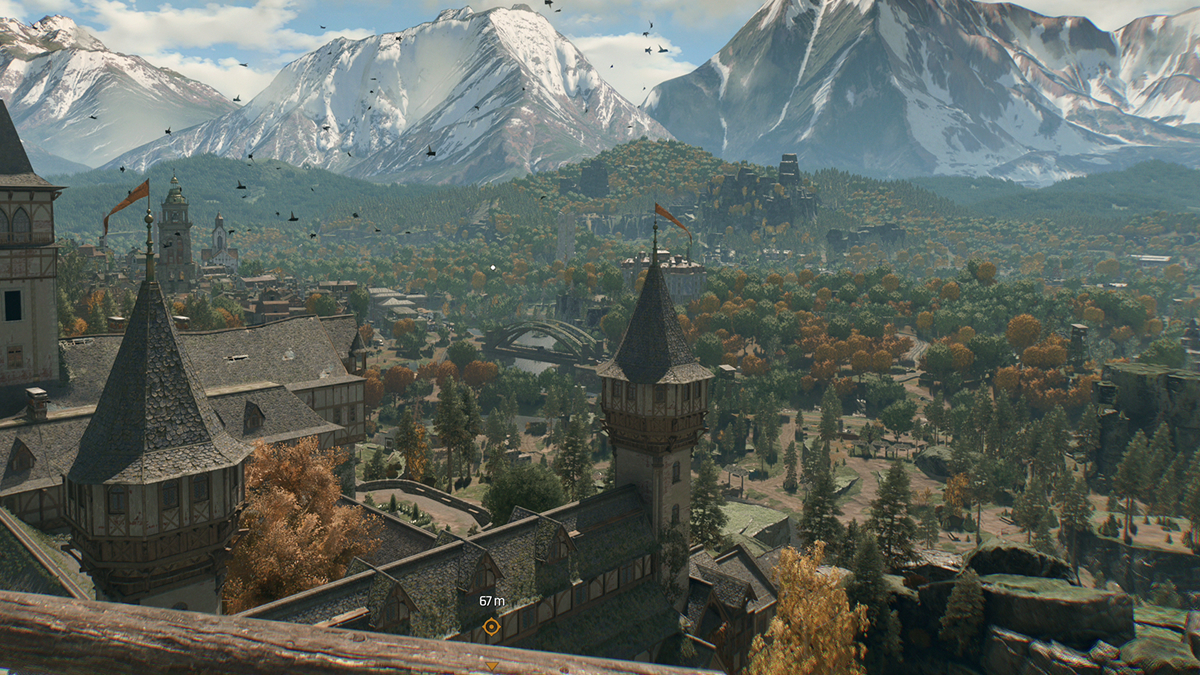
The Dying Light series has consistently featured impressive visuals. This is especially true on PC, where the series has frequently featured graphical effects that the console versions lack. Sadly, some of this game’s most advanced graphical features will be coming with a post-launch update. However, this does not prevent Dying Light: The Beast from being a visually impressive game on PC. The game features an excellent lighting system, which makes sense given this game’s day/night mechanics and use of lighting to impact gameplay.
In this review, we will be looking at how Dying Light: The Beast performs across a variety of PC hardware configurations. This includes looking at how the game works on both old and new PC hardware configurations. We will also be analysing the game’s included upscaling solutions, which include DLSS 4 and FSR 4.
Ray Tracing isn’t currently available on PC
At launch, Dying Light: The Beast lacks any ray tracing features. This means that higher graphical presets will be coming to the game soon. We plan to retest Dying Light: The Beast when these features arrive. Since we can only cover Dying Light: The Beast as is, this analysis will not cover the visual or performance impacts of ray tracing. This will be covered in future articles.
GPU Drivers
To test Dying Light: The Beast’s PC version, we used the newest GPU drivers available from AMD and Nvidia. These are AMD Software 25.9.2, and Nvidia’s GeForce 581.29 “Game Ready” driver.
OC3D Gaming Test Rig Upgrades
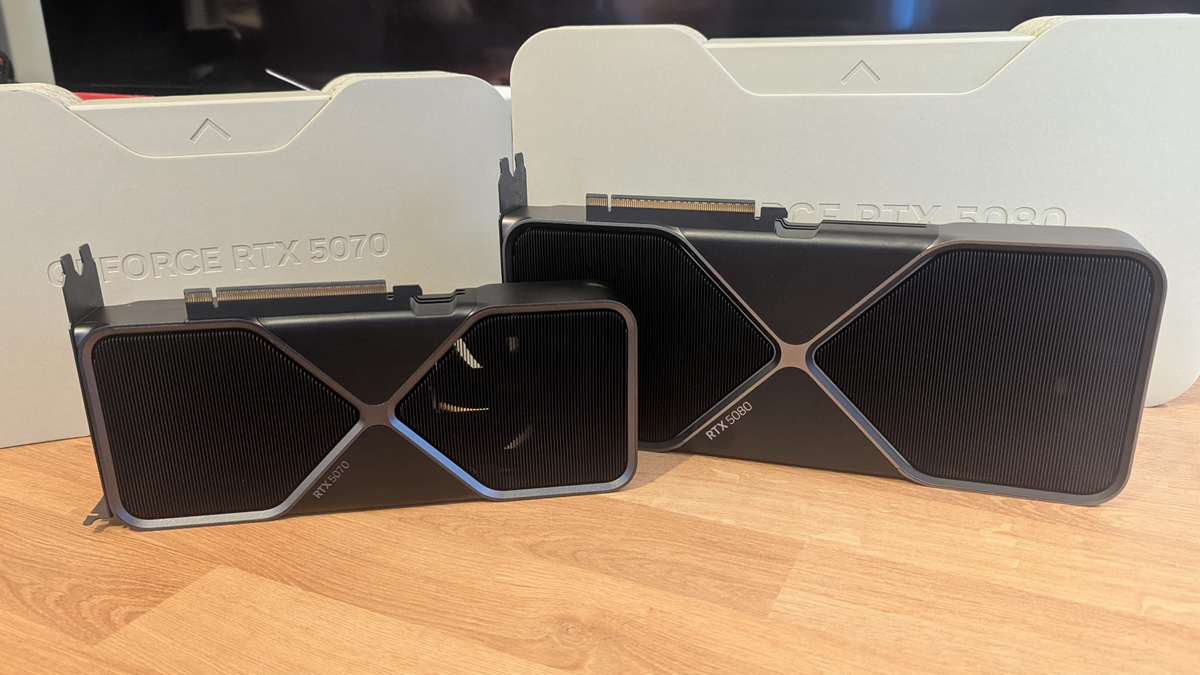
We’ve made a lot of new additions to our gaming test setup over the past few months. Starting with this review, we now have Nvidia RTX 50 GPUs as part of our GPU test suite. Thanks to Nvidia, we now have their RTX 5070 and RTX 5080 Founders Edition GPUs in for testing. This will allow us to test features like DLSS 4 Multi-Frame Generation and better look into the newest RTX showcases.
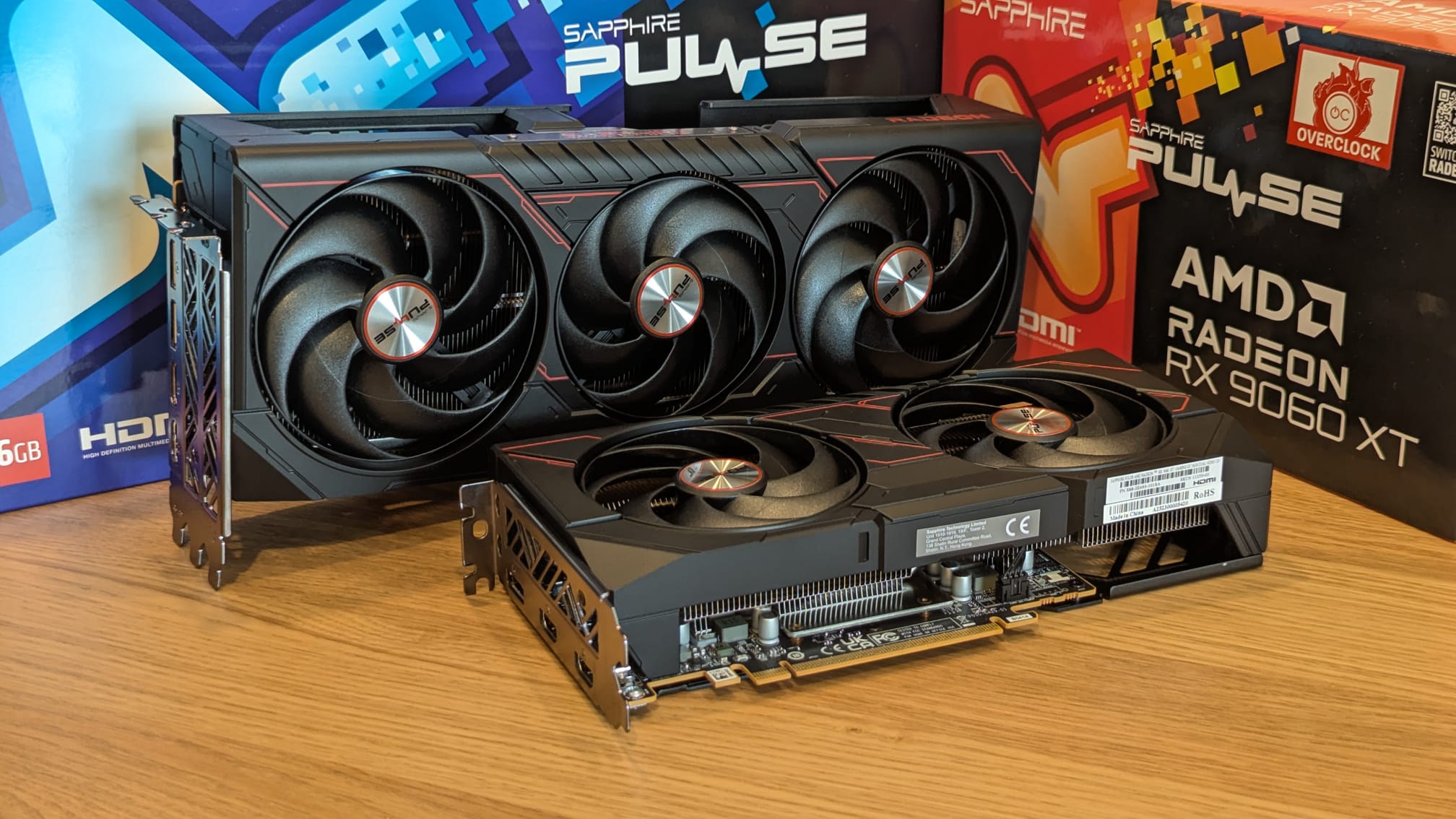
In August, thanks to Sapphire, we also upgraded our gaming test suite with AMD RDNA 4 graphics cards. Today, we have a Sapphire Radeon RX 9070 XT Pulse and a Radeon RX 9060 XT Pulse. All of these new GPUs are great for playing modern games, as you will soon see with our Dying Light: The Beast testing.
For broader GPU coverage, we also test AMD RDNA 2 and RDNA 3 GPUs alongside NVIDIA RTX 20, 30 and 40 series GPUs. That should cover all bases for modern game testing.
Test Setup – OC3D’s New Test Rig
Recently, OC3D started conducting new game testing and GPU reviews on a new test system. Thanks to Corsair, Intel, and ASUS, we have created a new testing system that will allow us to properly test new graphics cards and the newest PC releases. This system features Intel’s i9-13900K processor and a ROG Strix Z790-F Gaming motherboard, with all other components coming from Corsair.
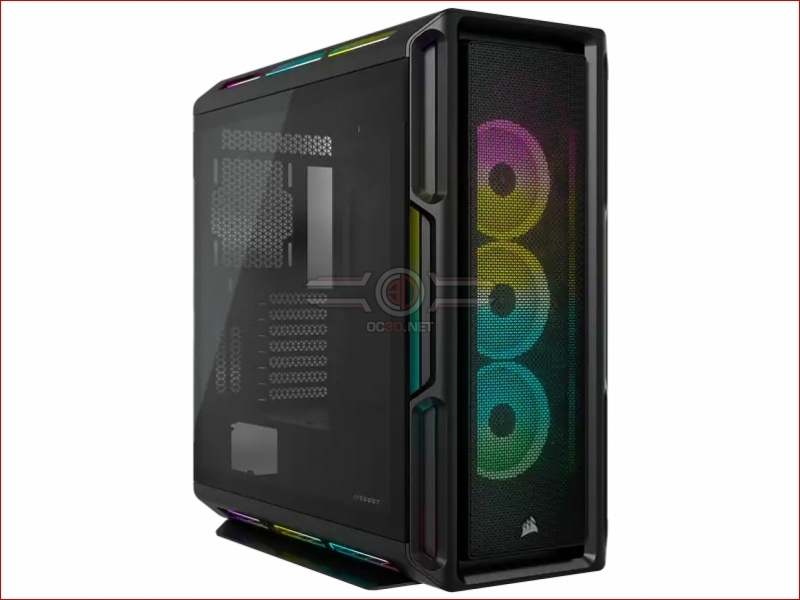
Our new test system is powered, cooled, and operated using Corsair components. The OS we will be using is Windows 11, and the case we will be using is Corsair’s airflow-optimised iCUE 5000T.
Test System Specs
Below are the full specifications of our new GPU/Games testing system and links to all the components we used.
OC3D GPU/Games Test System Specifications (Affiliate Links below)
CPU – Intel i9-13900K
Cooling – Corsair iCUE H150i Elite CAPELLIX XT
Motherboard – ASUS ROG Strix Z790-F Gaming WiFi
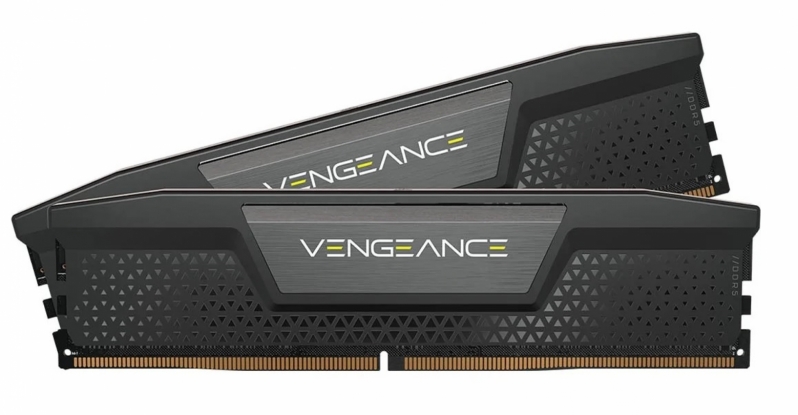
Memory – Corsair Vengeance 2x16GB (32GB) DDR5-6000 CL36 Memory
Storage – Corsair MP600 PRO NH 2TB PCIe 4.0 SSD
Case – Corsair iCUE 5000T RGB
Power Supply – Corsair HX1500i
OS – Windows 11