Halo: Campaign Evolved PC Performance Review

Halo: Campaign Evolved has arrived on PC
Halo: Campaign Evolved has arrived, and it looks great!
The Halo series has been in a challenging position for the past decade. Halo 5: Guardians wasn’t well received, and Halo Infinite failed to live up to its ambitions. Clearly, a change was needed, and that change would come under Halo Studios, with Microsoft bringing an end to 343 Industries and Halo’s bespoke Slipspace game engine. The Halo series was to be rebuilt using Unreal Engine 5, with Halo Studios’ first game being a remake of Halo: Combat Evolved.
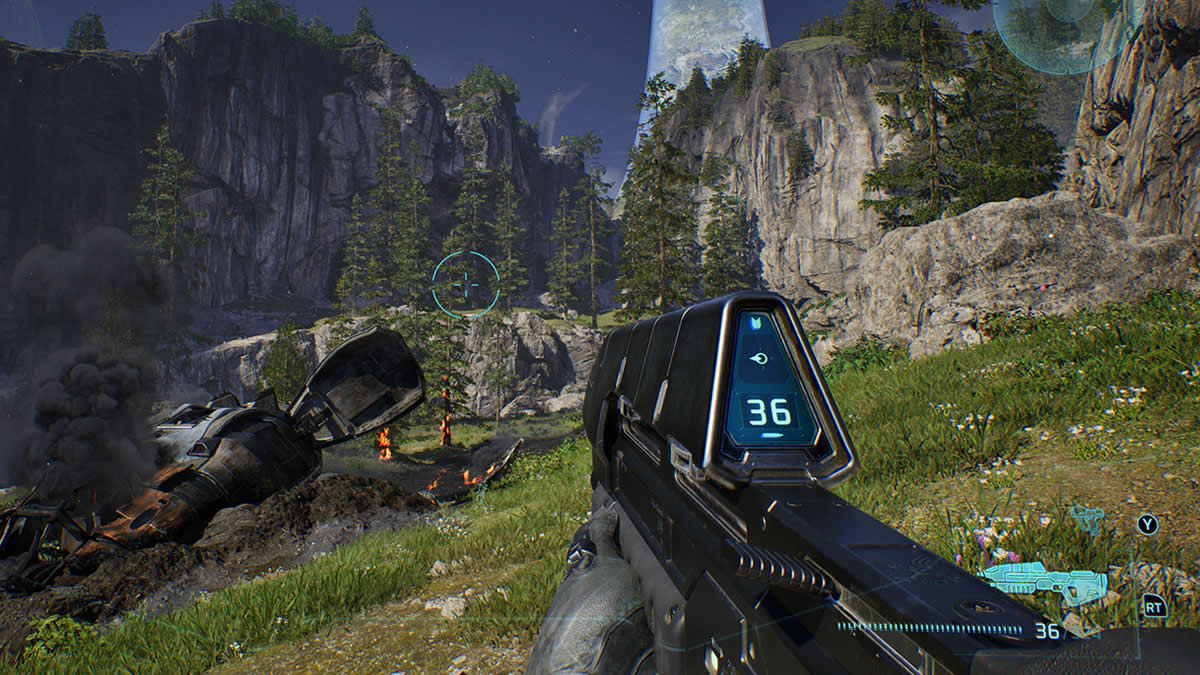
Halo: Campaign Evolved moves Halo to Unreal Engine 5.8, recreating Halo’s original campaign with fully modern visuals. The full Unreal Engine 5 feature set is on display, and the game looks excellent. With strong lighting and materials, Installation 04 has never looked better. With features like Megalights and hardware-accelerated ray tracing, Halo Campaign Evovled also stands above most Unreal Engine 5 titles, on PC and on consoles.
An Unreal Engine 5 game? Does it stutter?
When Halo Studios was confirmed to be using Unreal Engine 5, one major concern was potential stuttering issues on PC. Thankfully, shader compilation stutter does not appear to be an issue for this game. Additionally, traversal stutter does not appear to be a major problem. Overall, the game is practically hitch-free, which is great news for PC gamers and the Halo series moving forward.
GPU Drivers
When testing Halo: Campaign Evolved’s PC version, we used the latest Nvidia and AMD GPU drivers available at the time of testing. These drivers were AMD Software 26.7.1 and Nvidia’s GeForce 610.88 driver for Windows 10/11.
Test Setup – OC3D’s Gaming Test Rig
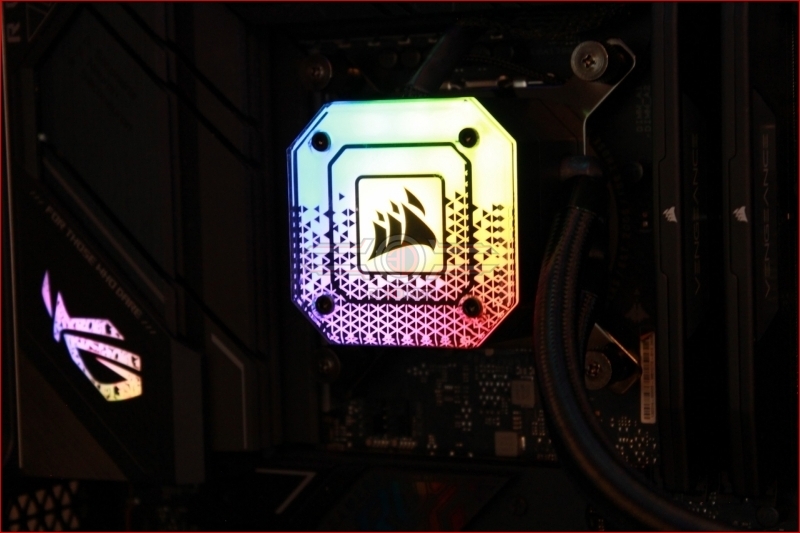
Thanks to Corsair, Intel, and ASUS, we have built a new testing system that will allow us to properly test new graphics cards and the newest PC game releases. This system features Intel’s i9-13900K processor and a ROG Strix Z790-F Gaming motherboard, with all other components coming from Corsair.
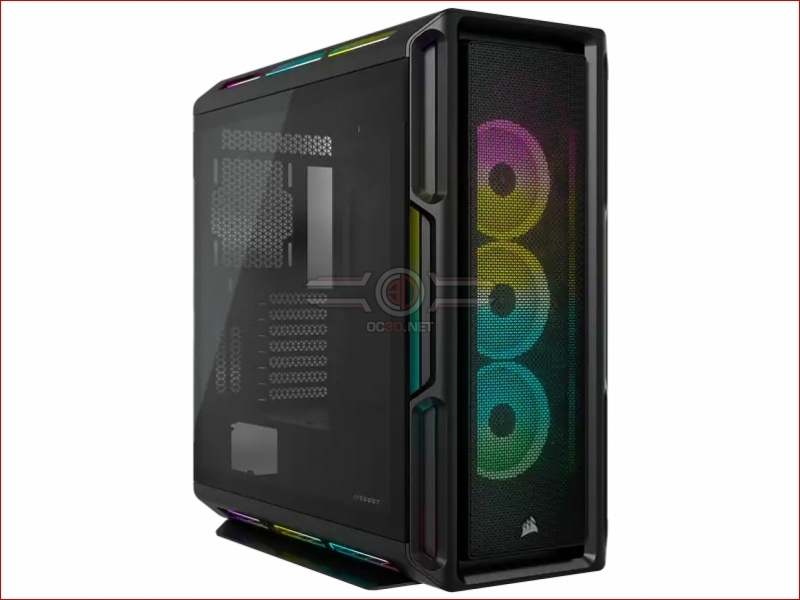
Our new test system is powered, cooled, and operated using Corsair components. The OS we will be using is Windows 11, and the case we will be using is Corsair’s airflow-optimised iCUE 5000T.
System Specs
Below are the full specifications of our new GPU/Games testing system and links to all the components we used.
OC3D GPU/Games Test System Specifications (Affiliate Links below)
CPU – Intel i9-13900K
Cooling – Corsair iCUE H150i Elite CAPELLIX XT
Motherboard – ASUS ROG Strix Z790-F Gaming WiFi
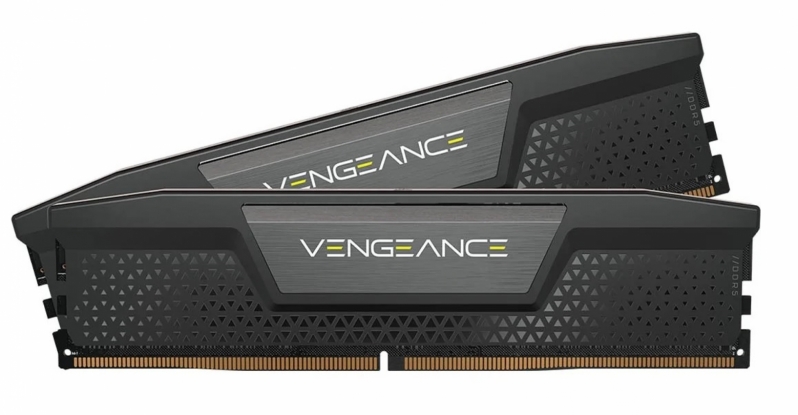
Memory – Corsair Vengeance 2x16GB (32GB) DDR5-6000 CL36 Memory
Storage – Corsair MP600 PRO NH 2TB PCIe 4.0 SSD
Case – Corsair iCUE 5000T RGB
Power Supply – Corsair HX1500i
OS – Windows 11
Nvidia GPUs Tested
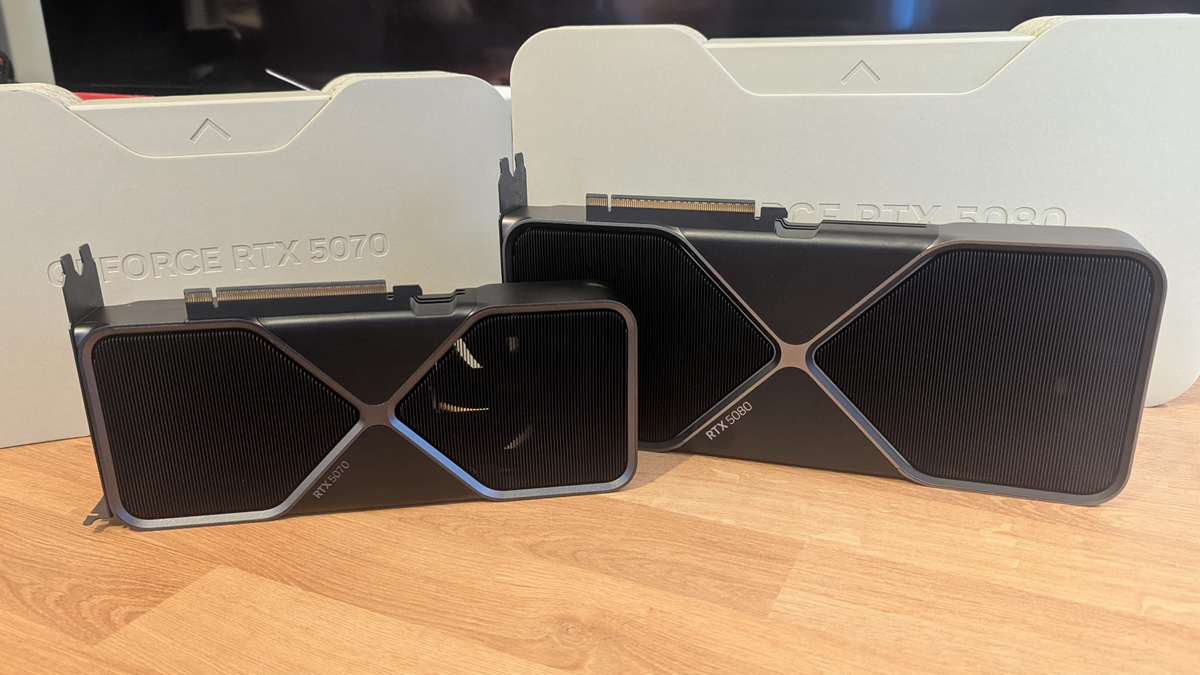
When testing new games, we like to use a large number of graphics cards to see how well titles run on both old and new PC hardware configurations. To do this, we use a large selection of AMD and Nvidia graphics cards, including GPUs from Nvidia’s RTX 50 series and RTX 20 series.
- Nvidia GeForce RTX 5080 FE
- Nvidia GeForce RTX 5070 FE
- Nvidia GeForce RTX 2070 SUPER Founders Edition
AMD GPUs Tested
On the Radeon side of the GPU spectrum, we can test the following GPUs. Our testing includes data from AMD’s RX 9000 series (RDNA 4) and RX 6000 series (RDNA 2).
- Sapphire RX 9070 XT Pulse
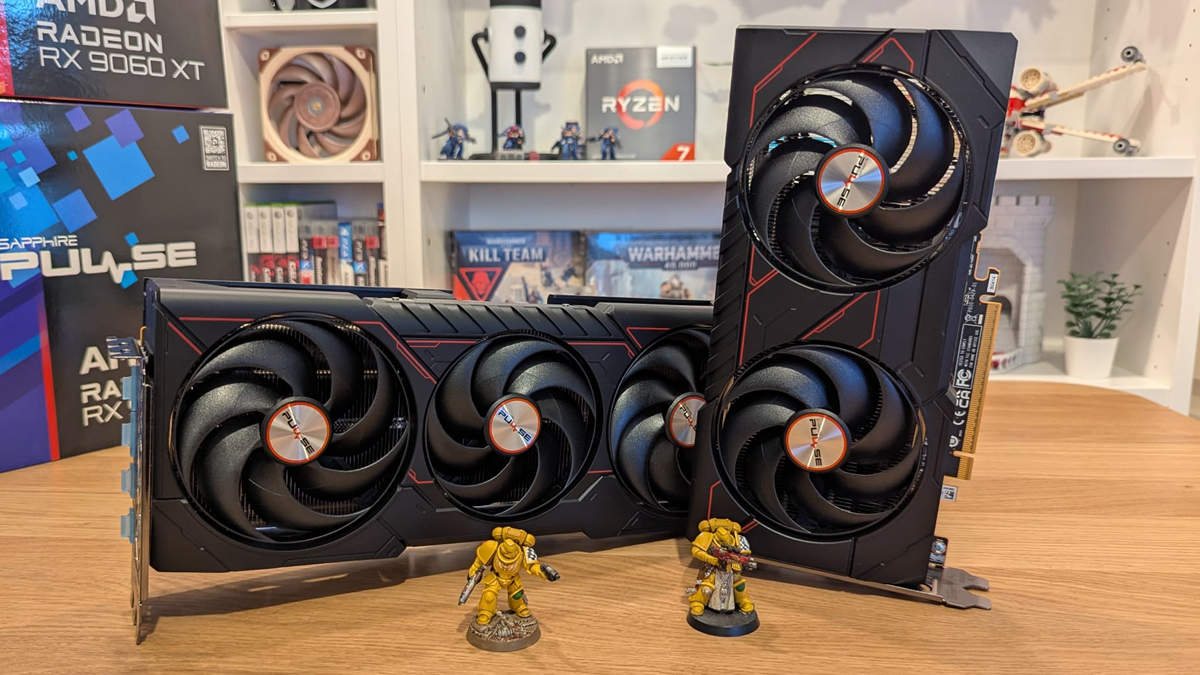
- Sapphire RX 9060 XT Pulse
- ASUS ROG Radeon RX 6600 XT Strix