Lian Li PC-O7S Review

Rear and Reverse
Unscrewing the large aluminium side panel on the reverse of the case gives us access to the area at the rear of the motherboard. Have a look at the image below left and see how many rubber grommeted management holes and cable tie points you can find. Didn’t take long did it. perhaps we’re being a little harsh, but as much as we respect the clean ethos of the interior, this is the reverse side and although it is never seen, we want to be able to make a good job of our cable management, especially when you think about the dispersed nature of the storage options. On the plus side, you do get a mount for a slim line optical drive, which can double up as storage for a single 3.5″ or 2.5″ drive should you need it to.
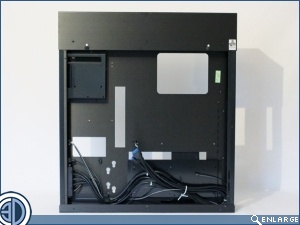
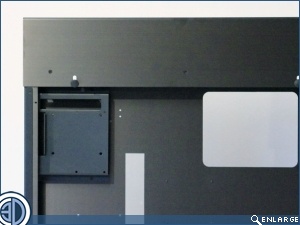
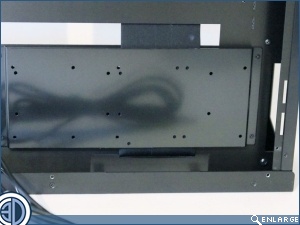
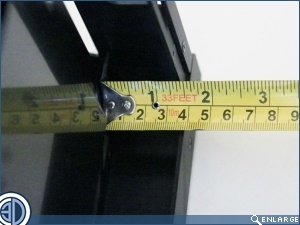
Along with the storage on the front of the motherboard, there’s also room back here for additional drives. The glossy plate is able to take 1×3.5″ and 2×2.5″, or 2×3.5″ or 3×2.5″. Even with this plate in place there’s still a good 38mm of cable room to play with.
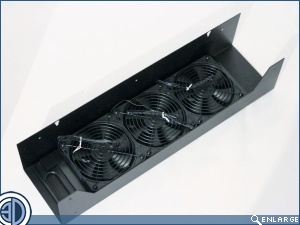
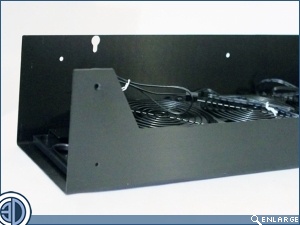
As with the PC-O5S the top of the PC-O7S is removable. Doing so reveals the three 120mm fans we discussed earlier. The roof section does have a slide out mesh fan filter, but with the fans set to extract this is a really odd decision.
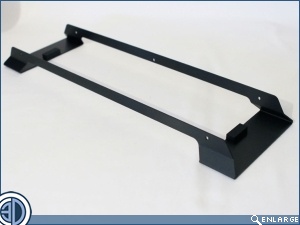
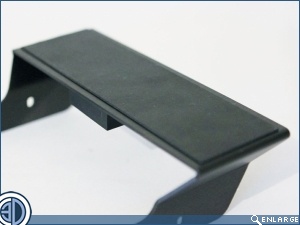
You also get a mahooosive Aluminium stand for the case, should you choose to mount it on a desk. The stand has large areas of rubber to help in isolation.