Lian Li PC-O7S Review

The Build Continued
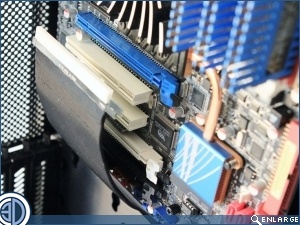
The GPU is connected to the Motherboard via a Gen 3.0 PCI-E 16x riser cable. Unfortunately the cable is only long enough to reach the lower PCI slots on the motherboard. Not a problem if all your slots are rated the same, but you’re going to be mighty miffed if you the cable will only reach the slower slots at the bottom.
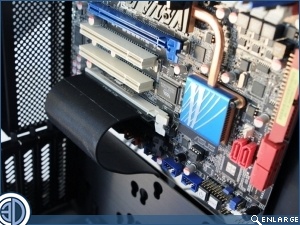
Even without rubber grommets we can still achieve a reasonable cable job on this limited build. We can’t help thinking though that nicely executed geometrically cut rubbers would have made the interior look just that little bit nicer. You’ll have to decide for yourselves how you feel about it.
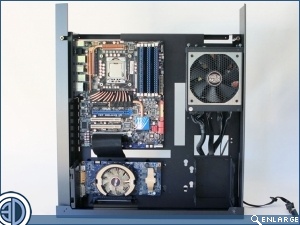
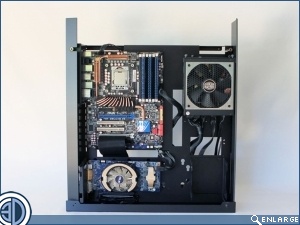
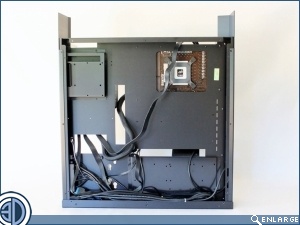
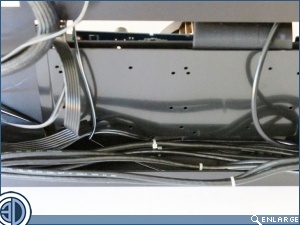
Although there are no cable tie points, Lian Li do provide 4 big “P” type self adhesive cable anchors to help things round the back. The deep and wide trough at the bottom also provides a great place to hide any unwanted lengths.