SilverStone Primera PM01 Review

Stripped
If you want to take the front and roof panels off, you’re going to need to get a screw driver out and access some pretty hard to get at screws. Once done though they come away very easily and I guess it could be argued that it’s better that way than tugging at the panel just hard enough to remove it, but no so hard you snap the barbs off. With the front removed the mesh filter panel can then be removed by simply un-clipping it.
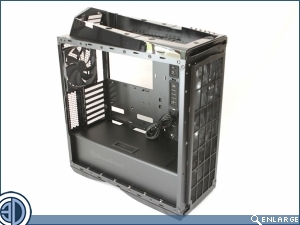
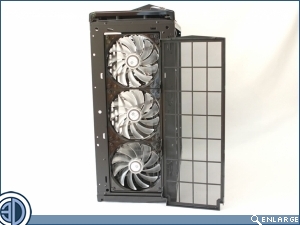
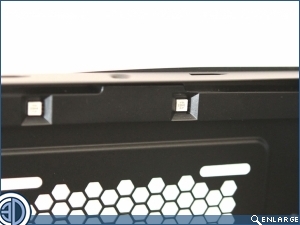
We’ve talked a little about the LEDs, but it’s only when you get the case stripped down that you can see the lights themselves. This we think is a good thing as you’re never going to be troubled by glaring direct light from the LEDs, instead you’ll simply benefit from their adjustable glow.
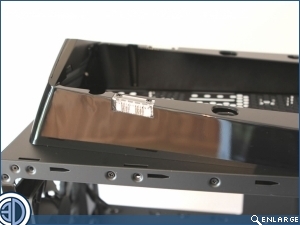
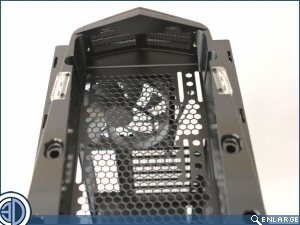
As well as the lights in the upper canopy are, there are also sets in the top and bottom of the case. Again they’re not in direct line of sight so will give an overall glow.
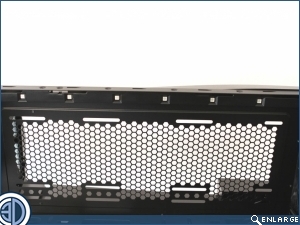
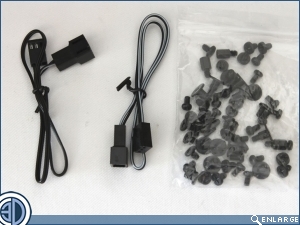
Accessories wise, you don’t get a lot, but then with as much as this case has packed into it, you don’t need a lot. There are though all the screws you’ll need, as well as a few handy fan cable extensions.