


Makera Z1 Review – CNC Machining for the Masses

Conclusion – Is the Makera Z1 worth it?
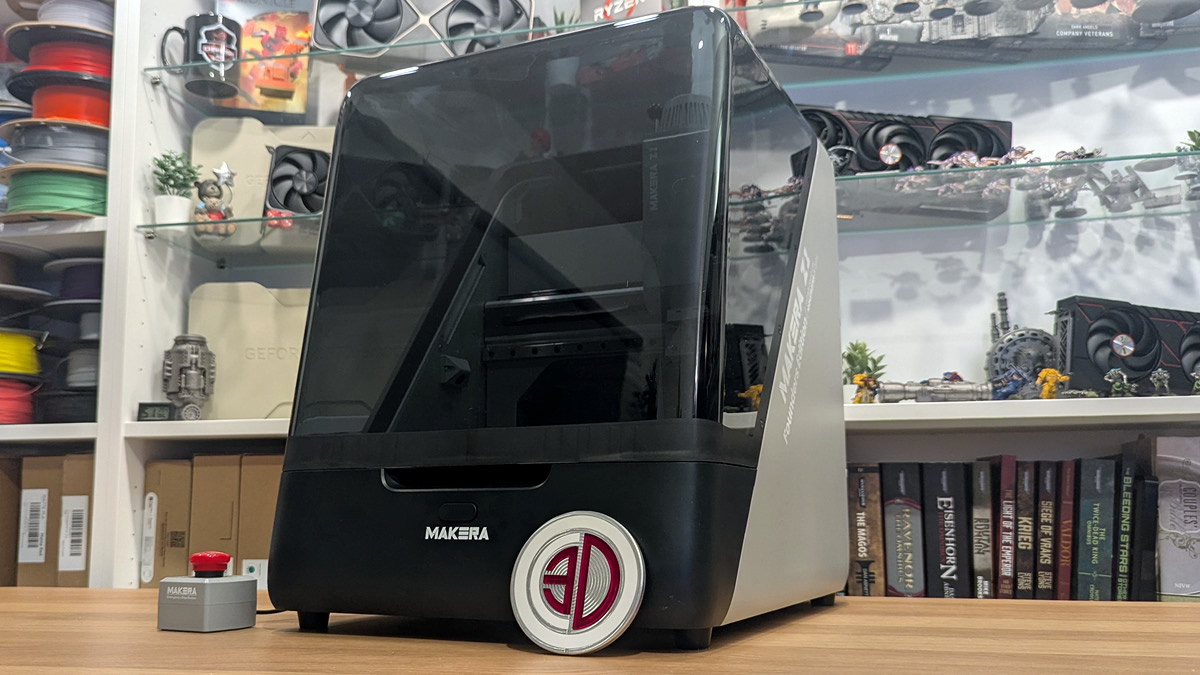
Conclusion – The Makera Z1 is an excellent CNC machine for newcomers
CNC machining is inherently more complicated than 3D printing. You have to consider which bits to use, the speeds and feeds that they operate at, and ensure that your material is securely positioned where it needs to be. Getting any of these aspects wrong is asking for trouble. Broken bits and ruined materials are no joke. Mistakes can be very costly and dangerous in the world of CNC machining. While 3D printers can do amazing things, they can’t produce parts as strong and stable as those from a CNC machine. A stack of plastic layers can’t compare with real metal. A well-machined part lacks the directional weakness of 3D prints. It can also have well-tapped threads, allowing other parts to be securely mounted to them. For many applications, 3D-printed parts are poor imitations of CNC-machined parts. Now, Makera has delivered these capabilities to a home setting.
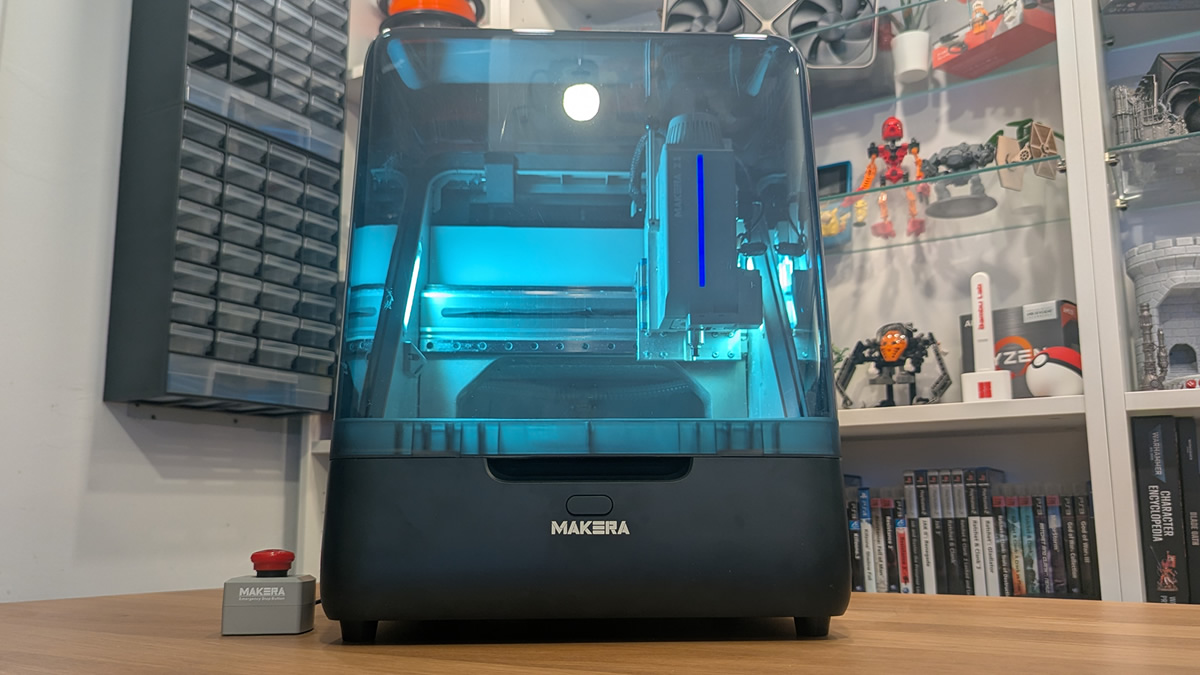
The Makera Z1 is a true desktop CNC machine. It’s similar in size to mid-sized enclosed 3D printers like the Elegoo Centuari Carbon and Bambu Lab X1C. Users can lift it, set it in place, and move it when needed. It’s large enough for most smaller projects, and its pricing is low enough to be accessible to regular consumers and hobbyists.
A wealth of resources for newcomers
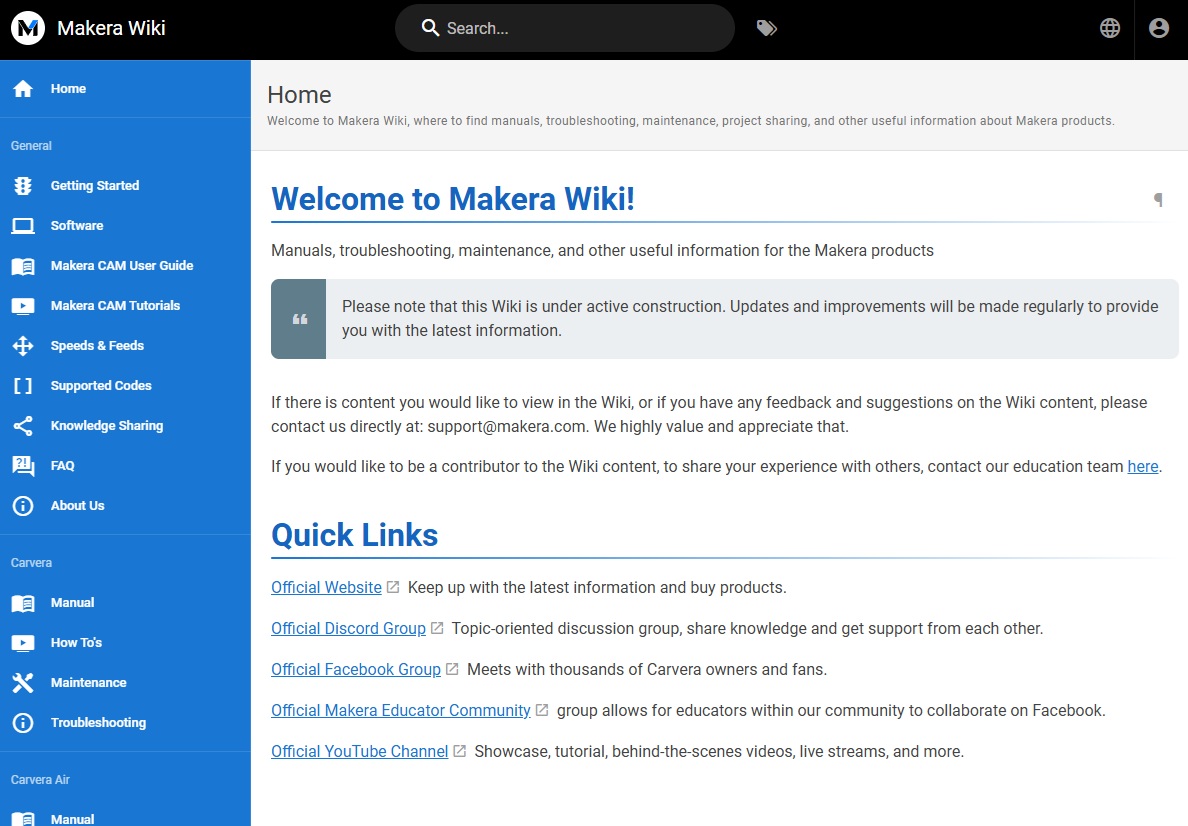
One of the perks of Makera’s products is its wealth of knowledge on the brand’s dedicated Wiki and YouTube channel. This means that would-be CNC machinists can quickly gain the knowledge they need to get what they want from Makera’s Z1.
CNC machining is much more challenging than 3D printing, and that makes Makera’s tutorials and how-to videos a vital resource for CNC newcomers. While the Makera Z1 wasn’t my first CNC experience, Makera’s knowledge base helped me quickly gain confidence with its tools and move from zero to completed projects.
Don’t get me wrong, CNC machining is a skill set that takes time to learn. Makera simply makes this process a lot easier than I expected. Makera Studio’s database of the company’s bits and their speeds/feeds also makes machining a relatively simple process. Unless you want to work with non-Makera bits or exotic materials, their database will allow you to prepare projects with ease.
It can’t do everything, but it can do a lot
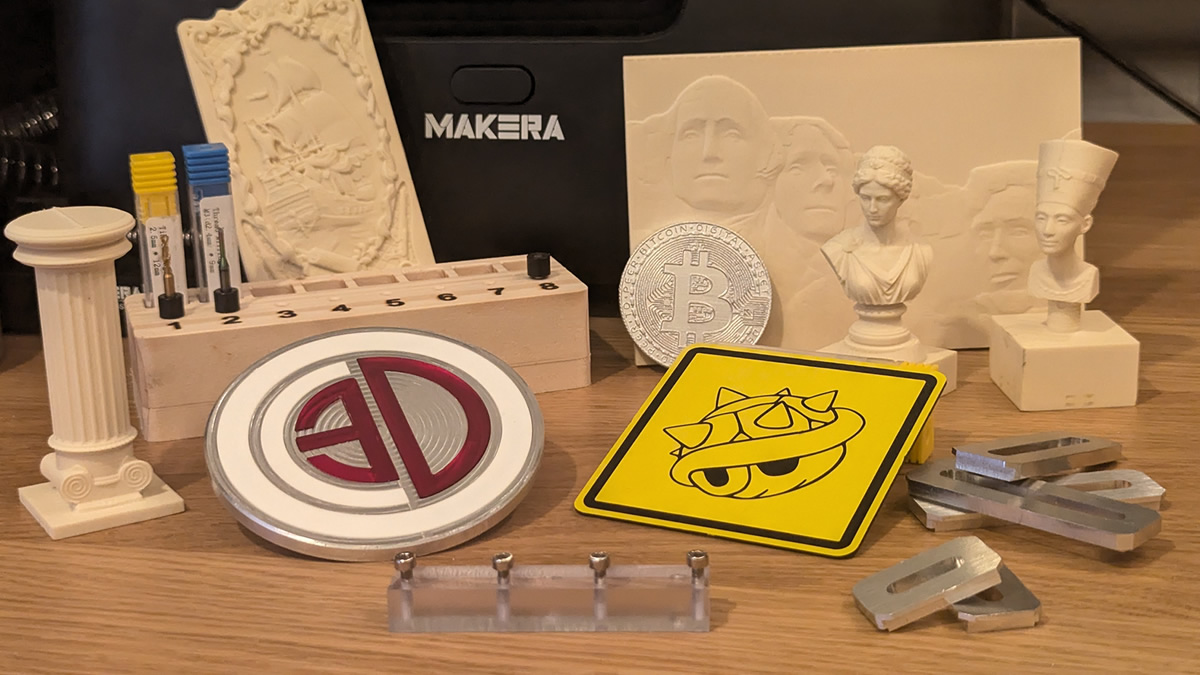
The Makera Z1 is an excellent tool, but it can’t do everything. This is not an industrial machine for a production line; it’s a desktop product. To keep its affordable price point, its working area is limited. That said, the same applies to 3D printers and other manufacturing tools. It is also not officially capable of CNC-ing steel, which is a notable limitation. That said, aluminium is a strong material and more than good enough for most users.
For those who want a larger, more capable machine, Makera has its Carvera and Carvera Air. They have a stronger system for sucking away waste material, larger working areas, and the ability to work with tougher materials. That said, for smaller projects, the Z1 excels. It’s also small enough to fit into most garages and workshops with ease. If you have space for a 3D printer, you have space for this.
An incredibly capable machine
The Makera Z1 is an incredibly capable machine. One of Makera’s main strengths is its ease of use. The Makera wiki, Makera Studio, and their wealth of online tutorials make the Z1 and other Makera machines easy to learn and master. Don’t get me wrong, CNC machining is much harder to learn than 3D printing. That said, if you are willing to learn, you can excel with the Z1.
For this price point, Makera’s Z1 is an excellent machine. Most of its downsides apply to all CNC machines. It’s as loud as an unenclosed 3D printer, and its Dust Collector add-on is basically a hoover. This is a machine that is best placed in a garage or a workshop, or at least behind a closed door at home. Your family probably don’t want to hear this all the time. So don’t place this in the living room.
Like many maker-focused products, the Makera Z1’s limits are defined more by its user than by the machine itself. If you want to start your CNC journey, or simply want a small CNC machine, the Makera Z1 is a great option. Are there better machines out there? Probably, but not at this size and price. When it comes to ease of use, Makera could be to CNC what Bambu Lab is to 3D printing. Solid machines that are easy to use and have a wealth of knowledge available online. For many people, the Makera Z1 is their dream CNC machine.

You can join the discussion on Makera’s Z1 CNC machine on the OC3D Forums.

