Makera Z1 Review – CNC Machining for the Masses

Up Close and Unboxing
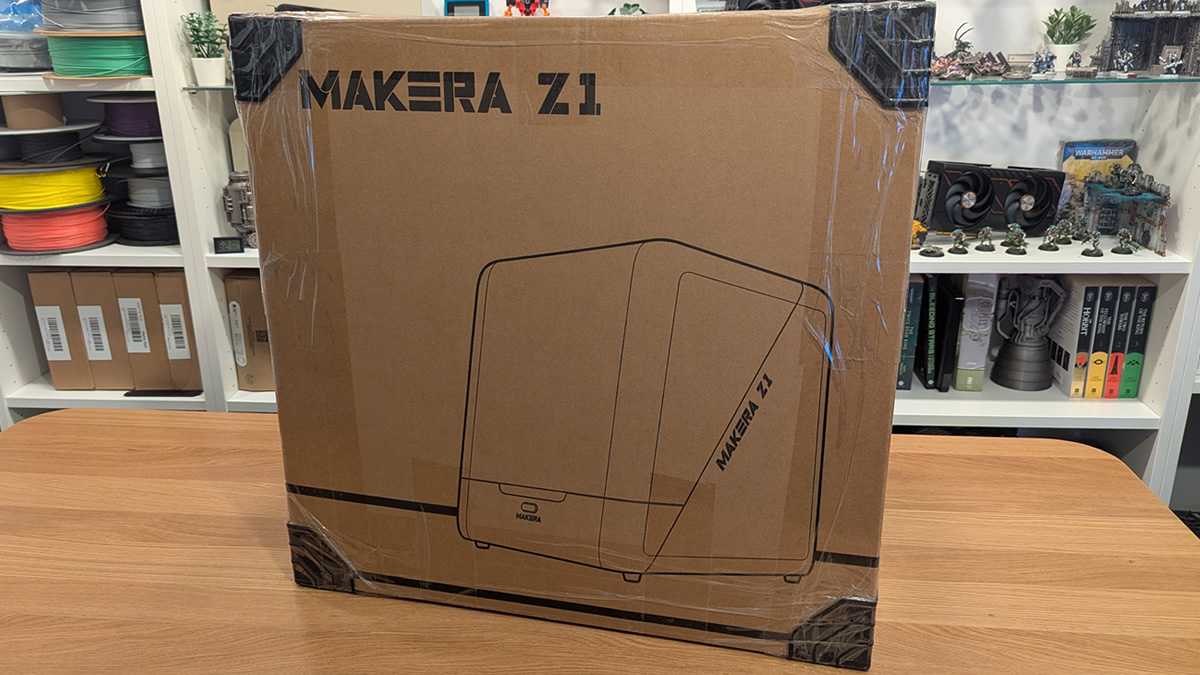
Unboxing the Makera Z1
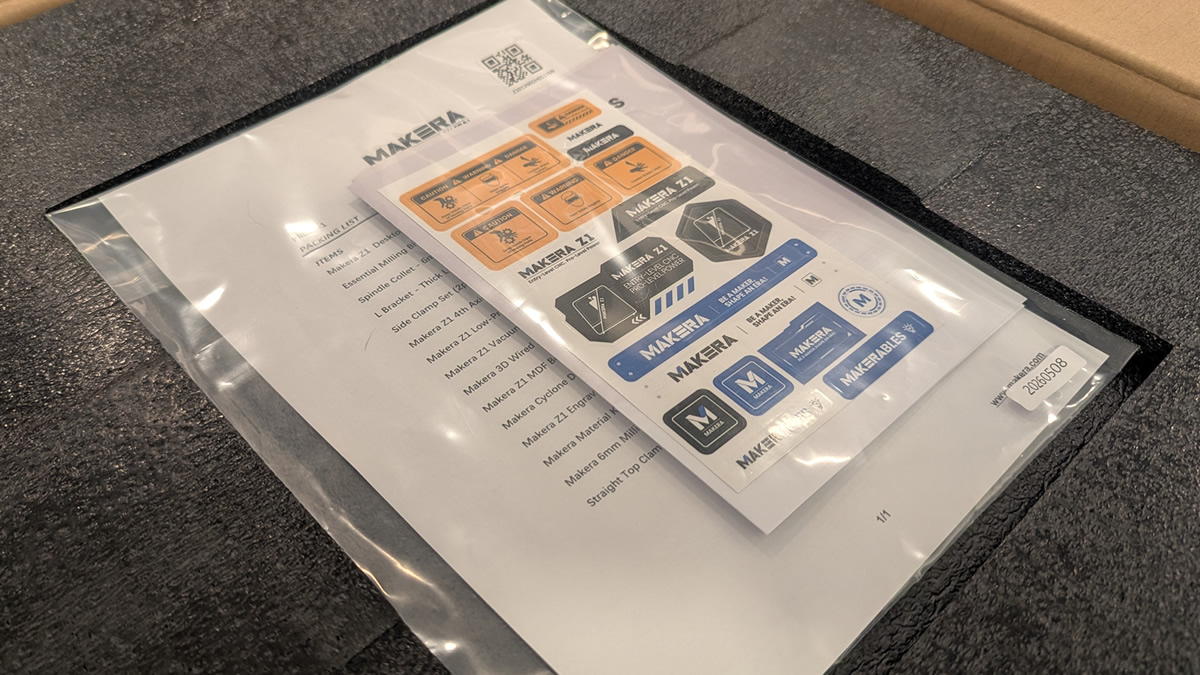
The Makera Z1 is a well-packaged machine. The machine itself is surrounded by foam, and upon opening the box, users are greeted with a packing list, a sticker pack, and your machine’s quick start and safety guides.
The unit we were provided for review is a Founders Edition unit, which means it was manufactured alongside units from the Makera Z1 Kickstarter.
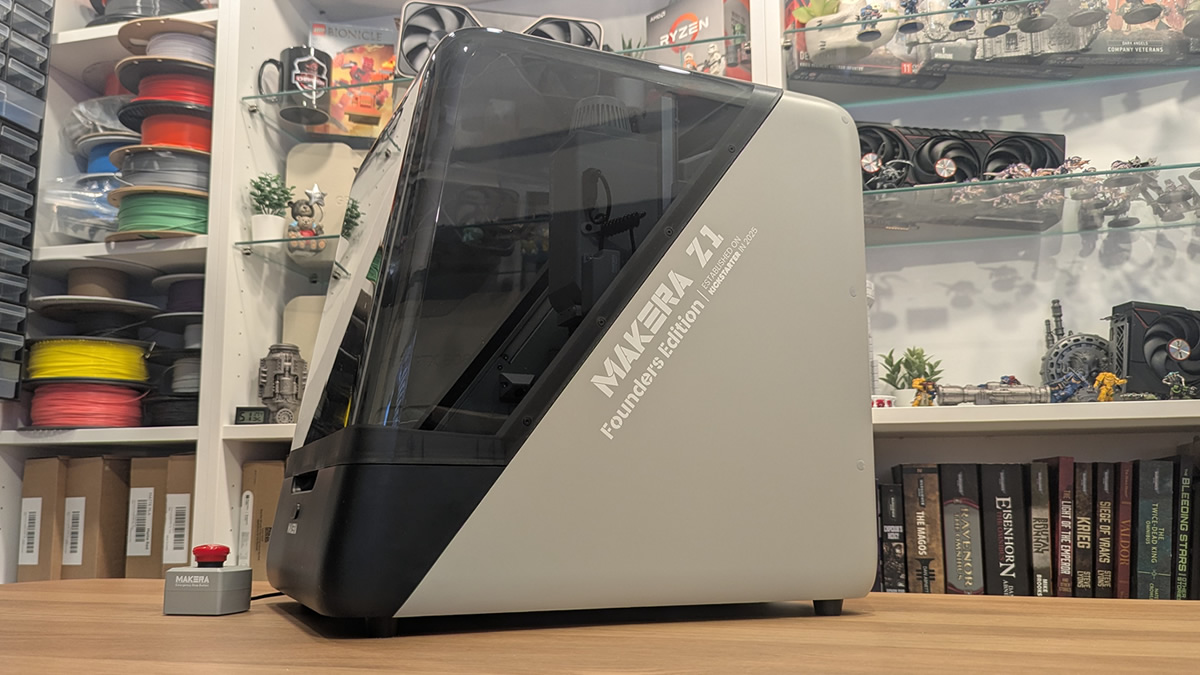
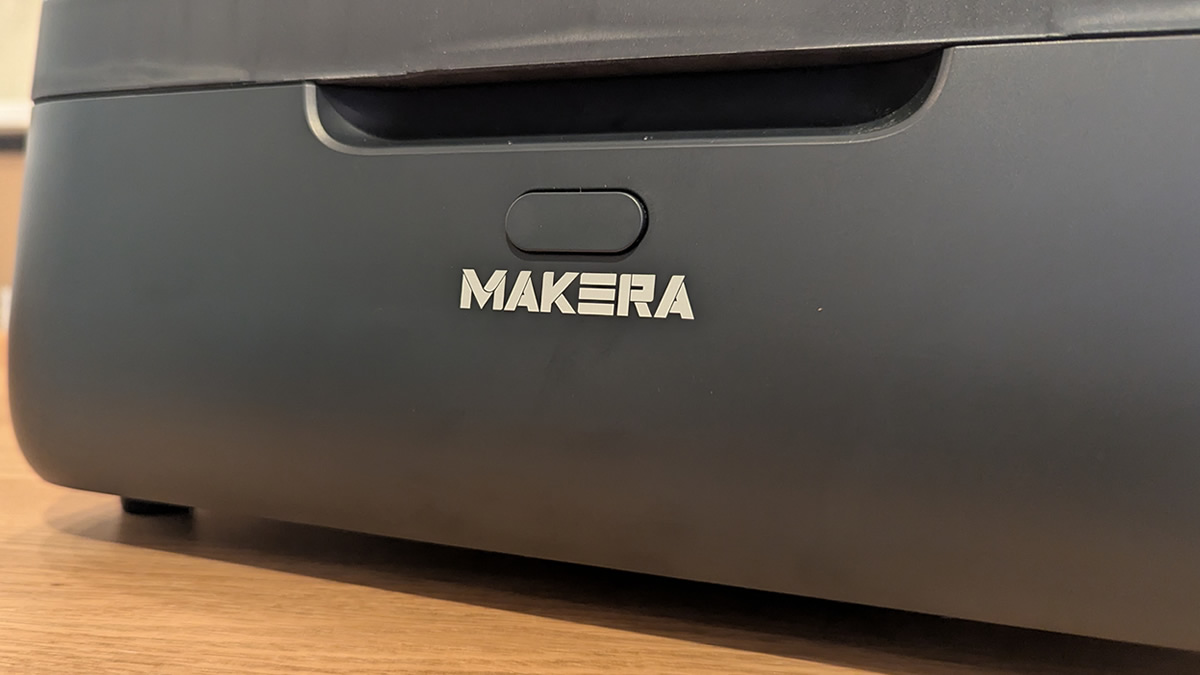
At the front of the unit is a single button, which will be used frequently when machining. This button will stop/lock the machine when necessary or verify tool changes.
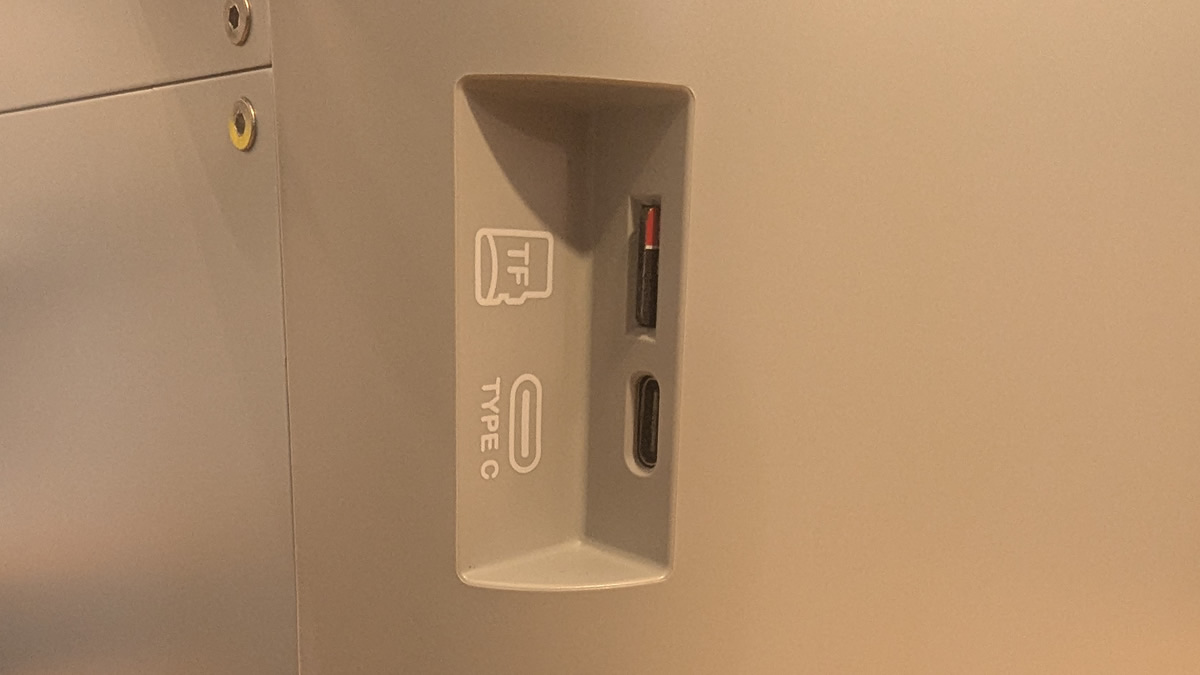
At the rear of the Z1, the machine has a USB Type-C port and a MicroSD card slot. The MicroSD card slot can be used to store job files. The USB Type-C cable can connect this Z1 to a PC. This is necessary to set up WIFI connectivity on the device.
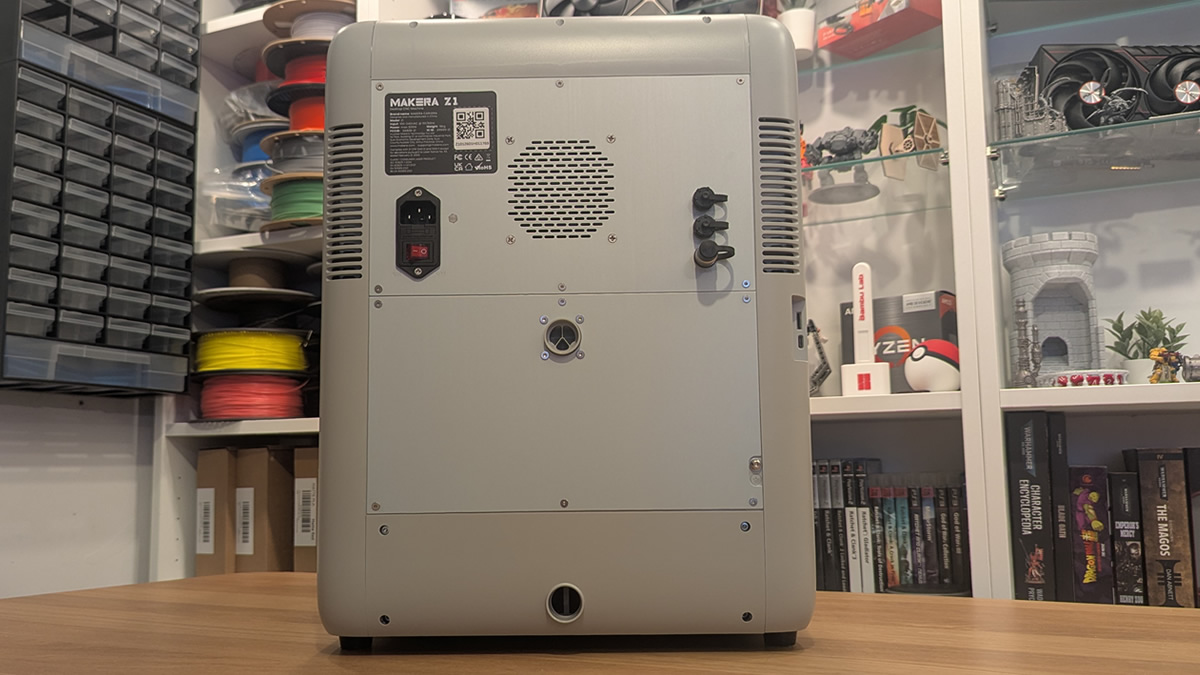
At the rear of the Z1, we have several input/output ports. At the right, we have connectors for this Z1’s emergency stop, and a data connection for the unit’s optional Cyclone Dust Collector add-on. To the left, we have a power input and power switch. In the middle, we have two circular air input/output ports. These are used to connect the Z1 to a dust collector.
Inside the machine
Packed inside our Z1 package are most of the machine’s accessories. This includes optional add-ons. This tactic is popular among 3D printer manufacturers, particularly Bambu Lab, which often stores AMS units inside its 3D printers. This is a clever way to save space, especially when buyers opt to purchase several optional accessories. It also ensures that these add-ons are safe and secure during transit.
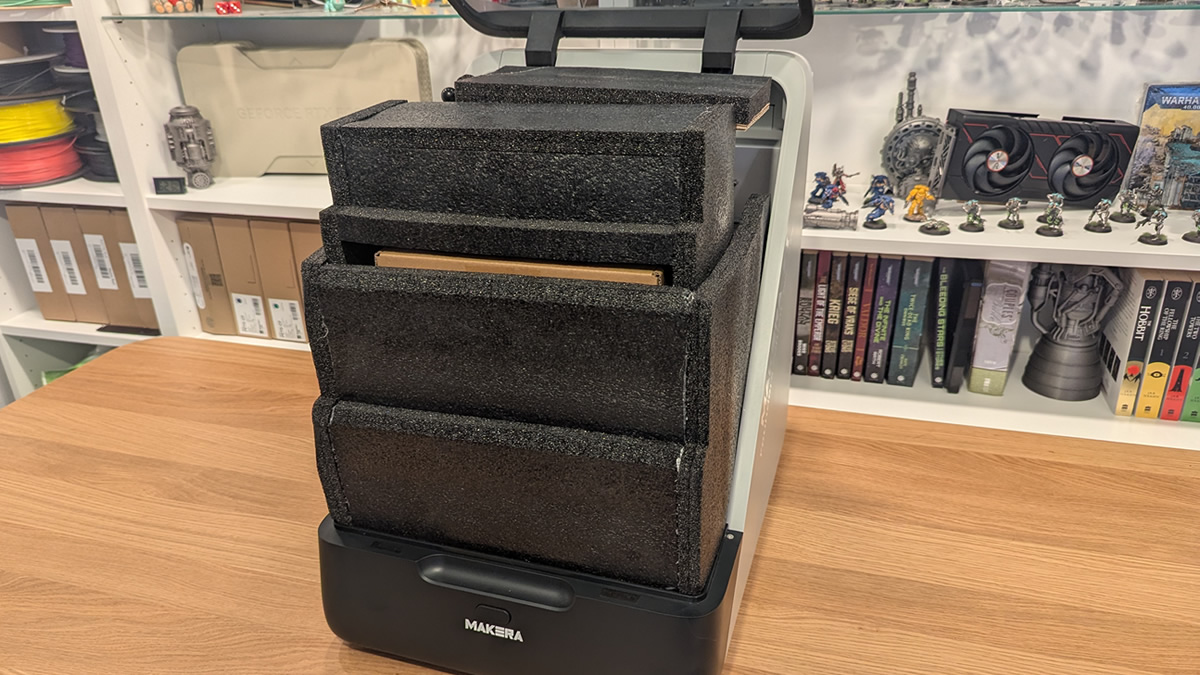
Our machine shipped with an engraving module and a 4-axis add-on inside the Z1 itself. This will not be the case for all buyers, as these are optional extras.
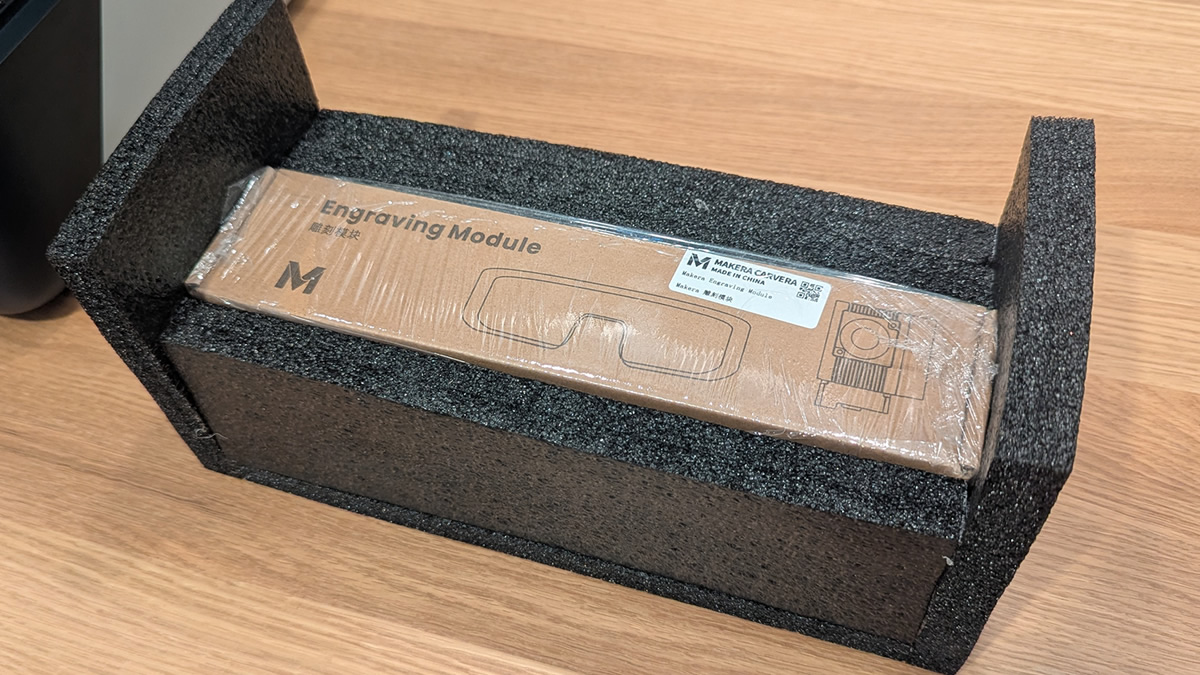
Note that the laser add-on includes safety glasses, something that many other brands ignore.
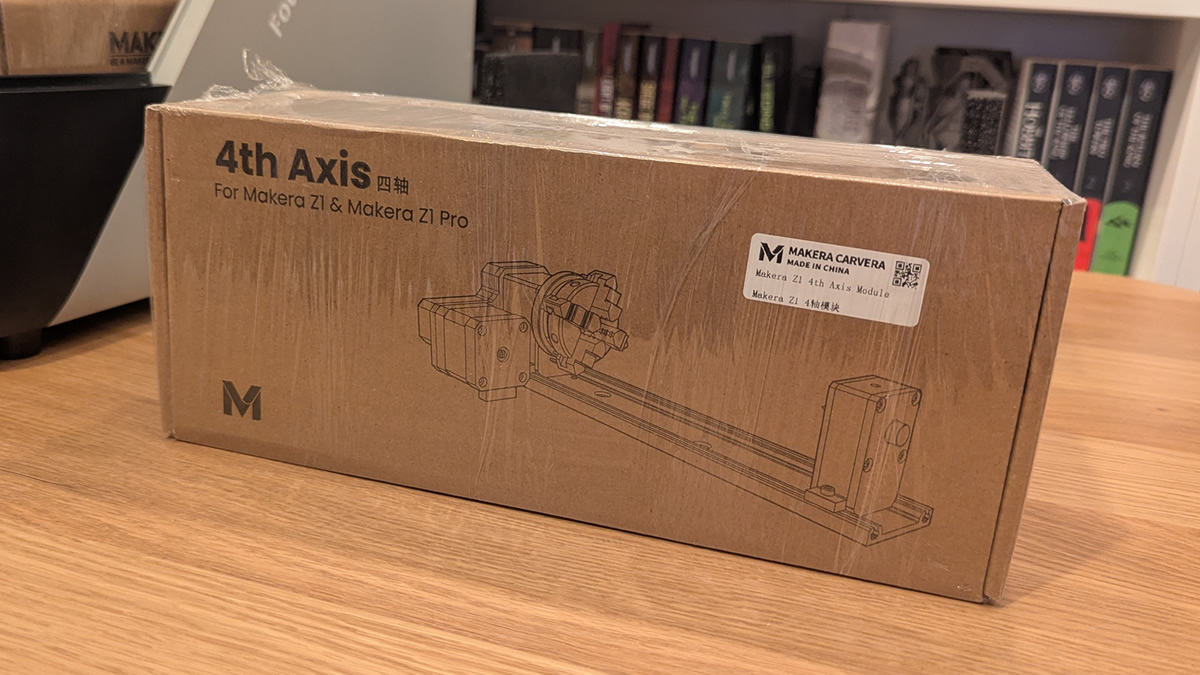
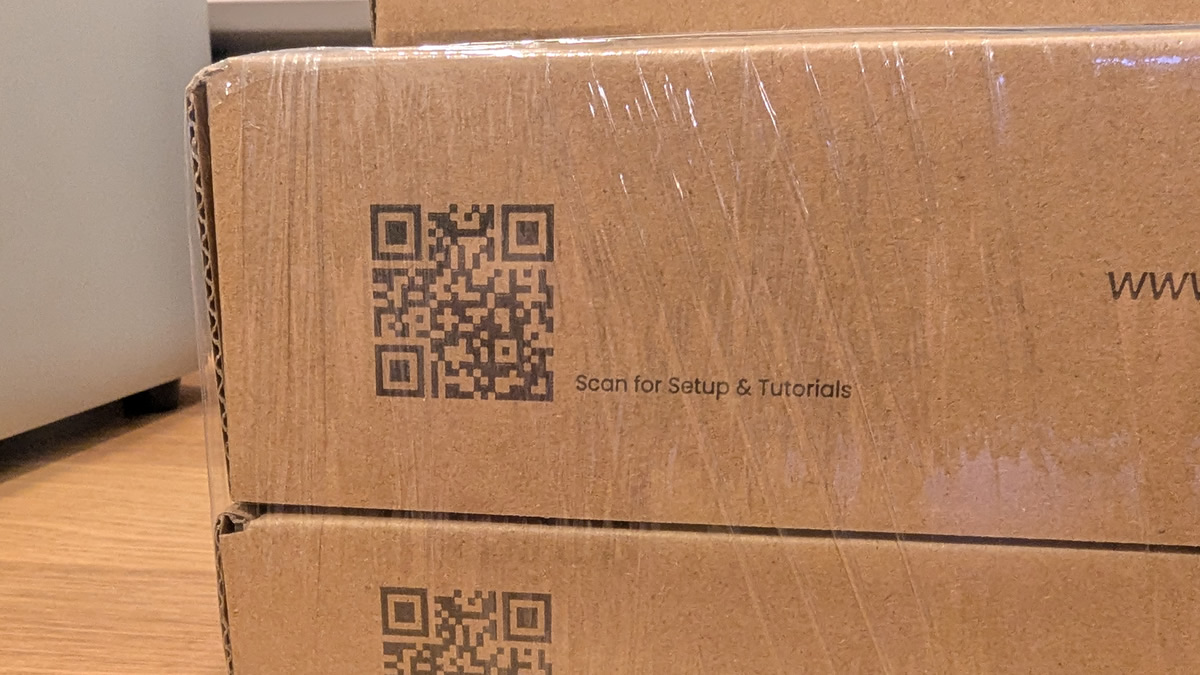
Note that all accessories include a QR code linking to the Makera Wiki, which provides setup instructions and tutorials for all Makera products.
Tool Kit
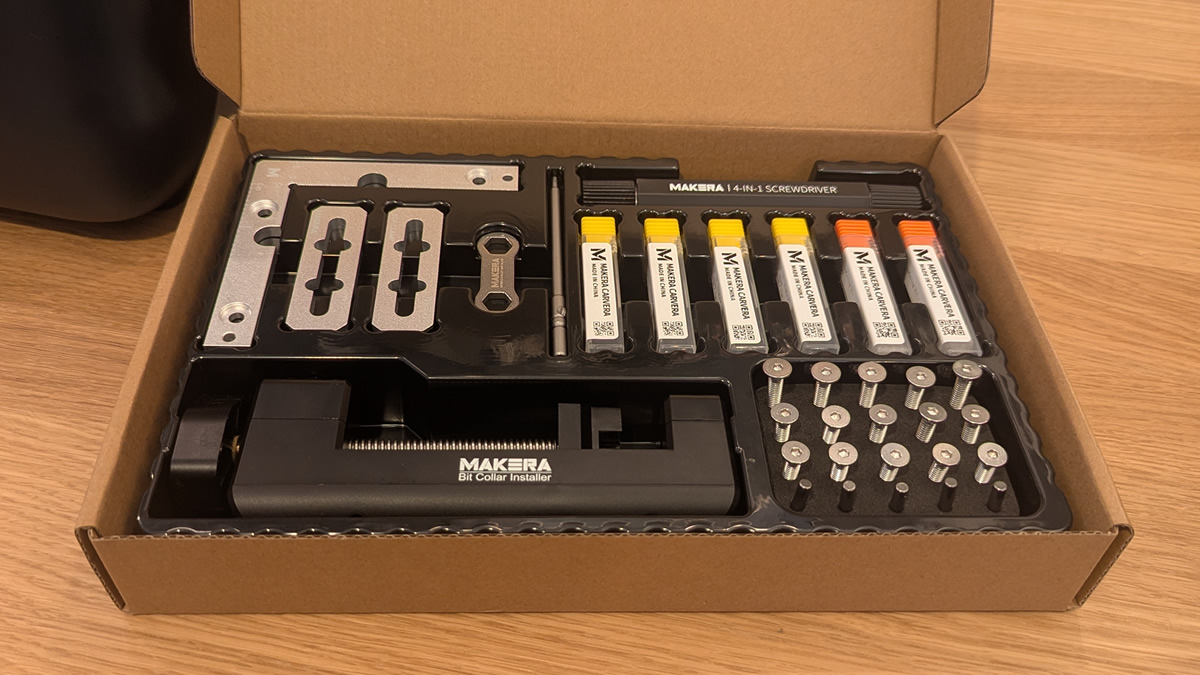
Included with all Makera Z1 and Z1 Pro units is a tool kit. This includes all the essentials you need to use your Z1 CNC machine.
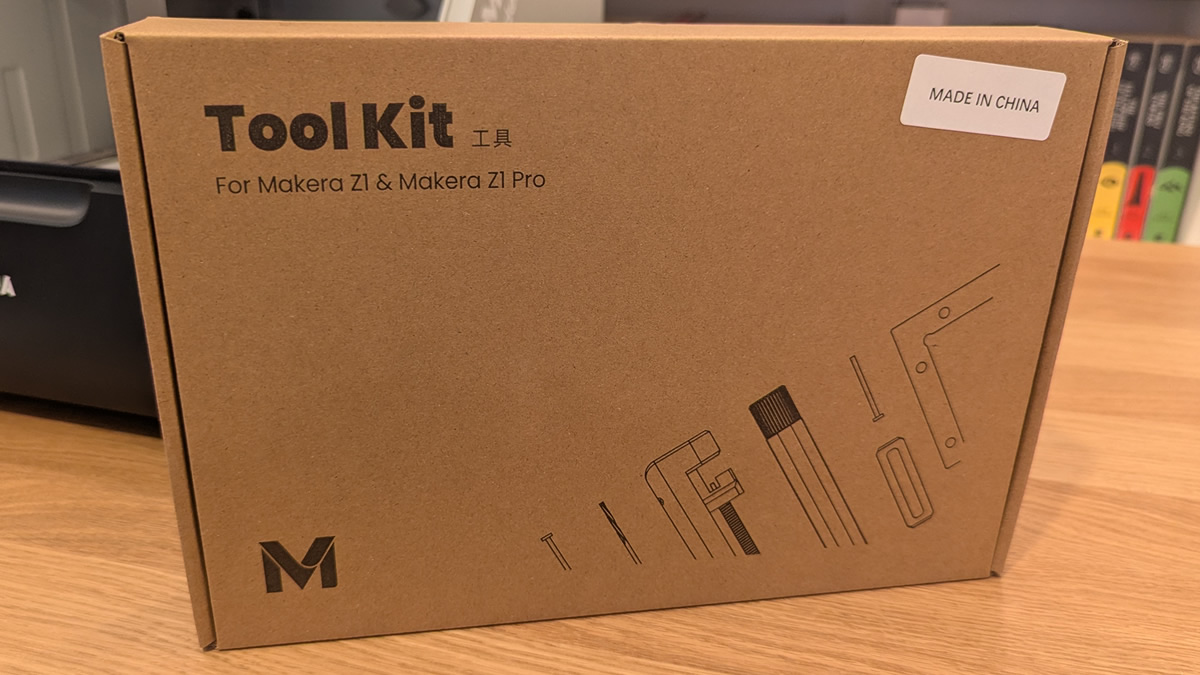
Note that this package includes a collet installer, several clamps, bits, screw, and locating pins. We also have a 4-in-one screwdriver and an extra hex bit for that screwdriver.
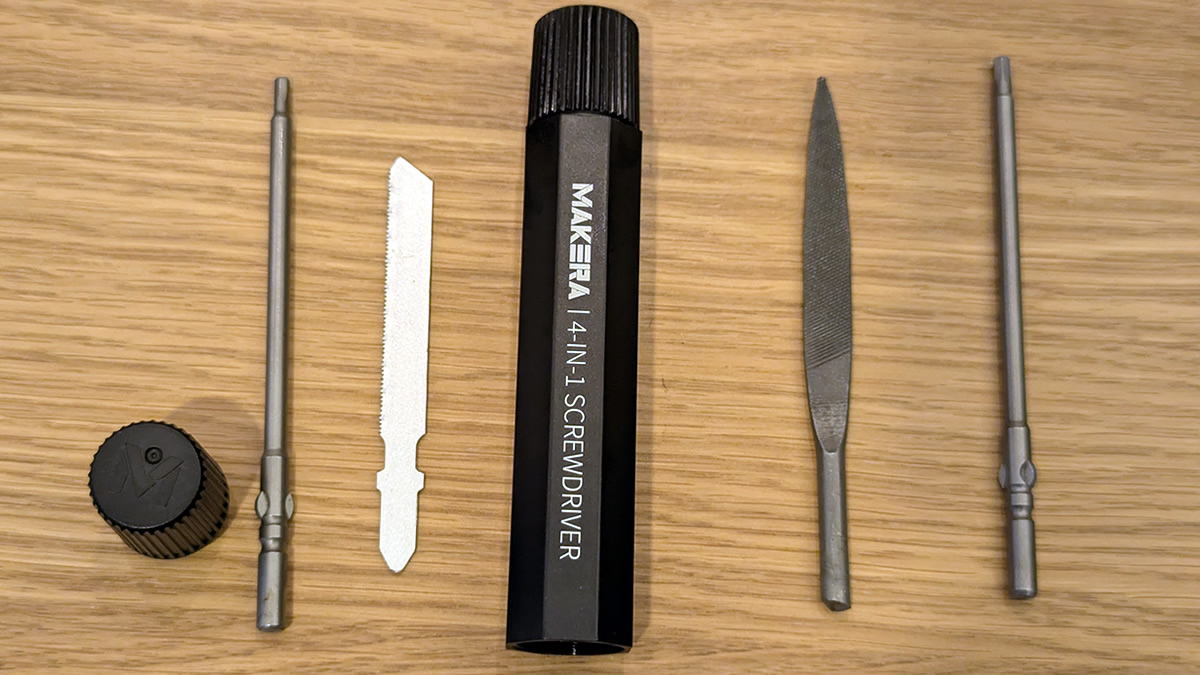
This screwdriver includes a file, a saw, and multiple hex bits. These bits are useful for attaching clamps, installing accessories, filing finished items, and cutting tabs securing completed jobs to their remaining stock material.
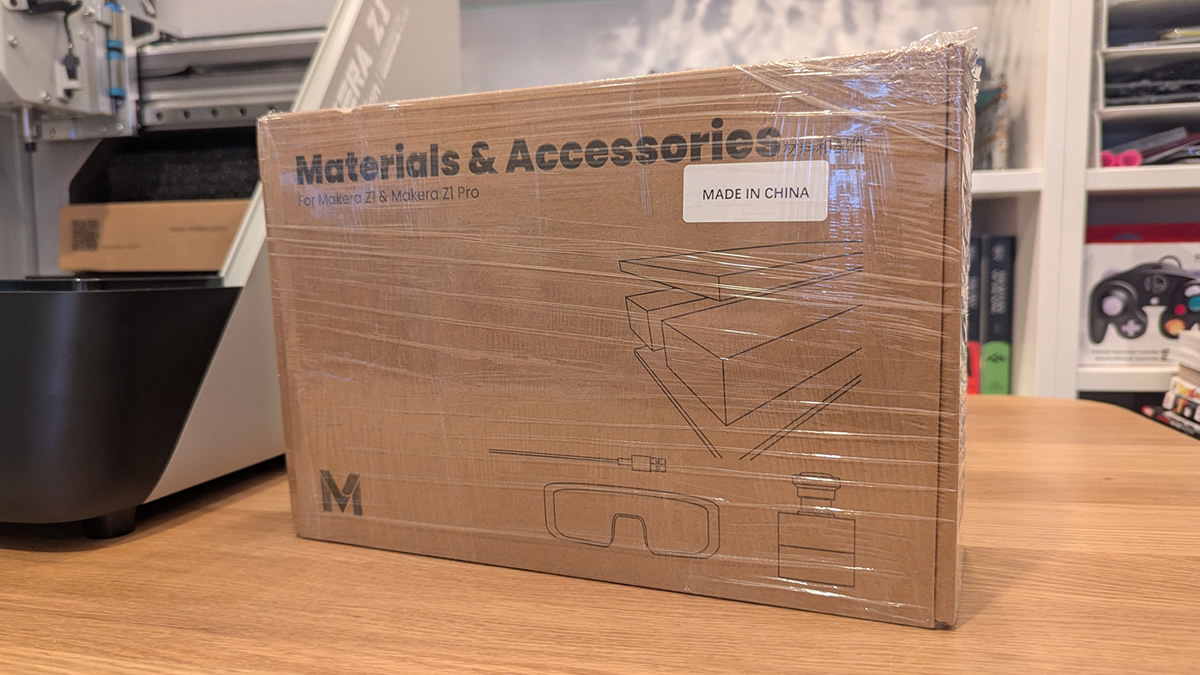
Materials and Accessories kit
The materials and accessories kit is also included with all Makera units. Its contents are detailed on page 1 of this review.
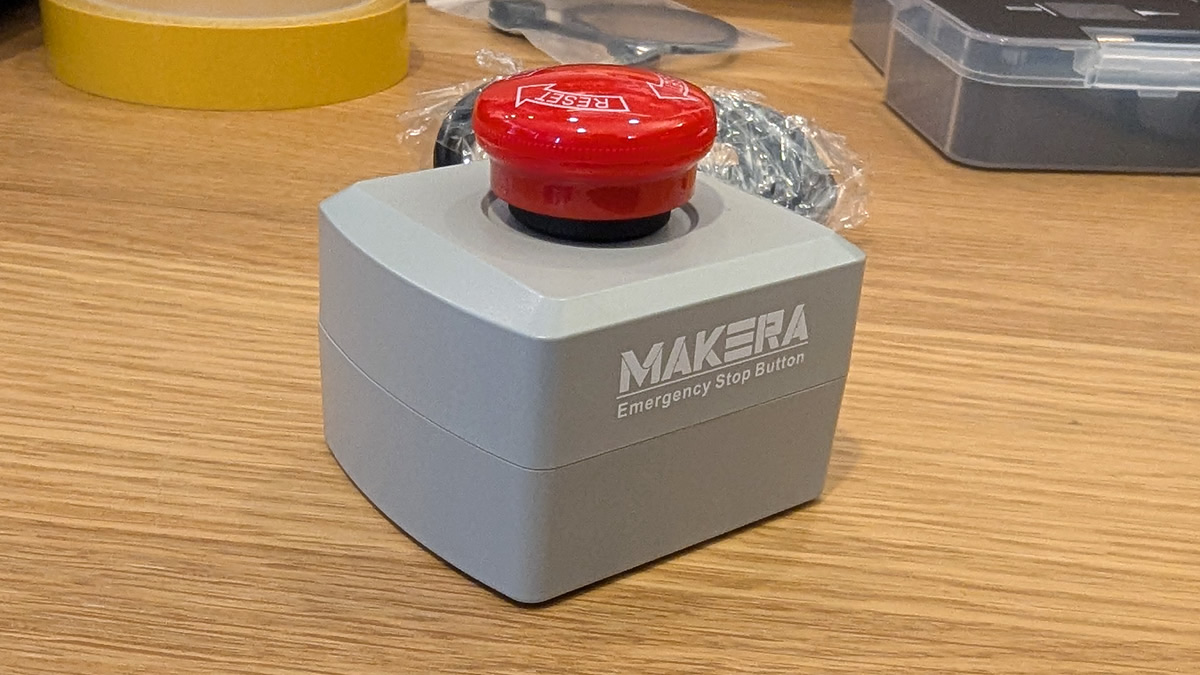
One of the most important items in this box is the emergency stop for the Makera Z1. Pressing this button will stop all jobs when pressed and lock the machine. It is a vital feature, and users should always know where their emergency stop is.
For us, this box included oil/lubricant, safety glasses, an extra wired probe, double-sided tape, and a set of collets.
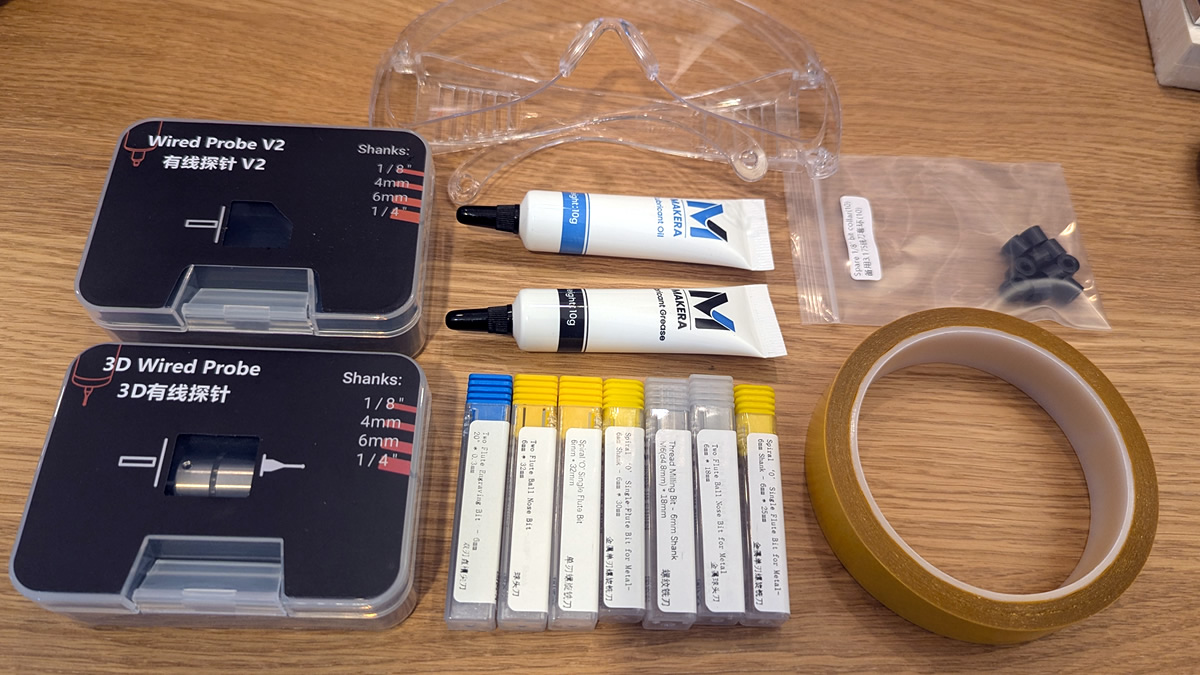
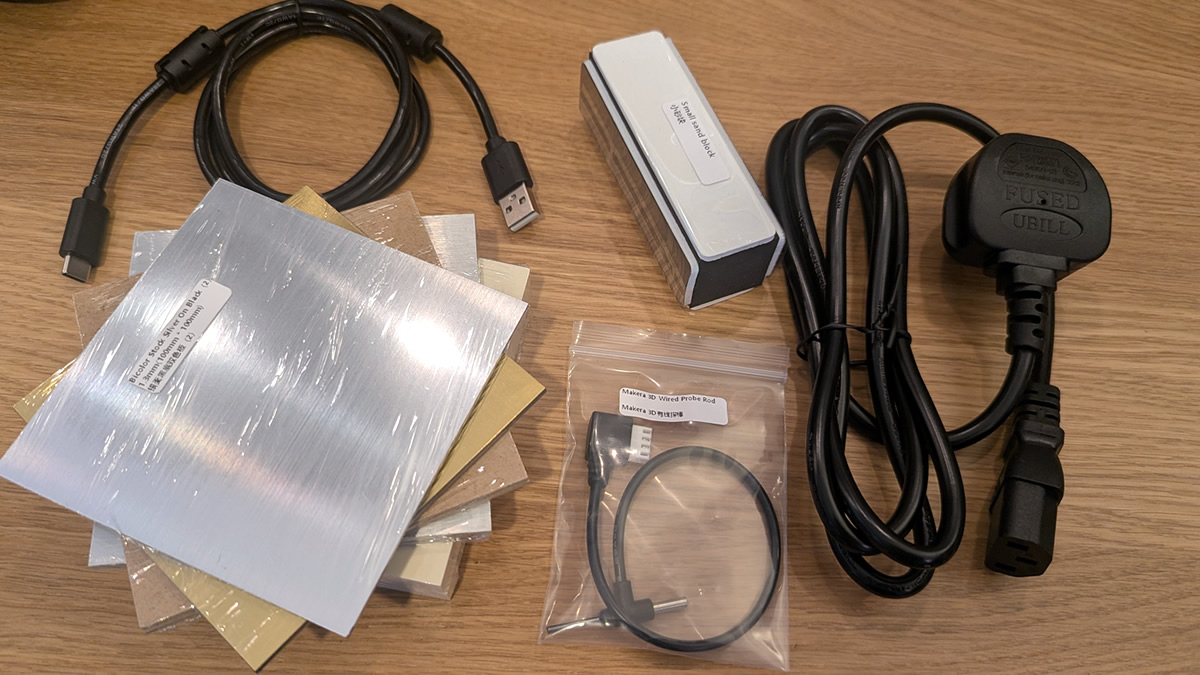
This box also contained our unit’s power cable, USB cable, a sanding block, a 3D wired probe, and various materials.