Makera Z1 Review – CNC Machining for the Masses

Laser Engraving Module and Ioniser Module
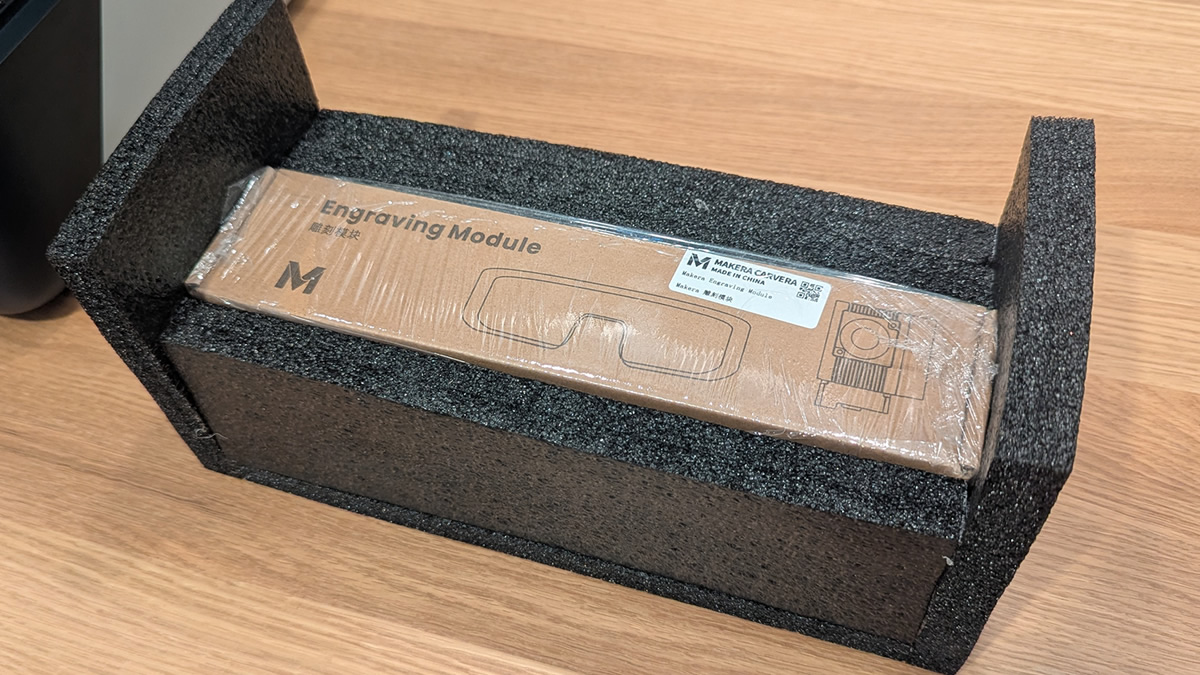
Finally, a company that takes laser safety seriously!
We’ve reviewed a few laser machines in the past, and none of them came with laser-safe eye protection. That said, these glasses are a necessity when using the Makera Z1, as its stock enclosure is not laser safe. That means you will need to be careful when sharing your workspace with anyone else. After all, one pair of glasses can only keep you safe.
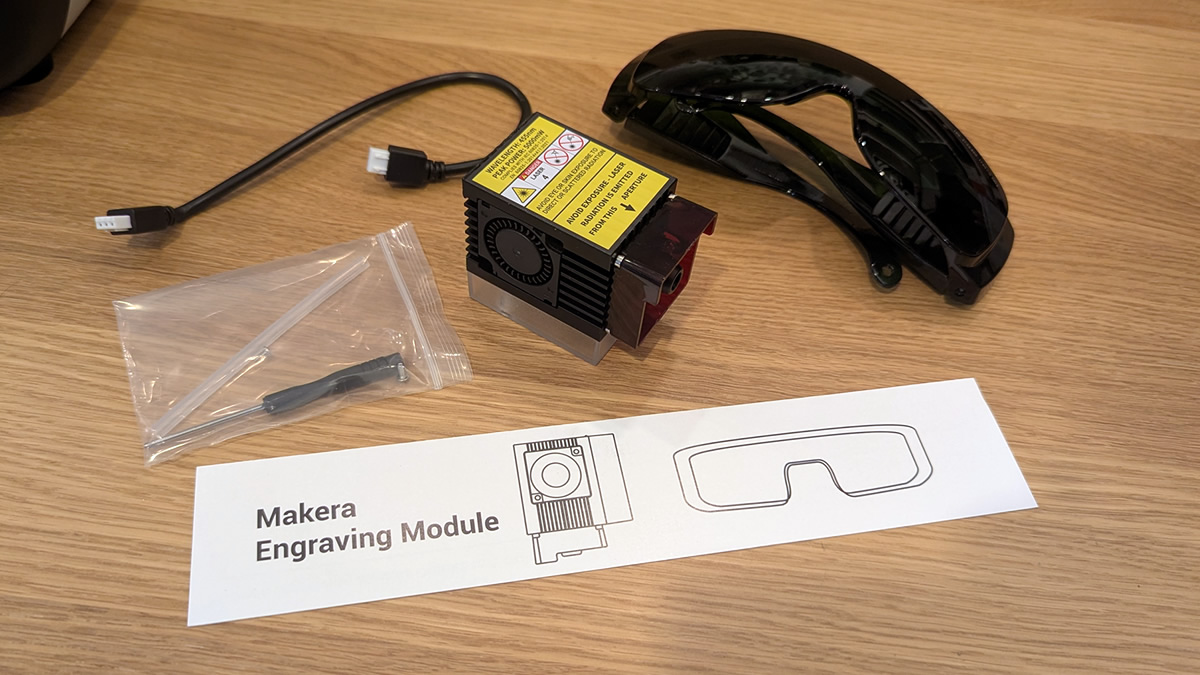
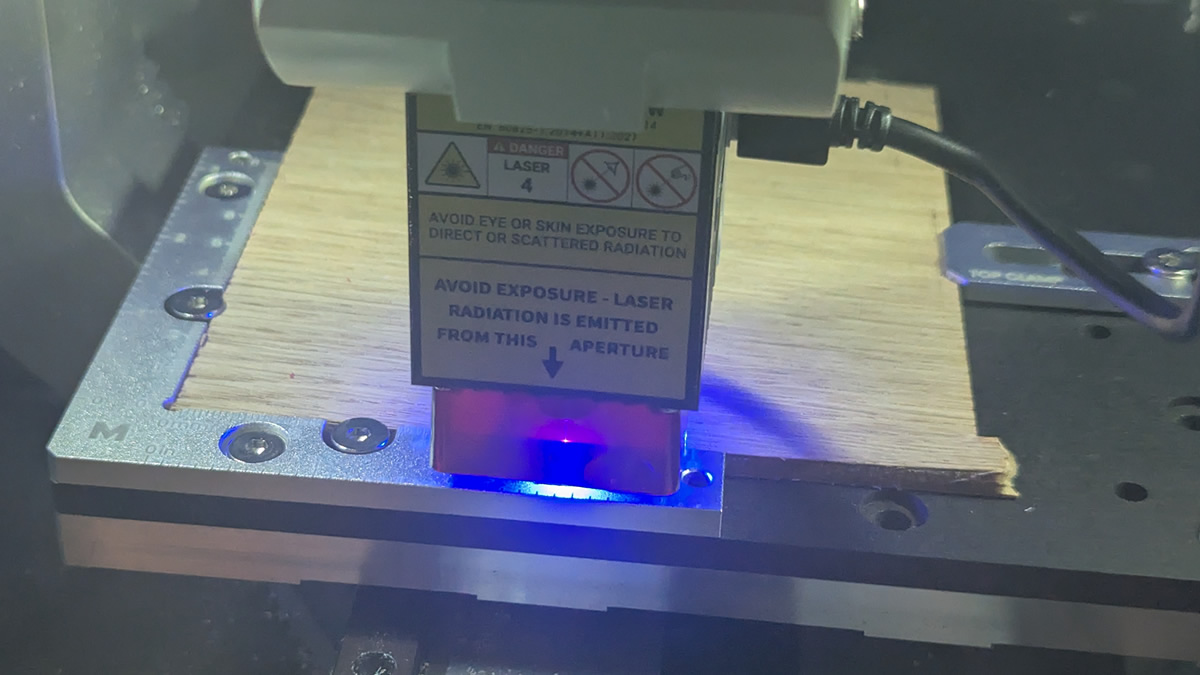
The Laser module is easy to install onto the Makera Z1. It installs like any other tool inside the Z1. Pull the lever, remove your prior bit, and add the laser module. The only extra step is plugging in the laser module.
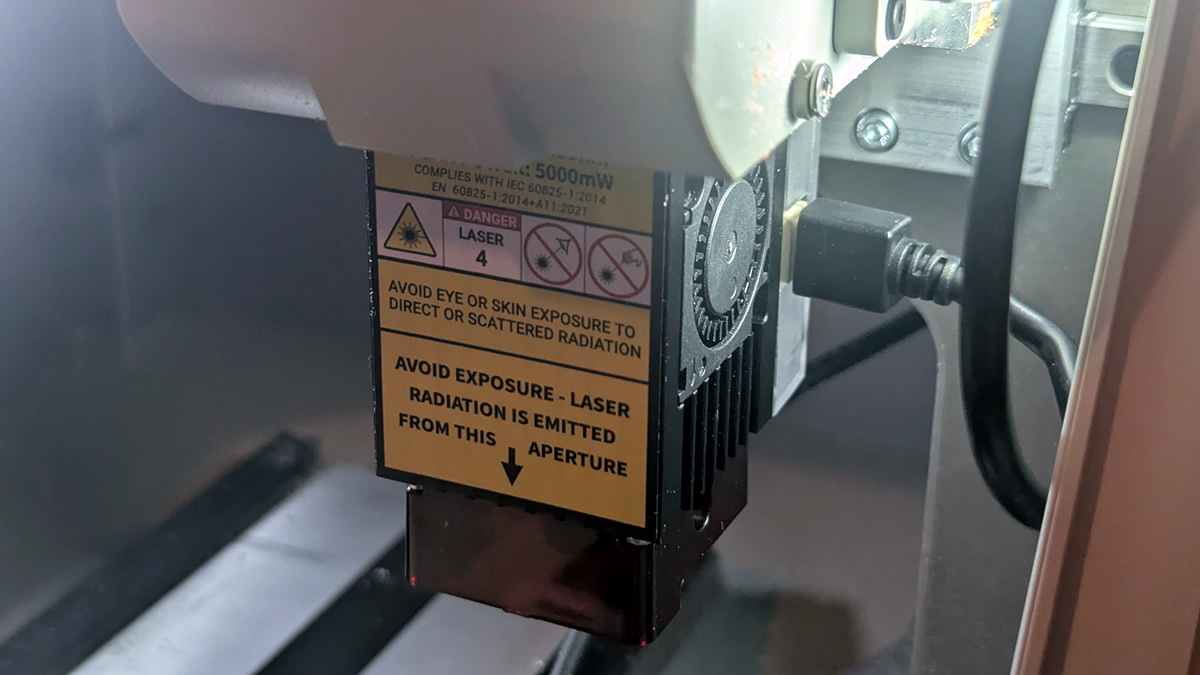
To get lasering, all you need to do is supply the Makera Z1 with the right code using Makera Studio or Makera’s older CAM/Controller apps. It is easy to add lasering into the middle of other jobs, as you will see later.
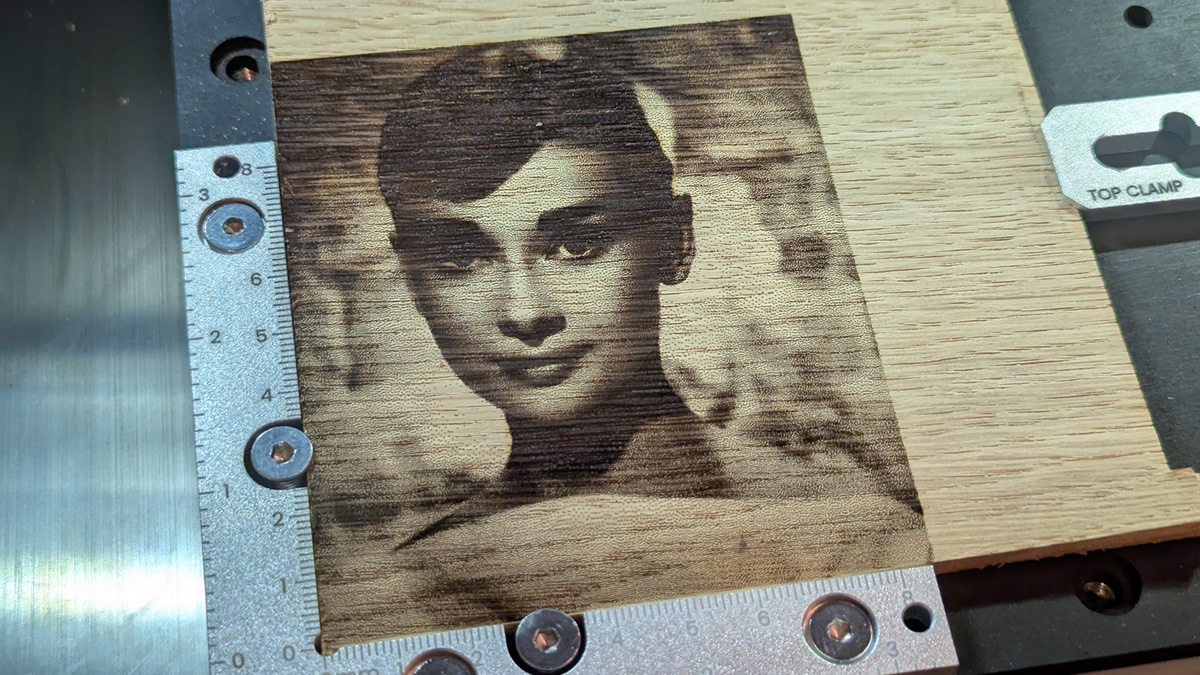
Below is an example project for the Makera Laser module. As you can see, this laser is capable of delivering high detail results.
Using a laser to elevate your other projects
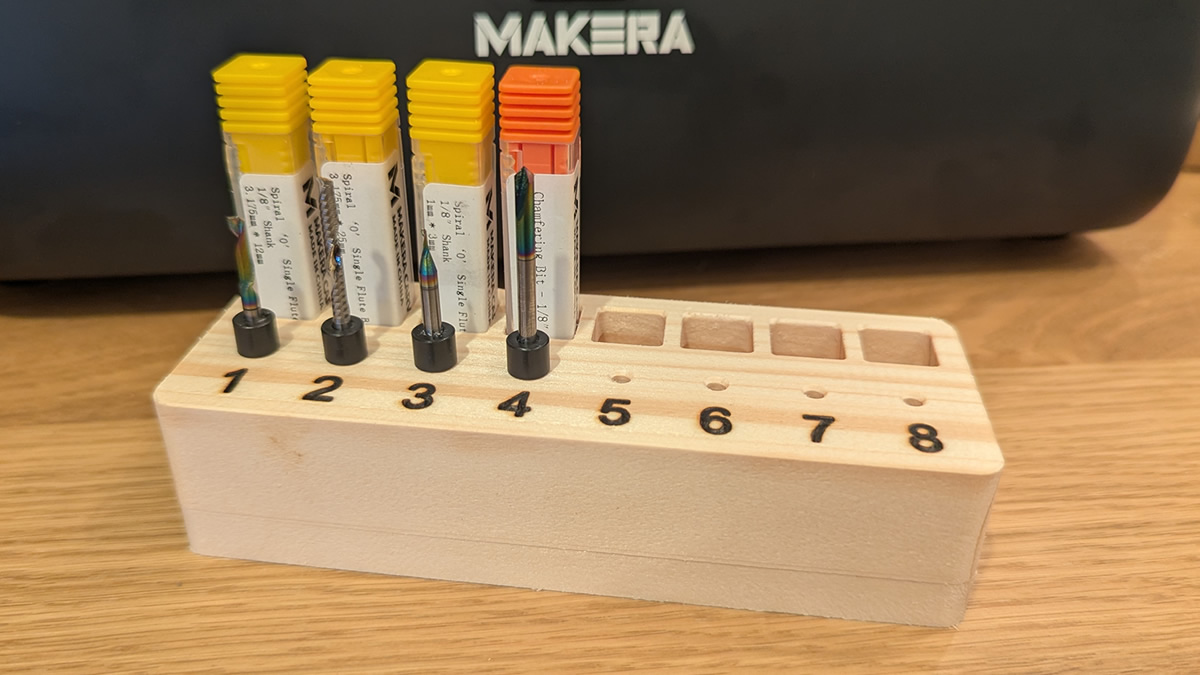
As you can see, I used the Makera Z1’s laser module to burn the letters into my wooden bit holder. Yes, I could have machined these numbers, but lasering them delivered much better results.
Ionizer Module
The Makera Ionizer module reduces static within the Z1 to prevent dust and debris from clinging to the machine. This is useful when machining plastics, epoxy, foam, and other materials that are sensitive to static. The Ionizer works best alongside the Cyclone Dust Collector Lite.
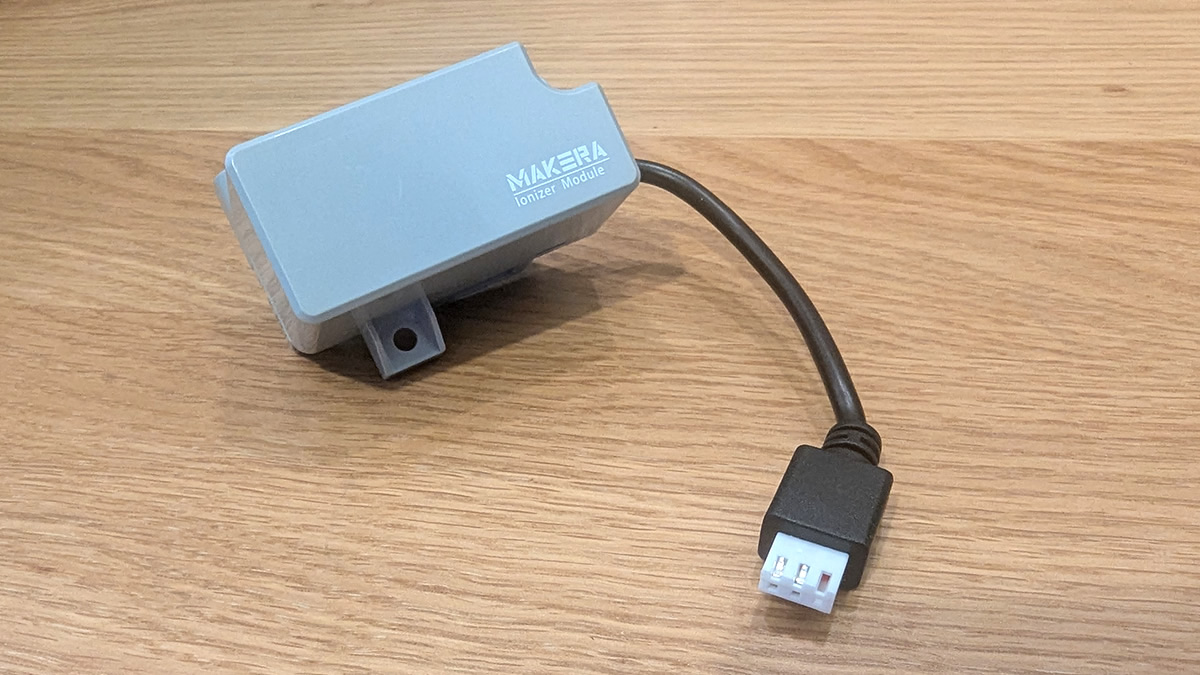
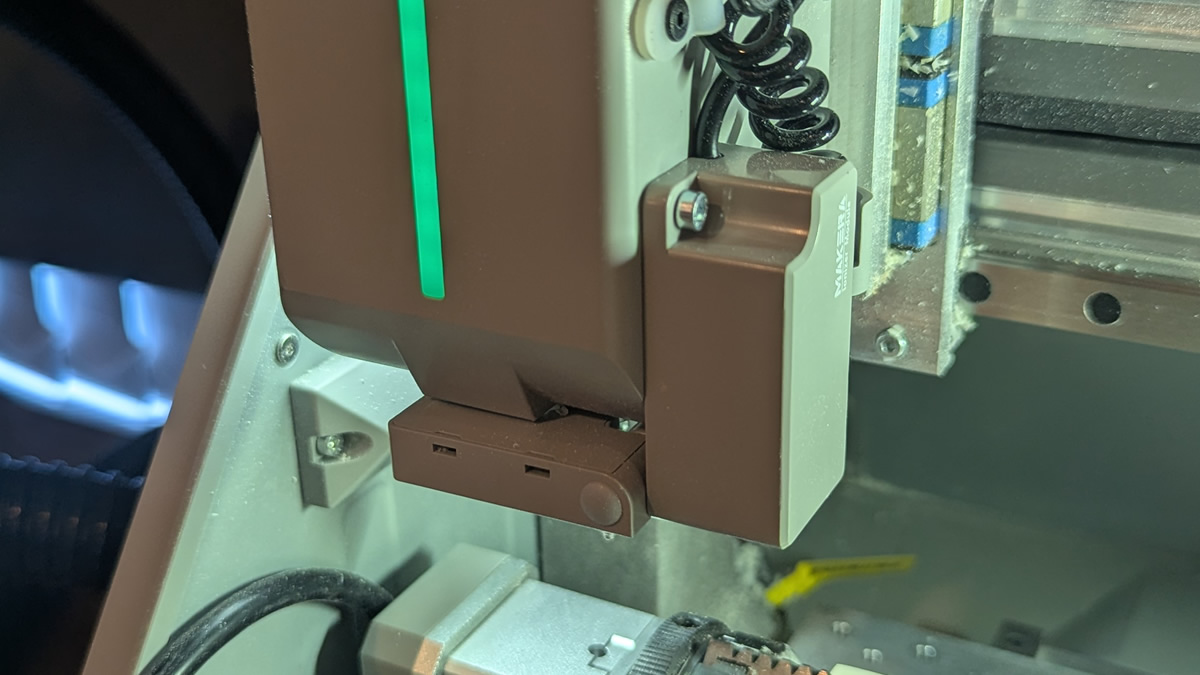
This is what the module looks like when it is installed. Note that it doesn’t prevent all dust/debris from clinging to the system, though it greatly reduces it. It’s a nice add-on to have, but not the most vital add-on.