Makera Z1 Review – CNC Machining for the Masses

Makera Studio
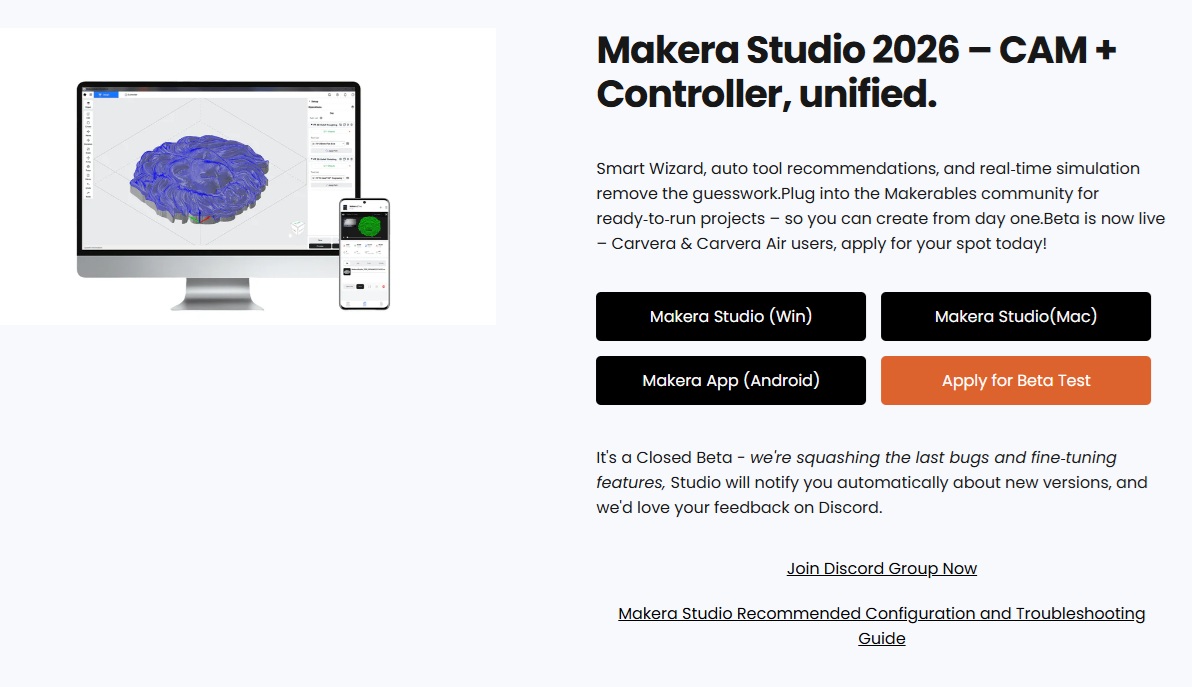
Makera Studio – A useful application that combines Makera CAM and Makera Controller
When I first started using the Z1, Makera Studio was not available to download from the Makera website. While the website still calls this version a “Closed Beta” release, it is downloadable from Makera without any beta application.
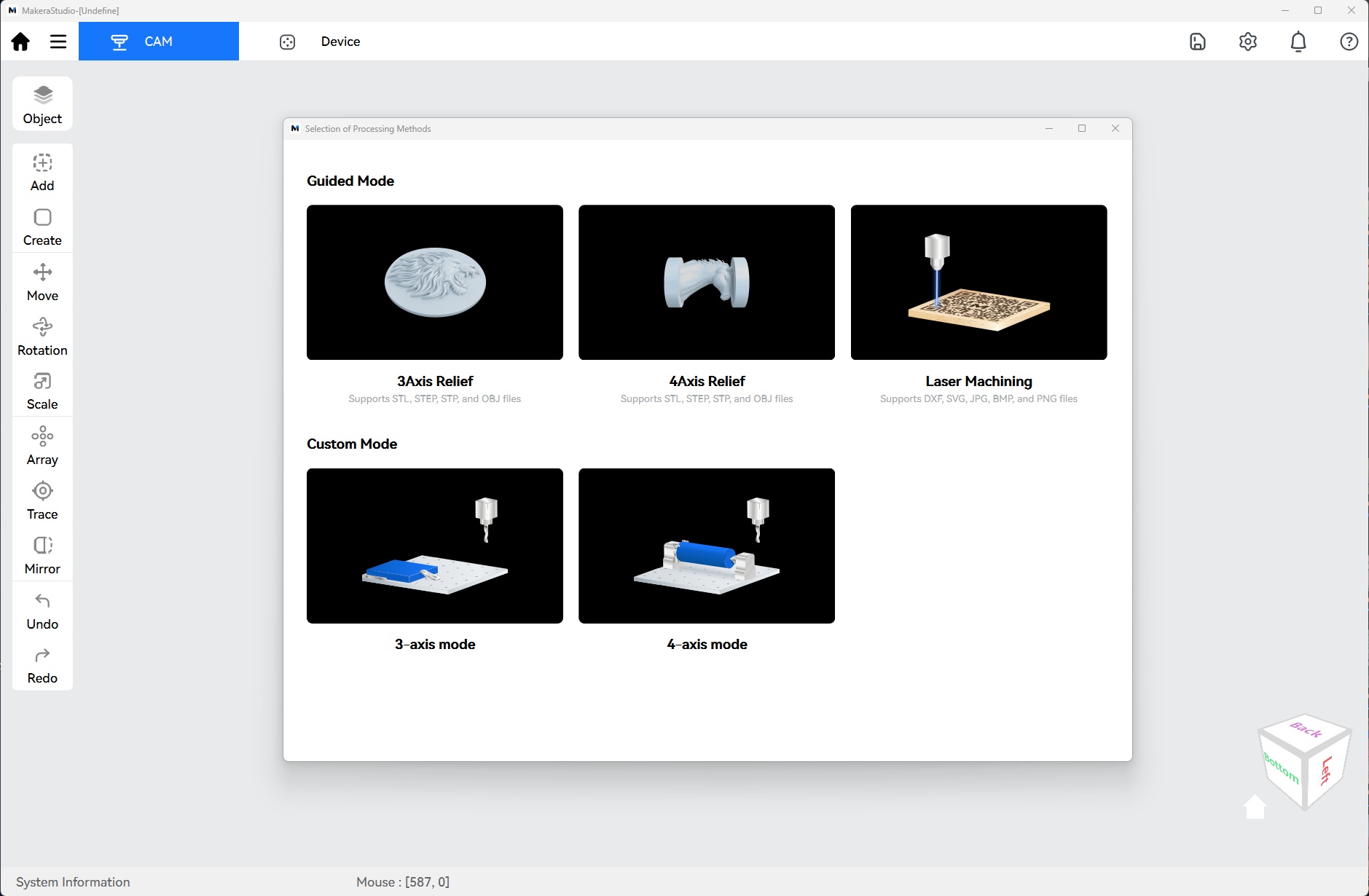
Makera Studio is a free application that combines Makera CAM and Makera Controller, allowing users to set up projects for machining and control the Makera Z1 using a single application. This greatly simplifies workflows. Having used both methods, using Makera Studio is preferable to using Makera CAM and Makera Controller.
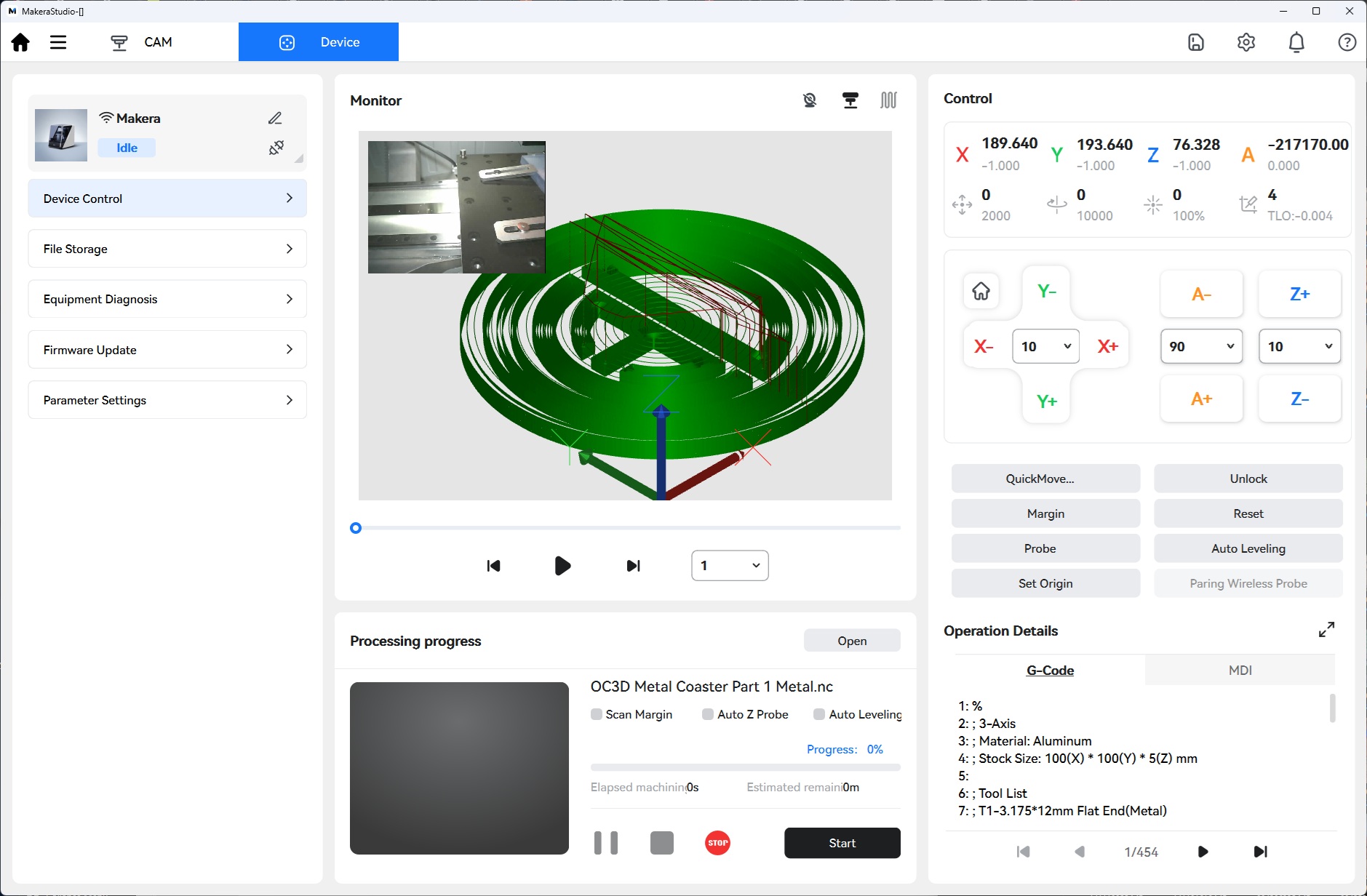
Using Makera Studio, users can connect to their Makera Z1, load up jobs, and run them. During jobs, users are told how long a job has taken so far, and how long it will take. These times are fairly accurate.
Thankfully, the knowledge gained from Makera CAM and Makera Controller translates almost directly to Makera Studio. While the user interface is different, the same options are available. This means that knowledge from Makera’s guides using Makera CAM/Controller can be useful for Makera Studio.