Assassin’s Creed Shadows PC Performance Review and Optimisation Guide

Ray Tracing – Visual Impact
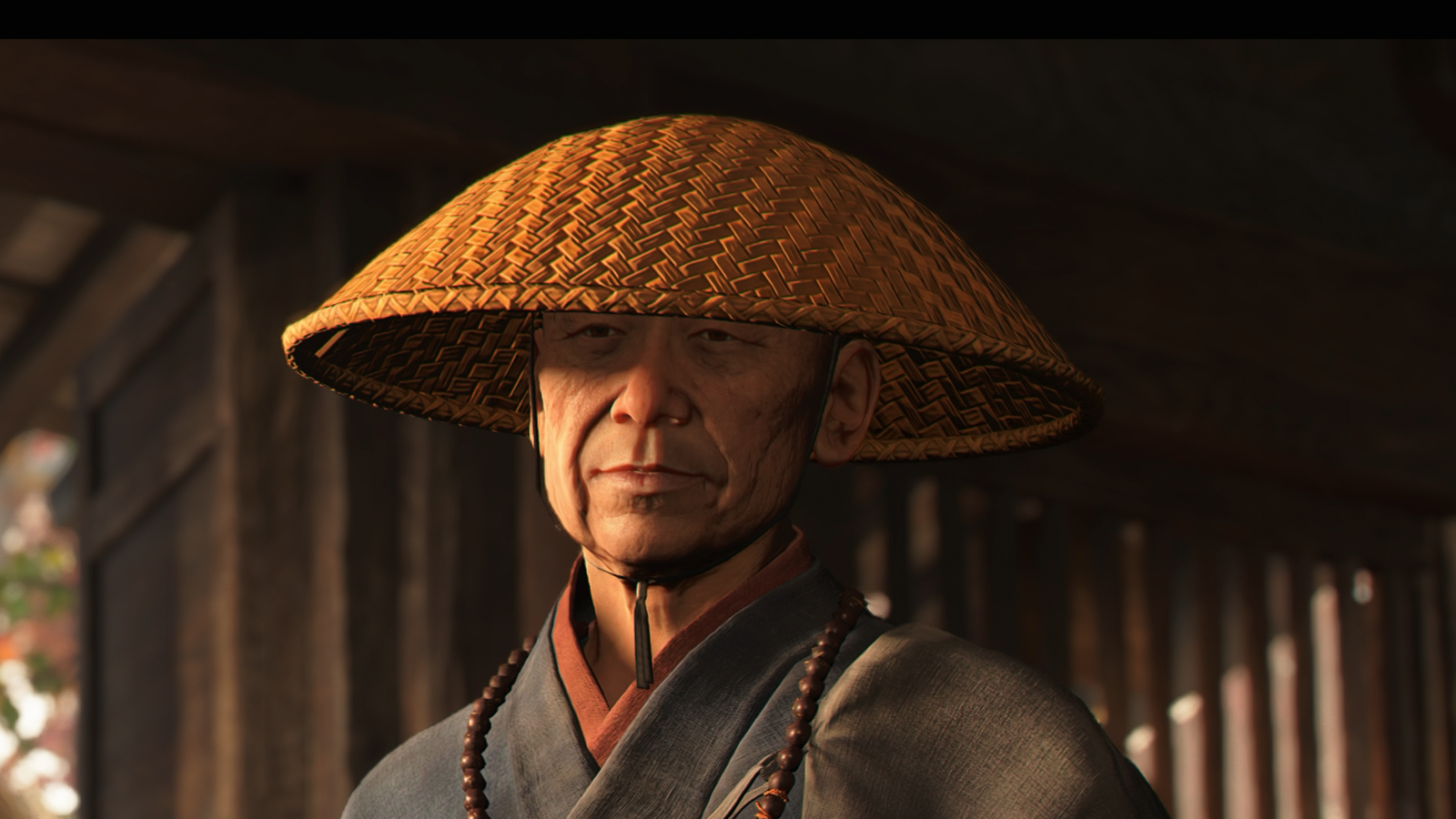
Ray Tracing is what makes Assassin’s Creed Shadows a “next-generation” experience
The addition of ray tracing gives Assassin’s Creed Shadows its “generational leap” in image quality. With accurate global illumination, the game’s lighting system is transformed. This gives Assassin’s Creed Shadows’ environments a more realistic look, with shaded areas looking suitably dark, while bright areas stand out.
In Assassin’s Creed Shadows, ray tracing cannot be entirely turned off. Yes, it can be switched off within the game’s open world, but it must always be turned on within the game’s “Hideout” area. Why? Simple, the hideout is fully customisable, and that makes pre-baked lighting impossible. Because of this, Ubisoft needs to rely on ray-traced global illumination (RTGI).
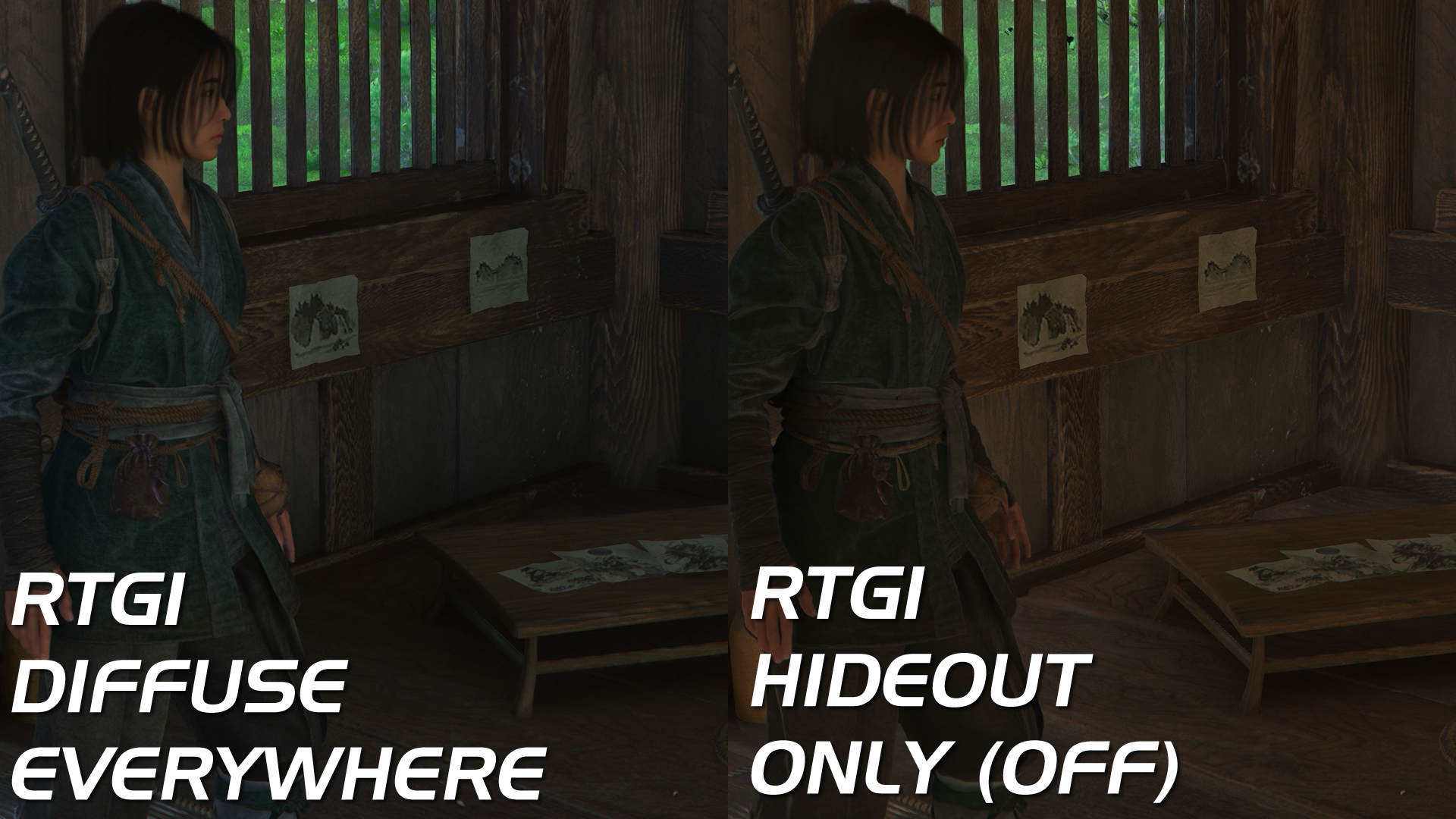
In the image above, you can see how RTGI transforms indoor environments. Shaded areas look suitably dark. Without ray tracing, it almost looks like the shaded areas emit their own light. Without ray tracing, Assassin’s Creed shadows looks more “gamey.” Add-on ray-traced global illumination, and it gets a more pre-rendered filmic looks with its more accurate lighting.
Below, we can see how the shaded areas of the tree are darker, and the area under the rubble is shaded. Sometimes, the effect is subtle, but in others, it is very noticeable. This is especially true for destructible objects, which can’t have pre-baked shading.