


Assassin’s Creed Shadows PC Performance Review and Optimisation Guide

Conclusion
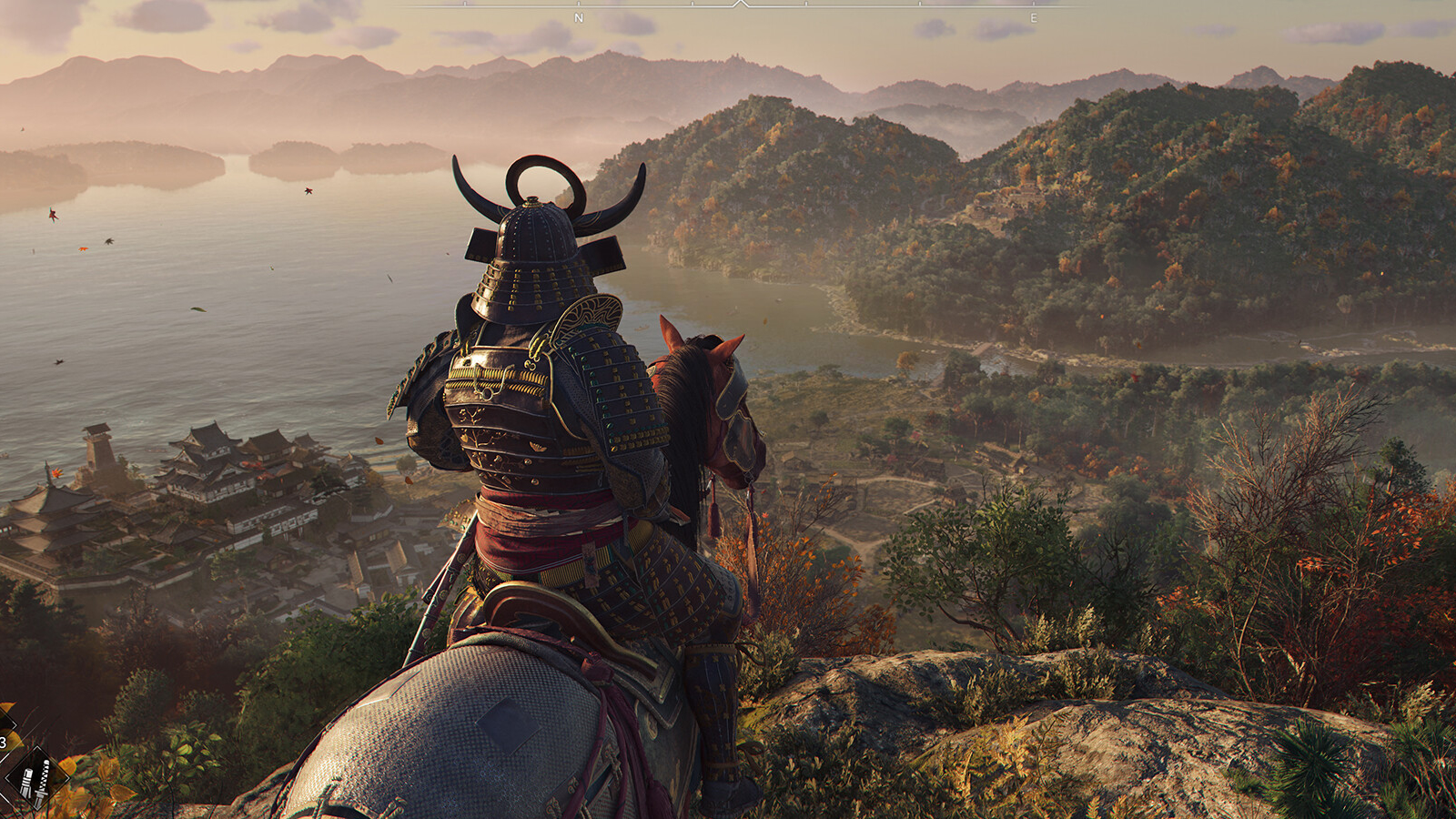
It may be tough on hardware, but Assassin’s Creed Shadows is a beautiful game on PC
Assassin’s Creed Shadows delivers a truly next-generation Assassin’s Creed experience. There is a clear leap in graphical fidelity when moving from Assassin’s Creed Valhalla and Mirage. The game’s added destructible elements also highlight how the move to next-generation hardware has impacted the game both visually and in gameplay terms.
Assassin’s Creed Shadows is a game that uses ray tracing in a transformative way. The game clearly looks better when ray tracing is enabled, and it is done in a performance-efficient way. That said, this game places a lot of demand on PC hardware, and users of lower-end GPUs will likely need to turn this feature off. In the console space, most of the game’s most visually impactful features are disabled to enable 60 FPS performance modes; or to simply make the game playable on Xbox Series S.
Even with its Medium graphical preset, Assassin’s Creed Shadows delivers a strong visual experience. That said, sacrifices are made. The loss of ray-traced global illumination is a big one, as is the loss of the game’s advanced strand-based hair system. The loss of these features makes Shadows look more like a last-generation game. However, it makes sense that the game’s most advanced features will only run on high-end PC hardware at high framerates.
Thanks to Shadows’ PC settings and its support for advanced upscaling solutions from Intel, AMD, and Nvidia, Assassin’s Creed Shadows is incredibly scalable. That said, this game requires a lot of tinkering if you want it to look its best on your system. That said, this game is a title that rewards PC tinkerers.
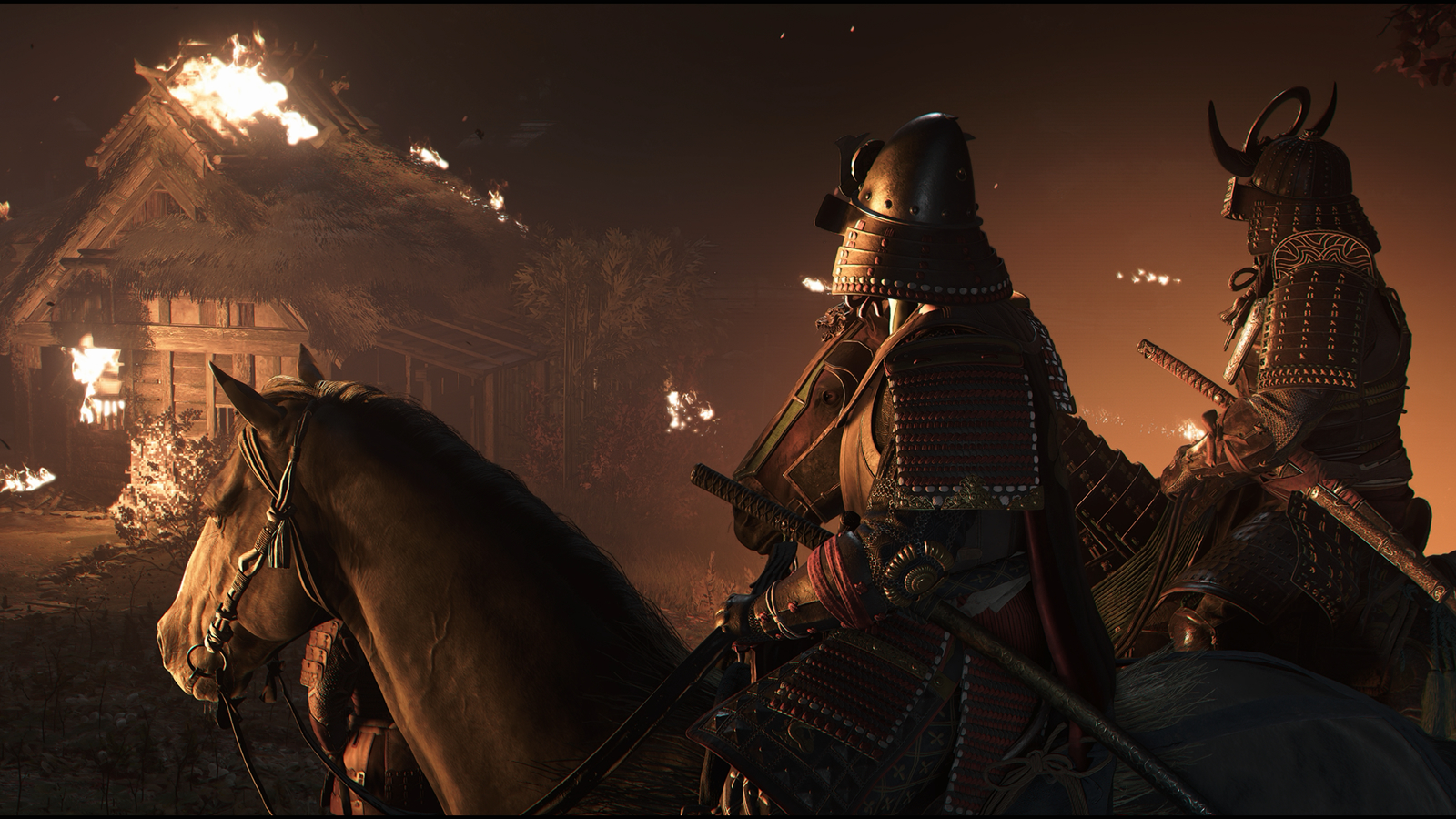
PC Settings Tips
With an RX 7900 XT or RTX 4070 Ti, using FSR or DLSS in Performance mode with RTGI in “Diffused Everywhere” mode and the game’s Very High preset delivers great results. With Frame Generation enabled, framerates averaging 90-110 FPS are achievable. That’s bad for a game as demanding as this. You don’t need an RTX 5090 to get great results at 4K in this game.
For users of 8GB GPUs, VRAM-related issues can be a problem. For that reason, users of 8GB GPUs should not max out this game’s texture-related settings. This should make framerates more stable and prevent stuttering. Users of 10GB GPUs will have no problems unless they target 4K resolutions. 12GB GPU (or better) should have no texture-related performance issues.
Assassin’s Creed Shadows is a demanding game, but it is a game that shows gamers where its performance goes. This isn’t another Monster Hunter Wilds. This is a demanding game, but its visual advancements make it clear why it demands high-end hardware for maxed-out settings.
Overall, Assassin’s Creed Shadows has a solid PC release. That said, be warned that this game can be very hard on our GPU.
You can join the discussion on Assassin’s Creed Shadows PC performance on the OC3D Forums.

