


Star Wars: Battlefront II Trial PC Performance Review

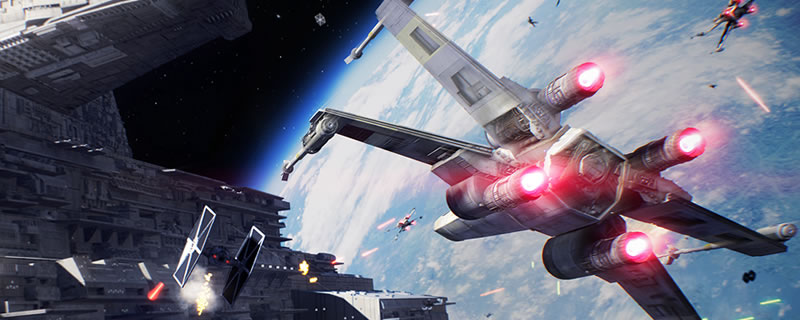
High-Resolution Screenshot/graphical comparison – Low to Ultra settings
When moving through Star Wars: Battlefront II’s graphical presets the graphical difference between each is very visible, particularly when the game is in motion. At lower graphical settings the game’s draw distance is noticeable lower for a lot of details and detain draw-in/pop-in is very noticeable at the game’s Low and Medium presets, especially when sprinting.
Even when looking at these still shots below the changes in graphical quality is easy to spot, be it changes in shadow resolution and filtering, foliage quality, terrain detail and even the small details on the armour and equipment of distant Stormtroopers or Rebels.
At the game’s High and Ultra settings visual pop-in is greatly reduced and at Ultra shadows are drawn in at higher resolutions and the terrain is given a much more three-dimensional look with increased levels of detail.
(Low (Left) VS Medium (Right))


(Medium (Left) VS High (Right))

(High (Left) VS Ultra (Right))

